
Sell iPad Near Me in Islip Terrace, NY: Same-Day Cash
By syedladen ·
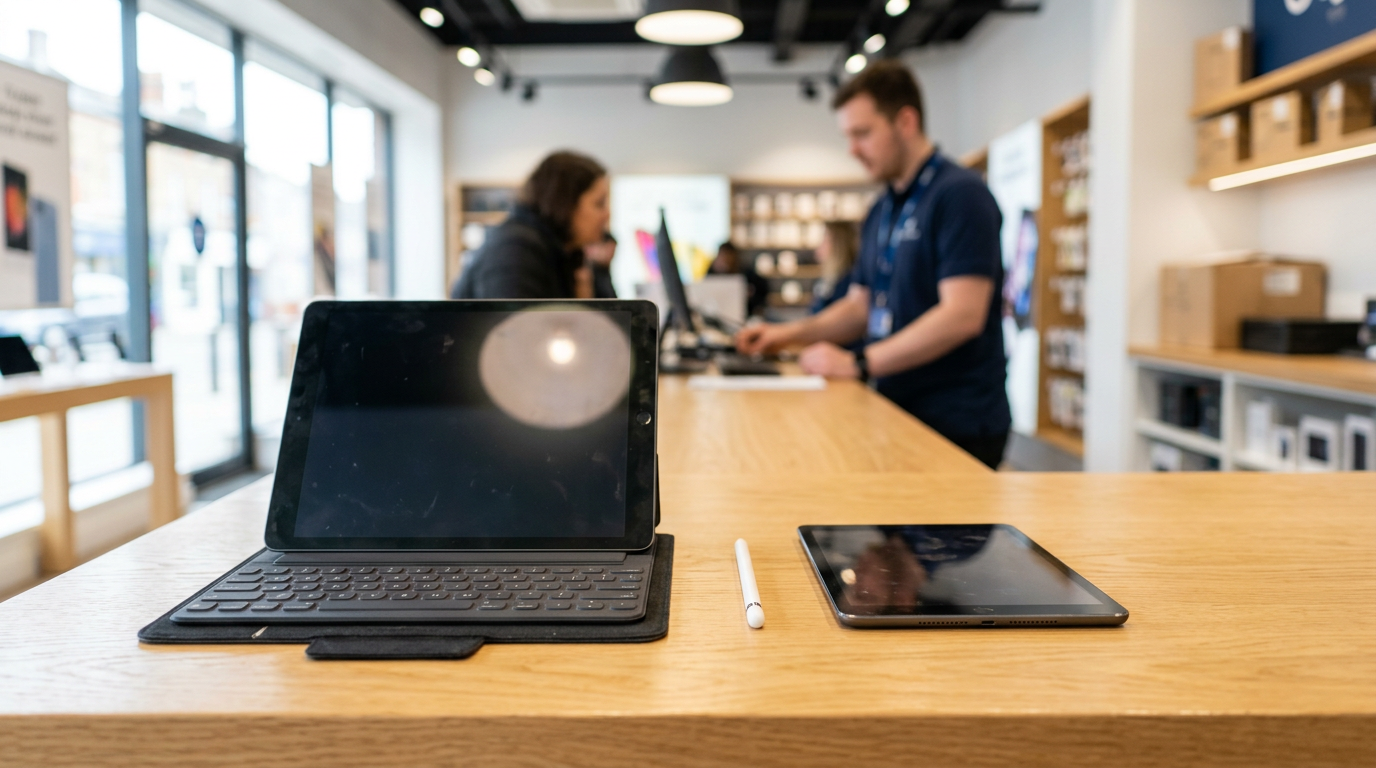
If you want to sell an iPad near Islip Terrace, NY, bring it to Sell Your Gadgets at 34 Lowell Ave. We inspect it while you wait and pay cash on the spot. The same goes for Android tablets such as Samsung Galaxy Tabs, and no appointment is needed.
This guide explains what makes one tablet worth more than another, how to sign out of your accounts properly, what happens with a cracked screen, and how to compare your options if you are searching for where to sell an iPad. There is also a section for each nearby town we serve.
Where to sell an iPad near Islip Terrace
People searching for sell my iPad for cash usually want three things: a fair offer, no waiting for a check, and no strangers showing up at their door. A local buyback store covers all three. We are an electronics buyback shop. We pay for used, new, and broken devices, and we do not sell devices from this location. Our only job is to look at what you brought in and make you an offer.
Our Islip Terrace store sits just off the roads many Islip, Bay Shore, and Hauppauge residents already drive, close to Touro College. You can start with a quote online, by text, or by walking in. Our Google profile shows a 5 rating from 179 reviews. Customers often say the staff are friendly, knowledgeable, and quick, and that they explain the process clearly.
If you want a number before you leave the house, the free quote form is the fastest route. For general information on tablets we buy, see our sell your iPad or tablet page.
What drives the value of a used tablet
Two tablets that look identical on a shelf can be worth very different amounts. Here is what we weigh when we look at one, in roughly the order it matters.
Model and chip generation
The model is the biggest factor. An iPad Pro with a recent chip holds value noticeably better than a base-model iPad from several generations back. Within the iPad line, Pro and Air models with newer processors tend to command more than standard or mini models of the same age. On the Android side, Samsung Galaxy Tab models, especially the higher-tier ones, generally hold value better than budget tablets from lesser-known brands.
Check Settings, then General, then About on an iPad to see the model name and model number. On Android, look under Settings, then About tablet. Having that info ready speeds up your quote.
Storage size
More storage usually means a higher offer, because buyers who want a tablet for years of photos, video, and apps prefer the bigger option. The gap between storage tiers on the same model is real but smaller than the gap between different generations. Do not delete everything just to make storage look bigger. The storage capacity is fixed by the hardware, not by how full it is.
Cellular versus Wi-Fi only
Cellular-capable iPads and Android tablets generally bring more than Wi-Fi-only versions of the same model, since they include extra hardware. If your tablet has a SIM tray or an eSIM, mention it. Make sure the tablet is not tied to a carrier payment plan that still has a balance, as that can affect whether the device can be resold.
Screen and body condition
Condition is the next big factor. We check the glass for scratches and cracks, the frame for bends or dents, the charging port, the buttons, the cameras, and whether the screen responds evenly to touch. A clean screen and straight frame put a tablet in the top condition tier. Heavy wear or damage moves it down, but it does not take the tablet out of the running. More on that below.
Apple Pencil, keyboard, and other accessories
An Apple Pencil, Magic Keyboard, Smart Keyboard Folio, or Samsung S Pen can add to your offer when they work properly and match the tablet. Bring them along, plus the original charger and cable if you still have them. A box is nice but not required. Accessories that are cracked, unpaired, or from a different generation add less, so we evaluate each one when we see it.
Quick reference: what helps and what hurts
| Factor | Tends to raise your offer | Tends to lower your offer |
|---|---|---|
| Model and chip | Recent Pro or Air iPad; higher-tier Galaxy Tab | Older base model; budget no-name Android tablet |
| Storage | Larger capacity tier | Smallest capacity tier |
| Connectivity | Cellular-capable, carrier-clear | Wi-Fi only (for the same model); unpaid balance |
| Screen and body | Clean glass, straight frame, responsive touch | Cracks, dead spots, bent frame, swollen battery |
| Accessories | Working Pencil, keyboard, charger | Missing or damaged extras |
| Account status | Signed out, ready to wipe | Locked to an Apple ID or Google account |
We do not post prices, because the real number depends on the exact device in front of us. The free quote is the honest way to see where your tablet lands.
Remove Apple ID, Activation Lock, or your Google account first
This is the one step that can stop a sale. A tablet still tied to your Apple ID or Google account cannot be resold, so sign out before you come in. It takes a few minutes.
For an iPad
- Back up your iPad to iCloud or a computer so your photos and files are safe.
- If you use an Apple Pencil or keyboard, unpair or remove them.
- Go to Settings, tap your name at the top, and choose Sign Out. Enter your Apple ID password when asked. This turns off Find My iPad and Activation Lock.
- Then go to Settings, General, Transfer or Reset iPad, and choose Erase All Content and Settings.
If you forgot your Apple ID password, recover it through Apple's account recovery page before you come in. We cannot bypass Activation Lock for you, and no legitimate buyer can.
For an Android tablet
- Back up your data to your Google account or another storage option.
- Remove your Google account under Settings, in the accounts section. The wording varies by brand.
- If it is a Samsung, also remove your Samsung account.
- Run a factory data reset from the System or General Management settings.
Removing the account first matters because of Factory Reset Protection, which keeps the tablet locked to the previous Google account after a reset.
What if you run out of time?
We do a free data wipe in store. Still, the accounts must be signed out, since we cannot remove a lock that you control. If you are unsure, bring the tablet in and we will walk you through it.
Cracked screens still sell
A cracked tablet is not worthless. Many people assume nobody will buy a broken iPad, so it ends up in a drawer. We buy new, used, and broken devices, and that includes tablets with shattered glass, dead pixels, dim displays, or worn batteries.
A cracked screen lowers the offer compared with a clean one, because the device needs a repair before it can be resold. The amount depends on the model. A newer Pro with a cracked screen can still be worth more than an older tablet in perfect shape, because the underlying hardware retains more value. That is why we suggest asking for a quote instead of assuming.
- Cracked but working: usually still sells well if the touch works and the device signs out cleanly.
- Screen on but unresponsive in spots: still worth bringing in, and the quote will reflect it.
- Won't power on: we still take a look, and some dead tablets have value for parts.
- Bent frame or swollen battery: stop charging it, handle it carefully, and bring it in for evaluation.
When you request a quote, be upfront about the damage. A description or a couple of photos at our quote page lets us give you a better estimate before you make the trip.
Where to sell an iPad: comparing your options
There is more than one way to sell a tablet. Each has tradeoffs, and the best choice depends on whether you value speed, effort, or squeezing out every bit of value.
| Option | Speed | Effort | Things to know |
|---|---|---|---|
| Local buyback store | Same day, paid on the spot | Low: bring it in with ID | Offer after an in-person inspection; broken devices accepted |
| Online marketplace listing | Days to weeks | High: photos, messages, meetups, shipping | Potentially more, but buyers can haggle, flake, or dispute condition |
| Mail-in buyback | Several days plus shipping | Medium: box, label, wait | Final offer can change after they receive the device |
| Manufacturer or retailer trade-in | Varies | Low to medium | Often paid as credit toward a new purchase rather than cash |
Selling directly to another person can bring a higher price if you are patient and the tablet is in great shape. If you want to be done today, with cash in hand, a local buyback is hard to beat. If you are replacing a tablet and deciding whether to trade it in or sell it, compare both. Trade-in credit is convenient, but it only works if you are buying from that retailer.
How same-day cash works at our Islip Terrace store
- Get a free quote. Use the online form, text us, or just walk in.
- Bring the tablet in. We inspect it in a few minutes, checking the screen, body, ports, and account status.
- Get paid cash. If you accept our offer, you are paid on the spot.
No appointment is needed. We require a valid government photo ID for every sale, which is the standard secondhand-dealer rule. Bring the charger and any Pencil or keyboard, and sign out of your accounts beforehand.
You can find everything about the location on our Islip store page. If you would rather see other locations, we list them on our New York locations page.
Coming from a nearby town?
Our store is in Islip Terrace, and people regularly come from the surrounding South Shore and central Suffolk communities. Here is what to keep in mind from each one.
Hauppauge
Hauppauge has a lot of offices and workplaces, so many people get a new work or school tablet and end up with an older iPad sitting unused. Head south and bring it over on a lunch break or after work. We are open until 7:00 PM most weekdays, which helps if you commute.
Lake Ronkonkoma
If you live around Lake Ronkonkoma, you are a short drive away. That makes it easy to swing by with an old tablet when you are already out running errands. Bring your ID and a signed-out device, and you can be done quickly.
Bohemia
Bohemia neighbors Islip Terrace, so a quick trip gets you to the store. Families here often have a few older kids' tablets around the house. Bring all of them and we can quote each one separately, cracked or not.
Great River
Great River is a quiet stretch near Bayard Cutting Arboretum and Connetquot River State Park Preserve. If you are heading out that way for a walk, you can make a stop with your old tablet on the same trip. Weekend hours run 11:00 AM to 5:00 PM.
Bay Shore
Bay Shore residents have a short trip to reach us, whether you live near downtown or the waterfront. Plenty of people there upgrade their iPad every so often and want a simple local way to sell the old one. We also buy phones, laptops, and consoles, so you can bring a bundle in one visit.
North Bay Shore
North Bay Shore is one of the closest communities to our store, so the drive is brief. If you have a tablet, an old phone, or a laptop gathering dust, this is an easy errand. Text us first if you want a quote ready when you arrive.
Prep checklist before you come in
- Back up your data, then sign out of Apple ID or your Google account.
- Turn off Find My iPad or Find My Device.
- Gather the charger, Pencil, keyboard, and case, if you have them.
- Note the model and storage size.
- Bring a valid government photo ID.
- Be honest about cracks, battery issues, or any problem with the device.
Frequently asked questions
Can I sell my iPad for cash today without an appointment?
Yes. Walk into our Islip Terrace store during open hours with the tablet and a valid government photo ID. We inspect it on the spot and pay cash if you accept the offer. A quote ahead of time is optional but speeds things up.
Do you buy Android tablets, or only iPads?
We buy both. That includes Samsung Galaxy Tabs and other Android tablets, in addition to iPads. Value varies by model, so a quote is the best way to know where yours stands.
Will you buy an iPad with a cracked screen?
Yes. We buy broken tablets, including cracked, dim, or partially unresponsive ones. The offer is lower than for a clean device, but it is often more than people expect.
What if I can't remember my Apple ID password?
Recover it through Apple's account recovery before you come in. A tablet still locked to an Apple ID or Activation Lock cannot be resold, and we cannot bypass that lock. Once you have signed out, we are happy to take a look.
Do I need to erase my tablet before bringing it in?
It helps to back up your data and sign out of your accounts first. We do a free data wipe in store, but account locks must be removed by you. If you are not sure how, we will help you through it.
Do you need ID to buy my tablet?
Yes. A valid government photo ID is required for every sale, in line with standard secondhand-dealer rules.
Are the Apple Pencil and keyboard worth bringing?
Yes, bring them. Working accessories that match your tablet can improve your offer. Broken or mismatched ones add less, but it does not hurt to have them looked at.
Ready to sell your iPad or tablet? Get a free quote or walk into Sell Your Gadgets Islip at 34 Lowell Ave, Islip Terrace, NY 11752. We are open Monday and Wednesday through Friday from 11:00 AM to 7:00 PM, Saturday and Sunday from 11:00 AM to 5:00 PM, and closed Tuesday. Call (631) 446-1050 with any questions.
Hear from a real customer
A real customer on their experience. Working or broken, get a free quote and walk out with cash the same day.
Compare your options
See how selling to us stacks up against other ways to sell, side by side.





