Sell Your iPad Near Me in Bellerose, NY for Same-Day Cash
By syedladen ·
If you want to sell your iPad near Bellerose, NY, the fastest route is to walk it into Sell Your Gadgets Bellerose on Jericho Turnpike, get it inspected, and leave with cash the same visit. The same goes for Android tablets, including Samsung Galaxy Tabs: working, used, or cracked, we buy them, and you can start with a free quote online or by text before you head over.
How selling an iPad for cash works in Bellerose
Plenty of people searching "sell my iPad for cash" assume it means photographing the tablet, listing it, answering messages from strangers, and meeting someone in a parking lot. It doesn't have to. We are a buyback store. We pay for devices and we don't sell them, so the whole visit is built around one thing: giving you a fair offer and paying you.
- Get a free quote. Use the online quote form, send a text, or just walk in. Tell us the model, storage size, whether it has cellular, and the condition.
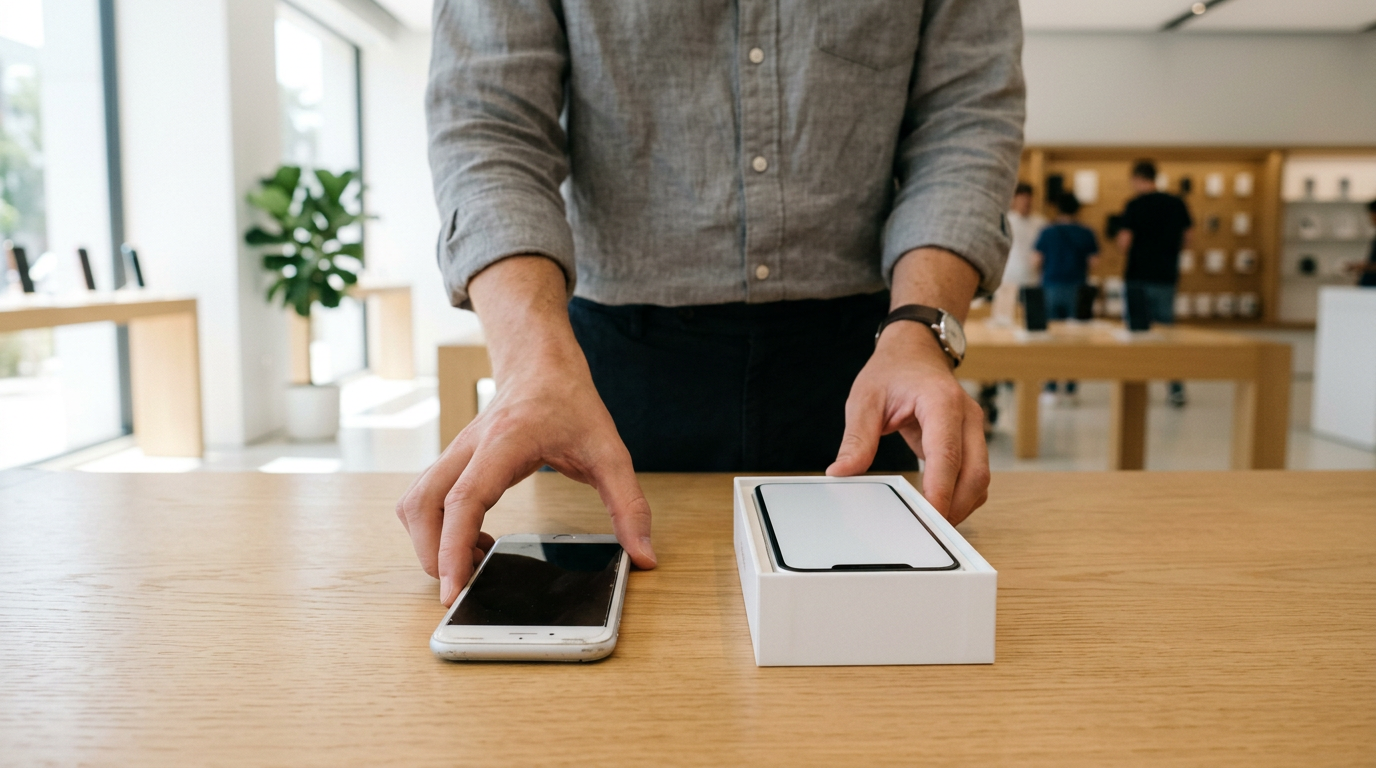
- Bring it in for a quick inspection. We check the screen, body, battery behavior, buttons, cameras, and that the account locks are off. No appointment is needed.
- Get paid cash on the spot. If you accept the offer, you are paid right there. We also do a free data wipe in store.
Every sale requires a valid government-issued photo ID. That is the standard secondhand-dealer rule, not something unique to us, so bring it along.
Our Google rating is 4.9 from 397 reviews. Customers consistently mention the same things: the process is quick and straightforward, the offers feel fair, and the staff is patient and helpful. People also remark on how clean and pleasant the store is. That is the experience we aim for with every tablet that comes through the door.
What drives the value of a used tablet
Tablet offers are not random. A handful of factors explain almost all of the difference between one iPad and another. We never publish set prices because the market moves and each device is different, but knowing the drivers helps you set realistic expectations before you ask for a free quote.
| Factor | What it means | Effect on your offer |
|---|---|---|
| Model and generation | Newer generations and Pro or Air lines are in higher demand than older base models. | One of the biggest drivers; newer models hold value noticeably better |
| Chip | An M-series or recent A-series chip signals a longer useful life and better software support. | Newer chips generally support stronger offers |
| Storage | Larger capacities cost more new and stay more desirable used. | More storage usually means a higher offer within the same model |
| Cellular vs Wi-Fi only | Cellular models include extra hardware and appeal to travelers and field workers. | Cellular versions are often valued above Wi-Fi only |
| Screen condition | Scratches, cracks, dead pixels, and touch problems are the most visible issues. | Clean screens help a lot; damage lowers the offer but rarely ends it |
| Body and battery | Bends, dents, and swollen or weak batteries affect usability. | Moderate effect, depending on severity |
| Accessories | Apple Pencil, Magic Keyboard, Smart Folio, original box, and charger. | Working accessories can add to the total |
Model, chip, and storage
Start by finding the exact model. On an iPad, open Settings, then General, then About, and look at the model name and capacity. If you aren't sure which generation you own, bring it in and we'll identify it. An iPad Pro with an M-series chip sits in a different tier than an older entry-level iPad, and our iPad Pro page and standard iPad page explain what we look at in each line.
Cellular models
If your tablet has a SIM tray or eSIM capability, say so when you ask for a quote. It is easy to forget, and it can matter. A cellular iPad that is still carrier-locked or tied to a financing plan is a different conversation, so tell us up front if it's still being paid off.
Apple Pencil and keyboard accessories
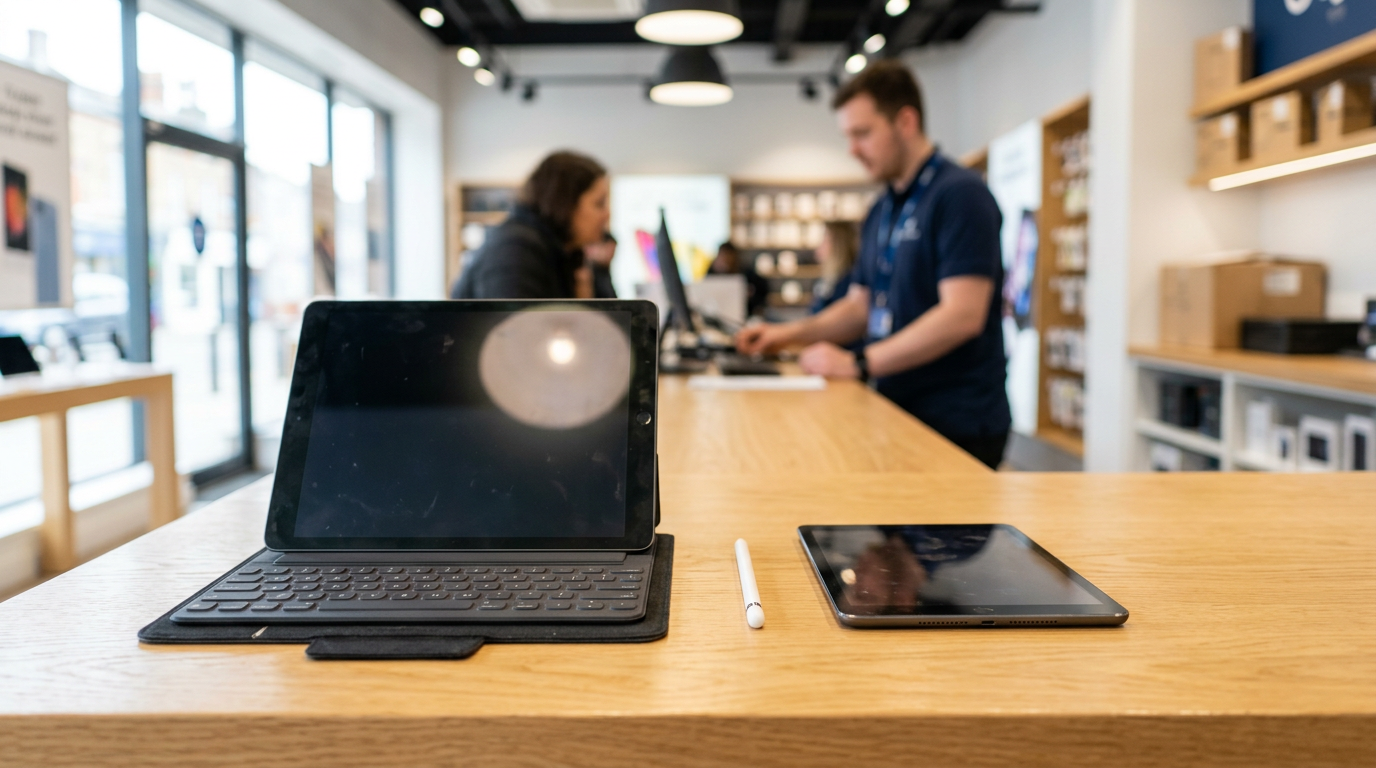
A working Apple Pencil or keyboard folio can raise the total, because buyers like a complete setup. Bring them even if you're not sure they count. If a Pencil tip is worn or the keyboard has sticky keys, that is fine; we'll account for it honestly. A Pencil or keyboard that doesn't connect is worth less, so test everything before you come in.
Remove your Apple ID and Activation Lock before you sell
This is the single most important step. An iPad that is still signed into your Apple ID is protected by Activation Lock, which means it cannot be set up by anyone else. We cannot complete a purchase on a locked device, and you wouldn't want to hand over a tablet that is still tied to your account anyway.
Step-by-step for iPad
- Back up your iPad to iCloud or a computer so nothing is lost.
- Open Settings, tap your name at the top, scroll down, and choose Sign Out. Enter your Apple ID password when asked.
- Turn off Find My iPad as part of that sign-out process.
- If you use an Apple Pencil or Bluetooth accessories, unpair them.
- Optionally, go to Settings, General, Transfer or Reset iPad, and choose Erase All Content and Settings.
Don't worry if you run out of time. We offer a free data wipe in store, and we can walk you through signing out at the counter. What matters is that the Apple ID is removed from the device. You can also check from another device at iCloud.com under Find My, where you can remove the tablet from your account.
Forgot your password?
If you can't remember your Apple ID password, recover it through Apple's account recovery page before your visit. We can't bypass a lock, and no legitimate buyer can. If the tablet was a gift or a hand-me-down and the previous owner's account is still on it, ask them to remove it first.
Selling an Android tablet: Google account and reset
If you are searching for "sell tablet near me" and own a Samsung Galaxy Tab or another Android model, the process is similar. The equivalent lock is Factory Reset Protection, which ties the device to the last Google account used on it.
- Back up your photos, files, and app data to your Google account or a computer.
- Go to Settings, then Accounts, and remove your Google account. Remove any Samsung account too.
- Remove any screen lock, PIN, or pattern you've set.
- Take out the microSD card if your tablet has one.
- Run a factory reset from Settings if you have time. If not, we'll wipe it in store.
We buy Android tablets alongside iPads. Value is driven by the same ideas: how new the model is, its storage, its screen condition, and whether it's cellular. Flagship tablets from major brands tend to hold value better than budget models. Our tablet selling page covers what to expect with different brands.
Cracked screens and damaged tablets still sell
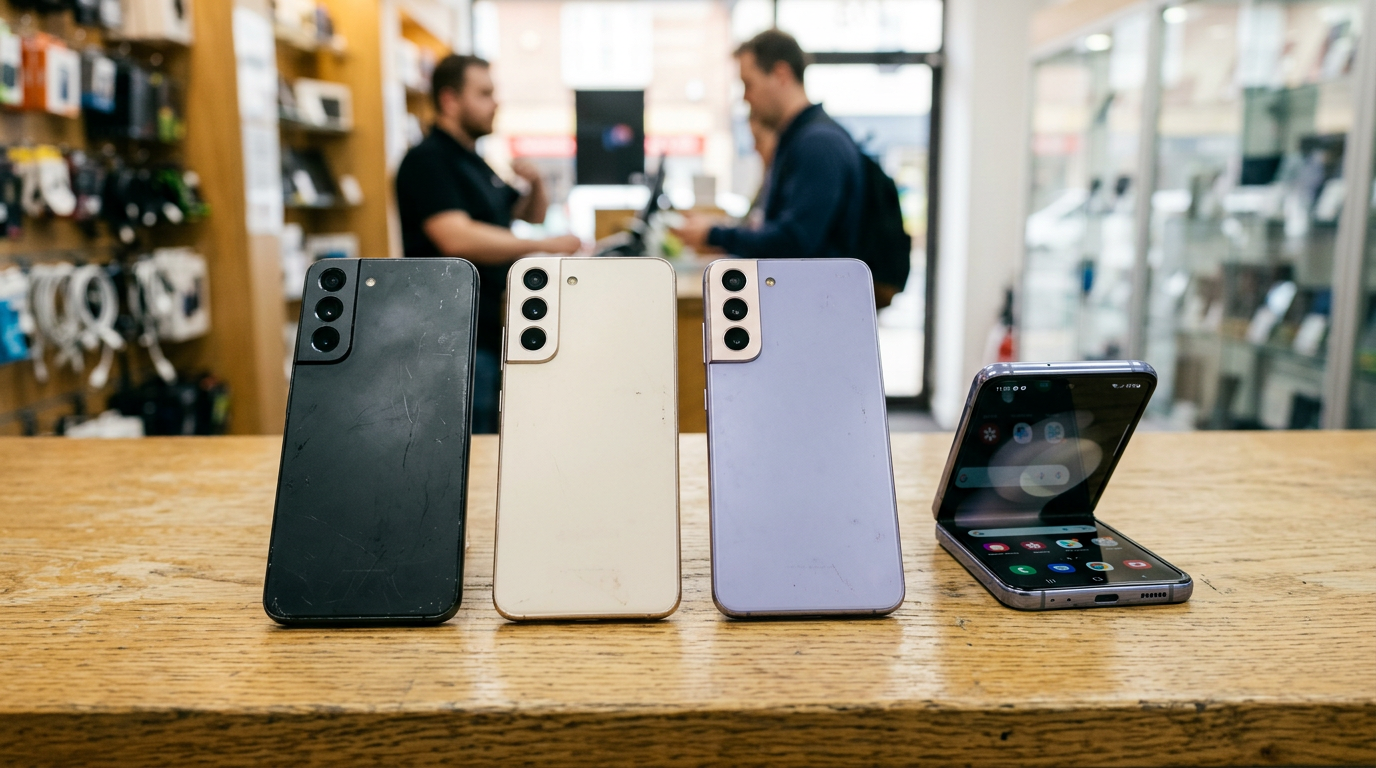
A cracked iPad is not worthless. This is one of the most common misconceptions we hear. Many people keep a damaged tablet in a drawer for years because they assume nobody will take it. We buy new, used, and broken devices, and tablets are no exception.
What counts as damaged
- Cracked or shattered glass, even if the touchscreen still works
- Dead spots, lines, or discoloration on the display
- Bent frames or dented corners
- Weak batteries or tablets that only run while plugged in
- Buttons or charging ports that don't work reliably
How damage affects the offer
Damage lowers the offer, and a cracked screen on a newer Pro model will still be worth more than a clean older base model in many cases. The honest answer is that it depends on the combination of model and damage, which is why we inspect it in person. A free quote will give you a realistic starting point. Describe the damage plainly, because an accurate description keeps the quote close to the final offer.
One thing to avoid: paying for a screen repair just to sell. Repair costs often exceed the gain in resale value, so bring the tablet as it is and let us assess it.
Where to sell an iPad: store, online, or trade-in
If you are comparing where to sell an iPad, here is a fair look at the usual choices.
Selling to a local buyback store
You get paid the same day, you can ask questions face to face, and there are no shipping labels, listing photos, or buyer messages. The trade-off is that a store has to resell at a margin, so a patient private sale might occasionally bring more. Many people decide that speed and certainty are worth it.
Selling on a marketplace
Platforms like eBay or Facebook Marketplace can reach a wide audience, and you set your own asking price. You also deal with fees, shipping or meetups, lowball offers, scams, and buyers who dispute the condition afterward. It works well if you have time and the tablet is in great shape.
Manufacturer or retailer trade-in
Apple and big retailers run trade-in programs that are convenient, usually paid as credit or gift card, and some are mail-in. They suit you if you are upgrading right away. If you want cash in hand, or your device is damaged, a buyback store is often the better fit.
Mail-in buyback sites
Online buyers will quote a price and send a shipping kit, but you wait days for inspection and payment, and the offer can be revised after they look at the device. Walking in avoids the wait and the surprise.
What to bring to the store
- Your iPad or tablet, signed out of Apple ID or Google account
- A valid government photo ID
- The Apple Pencil, keyboard, case, charger, and box if you still have them
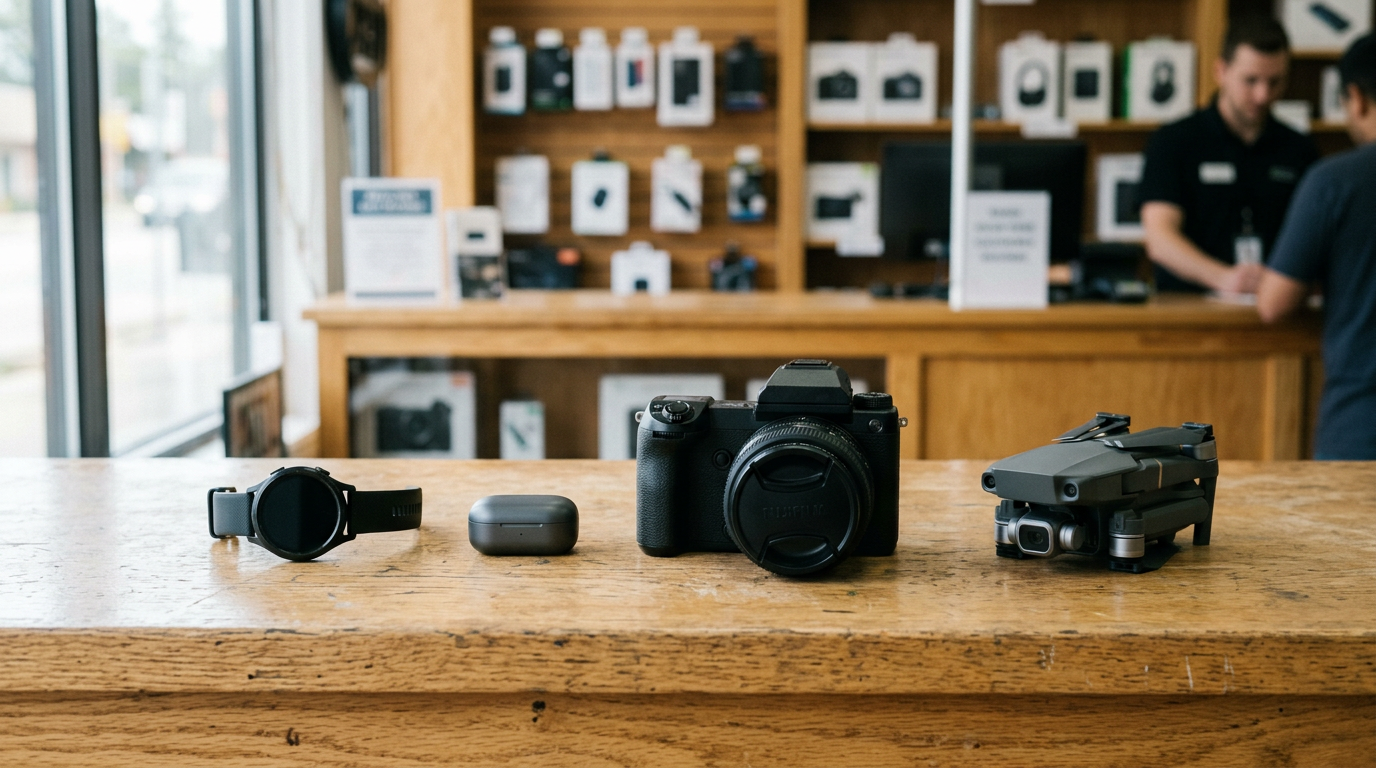
- Any other devices you want quoted. We also buy iPhones, MacBooks, Apple Watches, game consoles, cameras, and more, so bring the whole drawer. See the Bellerose electronics page for the full range.
Charging the tablet beforehand helps us test it quickly, but it isn't required if the battery is dead.
Selling from nearby towns
Our shop sits on Jericho Turnpike in Bellerose, close to the Commonwealth Boulevard intersection and not far from Belmont Park and Breininger Park. Customers come from across the area, and here is how it tends to work for each.
Thomaston
If you're in Thomaston, you are on the Nassau side of the border and can take Jericho Turnpike or nearby main roads toward Bellerose. It's an easy errand if you've been meaning to clear out old devices. Bring your tablet and anything else you've outgrown, and you can be done in a single stop.
Searingtown
Searingtown residents often have a family tablet or two sitting around after upgrades. Jericho Turnpike is a familiar road for the area, so reaching us is straightforward. Do the Apple ID sign-out at home and your visit will be especially quick.
Garden City
Garden City households tend to upgrade devices regularly, which leaves older iPads and Pencils behind. If that sounds like you, we can quote several devices at once. A visit to our Bellerose store beats listing each one online.
Malverne Park Oaks
From Malverne Park Oaks, you can plan the trip along the major roads and parkways that connect western Nassau to Queens. Check the store page for our address and hours before you leave. Bring ID and your tablet, and you'll have cash before heading home.
South Valley Stream
South Valley Stream customers can reach us through the main routes running between southern Nassau and eastern Queens. If you have a cracked tablet from a kid or a commute, you don't need to repair it first. Bring it as it is and we'll go over the options.
New York
If you're coming from elsewhere in New York City, Bellerose is on the Queens side near the Nassau line, so it works well if you're already traveling on Jericho Turnpike. Some customers combine the visit with a trip to Belmont Park. See our New York locations page if another location is closer to you.
Frequently asked questions
Can I sell my iPad near me without an appointment?
Yes. Walk in during store hours with your tablet and a valid photo ID. You can also get a free quote online or by text first so you know what to expect.
How much will I get for my iPad?
It depends on the model, chip, storage, cellular, screen condition, and accessories. We don't publish prices because every device is different, but a free quote gives you a clear starting point.
Do you buy iPads with a cracked screen?
Yes. Cracked, scratched, and otherwise damaged tablets are all welcome. Damage lowers the offer, but it doesn't take the device off the table, and you don't need to repair it first.
Do I have to erase my iPad before I come in?
You should sign out of your Apple ID and turn off Find My, because Activation Lock prevents us from completing a purchase. After that, we offer a free data wipe in store.
Do you buy Android tablets too?
Yes. We buy Samsung Galaxy Tabs and other Android tablets. Remove your Google account first so Factory Reset Protection doesn't block the sale.
What ID do I need to sell a tablet?
A valid government-issued photo ID, such as a driver's license, state ID, or passport. It is required for every sale under standard secondhand-dealer rules.
Can I sell an iPad Pencil and keyboard with the tablet?
Yes, and you should. Working accessories can add to the total, so bring the Pencil, keyboard folio, case, and charger along.
Ready to sell your iPad or tablet? Get your free quote or come straight to Sell Your Gadgets Bellerose at 247-67 Jericho Tpke, Bellerose, NY 11426. We're open Monday through Saturday from 10:00 AM to 7:00 PM and Sunday from 11:00 AM to 5:00 PM. Call (718) 481-3733 with any questions.
Hear from a real customer
A real customer on their experience. Working or broken, get a free quote and walk out with cash the same day.
Compare your options
See how selling to us stacks up against other ways to sell, side by side.