Sell Samsung Phone Near Me in Bellerose, NY for Cash
By syedladen ·
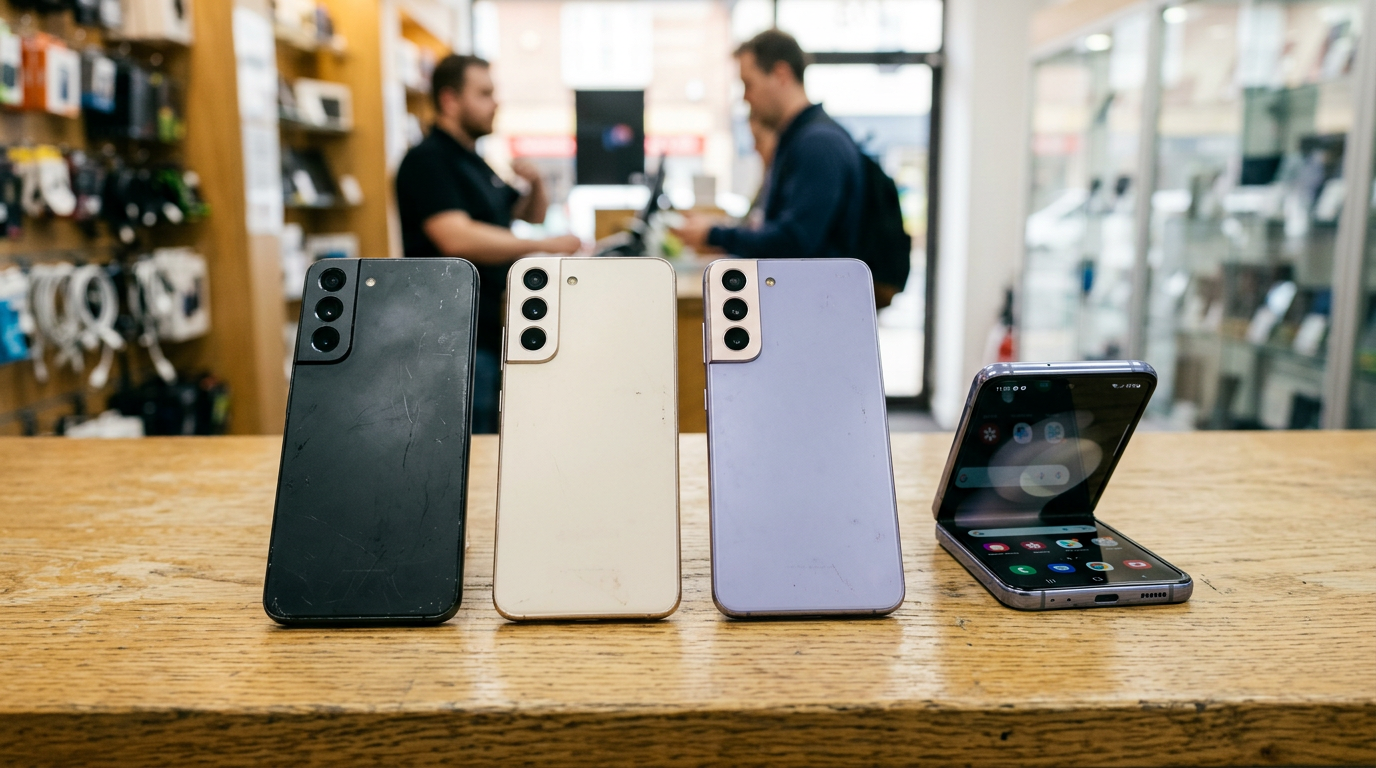
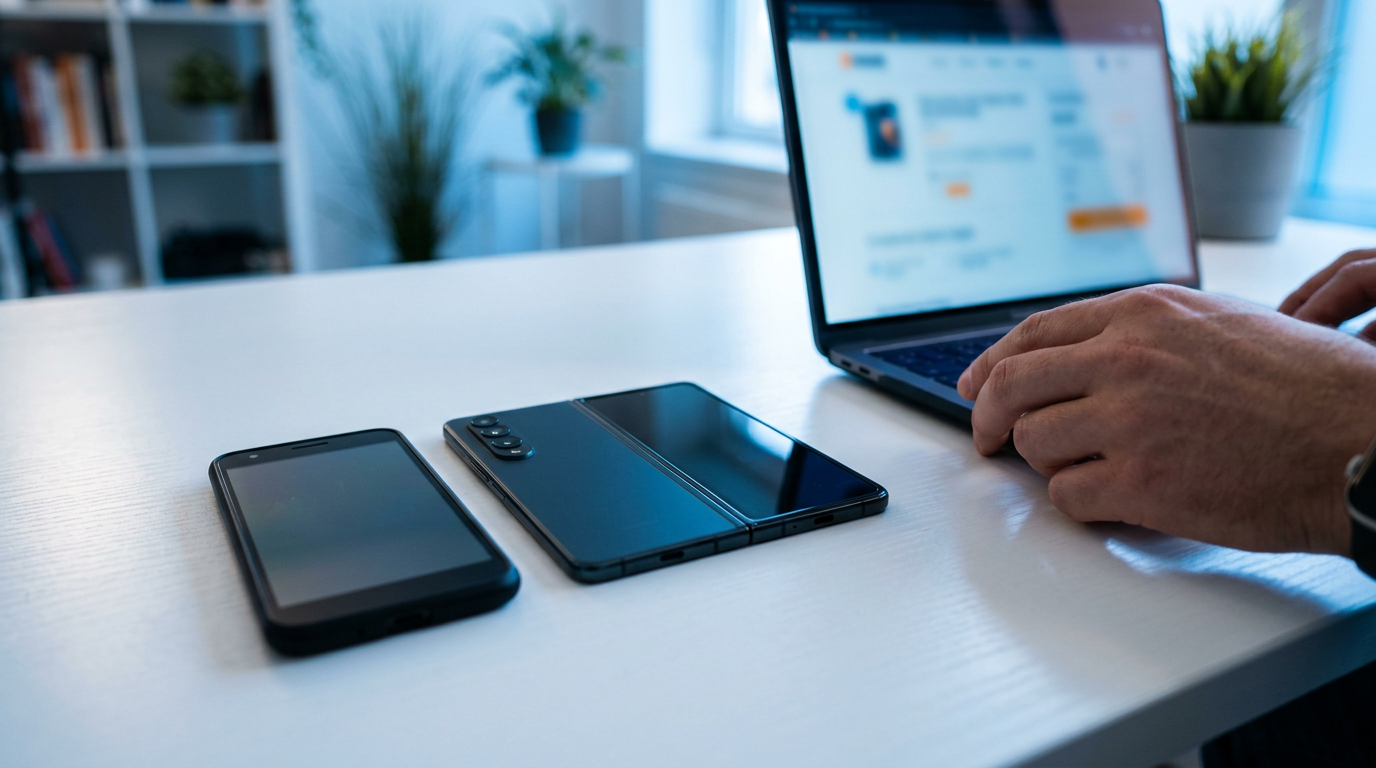
If you want to sell a Samsung phone near you in Bellerose, NY, bring it to Sell Your Gadgets on Jericho Tpke, get a quick inspection, and walk out with cash on the spot. Start with a free quote by form, text, or walk-in, then clear your accounts so the sale goes smoothly.
How to sell a Samsung phone near you in Bellerose
We are a buyback store. We pay cash for used, new, and broken devices, and we do not sell phones. That makes the process simple: there is no listing to write, no strangers to meet in a parking lot, and no waiting on a shipping label. Whether you have a Galaxy S flagship, a Z Fold or Z Flip, or a budget-friendly A series, the steps are the same.
- Get a free quote. Use the free quote form, text us, or just walk in. Tell us the exact model, storage size, carrier status, and honest condition.
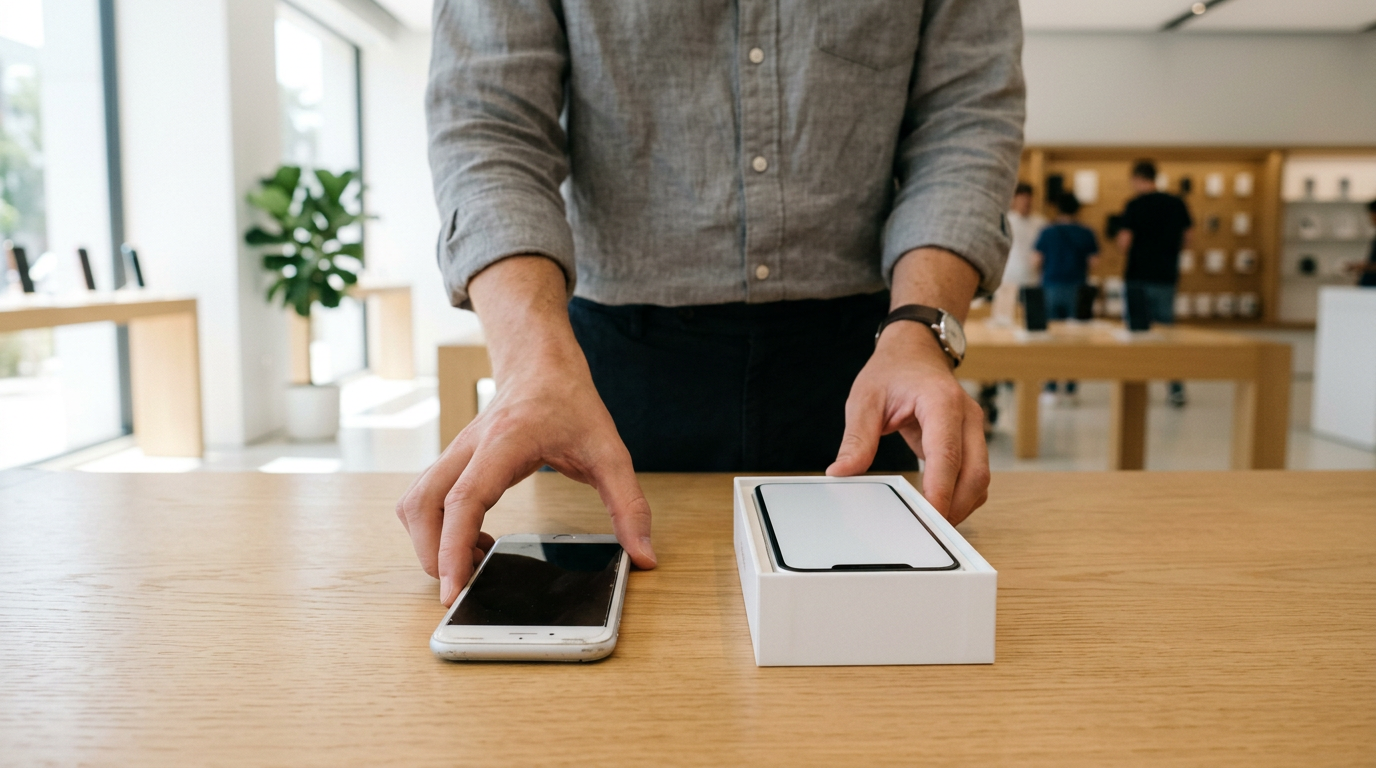
- Bring the phone in. No appointment is needed. We inspect the screen, body, cameras, buttons, and function in a few minutes.
- Show a valid government photo ID. This is required for every sale, as a standard secondhand-dealer rule.
- Get paid cash on the spot. If you want, we also do a free data wipe in the store.
We never post prices publicly, because the figure depends on the exact device in front of us and on what the market is doing that week. The quote is what tells you where your phone stands.
What drives the value of a Samsung Galaxy
Galaxy phones follow the same broad logic as every Android phone: newer, cleaner, and unlocked usually means a stronger offer. The details matter, though, so here are the four things that move the needle most.
Model and generation
Flagship S series phones, especially Ultra models, tend to hold value better than A series phones, which start lower and age faster. A recent generation is noticeably more in demand than one several releases back. Foldables are their own category: they can be worth a lot when they are in great shape and lose value quickly when the hinge or inner screen has problems. If you own a recent flagship, check our pages for the Galaxy S24 Ultra and the Galaxy S24 to see what we look at.
Storage size
Samsung sells the same model in several storage tiers, and the larger tiers are worth more. Check Settings, then About phone, or Storage, to confirm what you actually have. Do not guess from the box; it is easy to misremember.
Screen condition and burn-in
Galaxy phones use AMOLED panels, which are gorgeous but can show wear. We look for burn-in (faint ghost images of a keyboard, navigation bar, or app icons that stay visible on a gray or white screen), green or pink lines, dead pixel patches, and dark blotches. Light scratches on a protected screen matter much less than any of these display faults. A cracked screen lowers the offer, but a phone that still turns on and works is almost always worth more than people expect.
Carrier lock and account status
An unlocked Galaxy appeals to the widest range of future owners, so it generally brings a stronger offer than one locked to a single carrier. A phone that is still on a payment plan, or one that has been reported lost or stolen, cannot be treated like a clean device. If you are not sure about your status, say so when you ask for the quote and we can talk it through.
Galaxy families at a glance: what to check before you sell
| Galaxy line | What buyers care about most | Common problems to check |
|---|---|---|
| S series (S, S Plus, Ultra) | Generation, storage size, unlocked status | Screen burn-in, green lines, cracked back glass, camera lens cracks |
| Z Fold | Inner screen condition, hinge feel, storage | Crease damage, bubbling or lifting protective layer, dead pixels, hinge looseness |
| Z Flip | Inner screen, hinge, cover screen | Visible crease lines, hinge noise or wobble, cover display faults |
| A series | Working order, battery, unlocked status | Charging port wear, battery swelling, cracked screen |
None of this means a flaw rules out a sale. It simply tells you what to expect and what to mention when you ask for a quote.
Remove your Samsung and Google accounts (FRP) before you sell
This is the step people skip, and it causes the most delays. Android has Factory Reset Protection, usually called FRP. If a Google account is still attached when a phone is reset, the next person who sets it up is asked to sign in with that account. A phone stuck behind FRP is hard to inspect, hard to resell, and frustrating for everybody.
Back up first
Save your photos, contacts, messages, and app data before anything else. Samsung Smart Switch, Samsung Cloud, and Google Backup all work. If you used Secure Folder, move that content out first, since it does not always transfer on its own.
Sign out of your Google account
Go to Settings, find Accounts and backup (or Passwords and accounts, depending on your One UI version), open Manage accounts, tap your Google account, and choose Remove account. Repeat for any extra Google accounts on the phone. Menu names shift slightly between software versions, but the idea is the same.
Sign out of your Samsung account
In the same Manage accounts area, select your Samsung account and remove it. This also helps switch off Find My Mobile tracking tied to that account, which can otherwise lock the phone to you.
Take out your SIM and memory card
Remove your SIM card and, on models that have one, your microSD card. Both hold personal data and are easy to forget.
Factory reset or let us wipe it
If you are comfortable doing a factory reset after removing your accounts, great. If not, bring the phone as-is, and we will do the free data wipe in store. Just make sure your accounts are signed out first, because a wipe cannot bypass FRP. If you forgot your Google password, recover it on a computer before you come in so you do not have to make a second trip.
Selling a Z Fold or Z Flip: hinge and inner screen checks
Foldables get more scrutiny than any other Galaxy, because their most delicate parts are the ones you use every day. Run through these checks before you visit, and you will know what we will find.
The inner screen
Open the phone fully and look at it under a bright light with the display off, then on. Check that the protective layer is flat and not lifting at the edges. Never peel it off. That layer is part of the display on many foldables, and removing it can ruin the screen. Look for dead pixels, lines, or discoloration along the crease.
The hinge
Open and close the phone slowly. The motion should feel smooth and consistent, and it should hold at partial angles without drifting. Grinding, crunching, a loose feel, or a visible gap are all red flags. Dust or debris inside the hinge area also matters.
The cover screen and frame
Check the outer display for scratches, burn-in, and touch problems. Press along the frame for any flexing or separation. Also test both cameras, the fingerprint sensor, and the speakers.
Should you sell with a flaw?
Yes, often. A foldable with a damaged inner screen can be expensive to repair, so many owners find that selling as-is is the more practical choice. We buy broken devices, so bring it in and see the number in a free quote.
Where to sell a Samsung phone: your options compared
If you have been searching for where to sell a Samsung phone, you have a few realistic routes. Each one has trade-offs.
- Local buyback store: You see the offer in person, hand over the phone, and get paid cash on the spot. It is the fastest route and works well for phones with scratches, burn-in, or cracks. This is what we do.
- Carrier or manufacturer trade-in: Convenient if you are upgrading at the same place, but the credit usually comes as a bill discount or store credit rather than cash, and the phone typically must meet specific conditions.
- Online marketplaces: They can bring a higher asking price for a very clean phone, but you handle photos, questions, lowball messages, no-shows, shipping, and the risk of payment disputes. It takes longer, and it is more work.
- Mail-in buyback sites: Simple if you are far away, but you wait for shipping and a re-inspection, and the final offer can change after they receive the phone.
If you want to sell a Galaxy for cash and be finished today, a local buyback is hard to beat. If you are not in a rush and your phone is nearly flawless, comparing a few options is reasonable. Either way, a free quote costs nothing, so you can use it as a benchmark.
Your pre-visit checklist for selling an Android phone
If you are looking to sell an Android phone near you, running through this list takes about ten minutes and prevents most hiccups.
- Back up your data and confirm the backup finished.
- Sign out of your Google and Samsung accounts.
- Remove the SIM and any memory card.
- Turn off any screen lock you no longer need, or be ready to unlock the phone during inspection.
- Note the exact model, storage size, and whether the phone is unlocked.
- Gather the charger, cable, and box if you still have them. They are not required but can help.
- Bring a valid government photo ID.
We also buy more than phones. If you are clearing out a drawer, bring that older tablet, laptop, smartwatch, or game console too. You can see the full range on our sell your smartphone page.
Broken, cracked, or older Galaxy phones
A lot of people assume a cracked screen or a dead battery means a phone is worthless. It does not. We buy new, used, and broken devices, and a Galaxy with a smashed display or a bad charging port still has value in parts or repair. Be honest about the damage when you get your quote, since that is the quickest way to get a number that holds up in person. Older S series phones and low-end A series phones will land lower than recent flagships, which is normal, but they are still worth bringing in rather than leaving in a drawer.
Coming to Bellerose from nearby towns
Our store is at 247-67 Jericho Tpke in Bellerose, close to the Jericho Tpke and Commonwealth Blvd area, and not far from Belmont Park. Here is how it works for people coming in from around the area.
Thomaston
If you are in Thomaston, Jericho Tpke is a familiar road and a natural way to reach us. Bring your Galaxy during a lunch break or on the way home, since no appointment is needed. Check the hours below so you can time your trip.
Searingtown
Searingtown residents often have the Galaxy S or Z series phones that families upgrade every couple of years. Rather than leaving the old one in a drawer, bring it with your accounts signed out and walk away with cash. Jericho Tpke makes the trip straightforward.
Garden City
Garden City shoppers often want a quick, no-hassle sale rather than a drawn-out online listing. A short drive to Bellerose gets you a face-to-face inspection and immediate payment. If you have more than one device, bring them all and we can quote them together.
Malverne Park Oaks
From Malverne Park Oaks, plan a short trip west toward Bellerose with your phone, ID, and anything else you want to sell. It is a good time to bring a tablet, laptop, or console along with the Galaxy, since we buy those too.
South Valley Stream
If you are in South Valley Stream, sending a quick text or using the online form first can save you time at the counter. You will know what to expect before you drive over, and you can come in with your accounts already cleared.
New York
Coming from elsewhere in New York, especially Queens neighborhoods close to Bellerose, you can reach us along Jericho Tpke. If you are comparing locations around the state, see our New York locations page. Parking and transit details are best confirmed on our Bellerose store page before you head out.
Why sell your Galaxy to us
We have a 4.9 Google rating from 397 reviews. Customers consistently mention friendly, helpful staff, a quick and straightforward process, fair offers, and fast cash on the spot. Several describe a clean, welcoming store and an easy experience from start to finish. We are a locally owned shop, and our business is buying your device, not selling you another one. Nothing about the process is meant to be complicated.
Frequently asked questions
Can I sell my Samsung phone if it is still locked to a carrier?
Often yes, but a locked phone generally brings a lower offer than an unlocked one. If it is still on a payment plan, that can complicate the sale. Ask for a free quote and tell us the carrier and payment status so we can give you a straight answer.
Do I need an appointment to sell a Galaxy phone?
No. Walk in during store hours, or start with the online form or a text. The inspection is quick, and payment is cash on the spot.
What ID do I need?
A valid government photo ID is required for every sale. This is a standard secondhand-dealer rule, and it applies to everyone.
Do I have to factory reset my phone first?
You do not have to. We offer a free data wipe in store. What you should do is sign out of your Google and Samsung accounts first, because FRP can lock the phone if an account stays attached.
Will you buy a Galaxy with a cracked screen or burn-in?
Yes. We buy new, used, and broken devices. The offer will be noticeably lower than for a clean phone, but a damaged Galaxy still has value. A free quote shows where yours lands.
Do you buy Z Fold and Z Flip phones?
Yes. Check the inner screen and hinge beforehand so you know what to mention. Even a foldable with a flaw is worth quoting, since repairs can be costly.
Do you buy other phones and electronics too?
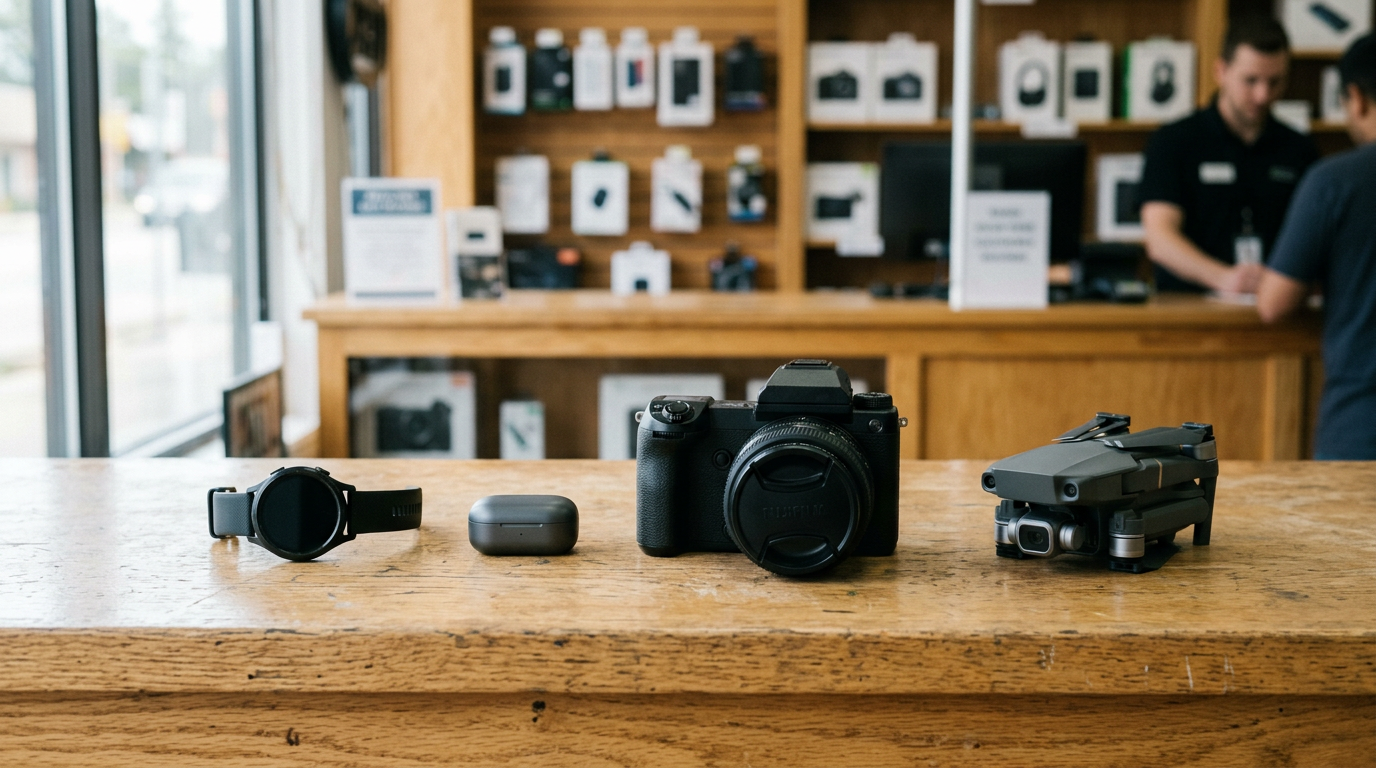
Yes. Besides Samsung, we buy iPhones, Google Pixel phones, tablets, laptops, smartwatches, game consoles, cameras, drones, headphones, power tools, and more. If you are upgrading from an iPhone, see our sell iPhone in Bellerose page.
Ready to sell? Get your free quote or walk into Sell Your Gadgets Bellerose at 247-67 Jericho Tpke, Bellerose, NY 11426. We are open Monday through Saturday from 10:00 AM to 7:00 PM and Sunday from 11:00 AM to 5:00 PM. You can also call (718) 481-3733 or see our Bellerose store page for details. Bring your Galaxy and a valid photo ID, and get paid cash on the spot.
Hear from a real customer
Real experience, real cash. Working or broken, get a free quote and walk out with cash the same day.
Compare your options
See how selling to us stacks up against other ways to sell, side by side.