
Sell Phone With Bad Battery: Yes, You Can Still Get Cash
By syedladen ·
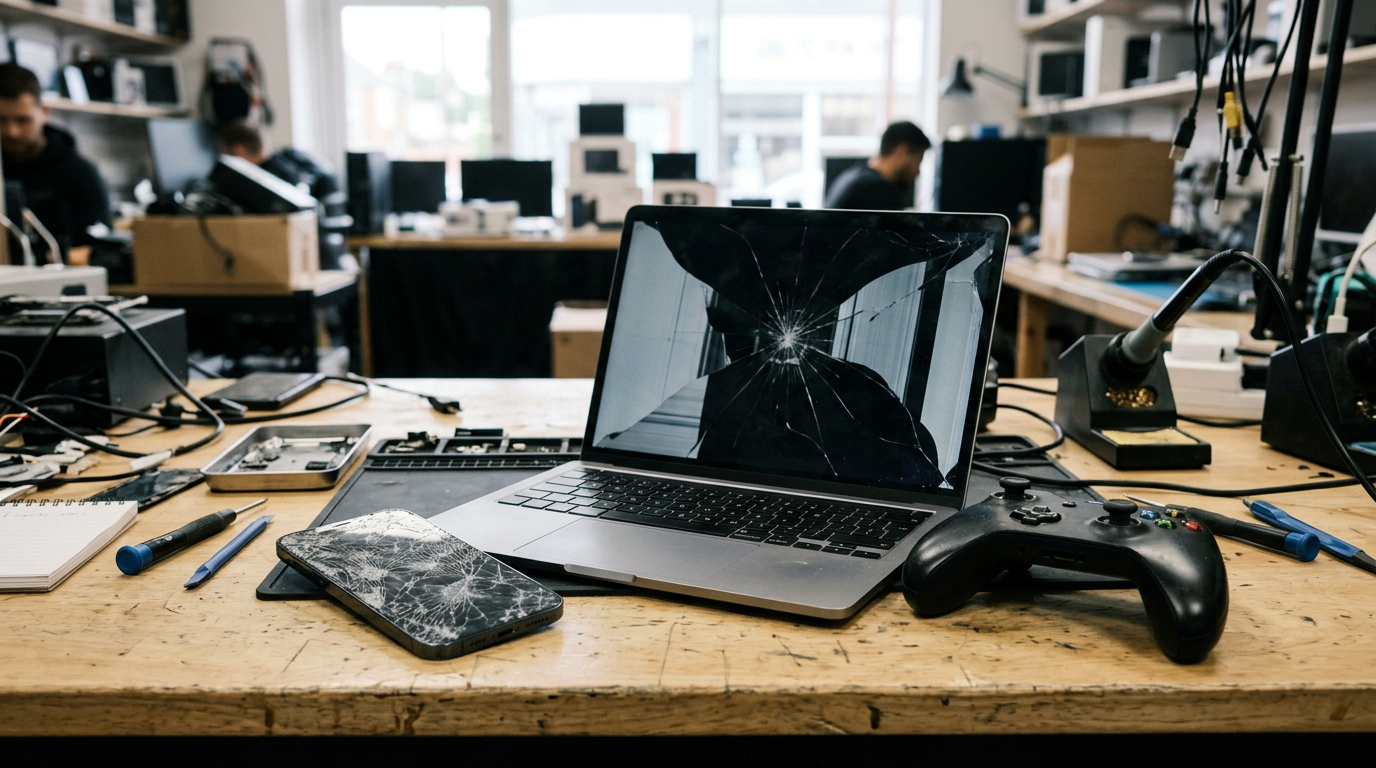
Yes, you can sell a phone with a bad battery, and in most cases you will still get a cash offer. Low battery health, a dead Face ID sensor, a faulty camera or a non-genuine part warning all lower what a buyer pays, but none of them makes a phone worthless. The one real exception is a physically swollen battery, which is a safety problem first and a selling question second.
This guide explains which kinds of damage still get paid, which ones hurt the offer most, what to avoid doing before you sell, and how to get a quote today. It is written for people who assume a damaged phone belongs in a drawer or a recycling bin.
Which damage still gets a cash offer
Buyers like us deal with broken and worn devices every day. The question is never just whether the phone is perfect. It is how much work the phone needs and what can be reused. Here is how common problems generally play out. We never publish fixed prices because every offer depends on the exact model, storage, and condition, so use the table to understand the pattern, then get a free cash quote for real numbers.
| Problem | Usually still gets an offer? | Effect on the offer |
|---|---|---|
| Battery health below 80% | Yes | Small to moderate reduction; a battery is a cheap, routine part to replace |
| Battery drains fast or shuts off randomly | Yes | Moderate reduction if the phone is otherwise healthy |
| Swollen battery | Often, after inspection and safe handling | Bigger reduction; screen and housing may be damaged by the swelling |
| Face ID not working | Yes | Noticeably lower; it is a costly, sometimes unfixable fault |
| Rear or front camera not working | Yes | Moderate to noticeable reduction depending on the model |
| Non-genuine part warning | Yes | Lower than an all-original phone, but rarely a dealbreaker |
| Cracked screen or back glass | Yes | Depends on whether the display still works and touches properly |
| Water damage | Often | Lower, and depends on whether the phone powers on |
| iCloud/Activation locked, reported lost or stolen, or blacklisted | No | We do not buy these |
The last row matters. Physical damage is negotiable. A locked or blacklisted phone is not, and no buyer with a legitimate business will take it.
What lowers the offer the most
Think of a phone as a bundle of parts, each with a different replacement cost. The offer drops in proportion to how expensive and risky the fix is, and how many things are wrong at once. From most to least damaging for the offer, here is the general order:
- Locks and blacklist status. These take the phone off the table entirely.
- Board-level or liquid damage. If the logic board is compromised, the phone is mostly worth its salvageable parts.
- Face ID or biometric failure. The sensor assembly is delicate and on many iPhones cannot simply be swapped for a working one.
- Damaged or dead display. Screens are among the costliest components, especially OLED panels.
- Camera failure. Costly on modern multi-lens phones, less so on older ones.
- Battery wear. This is usually the gentlest hit because batteries are designed to be replaced.
Stacking matters as well. A phone with only a tired battery is a straightforward resale. A phone with a tired battery, a cracked screen, and a camera fault is a parts-and-refurbishment job, and the offer reflects that. You still get paid, just less.
Battery health below 80%: less of a problem than you think
On an iPhone, Battery Health in Settings shows maximum capacity. Once it slips below 80%, Apple's own software may start describing the battery as degraded. Many Android phones show less detail, but the symptoms are the same: fast drain, shutdowns at a still-healthy percentage, and a phone that gets warm while charging.
To a buyer this is one of the most forgiving faults. A replacement battery is an inexpensive, well-understood repair compared with a screen or a sensor. So a phone with otherwise clean condition and poor battery health typically still earns a solid offer relative to its model. Newer, higher-storage phones hold value best even with worn batteries, because the expensive parts are the ones that still work.
How to check before you get a quote
- iPhone: Settings > Battery > Battery Health & Charging. Note the percentage and any service message.
- Android: Look in Settings > Battery or the manufacturer's diagnostics app. If there is no health reading, describe the symptoms honestly instead.
- Charge behavior: Does it charge normally, charge slowly, or stop at a certain level? Mention it.
Being accurate here saves time. Our inspection will confirm the condition anyway, and a quote that matches reality is one you can trust when you walk in.
Swollen batteries: safety first, selling second
A swollen lithium-ion battery is the one damage type to treat as urgent. Swelling means gas is building inside the cell, usually from age, heat, overcharging, or a defect. A swollen cell can rupture or catch fire, particularly if it is punctured, squeezed, or overheated.
Signs of a swollen battery
- The screen is lifting or bulging away from the frame
- The back panel is bowed, or the phone rocks on a flat table
- The case no longer closes or fits as it used to
- The trackpad or case on a laptop is pushing upward or will not sit flat
What to do right away
- Stop charging and stop using the device. Unplug it and power it down if you can do so safely.
- Do not press on it, bend it, or try to pry it open. Puncturing a swollen cell is how fires start.
- Keep it away from heat and flammable surfaces. Store it on a hard, non-flammable surface such as tile or concrete, away from beds, sofas, and paper, and not in a hot car.
- Do not put it in a bag and mail it. Damaged lithium batteries face strict shipping rules. Check with the store before you choose any mail-in route.
- Contact a store first. Use our store locator to find the nearest location and ask how they want a swollen device brought in.
A swollen battery does reduce the offer, and sometimes the swelling has warped the screen or frame, which reduces it further. But the device may still carry value in its intact parts. Do not let the hunt for a better price push you into handling it carelessly.
Face ID, camera problems, and non-genuine part warnings
Face ID not working
On iPhones, Face ID depends on a tightly paired sensor assembly near the top of the display. If that assembly is damaged or disturbed during a screen or repair job, Face ID can stop working and often cannot be restored by a normal shop. That is why this fault lowers the offer noticeably more than a battery problem does. The phone can still be sold, and the rest of it, including the screen, cameras, and board, may still hold substantial value. If you are selling an iPhone, start on our sell your iPhone page and mention the Face ID issue up front.
Camera not working
Camera faults range from a blurry lens from a cracked cover glass to a black screen in the camera app. Describe which camera fails (front, main, ultra-wide) and whether the flash works. Small problems such as a scratched lens cover are treated very differently from a dead module.
Non-genuine part warnings
Newer iPhones can show messages like Unknown Part or an Important Battery Message after a repair that used a non-original or unpaired component. Many Android phones do not display anything but still contain aftermarket parts. A warning does not mean the phone has no value. It does mean a buyer has to assume that part may need to be replaced again before resale, so the offer is lower than for a phone with all original parts. The worst cases are cheap aftermarket screens that have poor color, weak touch response, or fail to work with sensors, because these are hard to reuse.
Be upfront about any previous repairs. Our inspection will spot them, and accurate information gets you an accurate quote.
Why damaged devices still have value
It feels strange that a phone that barely works can earn cash, but the logic is simple. A buyer is not evaluating your phone as a whole. They are evaluating what it can become.
- Refurbishment. Many damaged phones are one or two repairs away from being sellable again. A new battery, a replacement screen, or a housing swap can bring a phone back to good working condition, and refurbished phones sell to people who want a lower-cost device.
- Parts harvesting. Even when a phone cannot be fully repaired, its working components can be reused. A healthy screen, camera modules, speakers, charging ports, and the board itself can be used to repair other devices.
- Demand for repairable models. Popular models are constantly needed as repair donors, because repair shops need genuine parts for customers' phones.
- Materials recovery. At the far end, a truly dead device still contains materials worth recycling responsibly, which is better than a landfill or a drawer.
This is also why selling to a buyer that accepts broken devices matters. Many marketplaces and trade-in programs only want phones in good working order. We take new, used, and broken devices, so you do not need to hide the damage or fix it first.
What NOT to do before you sell
The instinct to fix it first is understandable, but it often makes things worse or costs more than it returns.
Do not do a cheap DIY repair
Opening a phone to swap the battery with a bargain kit is risky. Adhesive strips can require heat, and pressing on a worn battery while prying can puncture it. Cheap batteries may have poor quality control, and a clumsy repair can tear a display cable or damage Face ID components, turning a small problem into a large one.
Do not install an aftermarket screen
A low-cost screen can seem like the easy way to fix a crack. But aftermarket panels can have dimmer displays, weaker touch accuracy, and can trigger non-genuine part warnings. Worse, the repair can damage the Face ID assembly as it is moved. You may spend money only to lower the phone's value.
Do not keep powering on a wet device
If the phone got wet, turning it on repeatedly, plugging in a charger, or putting it in rice all make things worse. Power running through a wet board can cause corrosion and short circuits. Turn it off, dry the exterior, keep it off, and bring it in as is.
Do not sign out of the wrong things or skip the lock removal
Forgetting to remove an Apple ID or Google account can create a lock that makes the phone unsellable to us. We do not buy iCloud or Activation locked devices. Handle the account step before you come in (see the data section below).
Do not ignore a swollen battery
Covered above, but worth repeating: do not keep charging it to see whether it still works.
Repair first or sell as is? A decision table
For most people with a damaged phone, selling as is is the simpler path. Repairs pay off only when the fix is cheap, reliable, and clearly raises the offer by more than it costs. Use this as a guide, then compare with a real quote.
| Situation | Better move | Why |
|---|---|---|
| Only the battery is worn, phone is otherwise clean | Sell as is, or replace with an official or reputable genuine-part repair if you plan to keep it | Battery wear is a small deduction; a repair rarely adds more than it costs |
| Swollen battery | Sell as is after contacting a store; do not attempt a repair | Safety risk; DIY handling is dangerous |
| Face ID not working | Sell as is | Often not fixable by a normal repair, so fixing it first is unlikely to work |
| Cracked screen, everything else works | Usually sell as is | Screen repair costs are real, and cheap aftermarket screens can lower the value |
| Camera not working | Sell as is | Modules are expensive and the fix is uncertain |
| Non-genuine part warning already showing | Sell as is | Replacing the part again rarely pays off |
| Wet device that will not power on | Sell as is; do not keep trying to power on | Further power attempts can cause more damage |
| You want to keep the phone | Repair through a reputable shop using genuine parts | Selling only makes sense when you are replacing it |
The simplest test: get the quote first. It costs nothing, and it tells you what the phone is worth in its current state. If you are tempted to repair, get a quote afterward and see whether the difference covers the repair cost. In most damaged-phone cases, it does not.
Protect your personal data on a damaged phone
A broken phone still holds your photos, messages, banking apps, and saved passwords. Take these steps before you hand it over.
- Back up if you can. If the phone still powers on and the screen is usable, back up to iCloud, Google, or a computer. If it does not, your most recent cloud backup may already have what you need.
- Sign out of your accounts. On iPhone, turn off Find My and sign out of your Apple ID. On Android, remove your Google account and any manufacturer account. This prevents locks that would block a sale.
- Remove your SIM and any memory card. Keep them with you.
- Erase the phone if it lets you. Use the factory reset option in Settings.
- If you cannot reset it, do not worry. We offer a free data wipe in store, so a phone that will not fully respond can still be handled. Bring it as is and let us know it could not be reset.
- Change key passwords at home. If a phone is lost or unusable, change your Apple ID, Google, and banking passwords as a precaution.
Remember that a valid government photo ID is required for every sale, which also helps keep the buying process legitimate and traceable.
How to get a quote today, step by step
People often search for who buys a phone with a bad battery, or look to sell one near me, and then face a maze of marketplaces and mail-in forms. Here is the short path with us. The full process is on our how selling to us works page.
- Identify the phone. Note the model, storage size, and carrier status. Check Settings > General > About on an iPhone, or Settings > About phone on Android.
- List the faults honestly. Battery health percentage, swelling, Face ID, cameras, cracks, prior repairs, water exposure.
- Make sure it is not locked. Sign out of your Apple ID or Google account so the phone is not iCloud/Activation locked.
- Request a free quote. Use our free quote form, text us, or simply walk in. You can also start from the sell your smartphone page for Android and other models.
- Visit a store. Use the store locator to find a location in New York, New Jersey, Florida, Texas, Maryland, Arizona, Georgia, or Virginia. No appointment is needed.
- Quick inspection. We check the phone against what you described.
- Get paid on the spot. Bring your valid government photo ID, and we pay you there and then.
If you live far from a store, a mail-in option is available. Do not mail a device with a swollen battery without checking with us first.
Frequently asked questions
Who buys a phone with a bad battery?
Buyback companies, refurbishers, and repair-focused resellers are the most likely to pay. General marketplaces can work, but buyers there often expect a working phone and may haggle or reject a device with a battery warning. At Sell Your Gadgets we buy new, used, and broken devices, so a worn battery is just one factor in the quote.
Can I sell a phone with a bad battery for cash?
Yes. Our process is a free quote, a quick inspection, and payment on the spot in store. Bring a valid government photo ID. The amount depends on the model and overall condition, which is why we encourage you to request a quote rather than guess.
Is a phone with battery health under 80% still worth selling?
Yes. Battery wear is one of the smaller reasons for a lower offer because batteries are a routine replacement. The rest of the phone, such as the screen, storage, and cameras, largely determines its value.
Can I sell a phone with a swollen battery?
Possibly, but handle it carefully. Stop charging it, keep it away from heat, do not press on it, and do not mail it. Contact your nearest store first so the device can be brought in safely. The swelling will reduce the offer, but your safety matters more than the price.
Will a phone with Face ID not working still get an offer?
Generally yes, though the offer is noticeably lower than for a fully functioning phone because the repair is costly and sometimes not possible. Tell us about it when you request your quote.
Does a non-genuine part warning make my phone worthless?
No. It lowers the offer because the part may need replacing before resale, but the phone still has value, especially if the screen, board, and cameras are sound.
Should I fix my phone before selling it?
Usually not. Repair costs often exceed the increase in the offer, and cheap parts or DIY attempts can reduce value. Get a free quote on the phone as it is, then decide whether a repair makes financial sense.
Not sure what your damaged phone is worth? Get your free cash quote online, by text, or walk into a Sell Your Gadgets store, and find out before you write it off.
Hear from a real customer
Real experience, real cash. Working or broken, get a free quote and walk out with cash the same day.
Compare your options
See how selling to us stacks up against other ways to sell, side by side.


