
Sell a Water Damaged Phone for Cash: What to Do First
By syedladen ·
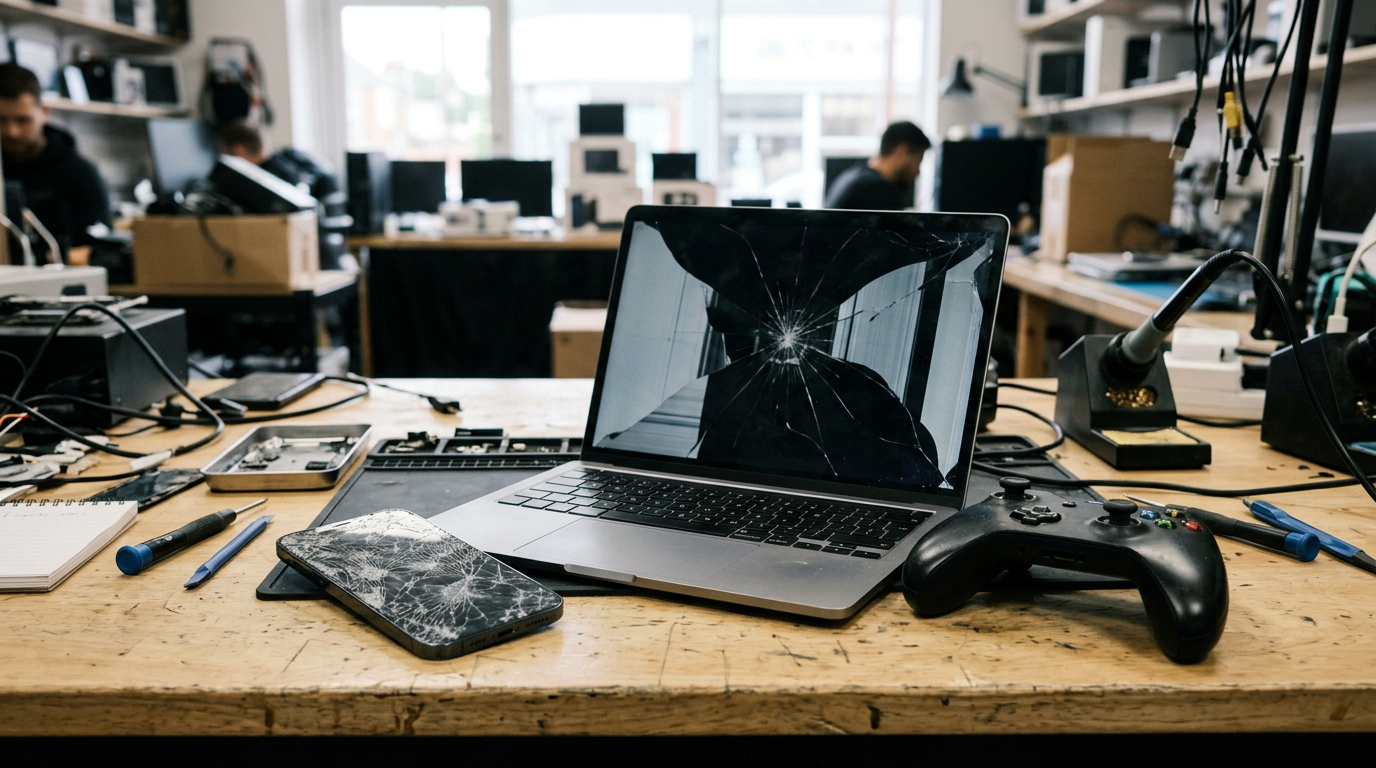
Yes, you can sell a water damaged phone for cash. Buyback stores like Sell Your Gadgets make offers on phones that are wet, dead, or showing liquid damage, as long as the phone isn't locked, reported lost or stolen, or blacklisted. The offer will be lower than for a working phone, but it is rarely zero, because the screen, battery, cameras, logic board, and other components can still be reused or refurbished.
This guide covers what to do in the first hour, which myths to ignore (including rice), how buyers check for liquid damage, what pushes an offer down the most, and when repairing first is worth it. It ends with a simple way to get a quote today.
Does a water damaged phone still get a cash offer?
Most of the time, yes. People assume a phone that won't turn on after a dunk is scrap. A buyer sees it differently: a device with a cracked, wet, or dead body still contains parts that may test fine on their own. The question isn't whether it works. It's how much of it can be recovered.
Here is how condition generally translates into a buyer's view:
| Condition | What a buyer usually concludes | Typical outcome |
|---|---|---|
| Briefly splashed, works normally, no warnings | Possible liquid contact, but fully functional | Offer is often close to a normal used phone, though the liquid indicator may matter |
| Works, but with glitches (speaker, charging, touch, camera) | Partial corrosion or intermittent faults | Noticeably lower offer, priced on what tests well |
| Powers on but shows lines, dead zones, or dim display | Screen or board damage likely | Lower offer, valued mostly for parts |
| Will not power on or charge | Board, battery, or charging failure | Parts-based offer, often the lowest tier that still gets an offer |
| Heavy corrosion, swollen battery, or cracked frame on top of water damage | Limited salvage, possible safety issues | Lowest offer, or a decline if it can't be handled safely |
We never publish prices, because the real number depends on the exact model, storage, and what our inspection finds. The only reliable way to know is to get a free cash quote with an honest description of the damage.
What to do in the first hour after water exposure
What you do right after the accident affects both whether the phone survives and what it is worth. Go in this order.
- Get it out of the liquid immediately. Every second in water matters more than any trick you try later.
- Power it off if it is still on. A running phone sends current through wet circuitry, and that is what causes the worst short-circuit damage. If it is already off, leave it off.
- Unplug any charger or accessory. Do not plug in a charger to see if it still works.
- Remove the case, SIM tray, and any card. This lets trapped moisture escape and gives you a look at the liquid indicator later.
- Wipe the outside with a soft, dry cloth. Do not press hard or shake it around.
- Let it air out in a dry, room-temperature spot. Keep it somewhere with moving air, but no heat source.
- Leave it alone for a good while. Patience beats repeated power-on attempts.
If it was salt water, pool water, or a sugary drink
Fresh water is the gentlest case. Salt water, chlorinated pool water, coffee, soda, and juice leave residue that corrodes metal contacts over time. Wait to see whether the phone works, but understand the damage may keep developing after the phone dries. Phones in this category often start fine and fail days or weeks later, which is one reason selling sooner can make more sense than waiting.
The rice myth and other tricks that don't help
Dropping a wet phone into a bag of rice is the most famous advice online, and it is mostly a myth. Rice absorbs moisture from the air but does little to pull water out of a sealed phone body, and it can leave behind dust and starch that get into ports and speaker grills. Apple's own support guidance specifically tells people not to put a wet iPhone in a bag of rice.
Other things to skip:
- Hair dryers, ovens, and heaters. Heat can warp adhesives, damage the battery, and push moisture deeper into the phone.
- Compressed air. It can drive water further into the device.
- Cotton swabs and paper towels in ports. Fibers can get stuck and trap moisture against contacts.
- Freezers. Freezing can turn trapped moisture into ice, which does not help.
- Opening the phone yourself. Breaking the seal and prying the screen can turn a repairable or sellable phone into a much lower-value one.
A gentle tap with the charging port facing down can help some water drain out. Beyond that, time and airflow are the safest tools you have.
How buyers check for liquid damage
If you're wondering who buys a water damaged phone and how they judge it, the process is more straightforward than most people expect. A reputable buyer does not guess. They look for evidence, then test what still works. Here are the typical checks.
Liquid contact indicators
Many phones have small moisture-sensitive stickers inside the SIM slot, charging port, or on internal parts. They change color, often to red or pink, when they touch liquid. Buyers check these first. A tripped indicator does not automatically mean the phone is worthless. It just tells the buyer that the device's history includes liquid, which affects how they price it.
Visual inspection
A technician looks for corrosion or green and white residue in the charging port, SIM tray, and speaker openings. They also check for water spots under the screen, fogging in the camera lenses, and discoloration at seams and edges.
Functional testing
Next comes the full-function checklist: does it power on, hold a charge, and respond to touch? Do the speakers, microphone, cameras, buttons, vibration, and sensors work? Do Face ID or Touch ID work? Is the display clean? Each item that passes adds recoverable value, and each item that fails lowers the offer.
Why honesty helps
Trying to hide water damage rarely works, because the inspection is designed to find it. Describing the damage accurately when you ask for a quote gives you a more reliable number and avoids a lower revised offer at the counter. Our selling process is built around a quick in-person inspection, so the offer you get reflects the actual device in your hand.
Why a water damaged phone still has value
Phones are assembled from dozens of separate modules. Water often damages one or two of them and leaves the rest untouched. That is the basis for how buyers make money on broken devices, and therefore why they can pay you for them.
Parts harvesting
A phone that won't power on might still have a working screen, rear and front cameras, speakers, frame, buttons, or other components that test well on their own. Those pieces are pulled, tested, and used in repairs on other devices. Parts from a popular model are in steady demand because repair shops need them.
Refurbishment
Some water damage is fixable at the component level. A trained technician with the right tools can clean corrosion, replace a failed charge port or battery, or swap a board. A phone that is a bad gamble for you can be a reasonable project for a refurbishing operation, which is why popular models with liquid damage can still get meaningful offers.
Recycling and materials
Even devices beyond repair contain materials that are worth recovering responsibly. That is still better than a drawer or a landfill, and it keeps electronics out of the trash.
The model matters a great deal here. Recent iPhones and popular Android flagships generally hold value better than older or less common models, because demand for their parts is stronger. If you have an iPhone, see our page to sell your iPhone. For other brands, check the page to sell your smartphone.
What lowers an offer the most
Not all damage is equal. Here is what tends to hurt the offer most, roughly from most to least serious.
- Activation or iCloud lock, or a lost, stolen, or blacklisted status. We don't buy these at all, so check this first. A locked phone is not sellable to us regardless of condition.
- Severe corrosion across the board. Widespread damage limits salvage, because fewer parts are reusable.
- Swollen or damaged battery. This is a safety concern as well as a value concern.
- Combined damage. Water plus a cracked screen plus a bent frame means fewer components survive intact.
- Failed screen or display on a model with expensive screens. Displays are some of the priciest parts in a phone, so losing one takes a big bite.
- Aftermarket or non-genuine replacement parts. These make the phone harder to resell or refurbish and lower its value.
- Signs of amateur repair. Stripped screws, torn adhesive, and pry marks worry a buyer.
- Missing pieces. A missing back glass, camera lens, or SIM tray reduces what can be sold.
What usually does not sink the offer: scratches, a missing box, a missing charger, or a case with wear. Those are minor compared to function and parts condition.
What not to do before selling
Don't keep trying to power it on
It is tempting to press the button every few minutes, or charge it overnight to see what happens. A phone with moisture inside can short out when power is applied, which can turn recoverable damage into board-level damage. One careful test after the phone has dried thoroughly is reasonable. Repeated attempts are not.
Don't do cheap DIY repairs
A discount repair kit, a pry tool, and a video tutorial can go badly. Opening a water-exposed phone can damage the seals, tear flex cables, and scratch the board. If the job fails, you've spent money and lowered the value of a phone you were about to sell.
Don't install an aftermarket screen
Replacing a damaged display with a cheap third-party one might make the phone look fine, but aftermarket screens often affect brightness, color accuracy, touch response, and features like True Tone or Face ID on some models. Buyers tend to value original parts, and they may price the phone lower when they see a non-original display. If the water damage is still there behind the new screen, you've paid for a repair without fixing the real problem.
Don't factory reset a phone that is acting unstable
If the phone is glitchy, a reset may fail halfway and leave it in a broken state. If it is stable, sign out of your accounts first (see the data section below). If it is not, do not force it.
Don't try to sell it as working
Misrepresenting a device leads to returns, renegotiation, and wasted time on marketplaces. A buyer who inspects it in person will find liquid damage anyway.
Repair first or sell as-is?
For most people with a water damaged phone, selling as-is is the lower-risk move. Repairs on liquid-damaged devices are unpredictable, because corrosion can keep spreading after a repair, and a fix that works today can fail next month. Use this table to decide.
| Your situation | Better move | Reasoning |
|---|---|---|
| Phone is dead, and the fix would need a board-level repair | Sell as-is | Board repair is costly and uncertain, and a buyer already values the working parts |
| Phone works but has minor issues (for example, a weak speaker) | Sell as-is | Small faults lower the offer a little, but repair cost may exceed the gain |
| Only the screen is broken and there is no sign of liquid damage | Compare both options | A genuine-part screen repair may be worth it on some models, but get a quote first |
| Older or low-demand model with water damage | Sell as-is | Repair cost rarely makes sense when the model's resale value is already modest |
| Recent flagship with minor, stable water exposure and everything works | Sell now, before problems appear | Liquid-exposed phones can develop faults later, so selling while it works protects value |
| Phone is still your daily device and it works fine | Keep it or sell and upgrade | Watch for delayed corrosion symptoms like battery drain, charging trouble, or ghost touches |
| You plan to fix it yourself using non-original parts | Sell as-is | Non-original parts and amateur work lower the value |
The simple rule: if a repair would cost more than the gap between the damaged offer and the working offer, or if the result isn't guaranteed, sell as-is. Get a free quote before you spend anything on repairs, because it tells you exactly what the gap is.
Protecting your personal data on a damaged device
A dead phone can still hold your photos, messages, banking apps, and saved logins. Handle the data before the phone leaves your hands.
If the phone still turns on
- Back up what you can, to iCloud, Google, or a computer.
- Sign out of your Apple ID or Google account.
- Turn off Find My iPhone or device protection so the phone isn't locked to you.
- Remove your SIM card and any memory card.
- Erase the phone in settings if it is stable enough to do it.
If the phone is dead
You can't wipe a phone that won't power on, but you can still protect yourself from another device. Sign in to your Apple or Google account on a computer and remove the phone from your list of devices. For iPhones, this also removes Activation Lock, which matters because we can't buy a locked device. Change the passwords for your most important accounts, and remove the phone's number from any two-factor authentication you rely on.
In-store data wipe
When you sell in person, we provide a free data wipe in our stores. That said, account removal is your responsibility, so do it beforehand where possible. You will also need a valid government photo ID for every sale.
How to get a quote for your water damaged phone today
Finding who buys a water damaged phone takes just a few minutes. Follow these steps.
- Stop using the phone. Keep it off and dry.
- Note the details. Write down the model, storage size, carrier (if you know it), and color.
- Describe the damage honestly. Say what happened, how long ago, what type of liquid, and what does and doesn't work.
- Check for locks. Confirm the phone is removed from your Apple or Google account and isn't reported lost or stolen.
- Request a free quote. Start your quote online, by text, or walk in. No appointment needed.
- Bring it in. If you want to sell a water damaged phone near you, use our store locator to find a walk-in location. We have stores in NY, NJ, FL, TX, MD, AZ, GA, and VA.
- Get inspected and paid. A quick inspection confirms the condition, and if you accept the offer, you're paid on the spot. Bring a valid government photo ID.
If you're far from a store, there is a mail-in option. The process follows the same inspection and quote steps, so you know what to expect.
Frequently asked questions
Can I sell a water damaged phone for cash?
Yes. Buyback stores that accept broken devices will make a cash offer on phones with water damage, including ones that don't power on. The amount depends on the model, the extent of the damage, and which parts still test well. A free quote is the quickest way to find out what yours is worth.
Who buys a water damaged phone?
Options include buyback stores, repair shops that harvest parts, refurbishers, and online marketplaces. Marketplaces often mean dealing with buyers who haggle or dispute the condition. A buyback store gives you a direct inspection and payment in one visit, without shipping and waiting.
Should I put my wet phone in rice?
No. Rice doesn't reliably remove water from inside a phone and can leave residue in the ports. Power the phone off, remove the case and SIM tray, wipe the outside, and let it air dry in a room-temperature spot. Don't apply heat.
Can a buyer tell if my phone has water damage even if it works?
Usually, yes. Liquid contact indicators, corrosion in the ports, and functional testing all reveal liquid exposure. It's better to be upfront about it, since an accurate description gives you a more dependable quote.
Will you buy a water damaged iPhone that is iCloud locked?
No. We don't buy devices that are iCloud or Activation locked, reported lost or stolen, or blacklisted. If your iPhone is dead, you can remove it from your Apple ID from another device through your account before you sell.
Is it worth repairing a water damaged phone before selling?
Usually not. Liquid damage repairs are unpredictable, and corrosion can continue after a fix. Non-original parts can also lower value. Get a quote first, then compare it to the repair cost using the table above.
Can I sell a water damaged phone near me without an appointment?
Yes, if there is a Sell Your Gadgets store near you. Walk-ins are welcome, and you can find the nearest one on our locations page. If there isn't a store close by, use the mail-in option.
Don't let a wet phone sit in a drawer while its value fades. Get your free quote now, tell us what happened, and find out what your water damaged phone can still earn.
Hear from a real customer
Why they chose Sell Your Gadgets. Working or broken, get a free quote and walk out with cash the same day.
Compare your options
See how selling to us stacks up against other ways to sell, side by side.


