Sell Business Laptops Near Me in Bellerose, NY | Bulk Buyer
By syedladen ·
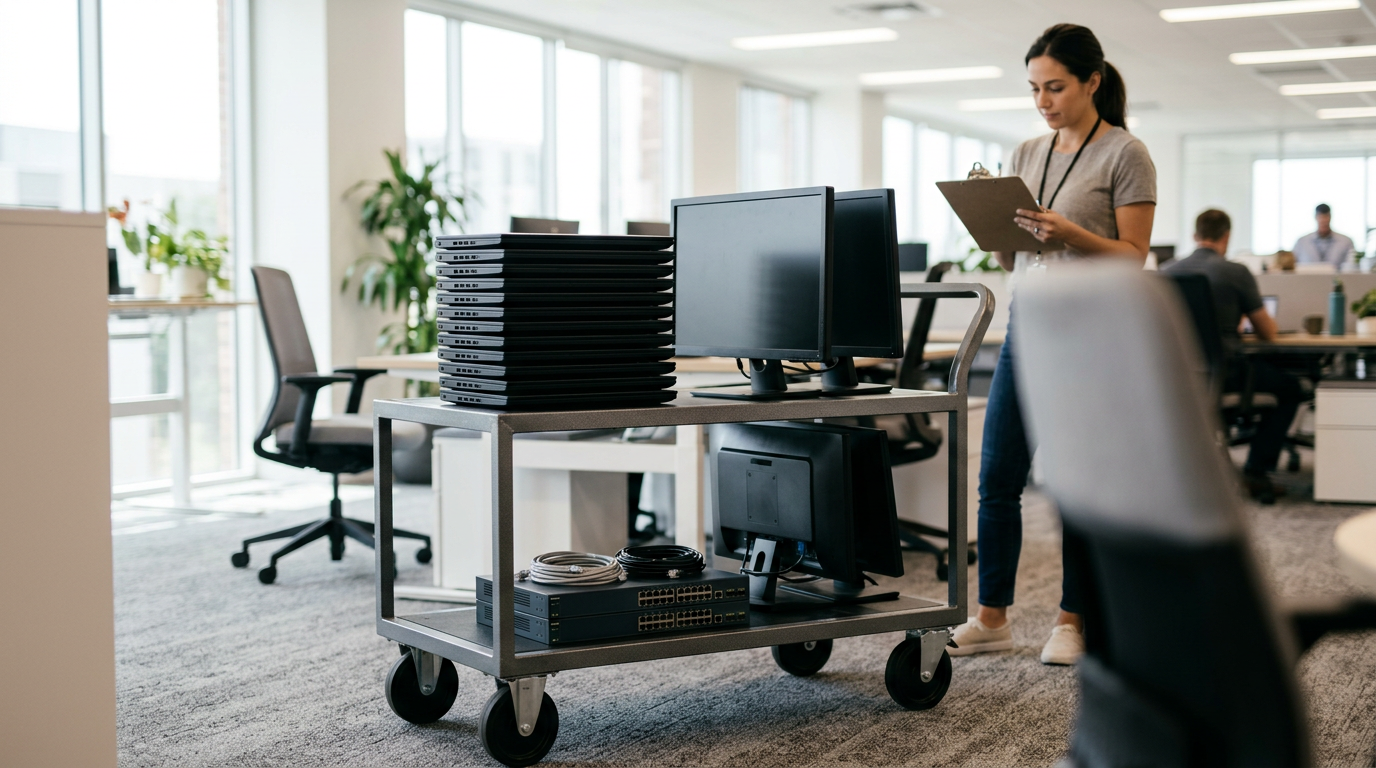
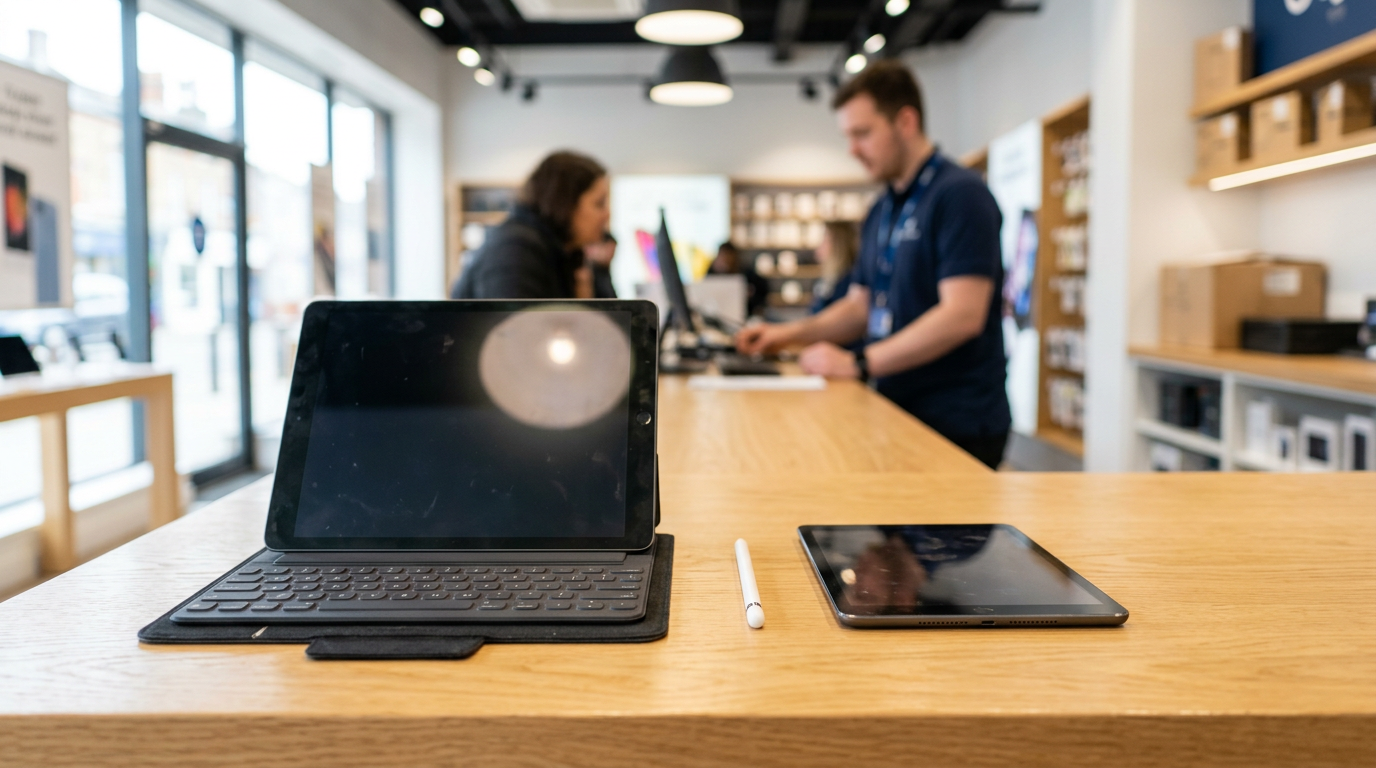
If you want to sell business laptops near you in Bellerose, NY, bring the batch to Sell Your Gadgets on Jericho Tpke, or start with a free bulk quote by form, text, or walk-in. We are a buyback store that pays cash for used, new, and broken devices, and we handle company lots of laptops, phones, tablets, and other IT equipment as well as single devices.
This guide is for offices, schools, and local businesses retiring hardware. It covers how a bulk quote works, what to do about MDM, Apple Business Manager, and Autopilot locks, and what data destruction paperwork to ask for. It also covers directions from the towns around us.
Selling business laptops in Bellerose: what to expect
Selling a fleet is different from selling one phone. You have a list of serial numbers, a mix of ages and conditions, and often an IT policy that says data must be handled properly before anything leaves the building. A good bulk electronics buyer should work with that, not against it.
At our Bellerose store, the process is the same one individual customers use, scaled up. You get a free quote, we inspect the devices, and you get paid. We never publish prices, because the real number depends on the exact model, condition, and lock status of each device. That is why we ask for a list or a look at the equipment first.
Our Google rating is 4.9 from 397 reviews. Customers often mention that the process is quick, straightforward, and professional, and that the staff explain each step. For a business, that predictability matters more than anything else.
What we buy from businesses, schools, and offices
Most organizations come to us with a mix of devices rather than one category. Here is how the usual lots break down and what to do before you bring them in.
| Equipment | Common examples | Best prep before you come in |
|---|---|---|
| Business laptops | MacBooks, Windows laptops, and other office notebooks | Release from management, sign out of accounts, and bring chargers if you have them |
| Office computers | All-in-one desktops, gaming PCs, and monitors | Remove firmware and BIOS passwords, and note which machines have been wiped |
| Company phones | iPhones, Samsung Galaxy, and Google Pixel | Remove from MDM, turn off Activation Lock or Find My, and remove SIM and eSIM profiles |
| Tablets | iPads and Android tablets, including classroom sets | Remove from the school or business management account and sign out of Apple ID |
| Wearables and accessories | Apple Watch, AirPods, and headphones | Unpair from the phone and turn off Find My |
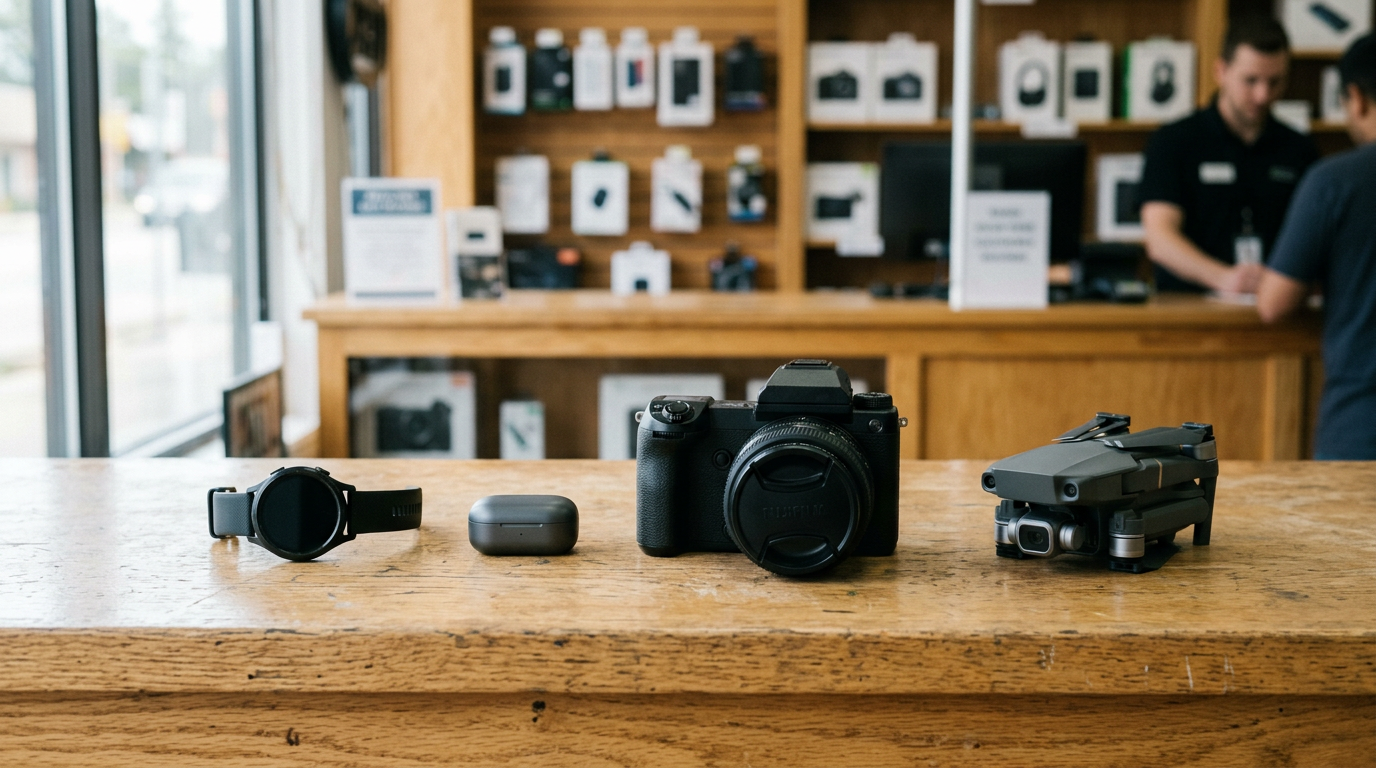
| Other tech | Cameras, drones, VR headsets, and consoles | Include batteries and controllers, and sign out of accounts |
We buy new, used, and broken devices, so a cracked screen or a battery that no longer holds a charge does not automatically take a device out of the lot. Broken units are quoted differently, and the quote will reflect that. For single-device context, our pages on selling a laptop and selling an iPhone in Bellerose show how we look at individual models.
The bulk quote process, step by step
Here is the simplest way to run a bulk sale with us.
- Build a simple list. A spreadsheet with make, model, storage or RAM, serial number if you have it, and a rough condition note (working, cracked, or not powering on) is plenty. A photo of the pile is better than nothing.
- Request your free quote. Use the free quote form, text us, or walk in. If the lot is large, our bulk device sales page explains how we handle bigger batches.
- Confirm what is locked. Tell us up front which devices are still enrolled in MDM, tied to Apple Business Manager, or registered in Autopilot. It changes the quote, and it is better to know before anyone makes the trip.
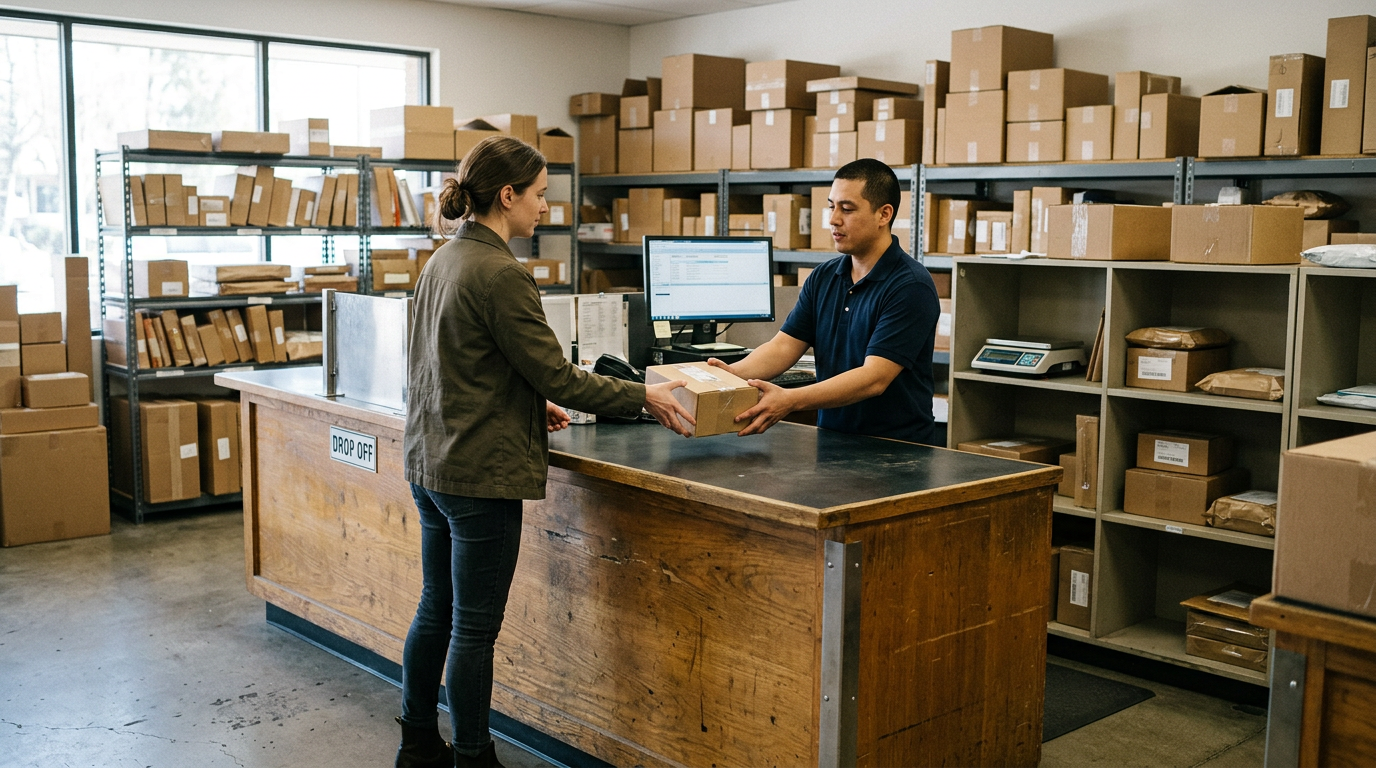
- Bring the devices in for inspection. No appointment is needed. For a large lot, a quick call or text before you arrive helps us make room to go through it properly.
- Review the final offer. We inspect each device, compare it to your list, and explain any differences between the estimate and what we find.
- Get paid. Our standard is cash on the spot. For a larger company sale, confirm payment method and timing when you get your quote so there are no surprises.
You do not need to commit to the whole lot. Some organizations sell the newest, cleanest machines first and keep the older ones for a later batch.
MDM, Apple Business Manager, and Autopilot: release devices first
This is the step that most often slows down a business sale, and it is almost always fixable before you leave the office. A device that is still enrolled in a management system will usually try to re-enroll with your organization the first time a new owner turns it on. That makes it hard to resell, so a locked device is quoted noticeably lower, or sometimes cannot be bought at all.
Apple devices: Apple Business Manager and Apple School Manager
- Release the device from your organization's account in Apple Business Manager or Apple School Manager so it is no longer assigned to you.
- Remove it from your MDM server (Jamf, Intune, Kandji, Mosyle, and similar tools) so there is no supervision profile left.
- Turn off Activation Lock and sign out of iCloud. Managed Apple IDs and personal ones both need to be removed.
- On Macs, remove any firmware password.
Windows laptops: Autopilot and Intune
- Deregister the device's hardware hash from your Autopilot tenant. If you skip this, the laptop can try to join your organization again on first setup.
- Retire or delete the device record in your management console.
- Remove BIOS or UEFI passwords, and note whether BitLocker keys were stored in your directory.
Android phones and tablets
- Remove the device from your Android Enterprise or other management console, including any zero-touch enrollment assignment.
- Sign out of Google accounts to clear factory reset protection.
- Remove SIM and eSIM profiles, and confirm the carrier has released the line.
If you cannot release a device because an admin left or an account is gone, bring it anyway and tell us. We will tell you honestly whether it is something we can quote.
Data destruction and the paperwork your auditor will ask for
Data is the real risk when old equipment leaves the building, and many organizations need a paper trail for compliance, insurance, or a school district's own policy. We include a free data wipe in store on devices we buy. For business lots, you can also read about our certified data destruction options.
Before you sell, decide what documentation you actually need. Ask for it when you request your quote, not after the devices are gone. These are the things most IT managers want on file:
- A list of devices by serial number that were handed over.
- Confirmation that each device was wiped or destroyed, and by what method.
- The date of the transaction and who received the devices.
- Any certificate or report format your organization requires.
Tell us your requirements and we will say plainly what we can provide for your batch. Do not assume a particular standard is covered unless it is confirmed in writing.
A sensible wipe workflow
- Back up anything the organization still needs.
- Sign out of accounts and release management locks as described above.
- Run your own factory reset if policy requires it, and keep a note of which units you did.
- Let us verify and complete the wipe in store, with the paperwork you asked for.
Drives that cannot boot, or devices with water or board damage, may need separate handling. Flag those in your list.
What changes the quote on a business lot
We do not quote numbers in articles, and a bulk quote is always specific to your equipment. These factors move it up or down:
- Model and generation. Newer Apple silicon MacBooks and recent iPhones hold value better than older machines. A laptop with a worn-out battery and an outdated processor is worth noticeably less.
- Lock status. Released devices are worth far more than ones still tied to MDM, Apple Business Manager, or Autopilot.
- Condition. Screen cracks, dents, keyboard wear, and swollen batteries all matter.
- Specs. More storage and memory generally helps.
- Completeness. Original chargers and clean, working ports help. Missing parts can lower an offer.
- Quantity of the same model. A uniform batch is easier to evaluate than a mixed bag, though we take both.
Since all of this is device-specific, the quickest way to find out is a free quote.
Selling office computers and company phones specifically
Office computers
If you are looking to sell office computers, ask who in your organization owns the decision. Procurement, IT, and finance may all have a say, and sometimes a lease return is involved. Check whether the machines are owned outright before you bring them in. Laptops are usually easier to move than towers, and monitors and gaming PCs are on our buy list too. Our pages for MacBook Pro and other models are a useful reference for what we look at.
Company phones
For anyone who wants to sell company phones, the main issues are employee data and carrier status. Make sure personal accounts are signed out, work profiles are removed, and the phones are not still financed or blacklisted. Phones with a clean release are the simplest and the most valuable to a buyer.
School equipment
Schools often have iPads, Chromebooks, and laptops on managed accounts. Release them from your school management account before bringing a classroom set in, and keep your district's disposal rules in mind. Some districts require approval or a specific process for selling surplus equipment, so check that first.
Coming from nearby towns
We are in Bellerose on Jericho Tpke, near the Commonwealth Blvd intersection, and we serve businesses and schools across the surrounding area. Here is how it looks from each direction. Directions are general, so use your own navigation for the route on the day.
Thomaston
Thomaston is a small village on the Nassau side with a lot of professional offices nearby. If your office is clearing out a closet of old laptops, you can load them in a car and be here without crossing the city. Send a list first so we can plan the time.
Searingtown
Searingtown businesses and the schools around it are close to Jericho Tpke, which is one of the main roads to us. This is an easy trip for a one-car load of laptops, phones, and tablets. Walk-ins do not need an appointment.
Garden City
Garden City has plenty of offices, professional firms, and schools that regularly refresh equipment. If your IT team is rolling out new laptops, bring the old ones with released management locks and a list of serial numbers. It saves time at inspection, and our bulk sales page explains the larger-lot process.
Malverne Park Oaks
From Malverne Park Oaks, you can reach us by road without much trouble if you are coming from the south of Nassau County. Small shops and home offices in the area often have just a handful of devices, which is perfect for a walk-in quote. Text a photo first if you are unsure whether something is worth the trip.
South Valley Stream
South Valley Stream is a short drive for local businesses, churches, and schools with older iPads, phones, and laptops. Check the store hours before you leave, especially on Sundays when we open later and close earlier.
New York
Bellerose is in Queens, so if your office is elsewhere in the city, it is a drive or a transit trip east. Businesses in the city that have a larger lot should send us the list first. We also have other locations across the state, which you can see on our New York locations page.
Visiting the Bellerose store
We are at 247-67 Jericho Tpke, Bellerose, NY 11426, by the Jericho Tpke and Commonwealth Blvd intersection, with Belmont Park and Breininger Park nearby. Every sale requires a valid government photo ID, which is the standard secondhand-dealer rule. If you are selling for a company, ask what else to bring, such as a list of devices, so the transaction goes smoothly.
If you are bringing more than a few devices, a short text or call ahead is helpful. We can then plan time for inspection and the data wipe, rather than rushing through it.
Frequently asked questions
Can I sell business laptops in bulk without an appointment?
Yes, you can walk in, and no appointment is needed. For a large lot, send a list or call first so we can set aside time to inspect everything properly.
Do you buy laptops that are still enrolled in MDM or Autopilot?
Locked devices are much harder to resell, so they are quoted noticeably lower, and in some cases we cannot buy them. Release them from MDM, Apple Business Manager, or Autopilot before you come in. If you cannot, tell us up front so we can advise you.
Do you wipe the data on the devices you buy?
Yes, we do a free data wipe in store. If your organization needs specific documentation, request it with your quote. Our data destruction page explains the options.
Can I sell old company phones and tablets together with laptops?
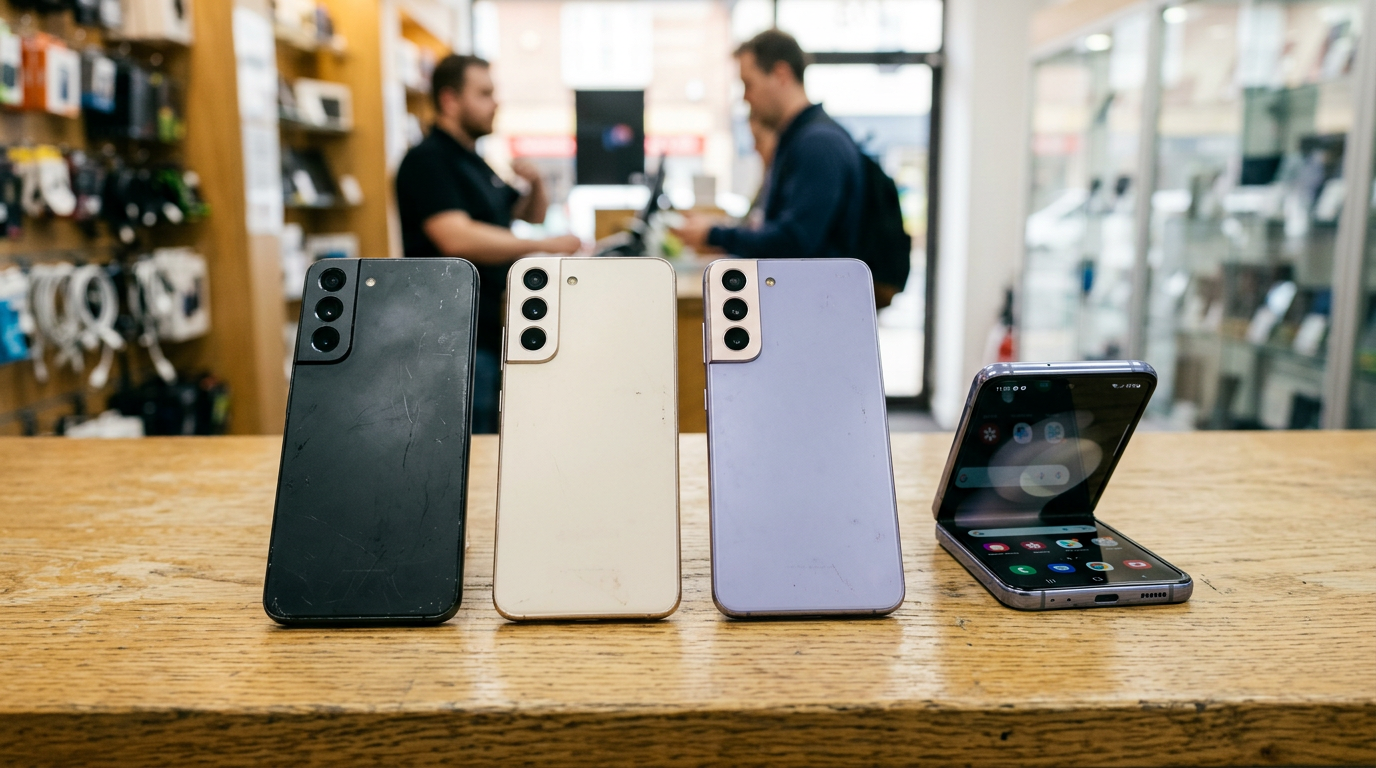
Yes. We buy iPhones, Samsung Galaxy and Google Pixel phones, iPads, tablets, MacBooks, laptops, and more in one visit. Every device is evaluated on its own model, condition, and lock status.
Will you give me a price for my fleet over the phone?
We do not publish prices, and a reliable bulk quote depends on the models, condition, and locks. Send a list through the free quote form or text us, and we will tell you how to move forward.
What do I need to bring to sell company equipment?
Bring a valid government photo ID, the devices, chargers if you have them, and your device list. Ask us in advance if your organization needs anything else on file.
Do you only buy working devices?
No. We buy new, used, and broken devices. Broken or damaged units are quoted differently, and listing them on your spreadsheet helps us give you a better estimate.
Ready to clear out the equipment closet? Get your free bulk quote, or visit Sell Your Gadgets Bellerose at 247-67 Jericho Tpke, Bellerose, NY 11426. We are open Monday through Saturday from 10:00 AM to 7:00 PM and Sunday from 11:00 AM to 5:00 PM, and you can call us at (718) 481-3733.
Hear from a real customer
A real customer on their experience. Working or broken, get a free quote and walk out with cash the same day.
Compare your options
See how selling to us stacks up against other ways to sell, side by side.