How to Sell a Phone Safely on Facebook Marketplace
By syedladen ·

The safest way to sell a phone on Facebook Marketplace is to prep and wipe the device first, meet in a busy, camera-covered public place, and accept only payment you can verify yourself: cash you count, or funds that have cleared in your own account before the phone leaves your hand. If a buyer pushes you to hurry, ship first, send a code, or accept a screenshot as proof of payment, walk away, because that is how nearly every phone scam works.
This guide covers the scams that come up most, the payment rules that stop them, how to prepare your phone and paperwork, where to meet, and a checklist of red flags. It also covers the situations where selling to a store is simply the lower-risk choice.
Why phones attract scammers
A phone is small, valuable, easy to resell, and usually sold by someone who wants it gone quickly. Scammers like that combination. They also know that a seller who is nervous about a stranger at the door is often more willing to accept a quick, sloppy payment method just to get the meeting over with.
Most Marketplace phone scams are not sophisticated. They rely on pressure, a plausible story, and a payment method that looks complete but is not. If you slow the process down and insist on verifying money yourself, the large majority of these attempts fall apart.
One thing to understand up front: a local cash sale on Marketplace generally does not come with the buyer or seller protections that apply to some shipped orders paid through the platform's own checkout. Policies change, so read the current terms in the app. For a local meetup, assume you are on your own and plan accordingly.
Prepare the phone and your paperwork before you list
Half of staying safe happens before you ever post. A prepared seller is harder to rush and harder to trick.
Data and account prep
- Back up everything. Use iCloud, Google One, or a computer backup, and confirm it finished before you erase anything.
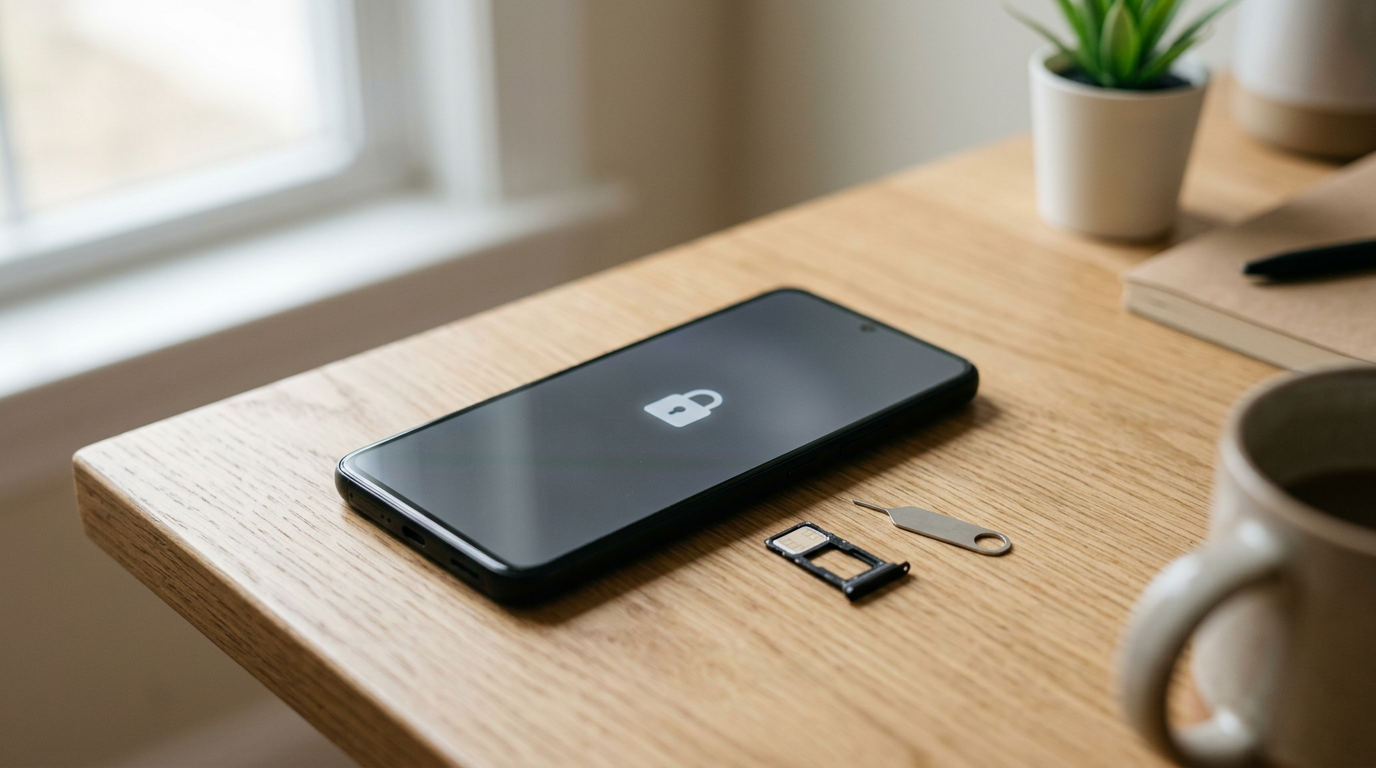
- Sign out of your accounts. On iPhone, turn off Find My and sign out of your Apple Account. On Android, remove your Google account and any Samsung or other manufacturer accounts. A phone still tied to your account can be locked or unusable for the next owner, and it can be used to pressure you later.
- Remove your SIM or eSIM and any memory card. Contact your carrier if you are not sure how to delete an eSIM.
- Move two-factor apps first. Authenticator apps and banking apps should be set up on your new device before you erase the old one, so you do not lock yourself out.
- Factory reset. Do this after the backup, and ideally do it at home so nothing personal is left on the screen during the meetup.
Documents and details to gather
- IMEI or serial number. Screenshot it and save it with your listing date. It helps if a dispute ever comes up.
- Proof of ownership. An original receipt, carrier invoice, or box with a matching serial number makes you look legitimate and helps if anyone questions the device.
- Payoff status. If the phone was financed or on an installment plan, confirm with your carrier that it is paid off and unlocked. A device with an outstanding balance can end up restricted by the carrier, which becomes a problem for the buyer and then for you.
- Photos of the phone before the meetup. Take clear photos of all sides, the screen on, and the About or Settings page. These are your record of the condition you described.
The most common Facebook Marketplace phone scams
If you search for Facebook Marketplace phone scams, the same handful of patterns show up again and again. Learn these and you will spot most attempts within a couple of messages.
1. Fake payment screenshots
The buyer shows you a screenshot or an email that says payment was sent, often claiming it is pending or processing. Screenshots prove nothing because they are trivial to fake. Real money is money that appears in your own banking app or that you hold in your hand. Never hand over a phone because of something displayed on the buyer's screen.
2. The Zelle scam when selling a phone
The Zelle scam selling phone sellers run into usually takes one of three forms:
- The phantom payment. The buyer says they sent money and it is pending, or shows a confirmation on their own screen. Nothing ever arrives in your account.
- The upgrade trick. The buyer claims your payment is stuck because your account has a low limit and you must pay a fee or upgrade to a business account to receive it. This is a scam. A real payment does not require you to send money first.
- The later reversal. Money does arrive, but it came from a hacked or compromised account. The true account holder reports it, and the funds can be pulled back after you have already handed over the phone.
Zelle is designed for sending money to people you know and trust, and payments are generally fast and difficult to undo. That speed is exactly why it is risky with strangers. If you use it at all, have the money show up in your own account, confirm the sender's name matches the person in front of you, and consider waiting before handing over the device.
3. Overpayment scams
The buyer sends too much, or a check or payment for more than the asking price, and then asks you to refund the difference or send it to a "shipper" or "mover." The original payment later fails or is reversed, and your refund is gone for good. The rule is simple: if the amount is wrong, cancel the sale. Do not refund anything from an unverified payment.
4. Verification-code scams
A buyer says they want to confirm you are a real person and asks you to read back a six-digit code that was just texted to you. That code is typically tied to setting up an account, often a Google Voice number, in your name using your phone number. It can be used to run scams on other people or to take over accounts. Never share a verification code with a buyer. There is no legitimate reason a buyer needs a code sent to your phone.
5. Chargebacks and payment disputes
Some buyers pay through a card-backed or protected method, take the phone, then file a dispute claiming the item was not received or not as described. Payment services that protect buyers can pull the money back, and as a private seller you may have little recourse. Cash avoids this. If you use an app that offers buyer protection, know that the buyer has dispute rights and keep your listing photos, serial number, and messages as evidence.
6. Swap and "let me check it" tricks
The buyer asks to hold the phone, step away to "test it with my SIM," or quickly swaps your phone for a lookalike or a dummy. Keep the phone in your hand, let them test it while you watch, and never let them walk off with it or leave with it before you hold the payment.
7. Link and off-platform scams
Messages that say "is this still available?" followed by a link, a request to move to text or email, or a request to click something to "confirm your listing" are common phishing attempts. Keep communication inside the app as long as possible and never click links from a stranger.
Payment rules that protect you
Different payment methods carry very different risk for a seller. Use this as a quick reference.
| Payment method | Main risk for the seller | Safer way to use it |
|---|---|---|
| Cash in person | Counterfeit bills, robbery risk if you carry it alone afterward | Meet at a bank, count the cash, and deposit it right away if you can |
| Zelle or bank transfer | Fake confirmations, hacked-account reversals, hard to undo | Only with someone you can verify, and only after funds show in your own app |
| Payment apps with buyer protection | Buyer disputes and chargebacks after the handoff | Keep photos, serial number, and messages; avoid if the buyer insists on an odd workaround |
| Cashier's checks and personal checks | Fake or reversed checks, overpayment schemes | Skip for private sales unless the bank itself confirms the funds are final |
| Gift cards, crypto, wire to a third party | Nearly impossible to recover | Decline |
| Payment "screenshot" only | Completely fake | Never accept |
Five rules to keep every time
- Release the phone only after you hold cash you have counted or see cleared funds in your own account.
- Never pay a fee to receive money.
- Never refund or forward an overpayment.
- Never read out or forward a verification code.
- Never agree to ship first on a promise of payment later.
Safe meetup practices and the best place to meet
People often ask for a safe place to meet to sell a phone. The best answer is somewhere public, well lit, busy, and covered by cameras, ideally with staff nearby and a way to check the money.
Good meeting locations
- Your bank branch lobby. Cameras, staff, and the ability to verify and deposit cash immediately. This is one of the strongest options for a cash sale.
- A police station's designated exchange area. Many local departments mark a safe exchange spot in their parking lot or lobby. Check with your local department for what is available.
- A busy store entrance or coffee shop during daytime. Choose somewhere with foot traffic and cameras at the entrance.
- A carrier store. A good place to test a SIM and confirm the phone is unlocked, with staff nearby.
Places to avoid
- Your home or the buyer's home.
- A dark or isolated parking lot.
- Anywhere the buyer insists on, especially after you suggested a public place.
- Inside a vehicle.
Personal safety habits
- Tell a friend or family member where you are going, who you are meeting, and when you expect to be done.
- Meet during daylight when possible.
- Bring someone with you if you can.
- Keep your own phone charged and use a separate device or a burner login for the sale demonstration if possible.
- Do not bring other valuables you do not need.
- Leave your exact address and personal details out of the conversation.
A step-by-step handoff that keeps you in control
- Confirm the details in chat. Agree on price, condition, and payment method before meeting. If the buyer changes terms at the last minute, that is a red flag.
- Meet in your chosen public spot. Do not let the buyer redirect you at the last minute.
- Show the phone, but keep it in your hand. Let the buyer inspect it without taking it away from you.
- Demonstrate that it works. Power it on, show the screen, camera, and buttons, and show the About page with the serial or IMEI. Do not sign into any account.
- Get paid first. Count the cash, or confirm the funds in your own banking app. Do not accept a screenshot.
- Hand over the phone only after payment is secure. If you are in a bank, deposit the cash before leaving if you can.
- Record the sale. Write down the date, time, buyer's name on their profile, and the serial number. Keep your chat history.
- Remove the listing. Mark the item as sold so no one else contacts you about it.
Red-flag checklist: when to walk away
One red flag is worth a pause. Two or more is usually a reason to cancel.
- The buyer agrees to your price instantly without asking a single question about the phone.
- They offer more than the asking price, or offer to "pay extra" for a fast sale.
- They will not meet in person but insist on sending a courier or shipper.
- They ask you to send a verification code or click a link.
- Payment proof is only a screenshot or an email.
- They say the payment will "clear later" or ask you to pay a fee first.
- Their profile is new, empty, or has no history or friends.
- They refuse a public location, or keep changing the place and time.
- They pressure you with urgency, such as "I am leaving town tonight."
- They want to test the phone alone, with their own SIM, or away from you.
- They send messages with odd grammar that copy and paste the same script across listings.
- They ask for your full name, address, or personal account details that are unrelated to the sale.
Trust your gut. Cancelling an uneasy sale costs you a little time. Losing a phone and the money costs far more.
Shipping a phone to a Marketplace buyer
Shipping adds its own risks. A buyer can claim the box arrived empty or with a different item, and a seller without proof has a hard time winning the argument. If you do ship, use the platform's own checkout where it is offered, since that route may come with additional protections. Review the current seller terms before listing. Photograph and video the phone being packed, record the serial number, use tracked and insured shipping, and require a signature. Never ship to a different address than the one on the order, and never ship before payment has cleared.
When selling to a store is simply safer
A private sale can make sense if you are patient, comfortable screening buyers, and willing to meet in person. But there are situations where a store sale takes most of the danger off the table.
| Situation | Private sale on Marketplace | Selling to a store |
|---|---|---|
| You want to avoid meeting a stranger | Meetup is unavoidable for local cash sales | You deal with staff in a storefront |
| You need money quickly | Depends on finding a serious buyer | Walk in, get inspected, and get paid on the spot |
| The phone is cracked, dead, or damaged | Hard to sell; buyers haggle or disappear | Broken devices are accepted and quoted |
| You are worried about payment fraud | You verify every payment yourself | No payment screenshots, no chargebacks, no reversals |
| You want your data handled properly | You must wipe it yourself | Free data wipe in store |
| You want the highest possible price | Can sometimes be higher if everything goes right, with more time and risk | Convenience and certainty instead of waiting for a buyer |
A store is usually the better choice if you are selling late in the day, are in an unfamiliar area, have a damaged device, are selling several devices at once, or simply do not want the stress of vetting messages. The trade-off is that a private sale may occasionally bring a higher price, while a store gives you speed and certainty. The only honest way to compare is to get a quote and decide with real numbers in front of you.
What selling to Sell Your Gadgets looks like
At Sell Your Gadgets, you can get a free quote online, by text, or by walking in. A team member inspects the device quickly, and you are paid on the spot. No appointment is needed, and we offer a free data wipe in store. Every sale requires a valid government-issued photo ID. If you live far from a location, there is a mail-in option. You can read the full process on our how selling to us works page or find a Sell Your Gadgets store near you.
We buy a wide range of phones, including iPhones and Android devices, whether they are new, used, or broken. If you have an Apple device, see our page to sell your iPhone, or browse our page to sell your smartphone for other brands.
One important note: we do not buy devices that are iCloud or Activation locked, reported lost or stolen, or blacklisted. Clear your accounts and confirm the phone is in good standing before you bring it in, which is the same prep you would do for a private sale.
Frequently asked questions
Is it safe to sell a phone on Facebook Marketplace?
It can be, if you control the process: prepare and wipe the phone, meet in a public, camera-covered place, and only hand it over once you hold verified cash or cleared funds. Most problems come from skipping one of those steps under pressure.
What is the safest payment method for selling a phone privately?
Cash that you count in person is the most straightforward, ideally at a bank where staff and cameras are present and you can deposit it immediately. Any electronic payment should be confirmed in your own banking app, not on the buyer's screen.
How does the Zelle scam work when selling a phone?
Usually the buyer claims to have sent money that is stuck or pending, shows a fake confirmation, or tells you to pay a fee or upgrade your account to receive it. A real Zelle payment does not require you to send anything first. Another risk is that money from a compromised account can be reversed later, so confirm funds and the sender's name before you hand over the phone.
Why would a buyer ask for a verification code?
Scammers use codes to set up accounts, often a Google Voice number, tied to your phone number, or to take over an account. A genuine buyer has no need for it. Never share a code sent to your phone.
Where is a safe place to meet to sell a phone?
A bank lobby is often the best option, followed by a police station exchange area, a busy and well-lit store entrance, or a carrier store. Avoid homes, isolated lots, and anyone who insists on a private location.
Should I factory reset the phone before or after the meetup?
Before. Back up, sign out of your accounts, remove the SIM, and reset at home. Then the buyer only sees a clean phone, and you never need to enter a password or unlock anything at the meetup.
Can I sell a cracked or broken phone safely?
You can, but private buyers for damaged phones often haggle hard or cancel, and they are more likely to claim the phone was not as described. A store that buys broken devices avoids that back-and-forth, and you can check your options with a free cash quote.
If you would rather skip the strangers, screenshots, and second-guessing, start with a free cash quote from Sell Your Gadgets and see what your phone is worth before you decide how to sell it.
Hear from a real customer
A real customer on their experience. Working or broken, get a free quote and walk out with cash the same day.
Compare your options
See how selling to us stacks up against other ways to sell, side by side.