Can I Sell an iCloud Locked iPhone? How to Unlock It First
By syedladen ·
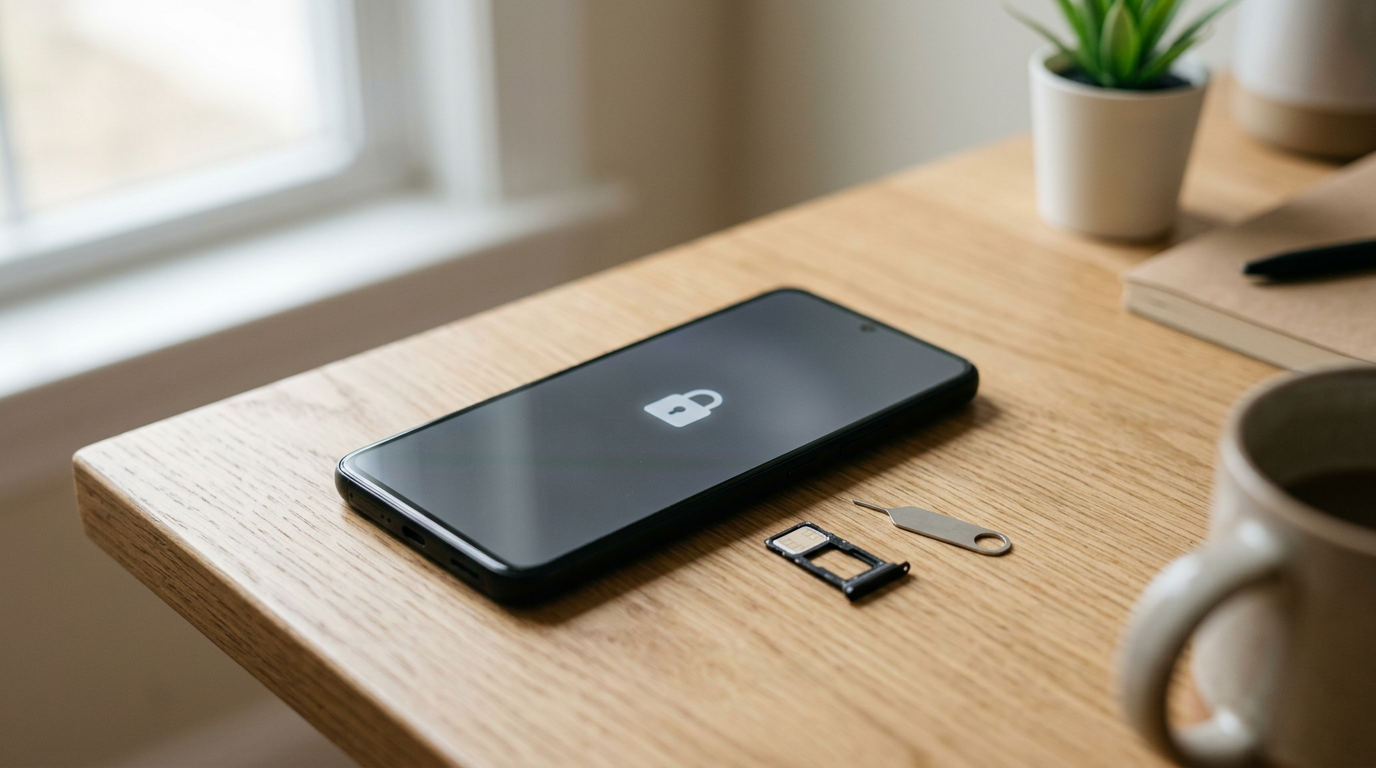
No, you cannot realistically sell an iCloud locked iPhone. A phone with Activation Lock still on is tied to someone's Apple ID, and no reputable buyer will pay for a device the next owner cannot set up. The fix is simple if you are the real owner: sign out of your Apple ID and turn off Find My before you sell, or recover the account first if you forgot the password.
This guide is written for legitimate owners. It covers what Activation Lock does, three ways to remove it yourself, what to do when you have lost access to your Apple ID, why buyers like us refuse locked devices, and what to do if you bought a locked phone secondhand.
What Activation Lock is, and why it exists
Activation Lock is an Apple security feature that switches on automatically when you turn on Find My iPhone (or Find My on an iPad, Apple Watch, or supported Mac). From then on, the device is linked to your Apple ID. If someone erases it and tries to set it up again, it asks for the original Apple ID and password, or the device passcode in some cases. Without those credentials, the device stays stuck on an activation screen.
That is the whole point. A thief who grabs your phone cannot wipe it and resell it as a working device, which removes most of the reason to steal it. For owners, it means a lost phone is far less risky. You can mark it as lost, lock it remotely, and know the hardware is of little use to anyone else.
The same protection causes trouble at sale time. If you trade in, sell, or give away a phone and forget to sign out, the lock stays. The buyer gets a device they cannot activate, and you may be contacted to fix it, sometimes after you have already been paid and the phone is gone.
How to tell whether your device is locked
- Find My is on: Go to Settings, tap your name, then Find My. If Find My iPhone says On, Activation Lock is active.
- Signed in to an Apple ID: If your name and Apple ID appear at the top of Settings, the device is tied to that account.
- After a reset: If the setup screen says the device is locked to an Apple Account or asks for the previous owner's credentials, Activation Lock is on.
Why you cannot sell a locked iPhone to a reputable buyer
Buyers refuse locked devices for three practical reasons, and none of them is negotiable.
- The phone is unusable to the next person. A locked iPhone cannot be activated, so it cannot be resold as a working phone. Parts value is also uncertain, because the lock is a sign something may be wrong with ownership.
- It might be stolen. Activation Lock is the thing that marks a phone as still belonging to someone. A buyer who accepts locked phones is, in practice, a market for stolen ones.
- Legal and ethical risk. Buying a device you cannot verify the owner of exposes the buyer and the real owner to real harm.
At Sell Your Gadgets we do not buy devices that are iCloud or Activation locked, reported lost or stolen, or blacklisted. We also require a valid government photo ID on every sale. That is not a hurdle for honest sellers. It is what keeps the marketplace safe for you when you are the one buying or selling.
Why reputable buyers never bypass the lock
You will see ads for services that claim to remove iCloud locks for a fee. A legitimate buyer will not use them, and you should not either.
- Real removal requires the Apple ID owner or Apple's own process. Anything else is either a scam or something that depends on a flaw that can be reversed.
- Bypassed phones can relock, get flagged, or lose features like cellular service, iMessage, or FaceTime.
- Paying a third party to get past a lock often means sending your Apple ID details or your device to a stranger, which is a common route to being scammed.
- If a phone is stolen, bypassing the lock helps the thief and hurts the owner.
If you are the real owner, you do not need a bypass. You need either your credentials or Apple's account recovery and proof-of-purchase process, both covered below.
How to remove Activation Lock yourself
There are three routes. Pick the one that matches whether you still have the phone in your hand.
| Situation | Best method | What you need |
|---|---|---|
| Phone is with you and works | Settings on the device | Apple ID password and possibly the passcode |
| Phone is with you but screen is broken or unresponsive | iCloud.com or the Find My app on another device | Apple ID, password, and a way to pass two-factor verification |
| Phone is already with the buyer | Remote removal through Find My or iCloud.com | Apple ID and password |
| You do not remember the Apple ID password | Account recovery, then one of the above | Trusted device, trusted phone number, or recovery contact |
| You cannot get into the account at all | Apple Support with proof of purchase | Original receipt or invoice in your name |
Method 1: Turn it off in Settings (easiest)
- Back up your phone first, to iCloud or a computer, so you can restore to your next device.
- If you use an Apple Watch, unpair it from the phone first. Unpairing also removes the watch's own lock.
- Open Settings and tap your name at the top.
- Scroll to the bottom and tap Sign Out. Enter your Apple ID password when asked. This turns off Find My.
- Go to Settings > General > Transfer or Reset iPhone > Erase All Content and Settings. Confirm with your passcode.
- When the phone restarts to the Hello or language screen, stop. Do not set it up again. A clean setup screen with no Apple ID prompt means the phone is ready.
If the phone shows an Apple ID after reset or still asks for credentials, the lock is still on and needs to be removed before selling.
Method 2: Remove it through iCloud.com
Use this if the phone is broken, off, or no longer in your possession.
- On a computer or another phone, go to iCloud.com and sign in with the Apple ID used on the device.
- Open Find My (sometimes labeled Find iPhone).
- Select All Devices and choose the iPhone.
- If the phone is online, choose Erase iPhone. If it is offline, the erase will happen next time it connects.
- After the phone is erased, choose Remove from Account.
The Remove from Account option usually appears only after the device is erased. If you do not see it, the phone probably has not finished erasing or has not connected yet.
Method 3: Use the Find My app on another Apple device
- Open the Find My app on another iPhone, iPad, or Mac signed in to your Apple ID.
- Tap Devices and choose the phone.
- Scroll down and choose Erase This Device, then follow the prompts.
- Once erased and offline, choose Remove This Device.
This is useful if you have already handed the phone to a buyer and realize you forgot to sign out. Act quickly. Every day it stays locked makes the sale more complicated for everyone.
How to confirm it worked
- Sign in to your Apple ID account page and check that the device no longer appears in your device list.
- Check Find My to confirm the phone is gone.
- If you still have the phone, the setup screen should not ask for an Apple ID.
Forgot your Apple ID password? How to sell anyway
This is the most common reason people search for how to sell an iPhone when they forgot the Apple ID password. The answer is that you need to recover the account first, because there is no legitimate way to sell around it.
Step 1: Try Apple's account recovery
- Use Apple's Apple ID account recovery page from any browser and enter your Apple ID or the email or phone number linked to it.
- Choose a reset method. If you have another Apple device signed in, you can often reset the password directly on it.
- If you use two-factor authentication, you may need a trusted device or trusted phone number to verify.
- If you set up a recovery contact or recovery key, use it here.
Step 2: If you cannot verify, start account recovery
If you cannot reach any trusted device or number, Apple may place the request in an account recovery waiting period before granting access. It is a security measure, and it can take a while. Do not try to rush it with repeated requests, as that can reset the clock.
Step 3: Use Apple's proof-of-purchase route
If you truly cannot get into the account, such as when you bought the phone new and cannot remember which Apple ID you used, Apple Support can sometimes help. You contact Apple directly, and they may ask you to show the original proof of purchase, such as a receipt or invoice that matches the device's serial number or IMEI. If they verify that you are the owner, they can take steps to remove the lock.
- Keep the original box, receipt, or invoice. The serial number and IMEI are printed on the box and in Settings > General > About.
- A receipt from a carrier, retailer, or Apple that shows the device details and your name is the strongest proof.
- Apple makes the decision, and not every case qualifies. A buyer cannot do this on your behalf.
If you bought the phone secondhand and never had a receipt in your name from the original owner, this route is much harder. See the section on secondhand locked phones below.
A pre-sale checklist for legitimate owners
Follow this order every time you sell, trade in, or give away an iPhone, iPad, Mac, or Apple Watch.
- Back up to iCloud or a computer.
- Unpair Apple Watch if it is paired.
- Sign out of your Apple ID in Settings, which turns off Find My.
- Erase All Content and Settings.
- Remove your SIM card or eSIM plan if you are keeping the number.
- Remove the device from your Apple ID account online as a final check.
- Bring a valid government photo ID when you sell in store.
If you would rather not do the wipe yourself, our stores offer a free data wipe on the spot. Even so, Activation Lock must be off before we can buy. A store wipe cannot remove a lock that needs your Apple ID.
Company-managed and carrier-locked phones are different
Activation Lock is not the only thing that can stop a phone from working for a new owner. Two other situations cause confusion.
- Managed devices (MDM): A phone that belonged to an employer or school may show a remote management screen during setup. Only the organization that enrolled it can remove that. If it is yours, contact your IT administrator.
- Carrier locks and blacklists: A carrier lock restricts which network a phone can use, and a blacklist flags a phone reported lost, stolen, or tied to unpaid service. Both are separate from Activation Lock. We do not buy blacklisted devices. If you owe money on a financed phone, clear the balance with your carrier first.
What to do if you bought a locked iPhone secondhand
If you landed on this page after you bought a used iPhone that turned out to be iCloud locked, the most important thing is not to buy a bypass. Here is the practical order of operations.
- Contact the seller right away. Ask them to remove the device from their Apple ID using Find My or iCloud.com. They can do it remotely, even after the sale. An honest seller who forgot will fix it in minutes.
- Do not pay anyone to unlock it. Third-party unlock services are a known scam pattern. The most they can do is something temporary, if anything.
- Ask for a refund or return. If the seller refuses or disappears, use the platform or payment method you used to dispute the charge. Keep screenshots of the listing and messages.
- Report the sale. If the seller seems to have sold you a stolen device, marketplaces and local police can take reports. The phone may belong to someone who is trying to get it back.
- Do not try to resell it. Selling a phone you know is locked pushes the problem to the next buyer.
- Apple Support needs your proof of purchase. A receipt from a private seller does not usually establish original ownership, so Apple cannot normally unlock it for you.
How to avoid buying a locked phone
- Meet in a safe public place, ideally at a store.
- Ask the seller to erase the phone in front of you, then confirm it reaches the setup screen without asking for an Apple ID.
- Check Settings > General > About for the model and serial, and compare them with the listing.
- Be wary of very low prices, sellers who will not meet in person, or claims that the lock is fine because it can be bypassed.
- Get a written receipt with the serial number or IMEI.
What happens when you bring a clean iPhone to us
Once the lock is off, selling is quick. Here is what to expect at Sell Your Gadgets. You can also read the full walkthrough on how selling to us works.
- Get a free quote online, by text, or by walking in. Start at get a free cash quote.
- Visit a store. No appointment is needed. Find your nearest one on our store locations page, with walk-in stores across NY, NJ, FL, TX, MD, AZ, GA, and VA.
- Quick inspection. We check the condition, confirm Activation Lock is off, and verify the device is not reported lost, stolen, or blacklisted.
- Show a valid government photo ID. It is required on every sale.
- Get paid on the spot. We also do a free data wipe in store.
If you live far from a store, there is a mail-in option. Either way, the device needs to be unlocked before it reaches us. If you are selling a phone, see our sell your iPhone page for the models we buy, including cracked or non-working phones, as long as they are not locked.
Frequently asked questions
Can I sell an iCloud locked iPhone for parts?
Not with us. We do not buy devices that are iCloud or Activation locked, even for parts, because a lock can mean the phone is tied to someone else who may be looking for it. Remove the lock first, and then we can buy it even if it is cracked or no longer works.
Can I remove Activation Lock without the previous owner?
Not legitimately. The Apple ID holder can remove it through Settings, Find My, or iCloud.com. Apple can sometimes remove it if the original owner's proof of purchase is provided. A third party cannot reliably bypass it, and bypass services are a common scam.
I forgot my Apple ID password. Can I still sell my iPhone?
Yes, after you recover the account. Use Apple's account recovery, verify with a trusted device or phone number, reset the password, and then sign out of the phone and erase it. If you cannot recover the account, contact Apple Support with your original proof of purchase.
Does erasing the iPhone remove Activation Lock?
No. Erasing without first signing out of your Apple ID leaves the lock on. That is the whole purpose of the feature. Sign out or turn off Find My first, then erase. If you erased first, you can still remove the device from your account through iCloud.com or the Find My app.
I sold my iPhone and forgot to sign out. What now?
Sign in to iCloud.com or use Find My on another device, select the phone, erase it if needed, and choose Remove from Account. Then tell the buyer it is unlocked. Doing this quickly saves everyone trouble.
Can I sell an iPad, Mac, or Apple Watch with Activation Lock on?
The same rule applies. Those devices also use Activation Lock when Find My is on, and buyers cannot accept them locked. Sign out of the Apple ID, turn off Find My, erase the device, and unpair any paired watch first.
Is the lock the same as a blacklist?
No. Activation Lock ties a device to an Apple ID. A blacklist is a carrier or industry flag for devices reported lost or stolen or with unpaid service. A phone can have one, the other, or both, and we do not buy phones with either.
Ready to sell an unlocked device? Get a free quote online, by text, or at your nearest store, and walk out paid on the spot. Start your free quote.
Hear from a real customer
A real customer on their experience. Working or broken, get a free quote and walk out with cash the same day.
Compare your options
See how selling to us stacks up against other ways to sell, side by side.