
Safest Way to Sell My Phone Near Me in Elizabeth, NJ
By syedladen ·
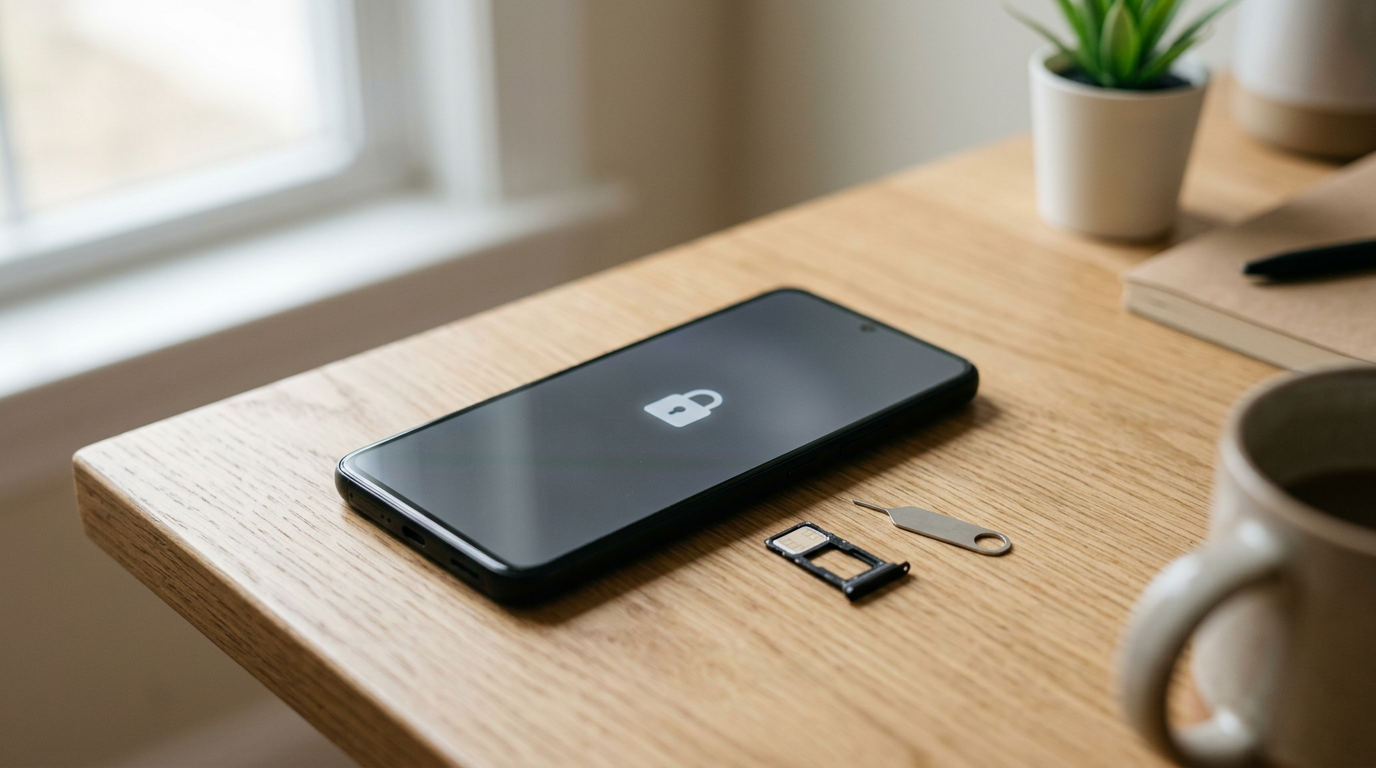
The safest way to sell your phone in Elizabeth, NJ is to sell it in person to a licensed buyback store, where you get paid cash on the spot and never meet a stranger in a parking lot. If you would rather sell privately, you can still do it safely, but you need to know which scams are common and how to lock down your accounts first.
This guide comes from the buyer's side of the counter. It covers the scams that hit local marketplace sellers, how a store sale compares, exactly how to wipe a phone and remove your accounts, and what to do if you are coming from Bayonne, Carteret, Cranford, Rahway, or Union.
What "safe" really means when you sell a phone
Most people think of safety as "will I get paid." There are actually four separate risks, and a good sale handles all of them.
- Payment risk: the money is fake, reversible, or never arrives.
- Personal risk: you meet an unknown person, often after dark, carrying something valuable.
- Data risk: your photos, messages, banking apps, and saved logins end up with the next owner.
- Account and legal risk: the phone is still tied to your Apple ID or Google account, or it is still financed, and you get blamed when something goes wrong later.
Private sales through online listings tend to expose you to all four. A store sale with a clear process and ID check cuts most of them down.
Common local marketplace scams to avoid
If you are searching for how to sell a phone without getting scammed, start here. These patterns show up again and again on Facebook Marketplace, Craigslist, OfferUp, and similar apps, including for sellers around Union County and North Jersey. None of them is unique to Elizabeth, and all of them are avoidable.
Fake or reversible payment
The buyer shows you a "sent" screen on a payment app, or sends money that later gets pulled back. A screenshot is not money. Some transfers can be reversed or flagged days later, after the phone is gone. If you are not holding cash you have checked, or funds that are fully in your own account, the sale is not finished.
The overpayment or cashier's check trick
A buyer sends or offers more than you asked and wants you to refund the difference, or hands you a cashier's check you cannot verify on the spot. The check can turn out to be counterfeit after you have already handed over the phone and the "change." Never refund an overpayment, and never accept a check from someone you just met.
Bait and switch at the meetup
The buyer inspects the phone, asks to "check something," and hands back a different device, a dummy, or one with a swapped part. Keep the phone in your hand while they look, and never let someone walk away with it to "test it."
Verification code and account scams
Someone asks you to read back a code that was "sent to you by mistake," or asks you to sign into something on their device. Those codes are how accounts get taken over. A real buyer never needs a code from your phone.
Fake deposits and "hold it for me" requests
A buyer says they will pay extra if you ship it, send a deposit first, or pay through a link they send. Links that ask you to log in to claim money are phishing. Keep the sale local and simple, or do not do it.
Lowballing at the last minute
You agree on an amount over chat, then the buyer shows up and finds a dozen "problems" to cut the offer, knowing you came all that way. It is not always a scam, but it is pressure, and it happens most when you are alone and feel awkward walking away.
Meetup safety and locked-device claims
Meeting at night, at a home, or in an empty lot raises your personal risk. Also be wary of buyers who ask you to leave the phone signed in "so they can see it works." A phone still tied to your account can be locked, tracked, or used in ways you never intended.
Facebook Marketplace vs store: a side-by-side look
People ask about Facebook Marketplace vs store because marketplaces seem to promise the highest price. They can, but the price you see in a listing is not the price you actually keep once you factor in time, no-shows, haggling, and risk. Here is how the main options compare in plain terms.
| Factor | Facebook Marketplace or similar | Mail-in buyer | In-person buyback store |
|---|---|---|---|
| Meeting a stranger | Yes, usually | No | No, you deal with staff at a counter |
| Payment certainty | Depends on the buyer and method | Paid after they inspect it | Cash on the spot |
| Speed | Can take days of messaging | Shipping plus waiting | Often same visit |
| Final offer changes | Common at the meetup | Can be revised after receipt | Inspected in front of you |
| Data wipe help | You do it yourself | You do it yourself | Free wipe in store |
| Broken or cracked devices | Hard to sell | Often accepted | We buy new, used, and broken |
| Personal safety | Your responsibility | Low | Low, in a staffed shop |
A private sale can sometimes bring a higher number if everything goes perfectly. A store sale gives you a certain outcome, which for most people is the better trade. For a real figure on your specific model, ask for a free quote rather than trusting a listing or a forum guess.
Why a store sale is lower risk
If you want a safe place to sell a phone, a staffed buyback store removes the parts of the process that scammers exploit.
- No stranger meetup. You walk into a business during open hours instead of arranging a handoff in a parking lot.
- Payment is immediate. You get cash on the spot after inspection, so there is no payment app, no check, and nothing to reverse.
- The offer is explained in front of you. The phone is inspected while you watch and you hear how the offer was reached. Customers in our Google reviews often mention that the team was fair and explained their offers clearly.
- ID is required on every sale. Valid government photo ID is standard for secondhand dealers. It can feel like an extra step, but it also means the shop is following the rules and that stolen phones are much harder to move through a legitimate counter.
- Free data wipe in store. You do not have to trust a stranger to reset your device properly.
- You can say no. If you do not like the offer, you walk out with your phone and no obligation.
Sell Your Gadgets Elizabeth holds a 4.9 Google rating from 1,843 reviews, and the recurring themes are friendly service, fast processing, and clear explanations. You can read more on our Elizabeth store page.
How to wipe your phone and remove your accounts before you sell
Whether you sell privately or to a store, do these steps first. The order matters because a few of them need the phone to still be working and connected.
- Back up everything. Use iCloud, Google One, or a computer. Confirm the backup finished and your photos are actually there.
- Turn off device protection. On iPhone, sign out of your Apple ID, which turns off Find My and Activation Lock. On Android, remove your Google account and any Samsung or other manufacturer account.
- Unpair connected gear. Unpair an Apple Watch, AirPods, or other accessories tied to the phone.
- Move your number and messages. If you use iMessage, deregister it, and transfer any authenticator apps and eSIMs to your new phone before you erase anything.
- Remove SIM cards and memory cards. Take out the physical SIM and any microSD card.
- Factory reset. Erase all content and settings, then confirm the phone reaches the setup screen.
- Check the carrier status. A phone that is still financed or carrier-locked is harder to sell and can cause problems later, so sort that out with your carrier.
iPhone specifics
The big one is Activation Lock. If Find My is still on and tied to your Apple ID, the phone is effectively unusable to the next person, and a legitimate buyer will not be able to accept it. Sign out from Settings before you do anything else. If you have an iPhone to sell, our Elizabeth iPhone page explains what we look at.
Android specifics
Factory Reset Protection does the same job on Android. Remove your Google account before resetting, or the phone may demand your login when the next owner sets it up. Remove Samsung accounts too if you have one.
What the store does for you
We include a free data wipe in store, so even if you forgot a step, the device is erased properly before it goes anywhere. Still, signing out of your own accounts is your job, since we cannot do that without your passwords. It is worth doing before you leave the house.
What to expect at the counter
The process is deliberately simple, and it is quite different from the back-and-forth of an online listing.
- Get a free quote. Use the online form, text us, or just walk in. Start a free quote here if you want a number before you travel.
- Bring the device and your ID. A valid government photo ID is required for every sale. No appointment is needed.
- Quick inspection. We check the condition, functions, and account status while you are there.
- Get paid cash on the spot. If you accept the offer, you walk out with cash and a wiped device left behind.
Getting a fair offer without games
Condition drives value. A phone with a clean screen, working buttons, good battery health, and no account lock will generally bring a noticeably better offer than one with deep damage or an activation lock. Newer flagship models hold value better than older ones. We buy broken and cracked devices too, so do not assume a damaged phone is worthless. Ask for a quote and let the number decide.
If you still sell privately, use these rules
Some people prefer to sell to a neighbor or friend, and that can be fine. If you do, tighten the process.
- Meet in a busy, well-lit public place during the day, not at your home or theirs.
- Bring a friend or at least tell someone where you are going.
- Accept cash you can check, or confirm funds are fully in your own account before the phone leaves your hand.
- Do not accept checks, overpayments, or links that ask you to log in.
- Never read out verification codes or sign into anything on the buyer's device.
- Do the account removal and factory reset before you meet, not during.
- Keep the phone in your hands until payment is complete.
- Trust your gut. If the buyer pushes urgency or changes the terms, walk away.
Coming from nearby towns
Elizabeth sits in the middle of a cluster of towns, so a safe in-person sale is usually a short drive. Here is how it works from each direction.
Bayonne
Bayonne residents can skip the mail-in wait and drive down the Turnpike to turn an old iPhone, MacBook, or console into cash the same day. That beats waiting on a shipped package or on a buyer who stops replying. See our Bayonne selling guide for what we buy.
Carteret
Carteret is just over the Union-Middlesex line, so sellers get a free in-person evaluation instead of gambling on an online mail-in quote. You see the inspection and the offer firsthand. Details are on our Carteret page.
Cranford
Cranford is a short hop up the road, which makes it easy for Union County households to clear out a drawer of old tech and get paid on the spot. Bring every phone, tablet, and watch you have and get offers on the whole pile. Start on our Cranford page.
Rahway
Rahway sellers bring phones, tablets, and laptops a few minutes north for a cash offer with no shipping and no waiting. There is no shipping label, no tracking number, and no stranger at the door. Learn more on our Rahway page.
Union
Union Township is minutes from our Elizabeth counter, so it is easy to sell a phone or laptop on your lunch break. Bring your ID, and you can be in and out quickly. See our Union page for the details.
Frequently asked questions
What is the safest way to sell my phone near me?
Selling to a staffed, in-person buyback store is the lowest-risk option for most people. You avoid stranger meetups, you get paid on the spot, and you can have your data wiped while you wait. A mail-in sale avoids meetups too but adds shipping and waiting time.
Is Facebook Marketplace safe for selling a phone?
It can work, but it carries more risk than a store. The common problems are fake or reversible payments, overpayment tricks, bait-and-switch swaps, and last-minute lowballing. If you use it, meet in public during the day and only accept payment you can verify.
Do I need ID to sell my phone to a store?
Yes. A valid government photo ID is required for every sale at our store, which is the standard secondhand-dealer rule. It helps keep stolen devices out of legitimate resale.
Should I factory reset my phone before bringing it in?
It is a good habit, but the critical part is signing out of your Apple ID or Google account and turning off Find My or Factory Reset Protection. We offer a free data wipe in store, but we cannot remove your personal account locks without you.
Can I sell a broken or cracked phone?
Yes. We buy new, used, and broken devices, including cracked screens and phones with other damage. The offer will reflect the condition, so ask for a free quote to see where yours lands.
How do I know the offer is fair?
Get a free quote first, then compare it to what you would realistically net after the hassle, no-shows, and risk of a private sale. A fair buyer explains how they reached the number and lets you say no without pressure.
Do I need an appointment?
No appointment is needed. You can get a quote online, by text, or by walking in, then bring the device in for a quick inspection.
Ready to sell without the stress? Get your free quote or walk into Sell Your Gadgets Elizabeth at 211 Broad St, Elizabeth, NJ 07201. We are open Monday through Saturday from 10:00 AM to 7:00 PM and Sunday from 11:00 AM to 5:00 PM, and you can call (908) 928-2274 with any questions. Bring your phone and a valid photo ID, and you can leave with cash the same day.
Hear from a real customer
Real experience, real cash. Working or broken, get a free quote and walk out with cash the same day.
Compare your options
See how selling to us stacks up against other ways to sell, side by side.





