
Safest Way to Sell My Phone Near Me in Naples, FL
By syedladen ·
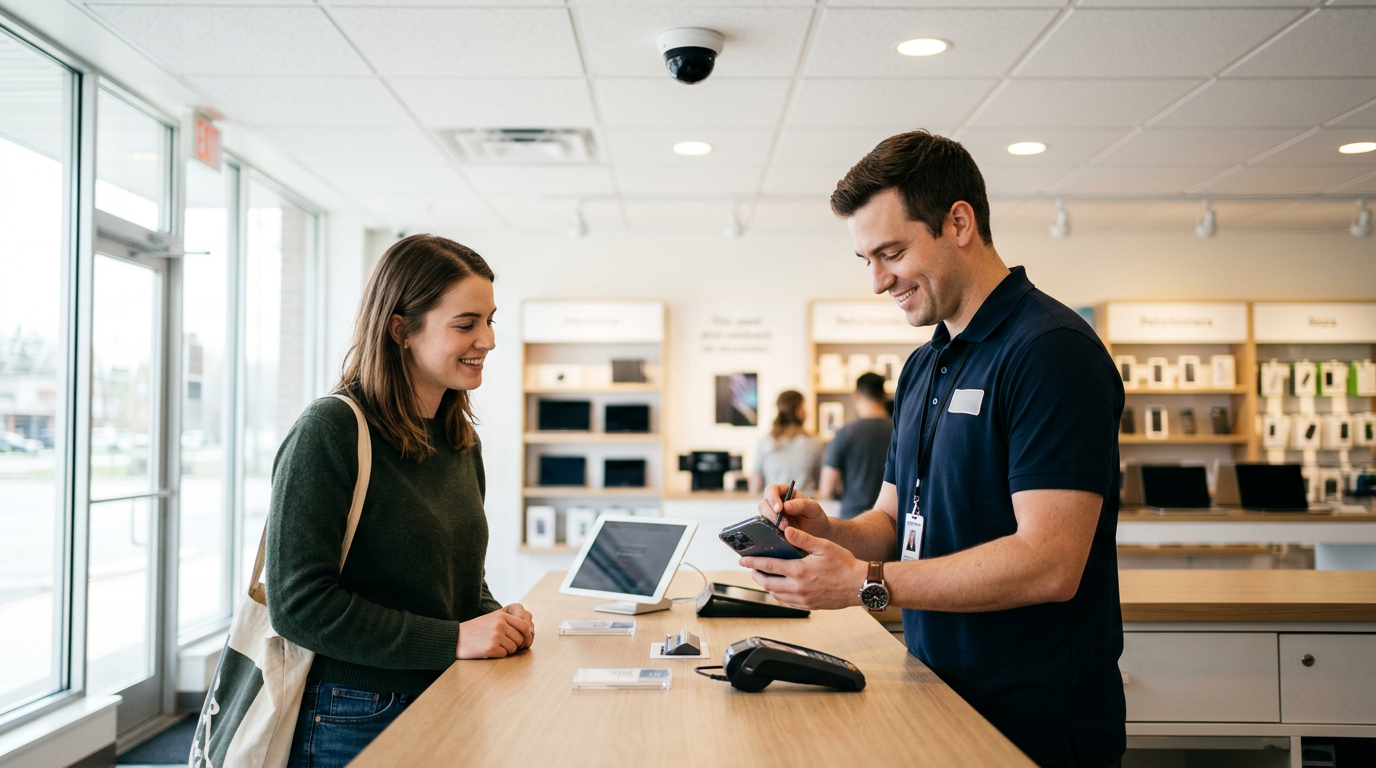
The safest way to sell your phone in Naples, FL is to sell it in person at a staffed buyback store with a real address, ID checks, and cash paid on the spot. That removes the biggest risks of private sales: fake payments, strangers at meetups, and buyers who come back claiming the phone was not as described.
This guide covers the scams that circulate in Southwest Florida, how a store sale compares with Facebook Marketplace, and exactly how to wipe your data and remove your accounts. If you are searching for a safe place to sell a phone without getting scammed, this is the checklist we would hand a friend.
What makes a phone sale safe in the first place
A safe sale protects three things: your money, your personal safety, and your data. Most private sales fail on at least one of them. You can lose money to a reversed payment, lose safety by meeting a stranger with cash in mind, or lose data by handing over a phone that is still tied to your accounts.
A good sale has a few traits:
- The payment is final the moment you hand over the phone.
- The transaction happens in a public, staffed place, not a parking lot at night.
- The buyer is accountable. They have a business name, a street address, and a record of reviews.
- Your data is wiped properly and you can see it happen.
Keep those four traits in mind as we go through the risks below.
Common marketplace scams to avoid when selling a phone
Selling privately through Facebook Marketplace, OfferUp, Craigslist, or similar apps works fine for some people. But the same scam patterns show up again and again, and Naples is no exception. It draws seasonal residents, visitors, and plenty of high-end devices, which makes phone sellers an attractive target.
Fake or reversible payments
A buyer says they will pay through a peer-to-peer app, shows you a screenshot of a completed transfer, and asks you to hand over the phone. The screenshot is edited, or the payment is later reversed or flagged. A pending notification is not cash. Never release a phone until the money is fully settled in your own account, and even then be aware that some payment methods can be disputed later.
Bad cashier's checks and overpayment
The buyer sends or hands you a check for more than the agreed amount, then asks you to refund the difference. The check bounces days later and you are out the refund plus the phone. A legitimate buyer has no reason to overpay you.
The phone swap at the meetup
You meet, the buyer asks to inspect the phone, and somewhere in the handoff a lookalike or a dummy device comes back to you. Or they hand the phone back claiming it is broken and demand a discount. Keep the phone in your hand while they look at it, and never let anyone walk away with it to test it.
The verification-code trick
A buyer asks you to read back a code they texted you to prove you are real. That code is often used to hijack your messaging or payment accounts. Never share a verification code with someone you are selling to.
The after-sale claim
Some buyers accept the phone, then message you days later claiming it has a defect, demanding money back, or threatening a dispute. Without a business standing behind the transaction, you are left arguing with a stranger.
Meetup safety risks
Advertising a newer phone means telling strangers you own something valuable, then inviting one to meet you with cash expected. Even when nothing goes wrong, it is stressful. Many police departments around the country designate safe exchange spots, but a store with staff and cameras inside is a different level of protection than a lot.
Locked, financed, or blacklisted devices (when you are the buyer)
If you later buy a replacement from a private seller, watch for the flip side of these scams: phones that are still locked to another person's account, reported lost or stolen, or not fully paid off. Checking these before you buy is just as important as protecting yourself when you sell.
Facebook Marketplace vs store: a direct comparison
People ask about Facebook Marketplace vs store because Marketplace feels like it should pay more. Sometimes a patient private sale does. But the price is only one side of the trade, and the time and risk are the other.
| Factor | Private sale (Marketplace-style) | Buyback store sale |
|---|---|---|
| Payment certainty | Depends on the buyer and payment method; reversals and fake payments happen | Cash paid on the spot after inspection |
| Personal safety | Meeting a stranger, often at a location you choose yourself | Staffed storefront with regular hours |
| Time spent | Writing listings, answering messages, dealing with no-shows | Get a quote, walk in, done the same visit |
| Lowballing and haggling | Common, often at the meetup itself | Offer based on the device's condition after inspection |
| After-sale disputes | Possible and hard to resolve | Transaction is completed in person |
| Data wipe | You do it yourself and hope it is done right | Free data wipe in store |
| Potential price | Can be higher if everything goes smoothly | Usually a bit lower than a perfect private sale, in exchange for speed and safety |
If you want to see what your phone is worth in a store setting, you can get a free cash quote in a couple of minutes and compare it with whatever offers you are getting privately.
Why a store sale is lower risk
A buyback store changes the structure of the deal. Instead of trusting an anonymous profile, you deal with a business that has a physical location, posted hours, and a public reputation. Sell Your Gadgets Naples holds a 4.9 Google rating from 282 reviews, and customers frequently mention the honest, fair way the staff handle offers. One reviewer said that in an industry where scams can happen, it felt like a trustworthy place to sell. Another who brought in an old Xbox and games said the offer felt fair after the staff explained the age and resale value of the items, and noted that the shop tested the items before paying.
Payment is simple
You bring the device in, it gets a quick inspection, and you are paid cash on the spot. There are no payment apps to verify and no checks to clear.
ID is required, and that protects you too
A valid government photo ID is required for every sale, which is the standard secondhand-dealer rule. Some sellers find that inconvenient, but it is a sign of a legitimate operation. A buyer who does not care who you are is also a buyer who does not care where the phone came from.
Nobody follows you home
With a private sale, the buyer knows your neighborhood or the meetup spot and has your phone number and profile. At a store, the transaction ends at the counter.
Broken phones are not a problem
Private buyers often walk away from cracked screens, dead batteries, or water damage, or use them as leverage to haggle. A buyback store buys new, used, and broken devices, so you do not need to hide or disclose a flaw in a nervous back and forth.
How to wipe your phone and remove your accounts before you sell
Whether you sell privately or in a store, do not hand over a phone that is still tied to you. Here is the order that works for most phones.
- Back up your data. Use iCloud, Google One, Samsung Cloud, or a computer backup. Confirm the backup finished before you erase anything.
- Unpair connected devices. Unpair an Apple Watch from your iPhone first, and disconnect Bluetooth accessories.
- Sign out of your Apple ID or Google account. On an iPhone, turn off Find My and sign out of your Apple ID. On Android, remove your Google account and any Samsung account from settings.
- Remove your SIM or eSIM. Contact your carrier if you need help moving an eSIM to a new phone.
- Disable Activation Lock or Factory Reset Protection. This is the step that matters most. A phone still locked to your account is hard for anyone to use and can cause the sale to fall apart.
- Factory reset. Erase all content and settings after you have signed out, not before.
- Remove the phone from your account. Check the device list on your Apple ID or Google account online and delete the old phone.
If you run into trouble with any of these, or you are not sure whether your phone is fully clear, ask when you come in. We offer a free data wipe in store, so you do not have to rely on a DIY reset alone. Still, signing out of your accounts yourself is the best habit, since only you can do that part.
What to bring and how a store sale works
The process is deliberately short:
- Get a free quote online, by text, or by walking in.
- Bring the device in for a quick inspection. No appointment is needed.
- Get paid cash on the spot once you agree to the offer.
Bring your valid government photo ID, the phone, and a charger or cable if you have one. Extras like the original box can help, but they are not required. If you are selling an iPhone, our Naples iPhone page explains more about what we look at, and our smartphone selling page covers Samsung Galaxy and Google Pixel models.
We never quote prices publicly, because condition and demand change what a device is worth. Newer flagship phones in good shape generally hold their value better than older or heavily worn ones, and the quote tells you where yours lands.
If you still sell privately, reduce the risk
Some people will always prefer a private sale, and that is a reasonable choice when done carefully. If that is you:
- Meet in a busy, well-lit, public place during the day, and bring a friend.
- Do not share your home address or personal details.
- Accept only payment you can verify as fully settled before handing over the phone. Be skeptical of screenshots.
- Never read out verification codes.
- Keep the phone in your hands while the buyer inspects it.
- Wipe and sign out of everything before the meetup, not in front of the buyer.
- Walk away if the buyer changes the price, the location, or the payment method at the last minute.
Or treat the store quote as your fallback. Knowing what a store will pay gives you a floor, so you can decide whether the extra effort and risk of a private sale is worth it.
Selling from nearby towns around Naples
We are located on N Tamiami Trail near Old US 41, in the north Naples area, which makes it a straightforward trip from several neighboring communities. Nearby you will find the Holocaust Museum and Cohen Education Center and a few marinas along the Cocohatchee River side, which are handy general reference points.
Bonita Springs
If you are in Bonita Springs, US 41 runs straight to our area, so you can skip the meetup with a stranger and make one direct drive. Many Bonita Springs sellers bring in phones, tablets, and consoles in one trip. See our Bonita Springs electronics page for what we buy there.
Pelican Bay
Pelican Bay residents often upgrade devices regularly, which leaves a stack of older phones in a drawer. Rather than posting listings and fielding messages from strangers, you can bring them in and be paid in one visit. The trip up or down US 41 is short from the coastal side.
North Naples
North Naples is our home base, so you are the closest of anyone. Walking in without an appointment is easy, and you can ask questions about account removal in person. Our North Naples electronics page has more detail.
Urban Estates
Coming from Urban Estates, you are heading in from the inland side of town, so plan for a bit of road time with I-75 and the main east-west roads as general routes. Most people from that side find one trip to a store easier than several back-and-forth meetups across town.
Park Shore
Park Shore sellers can head north on US 41 to reach us. Since you may have a recent-model phone or other gear you want handled discreetly, a staffed store with ID verification is often more comfortable than advertising to strangers online.
Corkscrew
From the Corkscrew area, you are coming a longer distance, so it is worth texting or filling out the quote form first. That way you know what to expect and can bring any extra devices like tablets, laptops, or a console with you so one drive covers everything.
Frequently asked questions
What is the safest way to sell my phone near me?
Selling in person to a staffed buyback store is the lowest-risk option. You get an inspection, payment on the spot, and no stranger meetups, payment-app reversals, or follow-up disputes.
How do I sell a phone without getting scammed?
Only accept payment that is fully settled, never share verification codes, never let a buyer leave with the phone before payment, and avoid checks that pay more than the agreed amount. Selling to a store avoids most of these risks altogether.
Is Facebook Marketplace or a store better for selling a phone?
Marketplace can sometimes bring a higher price but costs more time and carries more risk. A store is faster, safer, and pays cash right away, typically for a bit less than an ideal private sale. A free quote helps you compare.
Do I need to wipe my phone before I bring it in?
It is best to back up and sign out of your Apple ID or Google account first, because only you can do that. We also provide a free data wipe in store as a final step.
Will you buy a phone with a cracked screen or that does not turn on?
Yes. We buy new, used, and broken devices. The condition affects the offer, but a broken phone is not a dealbreaker.
What ID do I need to sell my phone?
A valid government-issued photo ID is required for every sale. This is the standard secondhand-dealer rule and it protects both you and us.
Do I need an appointment?
No. You can walk in during open hours, or start with a quote online or by text to know what to expect first.
Ready to sell without the risk? Get your free quote or visit Sell Your Gadgets Naples at 12980 Tamiami Trl N Ste 2, Naples, FL 34110. We are open Tuesday through Friday 10:00 AM to 6:30 PM, Saturday 11:00 AM to 5:00 PM, and Sunday 11:00 AM to 4:00 PM, and closed Monday. You can also call (239) 325-9193.
Hear from a real customer
Real experience, real cash. Working or broken, get a free quote and walk out with cash the same day.
Compare your options
See how selling to us stacks up against other ways to sell, side by side.





