Sell Business Laptops Near Me in Elizabeth, NJ | Bulk Buyer
By syedladen ·
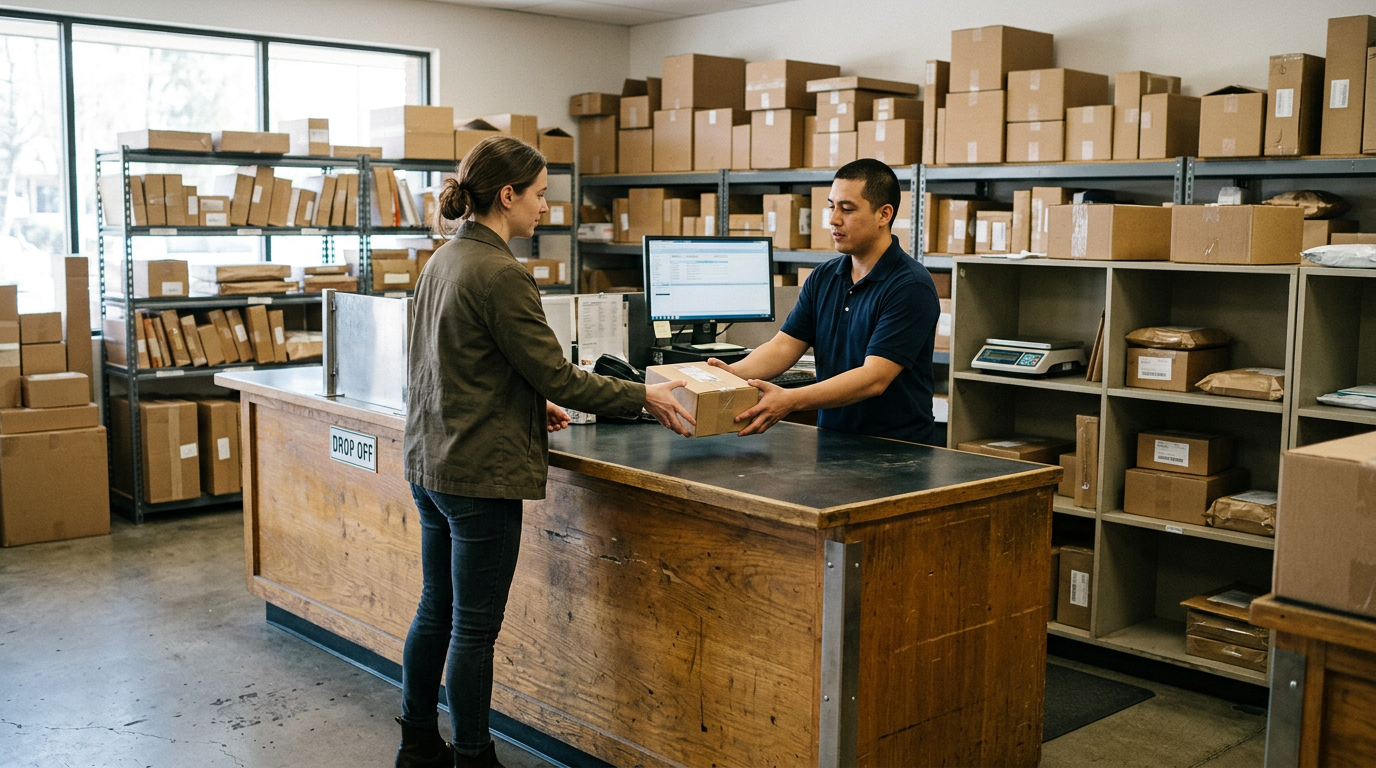
If you want to sell business laptops near you in Elizabeth, NJ, bring the batch to Sell Your Gadgets at 211 Broad St, or send us an inventory for a free quote first. We are a buyback store, so we pay cash for used, new, and broken laptops, office computers, and company phones, and we handle the data wipe in store.
This guide is for local businesses, schools, and offices clearing out a refresh cycle. It explains how a bulk quote works, what has to happen with MDM, Apple Business Manager, and Autopilot before devices can be resold, how data destruction paperwork fits in, and what to expect if you are driving in from a nearby town. The Sell Your Gadgets Elizabeth store page has the basics if you just need the address and hours.
What a bulk electronics buyer in Elizabeth actually takes
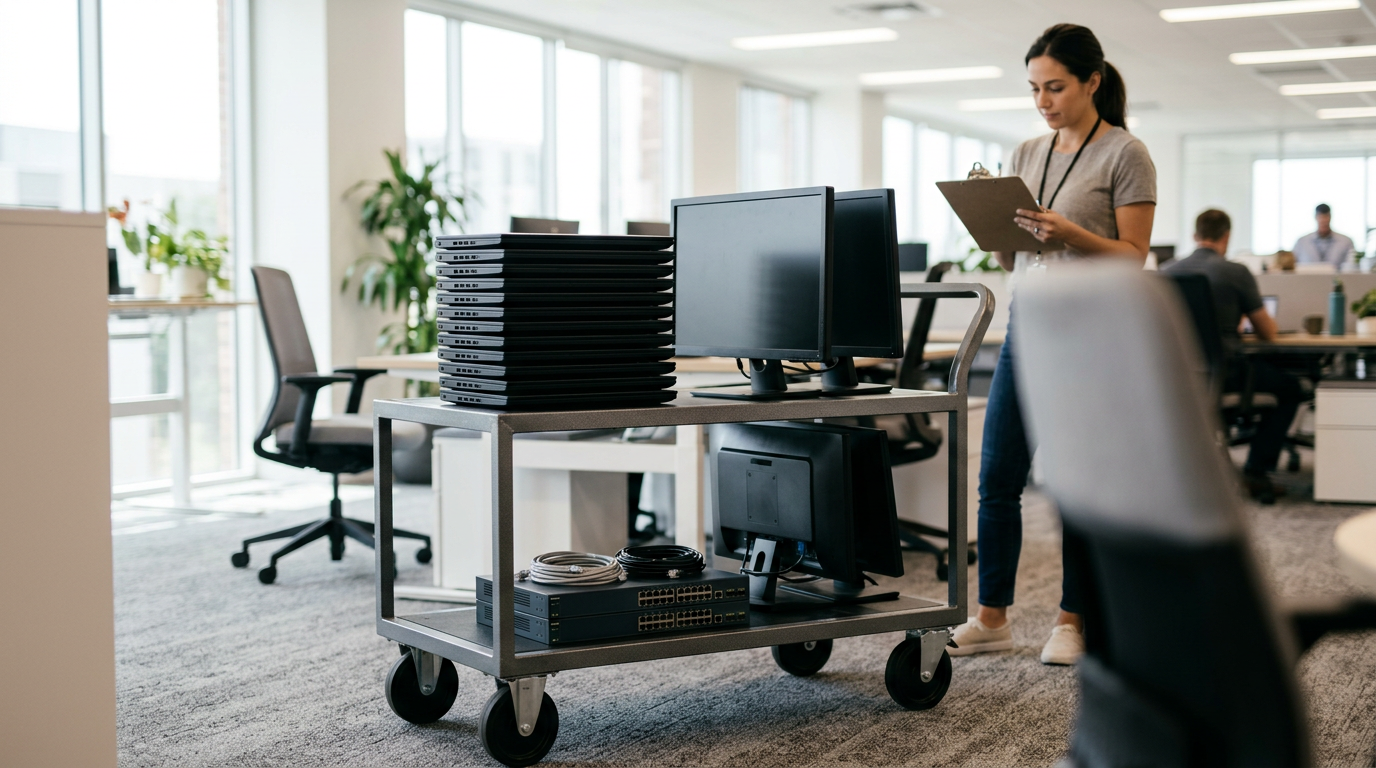
Most offices assume a buyer only wants the newest gear. In practice, we buy across the whole range, in any condition: new, used, and broken. Here is what typically comes in from organizations:
- Business laptops: MacBooks and Windows laptops, from lightly used fleet machines to units with cracked screens or worn keyboards.
- Office computers and monitors: small desktops, gaming PCs, and monitors. If you are trying to sell office computers, tell us the model and condition in your quote.
- Company phones: iPhones and Android phones, including Samsung Galaxy and Google Pixel.
- Tablets: iPads and Android tablets, including classroom and field-use sets.
- Accessories and extras: Apple Watch and smartwatches, AirPods and headphones, cameras, drones, and VR headsets left over from marketing or training budgets.
We are a buyer, not a retailer. We do not sell devices at the counter, and we do not publish prices, because what a lot is worth depends on the exact models and condition. The way to find out is a free quote.
How the bulk quote process works
The process is deliberately simple. You do not need an appointment, and you do not need a purchase order or a formal RFP.
- Build a simple list. A spreadsheet with device type, model, approximate year or generation, storage or RAM if you know it, and condition notes is plenty. Serial numbers help later but are not required for the first quote.
- Request a free quote. Use the free quote form, text us, or walk in. For larger lots, the bulk device sales page is the best starting point.
- Get a response based on your list. Because we work from your description, the quote is conditional on the devices matching it. Anything unusual is worth flagging up front, such as cracked screens, swollen batteries, or missing chargers.
- Bring the devices in for inspection. We check the units against your list. That is the point where a quote becomes a final offer.
- Get paid. Walk-in sales are paid in cash on the spot. For a very large lot, ask when you request the quote how you would like the payout handled so nothing is a surprise on the day.
A valid government photo ID is required for every sale. This is the standard secondhand-dealer rule, and it applies to business sellers too. If an employee is dropping off on behalf of the company, it helps to tell us in advance so we can discuss what paperwork your side needs for its own records.
Tips for a cleaner quote
- Group identical models together. Forty of the same laptop is easier to quote than forty singles.
- Separate working units from damaged ones on your list.
- Note any devices still enrolled in management or locked to an account. That is the most common reason a lot stalls, and it is covered below.
- Include chargers and original boxes if you still have them.
MDM, Apple Business Manager, and Autopilot: releasing devices before you sell
This is the part that trips up the most organizations. A company-owned device that is still tied to your management system cannot be reset and handed to a new owner cleanly. Buyers like us can wipe the storage, but we cannot bypass your organization's enrollment. Releasing devices is your IT team's job, and doing it before you come in saves everyone time.
Apple devices: MDM and Apple Business Manager
iPhones, iPads, and Macs bought through a business program are often assigned to your organization in Apple Business Manager or Apple School Manager. They may also be enrolled in an MDM such as Jamf, Intune, or Workspace ONE. Before selling:
- Remove the device from your MDM so the management profile is gone.
- Release the device from your organization in Apple Business Manager or Apple School Manager so it no longer auto-enrolls on setup.
- Turn off Find My and sign out of any Apple Account, including managed accounts.
- On Macs, confirm there is no firmware password or activation lock in place.
If you are not sure a device is fully released, flag it in your list. We would rather sort that out before you make the trip. Specific models such as a MacBook Pro or an iPhone are handled the same way, but a device that is still locked to your organization will hold up the purchase.
Windows laptops: Autopilot and Intune
Windows fleets provisioned through Windows Autopilot have their hardware hash registered to your tenant. If you sell the device without deregistering it, the next owner can hit your organization's sign-in screen on first boot. Your admin should:
- Delete the device from the Autopilot devices list.
- Retire or delete it in Intune or whichever management tool you use.
- Remove it from Entra ID and any on-premises directory records.
- Clear BIOS or UEFI passwords, and suspend or remove BitLocker protectors if you manage them centrally.
Android and other company phones
Android Enterprise devices may be enrolled through zero-touch or a work-profile setup. Remove them from your EMM console, sign out of managed Google accounts, and disable factory reset protection before the sale. Carrier financing or unpaid balances can also block a device, so confirm that with your carrier account.
Data destruction and documentation
Every device we buy gets a free data wipe in store. For most offices that covers the real risk, which is a laptop or phone leaving with company email, files, or saved logins still on it. Still, your own policy, insurer, or regulator may ask for something in writing, and that deserves a conversation before you drop off a batch.
Our certified data destruction page explains the options. When you request a bulk quote, tell us what your compliance team expects. Useful details include:
- Whether you need a per-device record tied to serial numbers, or a batch-level confirmation.
- Whether your policy requires a specific wipe standard or only that data is unrecoverable.
- Whether any units handled regulated data, such as student records, payment information, or health information.
- Whether some drives should be physically destroyed rather than wiped and resold.
We will tell you plainly what we can provide for your lot rather than promise a document we cannot back up. Ask for the paperwork before you bring the devices in, not after.
What you should still do yourself
- Back up anything you need to keep. Once the wipe is done, it is gone.
- Remove SIM cards, SD cards, and any removable drives.
- Sign out of accounts, and remove devices from management as described above.
- Keep your own internal log of which asset tags were disposed of and on what date. It is the record your auditors will ask for.
What affects the value of a business lot
We will not quote numbers in an article, and nobody honest can without seeing the list. What we can tell you is what moves an offer up or down, in relative terms.
| Factor | Effect on offer | What to do |
|---|---|---|
| Newer generation | Holds value noticeably better than older units | List the exact model and year |
| Released from MDM, ABM, or Autopilot | Ready to resell, so offers are stronger | Have IT release before drop-off |
| Physical condition | Clean units do better; cracks and dents lower the offer | Note damage honestly on your list |
| Storage and memory | Higher configurations generally hold value better | Include specs where you can |
| Chargers and accessories | Complete sets help a little | Bring what you have |
| Broken or non-working | Still bought, but at a much lower level | Separate them from working units |
Timing matters too. Laptops and phones lose value as new generations arrive, so a fleet that sits in a storage closet for a year is usually worth less than the same fleet sold at refresh time.
Selling company phones and tablets
Phones are the easiest business device to move, and also the easiest to get wrong. If you want to sell company phones, the main steps are releasing them from MDM, removing accounts, and checking carrier status. Recent flagships such as the iPhone 16 Pro Max tend to hold value better than older models, but every phone is priced on its own condition and lock status.
iPads and classroom tablets follow the same rules. A school that bought a set for a program that has ended can often move them in one visit, as long as the devices are released from Apple School Manager and any MDM profile is gone. Tell us how many of each model you have so we can quote the set as one lot.
Schools, offices, and local businesses: what works best
Schools and district offices
Schools usually have the most devices and the tightest paperwork. Start with an inventory, confirm the release from Apple School Manager or your MDM, and ask about documentation early. If your district has a disposal policy or board approval process, handle that before the drop-off.
Small and mid-size offices
A typical office clear-out is a mix: a handful of laptops, a few desktops, monitors, and phones from staff who have left. Bundle it all into one list. You do not need to sort it perfectly. Our laptop selling page shows what we look at when we inspect a machine.
Retail, medical, and professional practices
If any device touched customer or patient data, say so when you request the quote. Your data destruction requirements may be stricter than an average office, and we would rather know before you arrive.
Why sell in person instead of mailing or auctioning
There are several ways to move old equipment. Each has a place, and the right choice depends on volume and how fast you need it gone.
| Option | Strength | Trade-off |
|---|---|---|
| In-person buyer (Sell Your Gadgets) | Hands-on inspection, cash on the spot, free data wipe, no shipping | You bring the devices in |
| Mail-in buyback | Works from anywhere | Waiting on shipping, and the offer can change after inspection |
| Online marketplace | Can reach individual buyers | Time spent listing, messaging, and shipping each unit |
| ITAD or recycling vendor | Built for very large volumes and formal reporting | May be more than a small lot needs |
| Keeping them in storage | No effort | Devices keep losing value, and unwiped data is a liability |
For lots that fit in a few boxes or a car trunk, walking them in tends to be the fastest route. The people who review us often mention how quick and straightforward the visit was and how clearly the offers were explained. We hold a 4.9 rating from 1,843 Google reviews, and fairness and clear communication come up again and again.
Coming from nearby towns
The store is on Broad St in downtown Elizabeth. Wherever you are coming from, plan on using the Elizabeth store page for current details, and check the hours in the closing section below.
Bayonne
Bayonne businesses and schools can skip the mail-in wait by driving down the Turnpike and selling in person. A list of models and condition notes sent ahead lets us give you a realistic picture before you load the car. Tablets, phones, and MacBooks from a Hudson County office all fit well in a single trip.
Carteret
Carteret sits just over the Union-Middlesex line, so sellers there get a free in-person evaluation instead of gambling on an online mail-in quote. If your lot includes both working and damaged units, bring them together and we will sort them at the counter.
Cranford
Cranford is a short trip from Elizabeth, which makes it easy for Union County offices to clear out drawers and closets of old tech. Households and small firms alike get paid on the spot once the devices are inspected.
Rahway
Rahway sellers can bring phones, tablets, and laptops a few minutes north for a cash offer with no shipping and no waiting. For an office refresh, send the inventory first so the inspection goes quickly when you arrive.
Union
Union Township is minutes from our Elizabeth counter, so a small batch of laptops or phones can be sold on a lunch break. If you have a bigger lot, a quick text beforehand helps us plan for it. You can also read our general guide to selling electronics in Elizabeth.
Frequently asked questions
Where can I sell business laptops near me in Elizabeth, NJ?
You can sell them at Sell Your Gadgets Elizabeth, 211 Broad St. Request a free quote online, by text, or by walking in, then bring the laptops in for inspection and get paid cash on the spot.
Do I need an appointment to sell a bulk lot?
No appointment is needed. For larger lots, a quote request ahead of time helps us plan for the volume and lets you fix any release or paperwork issues before you travel.
Can I sell laptops that are still enrolled in MDM or Autopilot?
It is best not to. Devices still tied to your management system can be wiped, but the enrollment itself has to be released by your IT team. Remove them from MDM, Apple Business Manager, Autopilot, or Intune first to avoid delays.
Will you give me documentation that the data was destroyed?
Every device gets a free data wipe in store. If you need written confirmation for compliance, ask when you request the quote, and read our data destruction page. We will tell you exactly what we can provide for your lot.
Do you buy broken or damaged office equipment?
Yes. We buy new, used, and broken devices. Damaged units are valued lower than working ones, but it is worth listing them rather than throwing them out.
What do I need to bring?
Bring the devices, any chargers you have, and a valid government photo ID. The ID is required for every sale under standard secondhand-dealer rules.
How much will my business lot be worth?
It depends on models, generation, condition, and whether the devices are released from management. We do not quote prices publicly, so the quickest answer is a free quote based on your list.
Ready to clear out your old gear? Send your inventory through our bulk device sales page for a free quote, or visit Sell Your Gadgets Elizabeth at 211 Broad St, Elizabeth, NJ 07201. We are open Monday through Saturday from 10:00 AM to 7:00 PM and Sunday from 11:00 AM to 5:00 PM. Call (908) 928-2274 with any questions before you come in.
Hear from a real customer
Real experience, real cash. Working or broken, get a free quote and walk out with cash the same day.
Compare your options
See how selling to us stacks up against other ways to sell, side by side.