Sell Business Laptops Near Me in Naples, FL | Bulk Buyer
By syedladen ·
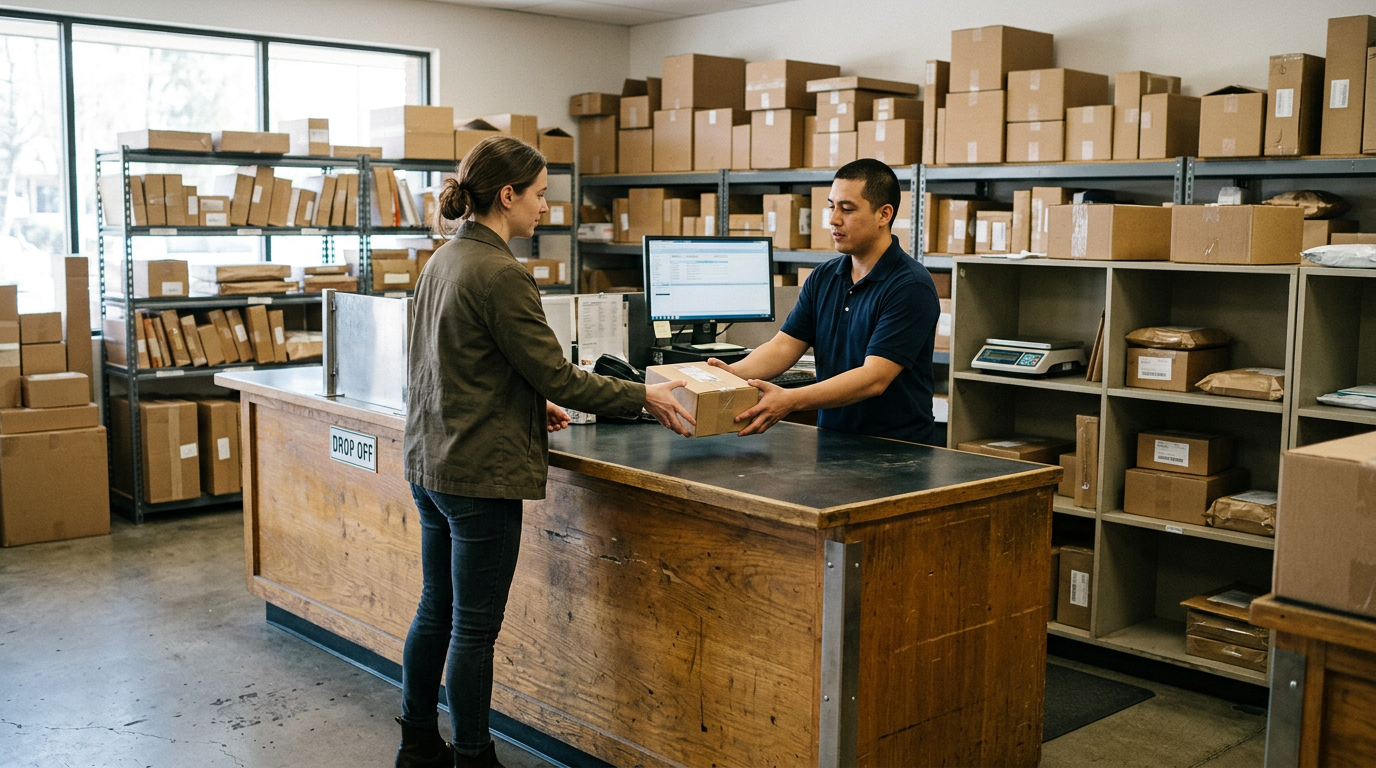
If you want to sell business laptops near you in Naples, FL, Sell Your Gadgets Naples buys them for cash, in single units or full fleets, at our store on Tamiami Trail North. Start with a free quote listing what you have, bring the equipment in for a quick inspection, and get paid on the spot once the devices are released from your management systems.
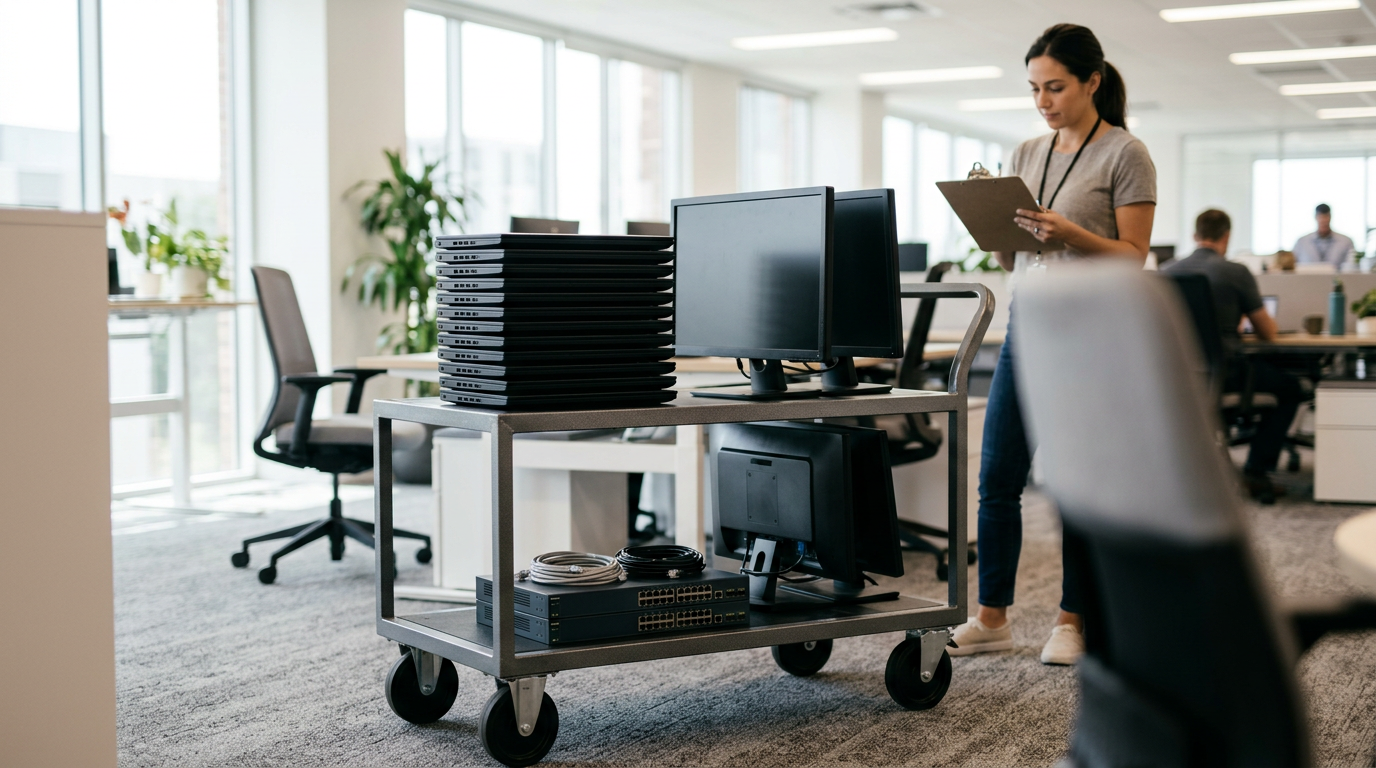
This guide is for local businesses, schools, and offices that have a closet, cart, or storage room full of retired laptops, phones, and tablets. It covers how a bulk quote works, what to do about MDM, Apple Business Manager, and Windows Autopilot, how data destruction documentation fits in, and how to get here from nearby towns.
Who we buy from and what we take
We are an electronics buyback store. We pay cash for used, new, and broken devices, and we do not sell devices to the public. That makes us a simple option for organizations that want to turn old equipment into money without listing each item on a marketplace and fielding messages from strangers.
Typical business lots include:
- Laptops: Windows business laptops, MacBooks, and Chromebook-style units. See our page on how to sell your laptop for the individual-device view.
- Desktops and monitors: office towers, small form factor PCs, all-in-ones, and displays.
- Company phones: iPhones and Android phones, including Samsung Galaxy and Google Pixel.
- Tablets: iPads and Android tablets used for field work, classrooms, or point of sale.
- Extras: Apple Watch and smartwatches, AirPods and headphones, cameras, drones, VR headsets, and more.
Condition matters, but it does not disqualify a device. Cracked screens, dead batteries, and units that will not boot can still have value. List them honestly and we will quote them as they are.
How the bulk quote process works
Bulk is not a different store or a different counter. It is the same buyback process, scaled up with a bit more preparation on your side. Our bulk device sales page has the overview, and this is the practical version.
- Take inventory. Make a simple list with make, model, approximate year or generation, storage or RAM, quantity, and condition. A spreadsheet is ideal, but a typed list works.
- Request a free quote. Use the free quote form, send a text, or walk in. Attach your list or describe the lot. There is no cost and no obligation.
- Review the quote. We respond with a quote based on what you described. We do not publish prices online because values shift with the market and condition, so the quote is where real numbers come from.
- Prepare the devices. Complete the management release steps below so the devices are not locked to your organization.
- Bring the lot in. No appointment is needed, but for a large lot, texting ahead that you are on your way helps us set aside time for a proper inspection.
- Inspection and payment. We check each device against your list, confirm condition, and pay cash on the spot. A valid government photo ID is required for every sale, which is the standard secondhand-dealer rule in Florida.
If you are unsure what paperwork your organization needs for a sale, such as a purchasing authorization or an asset disposal form, mention it when you request the quote. It is much easier to sort out before you load the car than at the counter.
What changes the value of a business lot
We will not quote numbers in an article, but we can tell you how buyers think. The table below shows the factors that move a quote up or down, so you can decide what is worth doing before you bring equipment in.
| Factor | Effect on your quote | What you can do |
|---|---|---|
| Release from MDM or Activation Lock | Locked devices are hard to resell and are quoted noticeably lower, or cannot be bought at all | Release every device before the visit |
| Age and generation | Newer models hold value better than older ones | Sell on a rolling basis rather than waiting for years |
| Physical condition | Clean, fully working units are quoted higher than damaged ones | Describe damage honestly and include photos if asked |
| Specs (storage, RAM, processor) | Higher configurations usually bring a better quote | Include specs on your list |
| Chargers and accessories | Original chargers and boxes help a little | Gather what you still have, but do not buy new ones |
| Brand and model demand | Popular business models are easier to resell | Get a quote on the full lot, since mixed lots are fine |
Apple hardware is often the strongest part of a lot. A MacBook Air or a MacBook Pro tends to hold its value better than many comparable Windows laptops, but the only way to know is to ask for a free quote on your specific models.
MDM, Apple Business Manager, and Autopilot release
This is the step that most often delays business sales. A device that still belongs to your organization in a management system can look fine on the screen and still be unsellable. Do the release work first and the rest of the process is easy.
Apple devices and Apple Business Manager
Devices bought through your organization may be assigned to Apple Business Manager (ABM) or Apple School Manager and enrolled in an MDM server. Before selling:
- Remove the device from your MDM server and release it from your organization in ABM or Apple School Manager, so it can be set up fresh by the next owner.
- Turn off Find My and Activation Lock. For managed devices, your admin may need to use the Activation Lock bypass or clear it from the management console.
- Sign out of any Apple Account on the device, including shared or institutional accounts.
- Erase the device using your MDM or the standard erase option.
This applies to iPhones, iPads, and Macs. If you are running a school iPad cart, releasing the whole batch at once in your console is far faster than doing it device by device.
Windows devices and Autopilot
If your laptops were registered in Windows Autopilot, they are tied to your tenant through their hardware identifiers. To sell them cleanly:
- Deregister each device from Autopilot in your admin portal.
- Delete the device records from Intune and from your directory, so it is no longer managed.
- Remove BIOS or UEFI passwords and any firmware-level management locks set by your IT team.
- Record or retire BitLocker recovery keys, then reset or wipe the device.
A laptop that is still in Autopilot may try to re-enroll in your organization the next time it connects to the internet. That is the main reason to do this before handing it over.
Company phones and Android
For Android phones, remove any Android Enterprise work profile, release the device from your enrollment service such as zero-touch or Samsung Knox, and remove the Google account to clear Factory Reset Protection. Carrier financing should also be settled, since a phone with an unpaid balance or a blacklist flag is a problem for any buyer.
If something will not release
Sometimes a departed admin left a device enrolled, or credentials were lost. Tell us in your quote request. Some situations can be fixed by your vendor or by Apple or Microsoft support with proof of purchase. Locked devices we cannot verify as released may be quoted far lower or declined, so it is worth sorting out first.
Data destruction and documentation
Every old laptop or phone holds something you would rather not hand to a stranger: email, saved passwords, customer files, student records. Good data handling is a matter of process, not trust.
Here is a sensible order of operations:
- Back up anything you need. Once a device is wiped, it is gone.
- Do your own wipe first where policy requires it. Many organizations want IT to run their standard wipe and record it before a device leaves the building.
- Bring the devices to us. We provide a free data wipe in store as part of the buyback process.
- Document it. Keep your own asset list showing each device, its serial number, the date it left your possession, and who received it.
If your industry has specific requirements, such as medical offices, law firms, or schools handling student data, tell us up front what documentation your compliance process needs. Our certified data destruction page explains the options, and you can confirm in your quote what paperwork is available for your lot. Drives that are failed, physically damaged, or that you simply never want to leave your control are a different conversation than working laptops, and worth raising early.
Selling office computers, company phones, and other IT gear
Office computers and laptops
If you are trying to sell office computers, group them by type on your list: laptops, small desktops, towers, and monitors. Fleet refreshes usually turn up a mix of newer machines and older ones that have sat idle. We will quote the whole range, and older units are not automatically worthless.
Company phones
To sell company phones, the biggest factors are release from MDM, a clear Activation Lock or Google account, and carrier status. Recent flagship models are the strongest performers, for example an iPhone or a Galaxy S-series phone, and you can read how individual sales work on our sell iPhone in Naples page.
Tablets, watches, and peripherals
School and field-service tablets add up quickly. Do not forget Apple Watches, AirPods, and docking equipment that came with the same purchase orders. They are small, easy to overlook, and often sellable in the same visit.
Leftover gear from a closing or move
If you are closing an office or moving, call or text before doing anything else. Bundling everything in one trip, including cameras, monitors, and gaming or VR equipment from a break room or training budget, saves you time.
Buying from a bulk electronics buyer vs. other options
There are several reasonable ways to dispose of business equipment, and each suits a different situation.
- Manufacturer trade-in programs: Convenient if you are buying new equipment from the same brand, but usually limited to that brand and its current eligibility rules.
- IT asset disposition (ITAD) companies and e-waste recyclers: Often the right choice for very large fleets, regulated data, or equipment with no resale value. Terms and returns vary, so ask each one how they handle payment and documentation.
- Online marketplaces: Can work for a few high-value items, but each listing takes time, buyers can be unpredictable, and shipping used electronics means dealing with returns and disputes.
- A local buyback store: Best when you want a fast, in-person sale with cash paid at the counter and a person you can talk to if something comes up.
For small and mid-size Naples organizations, local buyback often hits the sweet spot. You can ask questions face to face, have your list reviewed on the spot, and walk out without waiting on a mailed check or a shipping label. Customers regularly describe the shop as honest and welcoming, and the store holds a 4.9 rating from 282 Google reviews. Reviewers mention clear explanations and offers that felt fair, which is what you want when the lot is bigger than a single phone.
Visiting Sell Your Gadgets Naples
We are at 12980 Tamiami Trl N Ste 2, Naples, FL 34110, on N Tamiami Trail at Old US 41. It is in the same general area as the Holocaust Museum & Cohen Education Center and several marina and fishing charter businesses along the Cocohatchee River, so if you are already in that part of North Naples it is an easy stop.
A few practical tips for a business visit:
- Bring your printed or digital device list so we can check units against it.
- Bring a valid government photo ID. It is required for every sale.
- Pack devices in boxes or bins, with laptops together and phones in a separate bag, to speed up inspection.
- Come earlier in the day on a weekday if your lot is large. Our Naples store page has the current details.
We do not require appointments, but a quick text ahead for large lots is a courtesy that helps us give your equipment proper attention.
Coming from nearby towns
We regularly buy from businesses and offices all around the Naples and Bonita Springs area. Here is how the trip usually looks from each direction. Use your map app for live routing and traffic.
Park Shore
Park Shore has a mix of professional offices, condo associations, and small businesses that accumulate laptops and phones over time. The trip to our store is a straightforward drive north along US 41 (Tamiami Trail). Weekday visits tend to be easiest for groups of equipment.
Corkscrew
If your office or school is out toward Corkscrew, you will likely use I-75 or the main east-west roads to reach US 41 and head to the store. It is worth combining a bulk drop-off with other errands in the area, since the drive is a bit longer than from in-town neighborhoods.
Coquina Sands
Coquina Sands is on the southern, Gulf side of Naples, so expect a drive north through town on US 41. For a business clearing out equipment, loading everything once and driving in a single trip beats making several smaller runs.
Bonita Springs
Bonita Springs is just to the north of us, and many local firms, clinics, and contractors make the short trip along US 41. We also have a dedicated page on selling electronics in Bonita Springs with more local detail.
Pelican Bay
Pelican Bay sits just south of us along the coast, and businesses and management offices there often have older equipment on hand. From there, US 41 north gets you to our door without much trouble. Tell us in advance if you will be bringing a larger load.
North Naples
North Naples is our home turf, so for offices and schools in this area the drive is brief. See the page on selling electronics in North Naples for local details on what we buy.
Frequently asked questions
Can I sell business laptops near me in Naples without an appointment?
Yes. Walk-ins are welcome, and no appointment is needed. For large lots, sending a free quote request or text beforehand lets us plan your inspection and confirm what paperwork you need.
How much will my company get for a bulk lot?
It depends on the models, age, specs, condition, and whether the devices are released from management. We do not publish prices online, so request a free quote with your device list and we will give you real numbers.
Do I have to remove MDM, Apple Business Manager, or Autopilot registration first?
Yes, you should. Devices still tied to your organization can be locked or may re-enroll, which makes them hard to resell and lowers or eliminates what we can pay. Release them from ABM or your MDM server, deregister Windows devices from Autopilot, and remove Activation Lock before you come in.
Will you wipe the data on the devices?
We provide a free data wipe in store. If your policy requires documentation, tell us during the quote stage what you need. Please also back up anything important and perform your own wipe first if your company policy requires it.
Can we sell broken or very old equipment?
Often, yes. We buy used, new, and broken devices, including cracked screens and units with battery problems. Describe the condition honestly in your quote request, and keep in mind that locked or unreleased devices are a separate issue.
What do I need to bring?
Bring the devices, your inventory list, and a valid government photo ID. If your organization requires authorization for asset disposal, bring that documentation as well. Ask us in advance if you are unsure what else is needed.
Do you buy other electronics from offices and schools?
Yes. Beyond laptops and phones, we buy tablets, smartwatches, cameras, drones, VR headsets, gaming PCs and monitors, headphones, and power tools. Browse our overview on selling electronics in Naples if you want the full list.
Ready to clear out your IT closet? Request a free quote or stop by Sell Your Gadgets Naples at 12980 Tamiami Trl N Ste 2, Naples, FL 34110. We are open Tuesday through Friday 10:00 AM to 6:30 PM, Saturday 11:00 AM to 5:00 PM, and Sunday 11:00 AM to 4:00 PM, and closed Monday. Call (239) 325-9193 with any questions before you load up the car.
Hear from a real customer
A real customer on their experience. Working or broken, get a free quote and walk out with cash the same day.
Compare your options
See how selling to us stacks up against other ways to sell, side by side.