Sell Business Laptops Near Me in Orange Park, FL | Bulk Buyer
By syedladen ·

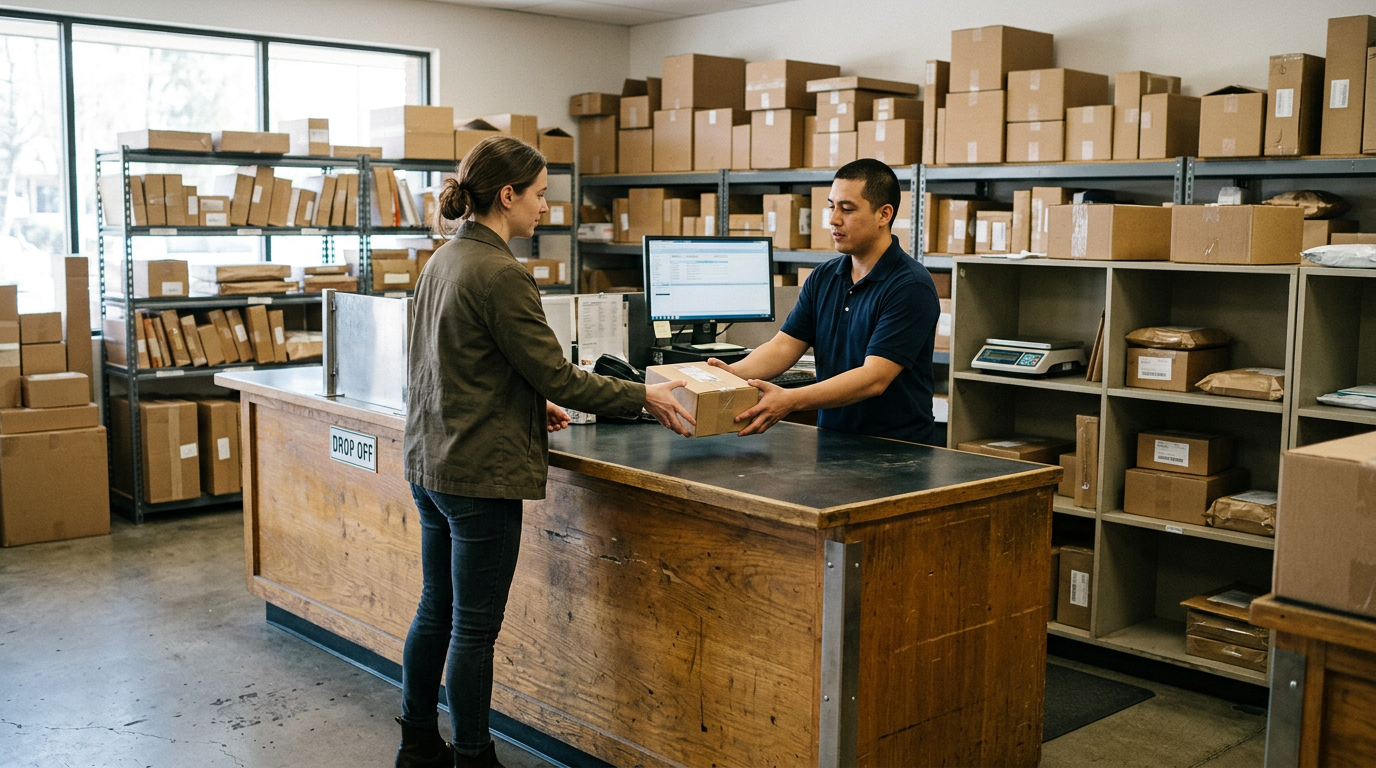
If you want to sell business laptops near Orange Park, FL, Sell Your Gadgets at 26 Blanding Blvd buys company laptops, office computers, phones, and tablets for cash, new, used, or broken. Start with a free quote on your list, then bring the devices in for inspection so you are not waiting on a mail-in label or a recycler's pickup window.
Who we buy bulk electronics from
Most of our bulk sellers are not liquidation companies. They are the people who end up with a closet full of hardware: a dental office finishing a refresh, a school district retiring a cart of student laptops, a property manager clearing out a dozen phones, or a small company that just moved into new space. If you are searching for a bulk electronics buyer in the Orange Park area, this is the kind of lot we are set up for.
Sell Your Gadgets is a buyback store. We pay cash for devices, and we do not sell devices here. That matters for you because our only interest is in buying your equipment, and we are not trying to steer you toward a trade-in credit or a replacement purchase.
What we buy in a business lot
Business laptops and office computers
We buy MacBooks and Windows laptops, and we look at gaming PCs and monitors as well. If you want to sell office computers, desktops and all-in-ones are worth listing too, along with any monitors that came with them. Our sell your laptop page explains how we look at condition, and our MacBook Pro page covers the Apple side in more detail.
Company phones
If you need to sell company phones, we buy iPhones and Android phones, including Samsung Galaxy and Google Pixel. Fleets often have a mix of generations, cracked screens, and a few dead units. List them all, because we buy broken devices as well. Start with the iPhone selling page if your fleet is mostly Apple.
Tablets, watches, and the extras
iPads and tablets, Apple Watch and other smartwatches, AirPods and headphones, cameras and lenses, drones, VR headsets, and game consoles all sit in the same category for us. Offices and schools often have these scattered across departments, and they are easy to forget when you build the asset list.
The bulk quote process, step by step
We never post prices publicly, because value depends on model, condition, storage, and lock status. The process is simple:
- Build a simple list. Model, approximate age, storage size if you know it, condition notes (cracked, swollen battery, won't boot), and serial numbers if your asset tracking already has them. A spreadsheet export is fine.
- Request your free quote. Use our free quote form, text us, or walk in. For a large lot, sending the list first lets us review it before you load anything into a vehicle. Our bulk device sales page has more on larger batches.
- Confirm lock status. Tell us which devices are still enrolled in MDM, Apple Business Manager, or Windows Autopilot, and which have already been released. This is the biggest factor in how a business lot is valued.
- Bring the devices in. We inspect them in person. No appointment is needed, though for a big lot a quick heads-up about when you are arriving is a courtesy that keeps things moving.
- Get the offer and get paid. Our standard process is cash on the spot once a sale is agreed. If your lot is large or your organization needs a different payment arrangement, raise it when you request your quote so the details are settled ahead of time.
Releasing devices from MDM, Apple Business Manager, and Autopilot
This is where business sales most often go wrong. A laptop or phone that is still tied to your organization can be unusable to the next owner, and a device that is locked down is worth noticeably less to a buyer than one that has been released cleanly. Do the release work before you bring devices in.
Apple devices: MDM and Apple Business Manager
- Remove the device from your MDM server (Jamf, Intune, Kandji, Mosyle, or whichever you use) so it is no longer managed.
- In Apple Business Manager or Apple School Manager, release the device from your organization so it is no longer assigned to your MDM in automated enrollment.
- Turn off Find My and Activation Lock, and sign out of any managed Apple Account. Activation Lock on a business device usually points back to a corporate account, so your IT admin may need to clear it.
- Erase the device once it has been released, or leave that to us if you prefer.
Windows devices: Autopilot and Entra ID
- Delete the device record from Windows Autopilot in your tenant so it does not try to re-enroll into your organization on first boot.
- Remove the device from Intune and from Microsoft Entra ID (or your on-prem directory) so the stale record does not linger.
- Clear any BIOS or UEFI passwords and disable any firmware-level management you added.
- Suspend or recover BitLocker keys as your policy requires before wiping.
Android and Samsung fleets
- Unenroll devices from your Android Enterprise or Samsung Knox management console.
- Remove work profiles, Google Workspace accounts, and any factory reset protection tied to a managed account.
- Take out SIM cards and any eSIM profiles assigned to company plans.
If you run into a lock you cannot clear, such as a departed employee's account or a retired tenant, tell us when you request your quote. We would rather know up front than find out at the counter.
Data destruction documentation
Every device we take in gets a free data wipe in store. For a business, though, a wipe alone is often not enough. Your auditor, insurer, or school board may want a record showing which devices left your control and what happened to the data on them.
Here is what a useful paper trail usually includes, and what you should keep on your own side regardless of who buys the equipment:
- An asset list with serial numbers or asset tags for every device you hand over.
- The date and location of the transfer, and who from your organization handed them over.
- The data sanitization method that was used for each device.
- A signed or acknowledged record from the receiving party.
If your policy requires specific documentation, say so when you request your quote, and read through our data destruction page so you know how we handle it. For regulated data such as student records or patient information, check the requirements with your compliance lead or counsel first. We can tell you what we do, but we cannot decide your compliance standard for you. For drives that have failed or that your policy says must be physically destroyed, mention that in your quote request as well.
Prep checklist by device type
A little prep makes a bulk lot faster to inspect and often improves how your devices are evaluated. Use this as a quick guide:
| Device type | Before you bring it in | Common issue to flag |
|---|---|---|
| MacBooks and iMacs | Release from MDM and Apple Business Manager, turn off Find My, sign out of the Apple Account | Activation Lock tied to a corporate account |
| Windows laptops and desktops | Delete from Autopilot, Intune, and Entra ID, clear BIOS passwords, handle BitLocker keys | Firmware password or re-enrollment on first boot |
| iPhones and iPads | Unenroll from MDM, release from Apple Business Manager, turn off Find My | Supervised devices still tied to your organization |
| Android and Samsung phones | Unenroll from Android Enterprise or Knox, remove work profiles and Google accounts | Factory reset protection from a managed account |
| Monitors and accessories | Bundle with the matching computer, include chargers and cables | Missing power adapters |
| Broken or dead units | List them separately with a note about the fault | Swollen batteries, which should be handled carefully |
Chargers, docks, and original boxes are not required, but including them can help.
How local buyback compares with other options
There is more than one way to move a pile of business equipment, and each has tradeoffs. Being fair about it will help you choose.
- Selling piece by piece on a marketplace. This can work for a few high-demand devices, but it takes listing time, shipping, and dealing with buyers and disputes. With dozens of devices, the time cost adds up quickly.
- Manufacturer or carrier trade-in programs. These are convenient if you are buying replacements from the same source, but they generally cover only that brand's devices and often tie you to credit rather than cash.
- IT asset disposition (ITAD) and e-waste recyclers. These can be a fit when you have very large volumes or strict chain-of-custody requirements. For smaller and mid-size lots of reusable devices, a local buyer can be simpler.
- A local buyback store. You see the inspection happen, you can ask questions face to face, and the equipment does not leave your hands until a deal is made.
Reviewers on our Google profile, where we hold a 4.8 rating from 343 reviews, often mention that the team was quick and straightforward, and that staff were willing to explain what they could get by selling on their own versus selling to us. That is how we try to treat a business customer too: an honest look, then you decide.
Coming from nearby towns
Our store is at Wells Rd and Blanding Blvd in Orange Park, and plenty of business sellers make the trip from across Duval and Clay counties. Here is how it looks from each direction.
Westside
If your office or school is in Westside, off 103rd Street and Blanding Boulevard, you are only minutes away. That makes it easy to do a first drop of laptops and phones without turning it into an all-day job. Bring the ID of the person handling the sale.
Northside
Northside businesses near River City Marketplace and the airport can take I-295 south to reach us. It is worth sending your device list ahead so the drive is a single trip. You will get an honest, in-person offer on laptops, phones, and consoles.
Argyle Forest
Argyle Forest offices and schools along Argyle Forest Boulevard are right next door. A small batch can fit into a quick errand, and a larger one can be split across two short visits if that suits your schedule.
Oakleaf Plantation
From Oakleaf Plantation Parkway, local offices, daycares, and home-based businesses can get a local cash offer without the mail-in wait. Older tablets and phones that have been sitting in drawers are the usual finds here.
Lakeside
Lakeside sellers between Doctors Lake and Blanding Boulevard are practically around the corner. That proximity makes it simple to bring a few devices in for a quote and come back with the rest once you know how we evaluate them.
Fleming Island
Fleming Island businesses cross the Doctors Lake bridge on US-17 for a face-to-face evaluation. Bring iPhones, MacBooks, and smartwatches together and we can look at the whole lot in one visit. Our Orange Park store page has the address and hours if you want to plan your drive.
What to bring on the day
- Valid government photo ID. This is required for every sale, because it is standard secondhand-dealer practice. Bring the ID of the person who will be signing off on the sale.
- Your asset list. Even a rough printout helps us match devices to serial numbers.
- Released devices. Already removed from MDM, Apple Business Manager, and Autopilot where possible.
- Passcodes for anything that still has one. Devices with an unknown passcode slow down the inspection.
- Chargers and accessories. Helpful, not required.
If you are not the decision maker, consider bringing written approval from whoever is. It is not a store rule we require, but it saves awkward phone calls mid-sale.
Frequently asked questions
Can I sell business laptops in bulk near Orange Park without an appointment?
Yes, walk-ins are welcome and no appointment is needed. For larger lots, it helps to send your list through the quote form first so we can review what you have before you arrive.
Do you buy laptops that are still locked to my company's MDM?
Devices still enrolled in MDM, Apple Business Manager, or Autopilot are a problem for any buyer, and they are valued noticeably lower than released devices. Release them first if you can, and tell us about any that are stuck.
Will you wipe the data on the devices?
Yes, we provide a free data wipe in store. If your organization needs written documentation, raise it with your quote request and look over our data destruction information.
Do you buy broken or old office computers?
We buy new, used, and broken devices. Include dead laptops, cracked phones, and older desktops on your list with a note about the fault, and we will tell you what we can do with them in your quote.
How much will my business lot be worth?
We do not publish prices, because value depends on model, age, condition, storage, and whether the device is clean of management locks. Newer, better-condition, fully released devices hold value better. Request a free quote for a real number.
Can schools and nonprofits sell equipment too?
Yes. Schools, offices, and local organizations can all sell. Check your own procurement or surplus rules first, since some institutions need board approval or a formal disposal record before equipment leaves the building.
Is there a minimum number of devices?
We are a retail buyback store, so there is no need to reach a huge volume. A handful of devices or a full cart is fine. See our bulk device sales page for how larger batches work.
Ready to clear out the equipment closet? Request a free quote online, text us, or bring your devices to Sell Your Gadgets Orange Park at 26 Blanding Blvd, Orange Park, FL 32073. We are open Monday through Saturday from 10:00 AM to 7:00 PM and Sunday from 11:00 AM to 4:00 PM, and you can reach us at (904) 870-4541. See the store page for details, and have your government photo ID ready.
Hear from a real customer
Why they chose Sell Your Gadgets. Working or broken, get a free quote and walk out with cash the same day.
Compare your options
See how selling to us stacks up against other ways to sell, side by side.