Sell Business Laptops Near Me in Ridgewood, NY | Bulk Buyer
By syedladen ·
If you want to sell business laptops near you in Ridgewood, NY, send a device list to Sell Your Gadgets Ridgewood for a free quote, then bring the batch to our Fresh Pond Rd store for inspection and cash payment. We work as a bulk electronics buyer for small businesses, schools, and offices, and we handle the wipe and the paperwork questions that come with retiring company hardware.
The short version: how bulk selling works here
We are a buyback store. We pay cash for used, new, and broken devices, and we do not sell devices. That matters for a company clearing out old hardware, because we are interested in your whole pile, including the dented laptop and the phone with the cracked screen, not just your newest pieces.
The basic path is simple: list what you have, get a free quote, bring the devices in for inspection, and get paid on the spot. You can start through the online form, by text, or by walking in. For anything larger than a handful of devices, start with the list. A written inventory lets us give you a realistic quote before you carry boxes out of the office. The details for organizations are on our bulk device sales page.
What counts as a bulk lot, and what we buy
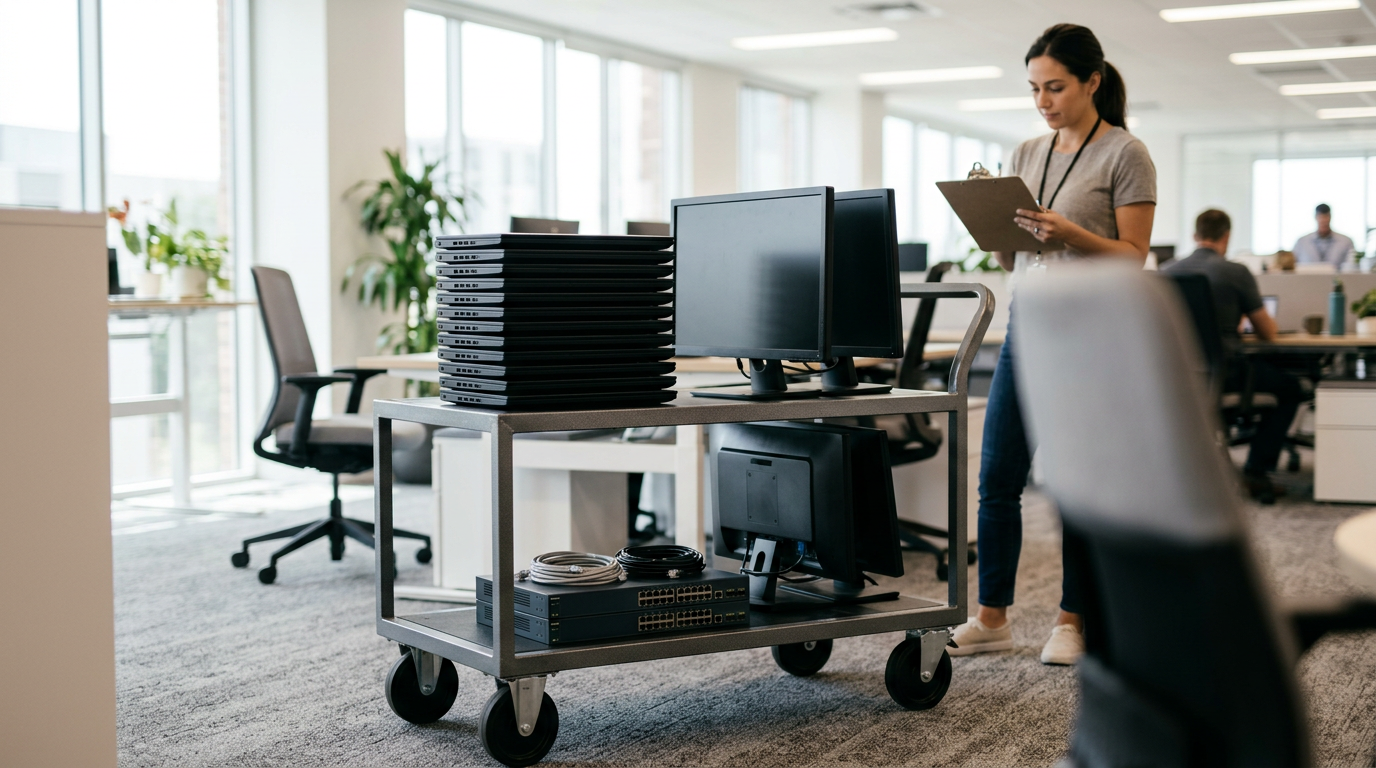
There is no magic number. A dental office with six laptops and a drawer of old phones is a bulk seller for us. So is a school with a cart of tablets or a company refreshing an entire department. If you have more than one or two devices and want a single quote and a single visit, use the bulk route.
Here is how the common business categories tend to look when we evaluate them:
| Equipment | What we look at | Typical complication |
|---|---|---|
| Business laptops (Windows and MacBook) | Model generation, storage, memory, screen and keyboard condition, battery health | Management enrollment or BIOS/firmware passwords |
| Office desktops and all-in-ones | Model, specs, condition, included monitors | Size and transport for larger lots |
| Company iPhones and Android phones | Model, storage, carrier or unlock status, screen and body condition | Activation Lock, MDM supervision, unpaid financing |
| iPads and tablets | Model, storage, condition, cellular or Wi-Fi only | School or business management profiles |
| Monitors, gaming PCs, and accessories | Size, model, condition, working status | Missing stands or cables |
| Smartwatches and headphones | Model and condition | Account pairing |
We also buy cameras, drones, VR headsets, game consoles, and power tools, which helps if a studio, a school media program, or a contractor is clearing out more than laptops. Broken devices are welcome. A cracked screen or a dead battery lowers a quote but does not usually make a device worthless.
The bulk quote process, step by step
- Build a simple inventory. A spreadsheet or even a text message works. For each device, list make, model, approximate year or generation, storage size, and any damage. Serial numbers help but are not required for a first quote.
- Flag anything managed. Note which devices are enrolled in MDM, Apple Business Manager, or Windows Autopilot, and which have passwords you cannot remove.
- Request your free quote. Use the free quote form, text us, or come in. We review the list and tell you what we would pay, subject to inspection.
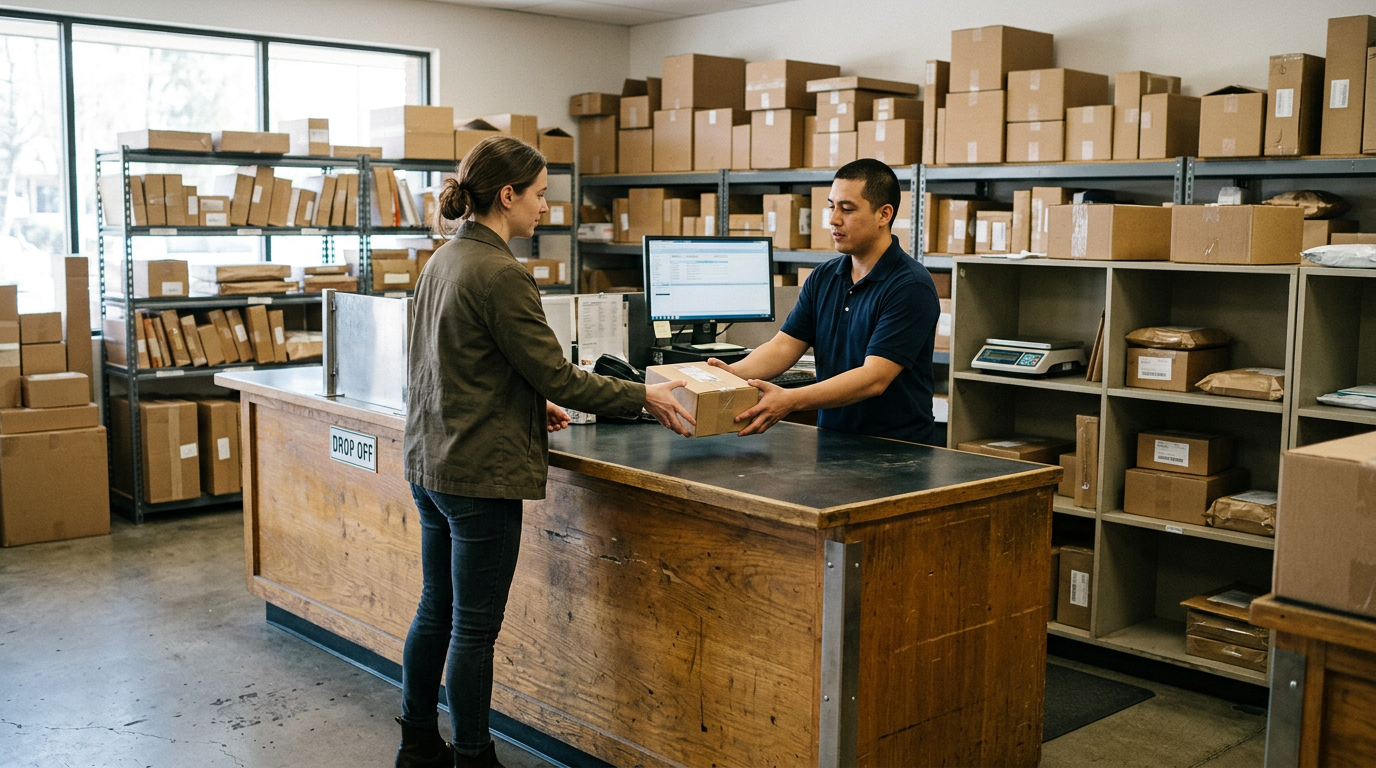
- Confirm the drop-off. You do not need an appointment, but for a large lot a quick heads-up lets us set aside time so you are not standing around.
- Inspection at the counter. We check each device against the list. If something differs from the description, we explain it and adjust the quote rather than springing it on you later.
- Get paid cash on the spot. Once you accept, payment happens during the visit.
We never publish prices, because the number depends on the exact device and condition. The honest way to learn what your lot is worth is to ask for a quote, which costs nothing and commits you to nothing.
MDM, Apple Business Manager, and Autopilot: release devices before you sell
This is the step that most often slows down a company sale. Devices that are still tied to your organization are hard to resell, and in many cases we cannot buy them at all until they are released. The fix is simple, and doing it before you come in saves you a second trip.
Apple Business Manager and Automated Device Enrollment
If your iPhones, iPads, or Macs were purchased through a business program and assigned in Apple Business Manager, they may be locked into your organization's enrollment. Before selling, your IT admin should release the devices from the organization in Apple Business Manager so they no longer re-enroll after a wipe. A device that still points to your MDM server after a reset is a problem for any buyer.
MDM removal
Whether you use Jamf, Intune, Workspace ONE, or another platform, the device should be unenrolled and removed from your console. Supervised devices can be the trickiest, so check that the management profile is truly gone and not just hidden. If you cannot remove it, tell us in your inventory. We would rather know upfront than discover it at the counter.
Windows Autopilot
Windows laptops registered with Autopilot can try to rejoin your tenant when they are reset. Have your admin deregister the hardware hash from your Autopilot records and remove the device from your directory and management console. Check for BIOS or firmware passwords too, since a laptop that cannot be started or reinstalled is worth far less to a buyer.
Activation Lock, Find My, and account locks
Turn off Find My on every Apple device and sign out of the Apple ID used to set it up. On Android, remove the Google account so factory reset protection does not lock the next user out. Personal accounts that were used on company phones are a common culprit here, so ask staff to sign out before handing devices in.
Data destruction documentation
Retiring a laptop means retiring whatever was on it: client files, saved passwords, email, and sometimes regulated records. We offer a free data wipe in store for devices we buy, and you are welcome to watch the process begin. Our data destruction page explains the options in more detail.
Many organizations also need a paper trail for their own records, such as auditors, insurers, or school boards. Since requirements vary, tell us at the quote stage what documentation your policy calls for. We will confirm what we can provide for your batch before you commit, so you are not guessing afterward.
A few practical habits make the documentation side easier:
- Keep your inventory spreadsheet with serial numbers, and match it against what you hand over.
- Get a written record of what was handed over and on what date.
- Do your own backup first. A wipe is permanent, and you cannot recover files afterward.
- If a device holds especially sensitive records, check your internal policy on whether in-store wiping is enough or whether the drive should be handled differently.
We are a buyback store, not a records-retention consultant, so use your compliance contact for the final call on what your organization requires.
Selling office computers versus company phones
Office computers and laptops
If you are trying to sell office computers, the biggest swing factors are generation, storage, memory, and condition. Newer business laptops from well-known lines generally hold value better than older or unusual models. Machines with heavy wear, swollen batteries, or missing chargers will get noticeably lower quotes. If you have a dedicated page of options, our sell your laptop page covers individual laptops as well.
Company phones
If you plan to sell company phones, carrier status and locks matter most. A clean, unlocked phone with no outstanding balance and no management profile is the easy case. Phones still financed, blacklisted, or enrolled in MDM are harder. Screen cracks and battery wear lower the quote, but broken phones are still worth asking about.
Mixed lots
Many offices have both, plus a few tablets, monitors, and a stray console in the break room. A mixed lot is fine. List everything, and we will quote it together.
What shapes your quote (without the guesswork)
Nobody can honestly promise a number without seeing the list. These factors move a bulk quote up or down:
- Model and age. Newer generations generally hold value better than older ones.
- Condition. Clean screens, good batteries, and intact bodies help. Damage lowers the quote but rarely removes it.
- Completeness. Chargers, original accessories, and stands are a plus.
- Release status. Devices cleared from MDM, Apple Business Manager, or Autopilot are far easier to buy.
- Consistency. A lot of matching, well-kept machines is simpler to evaluate than a box of mixed leftovers.
Customers often mention that we give upfront information so they can decide on their own terms, and we try to keep that going with business sellers. Our rating is 4.9 from 106 Google reviews, and many of the comments are about the speed of the process and how clearly everything is explained. For the actual number on your lot, request a free quote.
Coming from nearby: towns we serve
Our store is at 66-04 Fresh Pond Rd in Ridgewood, close to the Fresh Pond Rd and Linden St intersection. Businesses and schools from across the area bring equipment here. Here is how it looks from each direction.
East New York
If you are coming from East New York, the trip into Ridgewood is a straightforward ride across the Brooklyn-Queens line. Small businesses, shops, and community organizations often bring a few boxes at a time, so text your list first and we can quote before you load the car.
Bedford-Stuyvesant
Bedford-Stuyvesant offices, nonprofits, and shops are not far from us. Bring a written inventory and any management-release details, and the visit should be quick. If you are sorting through a small office closeout, a mixed lot of laptops and phones is a common fit.
New York
For companies elsewhere in New York City, such as Manhattan offices doing a hardware refresh, we make bulk selling easy to plan. Send the list ahead, confirm that devices are released from management, and we can tell you what to expect. Our New York locations page shows where else you can find us if another store is more convenient.
Woodside
Woodside is right next door in Queens, so it is an easy stop for local businesses, contractors, and offices. Many sellers from here bring a box of laptops or work phones during a lunch break. Weekday hours are the easiest time for larger lots.
Elmhurst
Elmhurst businesses, clinics, and schools can reach us across central Queens without much hassle. If you are clearing a computer lab or a stack of tablets, send the model list first so we can quote the lot and talk through any locked or managed devices.
Rego Park
Rego Park offices and shops along Queens Blvd often have a steady cycle of laptop refreshes. If that is you, ask about a recurring plan: keep an inventory, release devices as you retire them, and bring each batch in together. It keeps the process predictable for both sides.
What to bring on drop-off day
- Valid government photo ID. Required for every sale, as with any secondhand dealer. The person completing the sale needs to bring theirs.
- Your inventory list. A printed copy or a spreadsheet on your phone, ideally with serial numbers.
- Chargers and accessories. They help the inspection and the quote.
- Proof of release, if managed. A screenshot or note from your admin showing devices were removed from MDM or Autopilot saves time.
- Authorization. If you are selling on behalf of a company or school, bring a short note or be ready to confirm that you are authorized to sell the equipment.
Visit the Ridgewood store page for the address, hours, and contact details before you go.
Frequently asked questions
Can I sell business laptops near me without an appointment?
Yes. No appointment is needed, and you can walk in at any time during store hours. For larger lots, send your list or use the quote form first so we can prepare and give you a clearer picture.
Do you buy laptops that are still enrolled in MDM or Autopilot?
Generally, devices need to be released first. Managed devices can lock up after a reset, which makes them a problem for resale. Have your IT admin remove them from MDM, Apple Business Manager, or Autopilot before you come in, or tell us about them in your list so we can advise you.
Will my data be wiped?
We provide a free data wipe in store on devices we buy. Back up anything you need first, and tell us if your organization requires specific paperwork so we can confirm what we can provide.
Do you buy broken or damaged office equipment?
Yes. We buy new, used, and broken devices. Damage usually lowers a quote, but it does not automatically end the conversation, so include broken units in your list.
Can a school or nonprofit sell equipment here?
Yes, as long as you are authorized to sell the equipment. Check your own procurement or disposal rules first, and bring a valid government photo ID for the person completing the sale.
How do I find out what my lot is worth?
Ask for a free quote. We do not publish prices because they depend on the exact models and condition, but a quote tells you what to expect and commits you to nothing.
Can I sell company phones and laptops in the same visit?
Yes. Mixed lots are common. Put everything on one list, and we will quote it together and inspect it in one visit.
Ready to clear out old hardware? Get a free quote or come to Sell Your Gadgets Ridgewood at 66-04 Fresh Pond Rd, Ridgewood, NY 11385. We are open Monday to Friday 10:00 AM to 7:00 PM, Saturday 11:00 AM to 5:00 PM, and closed Sunday. Call (718) 701-8729 with questions about your batch.
Hear from a real customer
Why they chose Sell Your Gadgets. Working or broken, get a free quote and walk out with cash the same day.
Compare your options
See how selling to us stacks up against other ways to sell, side by side.