Sell Business Laptops Near Me in Trenton, NJ: Bulk Buyer Guide
By syedladen ·
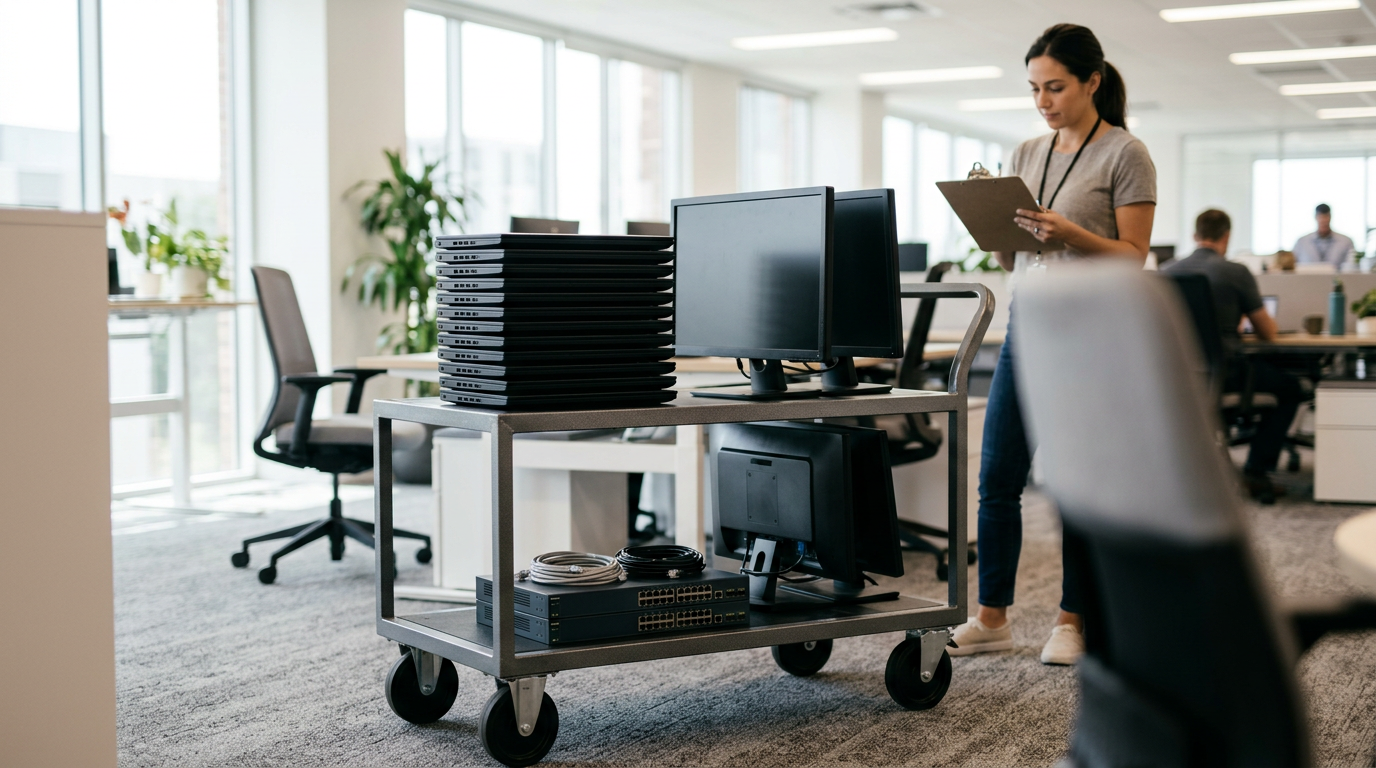
If you want to sell business laptops near you in Trenton, NJ, Sell Your Gadgets on Nottingham Way pays cash for company laptops, office computers, phones, and tablets, and you can start a bulk quote online, by text, or at the counter. Release the devices from your management tools, bring them in with a valid government photo ID, and we inspect them and pay cash on the spot.
What we buy from businesses, schools, and offices
We are an electronics buyback store. We do not sell devices, so we are not a reseller trying to move stock, and we do not publish prices. We buy what you no longer need and quote each lot on its own merits. For organizations that usually means a refresh cycle, an office closing, a lease return you decided to buy out, or a storage closet full of hardware nobody has touched in a while.
The categories that come up most often with business sellers are:
- Laptops: MacBook Air, MacBook Pro, and Windows laptops. Our sell your laptop page explains how individual inspection works.
- Company phones: iPhones plus Samsung Galaxy and Google Pixel phones.
- Tablets: iPads and Android tablets used for field work, classrooms, or point of sale.
- Wearables: Apple Watch and other smartwatches issued to staff.
- Monitors and gaming PCs: useful if your design, media, or esports program has equipment to move.
- Cameras, drones, and VR headsets: common with marketing teams, schools, and training programs.
If you have office desktops, all-in-ones, or other IT gear that is not on that list, include it in your quote request. We buy new, used, and broken devices, and the quickest way to learn whether a specific item fits is to send the make, model, and quantity.
The bulk quote process, step by step
Selling one laptop and selling sixty are different jobs, so the process is a little more deliberate for a lot. Our bulk device sales page covers the overview. Here is how it plays out in practice.
- Build a simple inventory. A spreadsheet with make, model, year or generation, storage size, serial number, and a one-word condition (good, worn, cracked, dead) is plenty. Serial numbers matter later for release and wipe records.
- Request a free quote. Send the list through our free quote form, text it, or walk in. The quote costs nothing and carries no obligation.
- Confirm the details. We may ask about battery health, cosmetic damage, missing chargers, or whether anything is still locked to an account. Honest answers here prevent surprises at the counter.
- Release the devices. Remove them from management and accounts before drop-off (details in the next section).
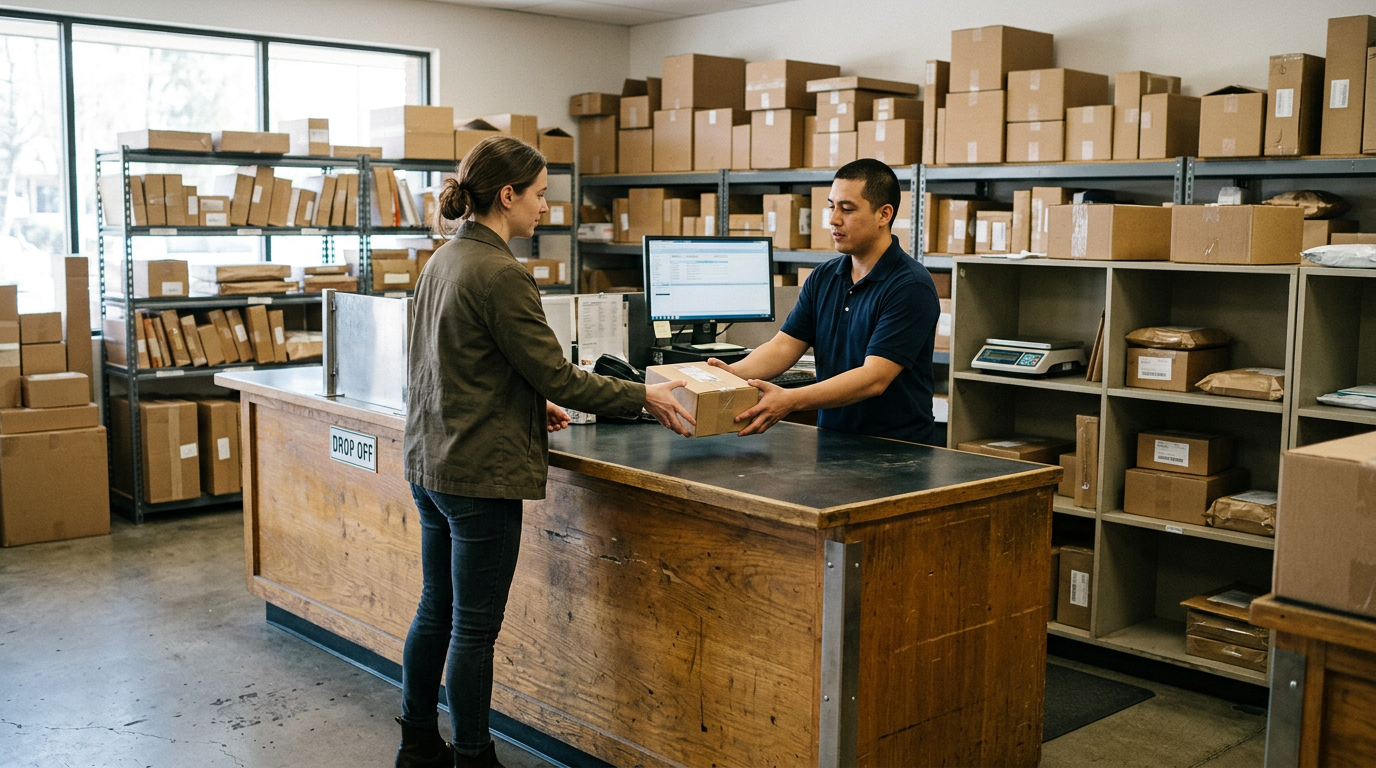
- Bring the lot to the store. No appointment is required, but for a big lot, let us know the day you plan to come so the inspection is not rushed.
- Inspection and payment. We check each device against the list, confirm condition, and pay cash on the spot.
Who should come to the counter
Valid government photo ID is required for every sale. That is the standard secondhand-dealer rule, not something specific to business sellers. Send someone who can legally hand over the equipment and who has ID with them. If your organization has internal paperwork for disposing of assets, such as a purchase order close-out or a board-approved surplus list, have it ready on your side, and ask us what records you want from our end before you come in.
Releasing devices from MDM, Apple Business Manager, and Autopilot
This is where most business lots get stuck. A laptop or phone that is still tied to your organization's tenant can be locked, limited, or unusable to the next owner, and locked devices are valued very differently from clean ones. Do the release before drop-off, not after.
| Platform | What to release before selling |
|---|---|
| iPhone, iPad, Apple Watch | Remove from your MDM, turn off Find My and Activation Lock, sign out of any managed Apple Account, and release the device from Apple Business Manager or Apple School Manager if it was assigned there. |
| Mac laptops | Unenroll from MDM such as Jamf or Intune, turn off Find My, sign out of iCloud, remove any firmware password, and release from Apple Business Manager. |
| Windows laptops and desktops | Delete the device from Windows Autopilot and from Intune or your other MDM, remove BitLocker recovery dependence, clear BIOS or UEFI passwords, and remove the device from Entra ID or your domain. |
| Android phones and tablets | Remove from Android Enterprise or your EMM, release from zero-touch or Knox enrollment if used, and remove Google accounts so factory reset protection does not lock the device. |
Apple Business Manager and Apple School Manager
Devices bought through an Apple reseller or Apple directly are often assigned to your organization in Apple Business Manager or Apple School Manager. Until they are released from that assignment, a wiped device may prompt for your organization's enrollment during setup. Release them in the portal first, then confirm Activation Lock is off. Check a few devices after release by looking at the Find My status and the setup screen after a reset.
Windows Autopilot
Autopilot stores a hardware hash for each device in your tenant. If the record is left behind, the device may try to join your organization during first setup. Delete the Autopilot registration and the matching Intune and Entra ID objects. Keep the serial number from your inventory so you can confirm the cleanup matched every unit you are selling.
Android fleets
Fleet Android phones are frequently enrolled through zero-touch, Knox, or Android Enterprise. Make sure the reseller or admin portal no longer claims the device, and remove the managed Google account. Skipping this step is the most common reason a Galaxy or Pixel lot comes in with problems.
If you are not sure a device is fully released, bring it anyway and tell us. We would rather know up front than find a lock at inspection, and it affects how we quote it.
Data destruction and documentation
Every organization has a different comfort level with data, and regulated ones such as medical offices, schools, law firms, and accountants have policies to follow. We provide a free data wipe in store, and our certified data destruction page explains the documentation side in more detail.
Whatever route you use, good documentation usually comes down to a short list:
- A device list with serial numbers, matching what you handed over.
- The date the devices left your custody and who received them.
- The method used, such as a factory reset with encryption key erase, a secure wipe, or physical destruction of storage.
- The name of the person or company responsible for the process.
Many IT policies point to NIST SP 800-88, the public guideline on media sanitization, as the reference for what counts as sanitized. Check your own policy and compliance requirements, then tell us what record you need so we can tell you what we provide for your lot before you bring it in. Do not assume paperwork will be created afterward just because a wipe happened.
Wipe it yourself first, or let us do it
If your policy requires your IT team to sanitize devices before they leave the building, do it and log it. If you would rather hand it off, the in-store wipe is free. Even when you wipe first, keep the encryption on until the wipe, since an encrypted drive whose key is erased is a solid starting point for sanitization. Remove any external SD cards, SIM cards, and security tokens from phones and tablets too, since those carry their own data.
What changes the quote on a business lot
We will not give public numbers, and we would not trust anyone who does without seeing your list. What we can tell you is what moves a quote up or down:
- Generation and model. Newer MacBooks, iPhones, and flagship Galaxy phones hold value better than older business models.
- Condition. Clean screens, straight frames, and healthy batteries help. Cracks, swollen batteries, and missing keys bring a quote down.
- Storage and memory. Higher configurations generally hold value better than base models.
- Locks. Any remaining MDM, Activation Lock, or BIOS password can lower the quote noticeably or make a device hard to buy at all.
- Uniformity. A lot of identical, well-kept units is easier to evaluate than a mixed box of unknowns, although we are happy to go through mixed lots.
- Accessories. Original chargers and cables can help, but are usually not essential.
Timing matters as well. Devices lose value as newer models come out, so a refresh you have been putting off can quietly cost you. A free quote shows where your lot stands today.
Selling office computers and company phones: practical tips
Office computers
Start with the machines that still power on and have the best specs, and list the dead ones separately, since broken units can still have value. Pull any asset tags or stickers that identify your organization if policy allows, and make sure the power adapter is in the box. For MacBooks, check the MacBook Pro and MacBook Air pages if you want to see how we evaluate them.
Company phones
If you are selling company phones, sort them by carrier lock status, account locks, and condition. Personal phones used under a bring-your-own-device program belong to the employee, so make sure the employee is the one selling and the company profile has been removed. Employees who used a work phone for personal photos should back up first.
Schools and nonprofits
Schools often sell Chromebooks, iPads, and laptops after a grant cycle or a device refresh. Confirm your district's surplus policy before listing anything, since public entities sometimes require board approval or a specific disposal process. Once that is settled, send us the list and we can quote it like any other lot.
Coming from nearby towns
We are at 1469 Nottingham Way #5 in Trenton, and a lot of our business sellers come from the surrounding Mercer County towns. Here is how it looks from each.
Hamilton Township
Our counter sits right in Hamilton Township, so offices and schools here can get a free in-person cash offer without waiting on a mail-in check. See the page for selling electronics in Hamilton Township for more local detail.
Hamilton Square
Hamilton Square sellers are just up Route 33 from us. A drawer of old iPhones and iPads from the front office becomes same-day cash on a quick errand. Our Hamilton Square page has the local specifics.
Mercerville
Mercerville is right around the corner on Nottingham Way, so a five-minute stop can turn unused MacBooks and Galaxy phones into cash on the spot. That makes it easy to bring a small batch over on a lunch break. Visit the Mercerville page to learn more.
Yardville
Yardville households and small offices skip the shipping gamble and bring phones, consoles, and laptops a few minutes up Route 130 for a firm, no-obligation cash offer. For a business lot, this means the people who packed it can be there when it is inspected.
Robbinsville
Robbinsville sellers take a short drive west on Route 33 to trade last year's electronics for real cash rather than settling for a kiosk lowball. If you are clearing out a corporate office, bring the list and we can work through it together.
Lawrenceville
Lawrenceville residents and businesses get an in-person evaluation a quick trip down Route 206, with no waiting on a mailed quote. It is a practical option when you want to see every device checked rather than trusting a box that has been shipped off.
Getting to the Trenton store
The store is on Nottingham Way in Hamilton, close to Route 33, and near landmarks such as the Hamilton Township Municipal Building, Grounds For Sculpture, Veterans Park, Kuser Farm Park, and the Sams Club on Route 33. If you are driving with a large lot, keep devices boxed in a way that is easy to carry in, and bring your inventory sheet.
NJ Transit bus routes run along Route 33 and Nottingham Way, and the store is about 10 minutes from NJ Transit Hamilton Station on the Northeast Corridor Line. That works for a small batch, but for a large lot a car or van makes the trip easier. You can find everything about the location on the Trenton store page.
Frequently asked questions
Can I sell company laptops that are still enrolled in MDM?
It is much better to release them first. Devices still tied to Intune, Jamf, Apple Business Manager, or Autopilot can be locked or limited, which lowers what they are worth. If you cannot release some, say so in your quote request so we can advise you.
Do I need an appointment to sell in bulk?
No appointment is needed. For a large lot, a heads-up through the quote form or by phone helps us set aside time for a proper inspection.
Do you wipe the data for us?
Yes, we offer a free data wipe in store. If your organization needs specific documentation, read our data destruction page and ask what we can provide before you bring the devices.
Can schools and nonprofits sell equipment?
Yes, as long as your organization allows it. Check your surplus or disposal policy first, since some public entities need approval before selling assets.
What ID do I need?
Valid government photo ID is required for every sale, as with any secondhand dealer. The person at the counter needs to have it with them.
Do you buy broken or end-of-life business devices?
We buy new, used, and broken devices. Cracked screens, weak batteries, and worn laptops may still have value, though the quote will reflect the condition.
Do you publish bulk prices?
No. We never quote prices publicly because value depends on the exact models, condition, and locks on your list. A free quote is the way to find out.
Ready to move a stack of business laptops, office computers, or company phones? Start with a free quote, then visit us at Sell Your Gadgets Trenton, 1469 Nottingham Way #5, Trenton, NJ 08609, Monday through Saturday 10:00 AM to 7:00 PM or Sunday 11:00 AM to 5:00 PM. You can also call 609-900-7867 to plan a larger drop-off.
Hear from a real customer
Why they chose Sell Your Gadgets. Working or broken, get a free quote and walk out with cash the same day.
Compare your options
See how selling to us stacks up against other ways to sell, side by side.