Sell a Carrier Locked Phone: What It's Worth and How to Unlock
By syedladen ·
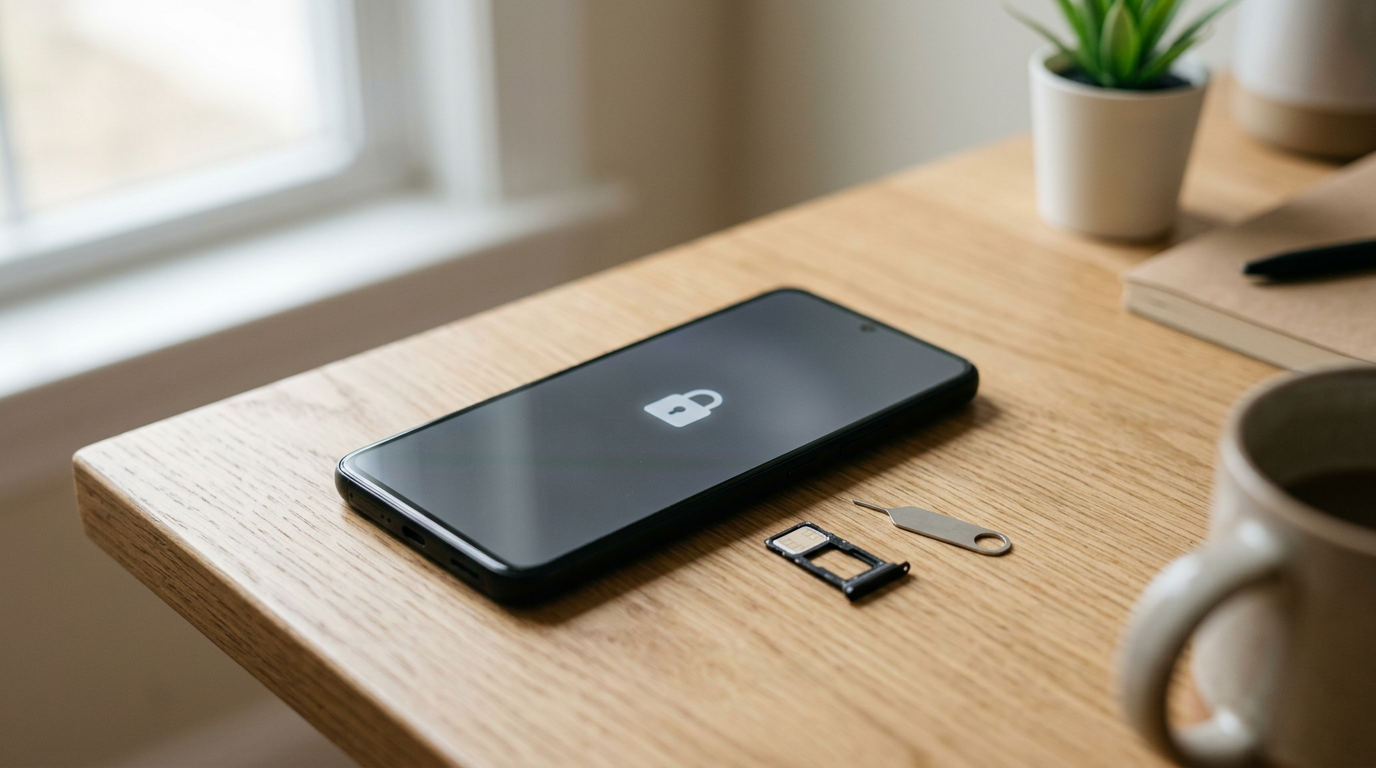
Yes, you can sell a carrier locked phone, and it still has real resale value. It usually draws a noticeably lower offer than the same model unlocked, because fewer buyers can use it on any network. The best fix is often free: if the phone is paid off and meets your carrier's rules, request an unlock before you sell.
The catch is that three different things get called a lock: the carrier lock, the activation lock, and the screen lock. They affect your sale in very different ways. One lowers your offer, one can make the phone unsellable, and one you simply remove. This guide explains each, shows you how to check your phone, and walks through the unlock process. It also covers what to do when the carrier says no.
Carrier lock vs activation lock vs screen lock
People mix these up constantly, and the confusion can cost you time at the counter. Here is the short version.
| Type of lock | What it does | Who controls it | Effect on selling |
|---|---|---|---|
| Carrier lock (SIM lock) | Restricts the phone to one carrier's network | Your carrier | Phone is still sellable, but offers are typically lower than for an unlocked version |
| Activation lock (iCloud or Google account lock) | Ties the phone to your Apple ID or Google account so nobody else can set it up after a reset | You, through your account | We cannot buy a phone that is iCloud or activation locked. Remove it first |
| Screen lock | Passcode, PIN, pattern, Face ID, or fingerprint that protects your data | You | Must be removed or disabled before the sale. It does not reduce value by itself |
Carrier lock in plain terms
A carrier lock is a software restriction that carriers place on phones, often on devices sold on a payment plan or with a discount. A locked phone accepts only that carrier's SIM or eSIM. Put in a SIM from another carrier and you get a message such as "SIM not supported" or a request for an unlock code. Nothing is wrong with the hardware. The phone is just restricted to one network.
Activation lock in plain terms
Activation lock is a theft-deterrent feature. On iPhone it is tied to Find My and your Apple ID. On Android it is usually called Factory Reset Protection and is tied to the Google account last used on the device. If you erase the phone without signing out first, the next person cannot finish setup without your credentials. This is the lock that stops a sale, because a device nobody else can set up is useless to a buyer.
Screen lock in plain terms
The screen lock is the passcode or biometric you use every day. It protects your data but has no bearing on which networks the phone works on. You will remove it during your reset.
Can you sell a locked phone?
A carrier locked phone is a normal, sellable device. Buyers pay for what the phone can do, and a locked phone can still be used on its original carrier, resold, or unlocked later. We buy carrier locked iPhones and Android phones, in any condition, including cracked screens and other damage.
What we do not buy is a short, specific list:
- Devices that are iCloud or activation locked
- Devices reported lost or stolen
- Blacklisted devices, meaning the IMEI has been flagged so carriers will not activate it
This is why the distinction above matters. A carrier lock is a pricing factor. An activation lock, a lost or stolen report, or a blacklist is a dealbreaker. If you are not sure which situation you are in, start with the checks below before you head to a store.
Locked vs unlocked phone value: why the gap exists
An unlocked phone works with nearly any compatible carrier. That makes it easier to resell, easier to ship to other markets, and easier for a buyer to use right away. A locked phone narrows the pool of people who can use it without extra steps, so the expected resale value drops. That is the whole logic behind the gap.
How big the gap is depends on several things, and we never publish numbers because they shift with the model, condition, and market. In general terms:
| Factor | How it affects the locked-vs-unlocked gap |
|---|---|
| Newer, high-demand models | Demand tends to stay strong, so a lock usually hurts less, though an unlocked phone is still preferred |
| Older models | The lock can matter more, since the buyer pool is already smaller |
| Condition | A clean phone with a lock may still beat a damaged unlocked one. Condition and lock status are judged separately |
| Storage size and variant | These shift value on their own, independent of the lock |
| Carrier brand of the lock | Some locks are easier to clear than others, which buyers factor in |
The practical takeaway is that a lock lowers an offer but does not erase it. If unlocking is free and quick for you, it is usually worth doing. If it would cost you weeks of waiting, compare that against selling now. To see where your exact phone lands, use our free cash quote and tell us whether it is locked or unlocked.
How to check if your phone is carrier locked
Do not rely on memory or on what the box says. Check the phone itself. There are a few methods, from quick to definitive.
On iPhone
- Open Settings, then General, then About.
- Scroll to Carrier Lock (on current iOS versions). If it says No SIM restrictions, the phone is unlocked.
- If it shows a locked status or names a carrier restriction, the phone is carrier locked.
- Check the Available SIM line as well. It can confirm how the phone sees its SIM or eSIM setup.
On older iOS versions the Carrier Lock line may not appear. In that case use the SIM swap test below, or contact your carrier with the IMEI. If you are selling an iPhone, our iPhone selling page lists the models we buy.
On Android
Android menus differ by manufacturer, so there is no single path that works everywhere. Try these in order:
- Look in Settings under About phone, then status or SIM information. Some brands show a network lock or SIM lock status here. Many do not.
- Search Settings for "SIM lock" or "network unlock." Some phones have a dedicated menu.
- If you still cannot tell, use the SIM swap test.
The SIM swap test (works on any phone)
This is the most reliable hands-on check.
- Back up your phone and power it off.
- Remove your current SIM. If the phone uses an eSIM only, use the method below instead.
- Insert an active SIM from a different carrier. A friend's or family member's works.
- Power on and wait for a signal. Then try a call or a mobile data connection.
If the phone connects normally, it is unlocked. If it shows an error, asks for an unlock code, or refuses the SIM, it is locked. A phone with no SIM card slot, or one that cannot test physically, is best checked by your carrier using the IMEI.
Ask your carrier using the IMEI
Dial *#06# on the phone to see its IMEI. Give that number to your carrier and ask two questions: is the device locked, and is it eligible for unlocking? They can also confirm the device is not flagged as lost, stolen, or blacklisted, which matters for selling.
Unlock eligibility: the general rules
Every carrier sets its own policy, so check yours for the details. The common conditions look like this:
- The device is paid off. If you are still on an installment plan or a lease, the carrier will usually not unlock it until the balance is cleared.
- The account is in good standing. Unpaid bills can block the request.
- A minimum service period has passed. Carriers often want the phone active on their network for some time before unlocking it. The required length varies.
- The phone is not reported lost or stolen. A flagged device will not be unlocked.
- The request comes from the account holder. If the phone belongs to a family member, an employer, or a previous owner, that person may need to make the request.
- Promotional terms are complete. If the phone came with a deal that required staying on a plan for a set period, you may need to finish it.
Some carriers unlock automatically once you qualify, and others need you to submit a request. Prepaid phones often follow different rules from postpaid ones. If you bought the phone secondhand, contact the carrier that originally locked it.
How to unlock your phone before selling
Here is a step-by-step process that works for most people.
- Find your IMEI. Dial *#06# or look in Settings under About.
- Check your balance. Log in to your carrier account and confirm the device is fully paid off.
- Review your carrier's unlock policy. Look for the eligibility rules on the carrier's website.
- Submit the request. Use the carrier's online form, the app, or a customer service call or chat. Have your account details and IMEI ready.
- Wait for confirmation. Approval is sometimes quick and sometimes takes longer. You will usually get an email or text.
- Finish the unlock on the phone. On an iPhone, you may need to insert a SIM from another carrier, or connect to Wi-Fi and restart, to complete the process. On Android, you may get a prompt to enter an unlock code or simply see the restriction disappear after a restart.
- Verify it worked. Check the Carrier Lock line on iPhone or run the SIM swap test.
Be wary of third-party "unlock" services that charge fees or ask for unusual permissions. Your carrier is the legitimate source of the unlock, and a lawful unlock through them is typically free if you meet the conditions.
Prepare the phone for sale
Unlocking is one piece of the prep. Before you sell, finish this checklist so nothing blocks the transaction.
- Back up your data to the cloud or a computer.
- Sign out of your Apple ID and turn off Find My on iPhone. On Android, remove your Google account and any Samsung or other manufacturer account.
- Remove the SIM card and deactivate any eSIM profiles you no longer need.
- Unpair connected devices such as an Apple Watch or Bluetooth accessories.
- Factory reset if you can. If you cannot, we provide a free data wipe in store.
- Bring valid government photo ID. It is required for every sale.
Do not skip the account sign-out. A reset without signing out can trigger the activation lock, which is the one lock we cannot work around. You can read how the process works from quote to payment on our how it works page.
What to do if you cannot unlock the phone
Sometimes the carrier says no, or the wait is longer than you want. You still have options.
| Your situation | Best next step |
|---|---|
| Still paying off the phone | Ask your carrier for the payoff amount and decide whether paying it off makes sense. Or sell it as locked and accept a lower offer |
| Not yet eligible by time | Ask for the eligibility date. If the wait is short, it may be worth holding. If not, sell as locked |
| Carrier denies the request | Ask for the specific reason, fix it if possible, and request again. If it cannot be fixed, sell as locked |
| Bought secondhand and the original carrier is unclear | Use the IMEI with a carrier to identify the lock, or go ahead and sell as locked |
| Device is iCloud or activation locked | Remove it first by signing out with your credentials, or by recovering your account. We cannot buy it while locked |
| Device is reported lost, stolen, or blacklisted | Contact your carrier to resolve it. We cannot buy these devices |
The key point is that locked does not mean worthless. If the unlock would cost you weeks and the phone is losing value as newer models arrive, selling it locked now can be the practical call. Get a quote first so you can compare the two paths with real information. You can start on our smartphone selling page and see what we accept.
Mistakes that cost sellers money or time
- Assuming the phone is unlocked because it was bought outright. Some phones bought from a carrier are locked even when paid in full, until you request the unlock.
- Forgetting to sign out of iCloud or Google. This is the most common reason a sale stalls.
- Selling while still on a payment plan with an unpaid balance. Unpaid devices can end up flagged, and we do not buy blacklisted phones.
- Telling the buyer the wrong lock status. An inspection will reveal it, and the quote may change. Be accurate from the start.
- Paying a third party to unlock. Use your carrier.
- Waiting too long. Phones lose value as new models release, so a long unlock delay has a cost too.
Where and how to sell
Once your phone is checked and prepared, selling is quick. You can get a free quote online or by text, or walk into a store with no appointment. We inspect the device and pay on the spot. If you live far from a store, there is a mail-in option. To find the nearest walk-in location in NY, NJ, FL, TX, MD, AZ, GA, or VA, see our store locator.
Frequently asked questions
Can you sell a locked phone?
Yes. A carrier locked phone is sellable and still has value. The offer is typically lower than for the same phone unlocked. The exceptions are phones that are iCloud or activation locked, reported lost or stolen, or blacklisted. We do not buy those.
Is a locked phone worth less than an unlocked phone?
Generally, yes. An unlocked phone works on more networks, so it appeals to more buyers. The size of the gap depends on the model, its condition, and demand. The simplest way to see the difference for your phone is to request a free quote.
How do I know if my phone is carrier locked?
On an iPhone, check Settings, General, About, and look for the Carrier Lock line. On Android, look for SIM or network lock information in Settings, though it varies by brand. The most reliable test on any phone is to insert a SIM from a different carrier and see whether it connects. Your carrier can also check the IMEI.
Does unlocking a phone erase my data?
No. A carrier unlock changes the network restriction, not your files or apps. You should still back up first as a matter of habit, and you will erase the phone separately before selling.
What is the difference between a carrier lock and an iCloud lock?
A carrier lock restricts which network the phone can use and is set by your carrier. iCloud lock, also called activation lock, ties the phone to your Apple ID to prevent unauthorized use. A carrier lock lowers value. An iCloud lock blocks the sale until you remove it.
Can I sell a phone that still has a balance on it?
It is risky. Carriers typically will not unlock a phone that is not paid off, and unpaid devices can sometimes be flagged. Confirm your balance and status with your carrier first. We do not buy phones that are blacklisted.
Do I need ID to sell my phone?
Yes. A valid government photo ID is required for every sale. We also offer a free data wipe in store.
Ready to see what your phone is worth, locked or unlocked? Get your free quote online, by text, or at a store near you, and get paid on the spot.
Hear from a real customer
Real experience, real cash. Working or broken, get a free quote and walk out with cash the same day.
Compare your options
See how selling to us stacks up against other ways to sell, side by side.