Sell Gaming PC Near Me in Bellerose, NY: Cash for GPUs & Parts
By syedladen ·
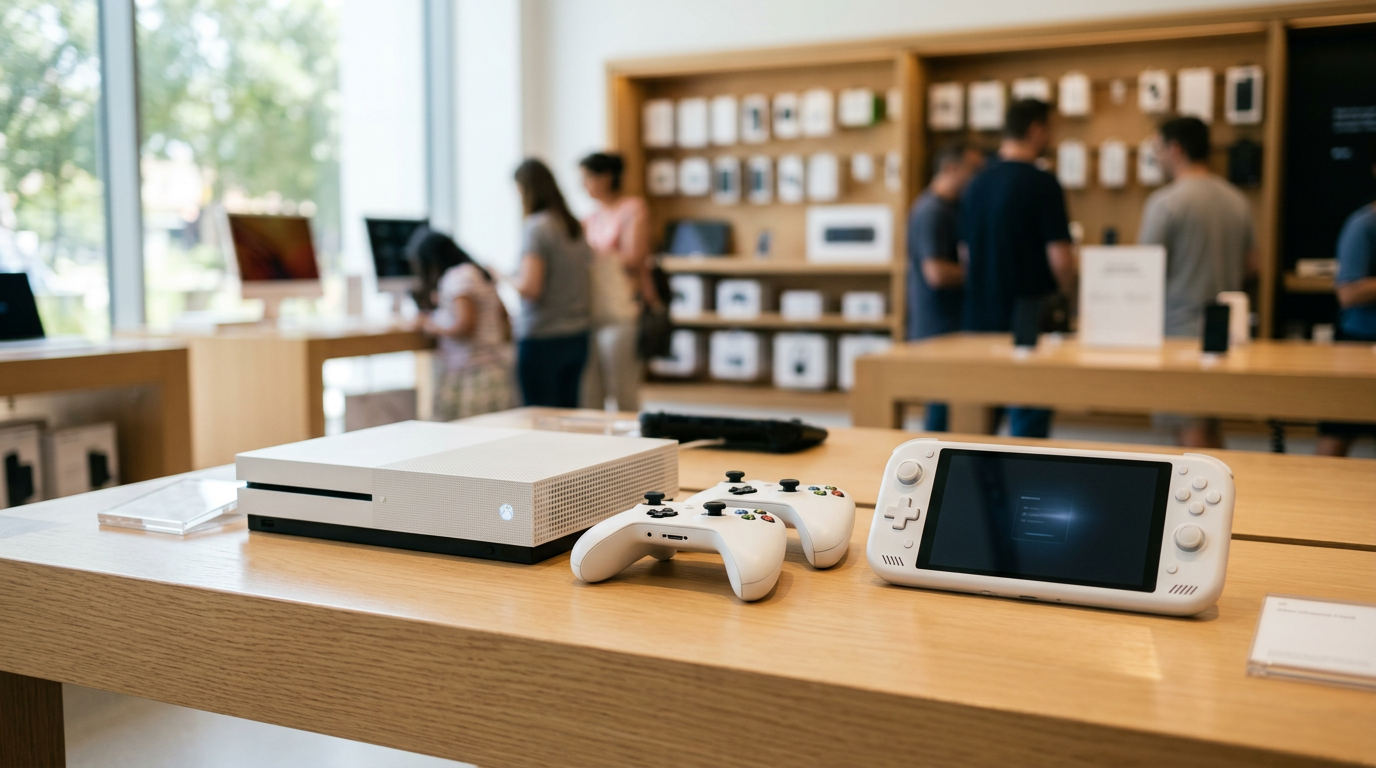
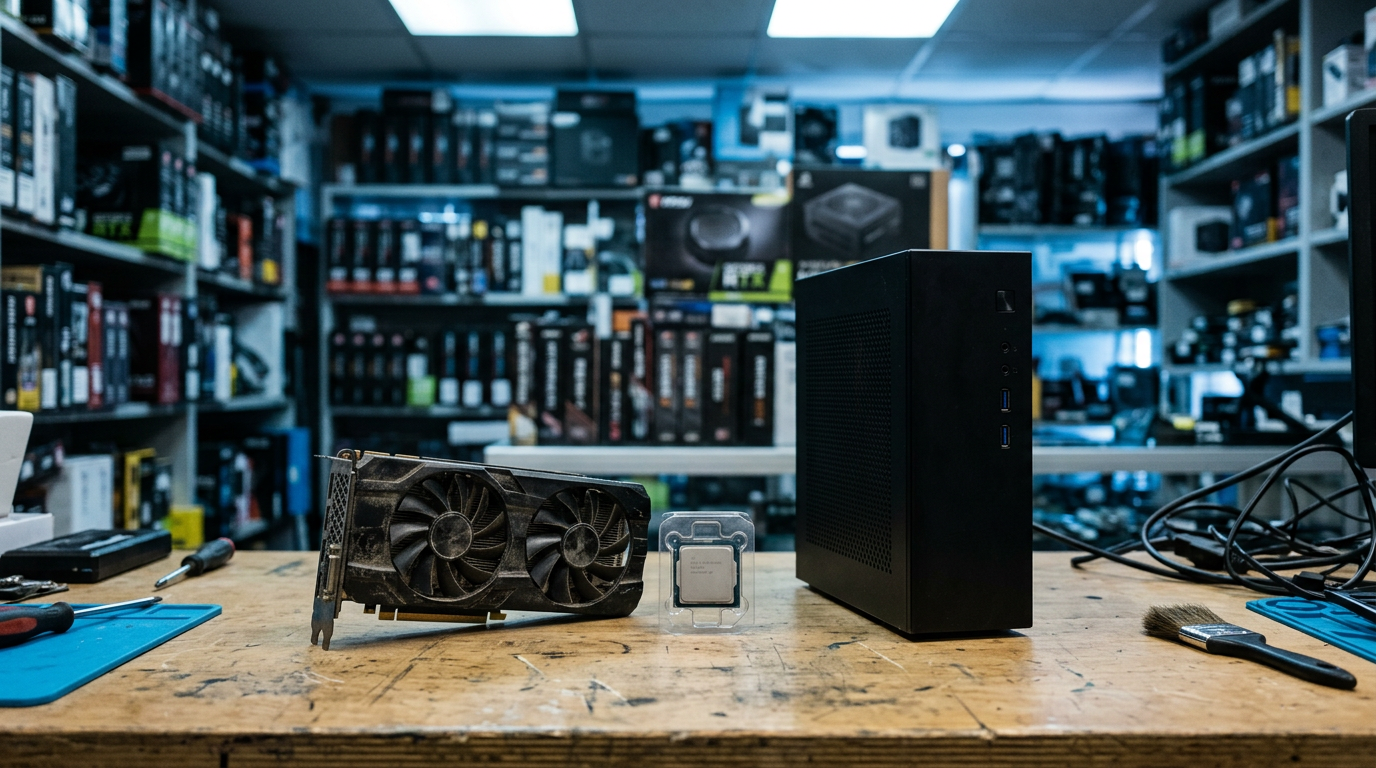
If you want to sell a gaming PC near Bellerose, NY, the simplest route is to get a free quote from Sell Your Gadgets, bring the machine to our Jericho Tpke store, and get paid cash on the spot after a quick inspection. The same goes for a graphics card or loose PC parts: we buy them, no appointment needed, and we wipe your drives for free before anything leaves your hands.
Gaming hardware is one of the trickiest categories to sell because the value is spread across many components, and a few of them matter far more than the rest. This guide walks through how to decide between selling whole or parting out, what really moves a GPU's value, how to wipe your data properly, and what to expect when you walk in. We are a buyback store only. We pay you for your hardware, we do not sell devices, and we never publish fixed prices, because the right number depends on what is actually in your build.
How selling a gaming PC works at our Bellerose store
The process is deliberately short. You start with a free quote through the online quote form, by text, or by simply walking in. Then you bring the PC (or the card, or the parts) to the Sell Your Gadgets Bellerose store for a quick inspection. If you like the offer, you get paid cash on the spot.
- No appointment needed. Walk in during store hours.
- Free data wipe in store. We can wipe the drives as part of the sale.
- Valid government photo ID required for every sale. This is the standard secondhand-dealer rule, and it applies to everyone.
- New, used, and broken are all welcome. A dead GPU or a PC that will not boot can still have value in parts.
Customers regularly describe the experience on Google as quick, straightforward, and friendly, and the store holds a 4.9 rating from 397 reviews. For a bulky tower that you would rather not box up and ship to a stranger, that matters.
You can read more about our desktop and gaming PC buying on the sell your desktop or gaming PC page.
Whole PC or parting out: which is the better move?
This is the first decision most sellers face, and there is no single right answer. The honest rule of thumb is that a complete, working, well-matched system is convenient to sell, while a build with one standout component can sometimes do better when that component is sold on its own.
When selling the whole PC makes sense
- The parts are balanced, such as a mid-range GPU paired with a CPU from the same era.
- The PC boots, runs stable, and you have already reinstalled or reset Windows.
- You want it gone in one trip with no listing, messaging, or shipping.
- The case, power supply, and cooling are in good shape, since those add to the whole-system picture.
When parting out can be worth the effort
- You have a high-demand graphics card inside an otherwise dated system.
- You upgraded and still have the old GPU, RAM, or SSDs sitting in a drawer.
- The system has one failed component, and the remaining parts still work.
The middle path
Plenty of people pull the GPU and sell it separately, then sell the rest of the machine as a base system. That is a reasonable compromise. Just remember to put the old cooler or a basic video output back in if the rest of the PC needs to be tested. If you are not sure, ask for a quote on both options and compare them. The free quote costs nothing and you are not obligated to accept.
| Approach | Best for | Trade-off |
|---|---|---|
| Sell the whole PC | Balanced builds, quick and simple sale | A standout part may not be priced separately |
| Sell GPU only | Strong, in-demand graphics card | The rest of the system is left to sell or reuse |
| Sell parts individually | Upgraders with spare components | More steps and more to organize and bring in |
| Sell broken or non-booting PC | Systems with a known failure | Value depends on which parts still test good |
What drives graphics card value when you sell a GPU
If you search for ways to sell a graphics card for cash or sell a GPU near me, you will see that GPUs are the most volatile part of any build. Four things shape what a buyer is willing to pay, and none of them involve guesswork if you know where to look.
Model and generation
The exact model name matters more than the brand family. Two cards that look similar can sit in very different places, and the difference between a standard version and a higher tier of the same generation is often large. Newer generations generally hold value better than older ones, and when a new generation launches, the previous one tends to soften. Check the label on the card or run a free tool such as GPU-Z to confirm exactly what you have.
VRAM
Video memory has become a bigger talking point as modern games demand more of it. A card with more VRAM than a close sibling often looks more attractive to a buyer who plays recent titles. Note the VRAM amount and, if you can, the memory type when you ask for a quote.
Mining history
Be upfront if the card was used for cryptocurrency mining. Mining is not automatically a dealbreaker, and many mining cards run fine, but heavy continuous use can wear fans and thermal pads. A card with a clear, light-use history is generally worth more than one with a heavy mining past. We would rather hear it from you than discover it during inspection. Honesty also keeps the quote accurate, so the number you hear at the counter is the number you get paid.
Cooler and physical condition
- Fans: They should spin freely and quietly, with no grinding or wobble.
- Heatsink and shroud: Cracks, bent fins, or missing pieces lower value.
- Backplate and PCB: Look for bends, burn marks, or signs of liquid damage.
- Ports and bracket: Bent or corroded display outputs hurt resale.
- Thermal state: Dust is easy to remove. Do a gentle clean with compressed air before you bring it in.
Original box, support bracket, and any included cables are small bonuses. They will not rescue a worn card, but they help a good one stand out.
Other PC parts that affect the quote
If you plan to sell PC parts beyond the GPU, the same logic applies: current-generation parts hold value better, and condition and completeness count. Our PC parts and GPU page covers the types of components we look at.
- CPU: Socket and generation matter. Bent pins or heat damage are red flags, so keep the original packaging if you still have it.
- Motherboard: Chipset, bent socket pins, and intact I/O all play a role. Bring the I/O shield if you kept it.
- RAM: Type and speed matter, and matched kits are easier to place than single sticks.
- SSDs and drives: Capacity and health matter, and everything gets wiped.
- Power supply: Wattage, efficiency rating, and age all count, and a clean, intact cable set helps.
- Case and cooling: Cases are bulky, so condition and any included fans or AIO coolers are what count.
- Monitors: We also buy gaming monitors, so bring the display and stand if you are clearing out a whole setup.
Keyboards and mice are fair game too. One recent customer sold a keyboard and mouse and walked away happy with the price.
Wipe your drives and remove Windows accounts before you sell
Your gaming PC holds saved passwords, game launchers, browser sessions, and personal files. Do not hand it over without cleaning it up. We offer a free data wipe in store, but prepping at home is a good habit and protects you either way.
- Back up what you want to keep. Copy save files, photos, and documents to an external drive or cloud storage.
- Sign out of everything. Log out of Steam, Epic, Battle.net, Xbox, browsers, and any password manager.
- Deauthorize software. Release licenses for creative software, anti-cheat tied accounts, and anything locked to the device.
- Remove your Microsoft account. In Windows, open Settings, then Accounts, and remove your account from the device, or use Reset this PC and choose to remove everything.
- Turn off device encryption if it is on. BitLocker or device encryption can complicate a reset, so make sure you have your recovery key before changing it.
- Run a full reset. Choose the option to remove files and clean the drive. For a secondary drive, a full format is a good minimum step.
- Let us finish the job. At the store, we can run the free data wipe for you, so nothing personal is left behind.
If the PC will not boot, do not worry. Tell us up front. Damaged or non-booting machines can still be wiped at the drive level, and the drives can be handled separately from the rest of the system.
Selling locally versus using online marketplaces
Online marketplaces such as eBay or Facebook Marketplace are widely used, and they can be a good fit if you have time and patience. They also come with trade-offs that are well known: listing fees or seller fees on some platforms, packing and shipping a heavy, fragile tower, back-and-forth messaging, no-shows, and the occasional dispute or return claim after the sale.
Selling at a buyback store is different. You get a quote, bring the item, get an inspection, and leave with cash. There is no shipping risk, no strangers coming to your door, and no waiting for a buyer to appear. The trade-off is that a store has to resell, so a private sale might sometimes reach a higher number if you are willing to do all the work yourself. For many people, speed and certainty are worth it. If you want a comparison, start with a free quote and weigh it against whatever listing you are considering.
What to bring to the Bellerose store
- A valid government photo ID, which is required for every sale.
- The PC, card, or parts. For a tower, bring the power cable if you can.
- Original boxes, brackets, cables, and manuals if you still have them.
- A note of the exact GPU model, VRAM, CPU, RAM, and storage.
- Any known issues, such as crashes, fan noise, or past mining use.
We are on Jericho Tpke near Commonwealth Blvd, a straightforward drive from much of Queens and western Nassau. If you are bringing a heavy tower, plan your parking and carry in one trip. The sell electronics in Bellerose page lists what else we buy, which is handy if you are also clearing out a console or laptop. If you have a console to sell alongside the PC, take a look at our PS5 buying page too.
Selling a gaming PC from nearby towns
We regularly see people making the trip from across the area. Here is how it looks from each direction, using only general directions so you can plan with your own map app.
Thomaston
If you are in Thomaston, you are already in Nassau County and on a corridor that leads toward Queens. Head toward Jericho Tpke and you can reach our Bellerose store without a complicated route. It is a practical trip for anyone with a tower or a boxed GPU who prefers an in-person cash sale to shipping.
Searingtown
Searingtown sellers are close enough that a quick drive is realistic, and Jericho Tpke is a familiar road for the area. Bring your gaming PC, monitor, and any spare parts in one load. Once you arrive, there is no appointment to schedule, so you can come over when it suits you.
Garden City
From Garden City, many people come over to turn an old build or a pulled GPU into cash after upgrading. Gaming rigs often change hands when someone moves to a new platform, and a local buyer saves you the trouble of packing a heavy case. Get a free quote ahead of time so you know what to expect when you arrive.
Malverne Park Oaks
Malverne Park Oaks is further south, but the drive to Bellerose is manageable for a one-stop sale. If you have several items, such as a PC, a monitor, and a console, bundling them into one trip makes it worthwhile. Text us your parts list first so we can get you a clear idea before you leave home.
South Valley Stream
In South Valley Stream, you are close to the Queens and Nassau border, so Bellerose is a sensible destination for a local buyback rather than a mail-in sale. Bring your ID and the machine, and we will handle the inspection and data wipe at the counter. Heavy hardware is much easier to move by car than by post.
New York
For sellers elsewhere in New York City, especially eastern Queens, we are an easy trip along Jericho Tpke. If you are coming from another borough, check the full list of New York locations to see whether a different store is closer. Whichever you choose, the same process applies: free quote, inspection, cash on the spot.
Frequently asked questions
Where can I sell my gaming PC near me in Bellerose, NY?
You can bring it to Sell Your Gadgets at 247-67 Jericho Tpke, Bellerose, NY 11426. Get a free quote first by form or text, or just walk in, and we will inspect the system and pay cash on the spot if you accept the offer.
Do you buy graphics cards by themselves?
Yes. If you want to sell a graphics card for cash, bring it in with its model details, and tell us about any mining history. The quote depends on the model, VRAM, and the condition of the cooler and board.
Will you buy a gaming PC that does not turn on?
Often, yes. We buy new, used, and broken devices. A non-booting PC may be valued on the parts that still work, so describe the problem when you request your quote.
Do I need to wipe my PC before I come in?
It is a good idea to sign out of accounts and back up your files, but you do not have to do everything yourself. We offer a free data wipe in store. Follow the steps above if you want to prep at home.
Is it better to sell the GPU separately?
Sometimes. If the GPU is a strong, in-demand model inside an older system, selling it separately can make sense. If the build is balanced, selling it whole is simpler. Ask for a quote on each and compare.
Do I need an appointment or ID?
No appointment is needed. You do need a valid government photo ID for every sale, which is the standard secondhand-dealer rule.
How much will I get for my PC parts?
We do not publish fixed prices because the value depends on the specific parts, their condition, and current demand. The fastest way to find out is a free quote, with no obligation to sell.
Ready to sell your gaming PC, graphics card, or spare parts? Start with a free quote or visit the Bellerose store at 247-67 Jericho Tpke, Bellerose, NY 11426. We are open Monday through Saturday from 10:00 AM to 7:00 PM and Sunday from 11:00 AM to 5:00 PM, and you can call (718) 481-3733 with any questions.
Hear from a real customer
Real experience, real cash. Working or broken, get a free quote and walk out with cash the same day.
Compare your options
See how selling to us stacks up against other ways to sell, side by side.