Sell Gaming PC Near Me: Staten Island, NY Cash Buyer
By syedladen ·
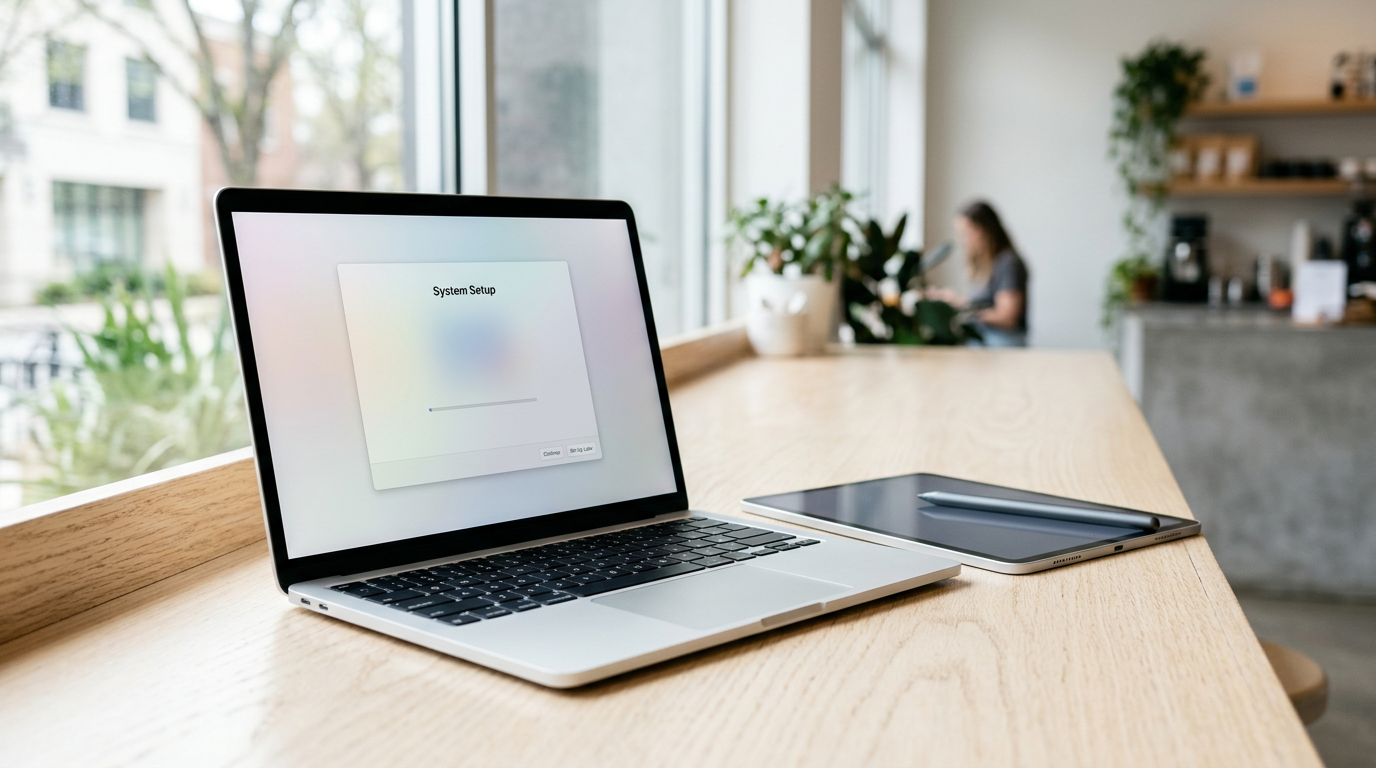
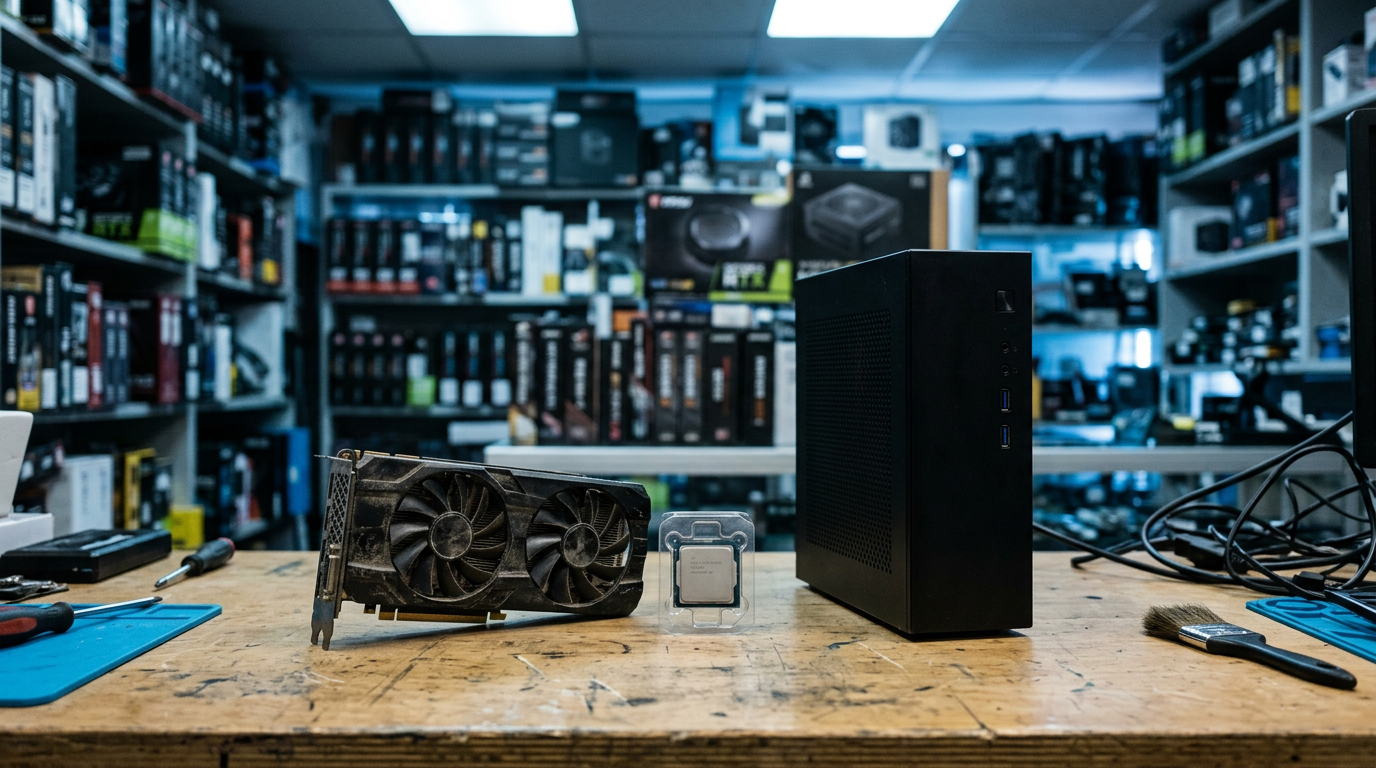
If you want to sell a gaming PC near you in Staten Island, the fastest route is to get a free quote, bring the machine to a local buyback shop, and get paid cash on the spot after a quick inspection. The same goes if you want to sell a graphics card for cash or sell individual PC parts: a local buyer can test the hardware in front of you, so there is no shipping, no waiting, and no stranger showing up at your door.
Sell Your Gadgets on Forest Ave buys gaming PCs, graphics cards, monitors, and more, in any condition. This guide covers how to decide between selling the whole build and parting it out, what actually moves GPU value, how to wipe your drives properly, and what to expect when you walk in.
How selling a gaming PC locally works
The process is simple. You start with a free quote through the online quote form, by text, or by walking in. Then you bring the PC (or just the parts) to the store for a quick inspection, and if you like the offer, you get paid cash on the spot. No appointment is needed, and we do not post public prices because the number depends on the exact hardware and its condition on the day.
Two practical notes before you come in:
- Bring a valid government photo ID. It is required for every sale, as with any secondhand-dealer transaction.
- We wipe data for free in store. You can still do your own cleanup first (covered below), which is what we recommend.
You can read more about our desktop buying on the sell your desktop or gaming PC page, and the parts-focused version lives on the sell your PC parts and GPU page.
Whole PC vs parting out: which makes sense?
This is the question almost every seller asks. The honest answer is that it depends on how well the parts match, how old the platform is, and how much hassle you are willing to take on. Parting out can look better on paper, but it means several separate sales, each with its own haggling, shipping risk, and no-shows.
| Factor | Sell the whole PC | Part it out |
|---|---|---|
| Time and effort | One visit, one inspection | Many listings, messages, and meetups |
| Potential value | Solid when the build is balanced and clean | Can be higher on strong single parts, but not guaranteed |
| Risk | Low, since it is tested as a system | Higher: returns, scams, damaged shipments |
| Best for | Recent builds, prebuilts, matched components | Mixed-generation builds with one standout part |
| Leftover junk | None | Cases, old coolers, and cables that do not sell |
When selling the whole PC wins
A complete, working system with a recent CPU, a decent GPU, and a clean case is usually easiest to sell whole. Prebuilts from major brands also tend to do fine as complete units since buyers know what they are getting. If the machine boots, is stable, and has no missing parts, you save yourself weeks of listing work.
When parting out is worth considering
If the GPU is the star and the rest of the system is dated, consider pulling the card and selling it separately. The same applies if you have a high-end CPU or fast RAM sitting in an otherwise tired build. A smart middle path is to sell the high-value parts to a local buyer and sell the remaining shell together. Not sure which way to go? Send the spec list through the free quote and compare the two routes before you take anything apart.
What drives graphics card value
If you are searching for how to sell a GPU near you or sell a graphics card for cash, these are the factors that matter most. We never quote numbers publicly, but knowing the drivers helps you set expectations.
Model and generation
The exact model matters more than anything else. Within a family, the higher tier card usually holds value noticeably better than the lower one, and current or previous generation cards are in much more demand than older ones. Watch out for naming traps: similar-sounding cards can perform very differently, so check the full model name on the box, the sticker, or in your system info.
VRAM
Video memory has become a bigger selling point as newer games and creative apps use more of it. Two cards with the same core name but different VRAM amounts are not the same product. Note the VRAM size when you ask for a quote, because it can shift the offer.
Mining history
A card that spent time mining is not automatically bad, but buyers do ask. Mining cards that ran in well-ventilated setups can be perfectly healthy, while ones that ran hot for long stretches may have worn fans or dried thermal paste. Be upfront. Inspection and testing will tell us the truth either way, and honesty makes the whole interaction smoother.
Cooler and physical condition
Look at the fans, the shroud, the backplate, and the ports. Fans should spin freely without rattling. Bent fins, cracked shrouds, corrosion, or missing backplates will reduce value. Dust is easy to fix, so blow the card out with compressed air before you come in. A clean card simply looks cared for and makes the inspection quicker.
Original box and accessories
The original box, power adapters, and any included brackets help. They are not required, but a complete package generally presents better than a bare card.
Other PC parts that sell well
Plenty of people searching to sell PC parts have more than a GPU sitting in a drawer. Components that typically find buyers include:
- CPUs from recent platforms, especially with the original box.
- RAM kits, particularly matched pairs of current-generation memory.
- NVMe and SATA SSDs, once securely wiped.
- Power supplies from reputable brands, with cables if you still have them.
- Motherboards in good physical shape with the I/O shield and accessories.
- Gaming monitors, including high-refresh panels, with stands and cables.
- VR headsets and gaming peripherals, which we also buy.
Older, commodity parts like basic case fans or low-capacity old drives rarely carry much value, but a bundle of parts in one visit is often worth bringing together. If you are also clearing out console gear, we buy those too, including the PlayStation 5.
Wipe your drives and remove Windows accounts before you sell
This is the step people skip, and it is the one that protects you most. Your gaming PC likely holds saved browser passwords, game launcher logins, email sessions, and personal files. Even though we offer a free data wipe in store, prepping it yourself is smart. Here is a simple order of operations:
- Back up what you want to keep. Copy saves, photos, documents, and any project files to an external drive or cloud storage.
- Sign out of everything. Log out of Steam, Epic, Battle.net, EA, Xbox, and any other launcher. Deauthorize the PC where the service asks for it.
- Deactivate licensed software. Adobe, Microsoft Office, and similar apps often limit the number of active devices.
- Unlink your Microsoft account. Remove the PC from your Microsoft account device list and remove the account from the machine in Windows settings.
- Turn off device-tied features. Disable Find My Device if it is enabled, and turn off BitLocker encryption or make sure you have the recovery key saved.
- Reset the PC. Use the Windows reset option and choose to remove everything and clean the drive. On a build with several drives, reset or format each one.
- Remove firmware passwords. Clear any BIOS or UEFI passwords so the system can be tested.
If you are selling loose drives, a standard format is not the same as a secure erase. Drives should be wiped with a proper erase tool, and our in-store wipe covers that part if you would rather not deal with it. Do not reinstall your accounts afterward; a clean system ready for setup is what you want to hand over.
How to prep your PC for a faster, better inspection
Small steps make a real difference in how smoothly the inspection goes and how the machine is perceived:
- Clean the dust. Use compressed air on filters, fans, and heatsinks. Hold fans still while you blow air so they do not over-spin.
- Make sure it boots. A PC that powers on and reaches the desktop is far easier to assess than one that does not. Broken machines are still welcome, just tell us what is wrong.
- Write down the specs. CPU, GPU, RAM amount and speed, storage, motherboard, and PSU. You can paste that into the quote form.
- Bring the extras. Power cable, original boxes, manuals, and any extra brackets or cables add to a complete package.
- Transport it safely. Remove a heavy GPU from a tower before carrying it a long way, or at least secure it so it does not sag. Pack loose parts in anti-static bags or their original boxes.
Customers often mention that our team explains each step as it happens, which takes the guesswork out of the process. We hold a 4.8 rating from 125 Google reviews, and a lot of that feedback is about patient, straightforward service.
Local buyback vs online marketplaces
Listing on a marketplace can work, but it comes with tradeoffs that matter more for PC hardware than for most products. GPUs and whole PCs are expensive to ship and easy to damage. Scammers know that buyers and sellers are nervous, so you may spend time dealing with lowball messages, no-shows, or chargeback disputes. Meeting strangers at home with a big tower is also not everyone's idea of a good time.
A local buyback is built around certainty. You get an offer after inspection, you accept or decline, and you walk out with cash. The tradeoff is that a buyer has to resell, so the offer may not match the absolute best-case private sale, but you skip the waiting, the risk, and the back-and-forth. Check a free quote first and you can judge what your time is worth. You can also browse our broader Staten Island electronics buying page if you are selling other gear at the same time.
Selling from nearby towns and neighborhoods
We are at 1440 Forest Ave #7, Staten Island, NY 10302, near the Forest Ave and Livermore Ave intersection. Many of our customers make the trip specifically for gaming hardware, so here is how it breaks down by area. You can also view full details on the Staten Island store page.
Elizabeth
Coming from Elizabeth, the most direct approach is usually across the Goethals Bridge into Staten Island and then toward the North Shore and Forest Ave. Bring your build in its case or boxed up, since bridge traffic can make for a bumpy ride. A quick text quote before you leave confirms the trip is worthwhile.
New Brighton
New Brighton is on the North Shore, so you are already on the same side of the island as our store. It is a short local drive, which makes it easy to bring a full tower without worrying about a long trip. If you are only selling a GPU or a few parts, you can be in and out quickly.
Silver Lake
Silver Lake sellers are a short hop from us, and plenty of gamers in the area have older builds sitting around. If you have an upgrade cycle going on, bring the old card and any spare parts along. It is a handy way to fund your next component.
Todt Hill
From Todt Hill, you can come down toward the North Shore and reach Forest Ave without a big detour. If you have a high-end build, a premium monitor, or a VR setup, bring it all for one inspection instead of several trips. Keep the original boxes if you still have them, because they help present a complete package.
Newark
Newark sellers can plan the drive into Staten Island via the major highways and the bridges, so it is worth confirming your quote first. That way you know what to expect before you cross. Bring your ID, your hardware, and a written list of specs to keep things efficient.
Bayonne
Bayonne is just across the Bayonne Bridge, which makes Staten Island one of the closest places to sell a gaming PC in person. It is a practical option if you would rather not ship expensive parts. Text or submit the quote form first, then drive over with your gear ready.
Frequently asked questions
Can I sell a gaming PC that does not turn on?
Yes. We buy new, used, and broken devices. A non-working PC usually means a lower offer than a working one, but individual parts such as the GPU or RAM may still have value. Tell us what happens when you press the power button so the quote is realistic.
Do I need an appointment to sell a graphics card?
No appointment is needed. You can start with a quote online or by text, or simply walk in during store hours. Bring a valid government photo ID, which is required for every sale.
Should I sell my GPU separately from my PC?
Sometimes. If the GPU is much stronger than the rest of the system, selling it alone can make sense. If the parts are balanced and recent, the whole PC is usually simpler. Request a quote for both scenarios and compare.
Does mining history hurt the value of a GPU?
It can, particularly if the card ran hot or shows wear on the fans. But it does not automatically ruin value. Testing and a physical inspection determine the outcome, so it is better to be upfront.
Will you wipe my drives for me?
Yes, we provide a free data wipe in store. We still recommend backing up your files, signing out of accounts, and removing your Microsoft account beforehand so nothing is left tied to you.
Can I sell just a few PC parts instead of the whole build?
Absolutely. Many people come in with a GPU, a CPU, RAM, or a monitor. See the PC parts page for the types of hardware we commonly buy.
How do I know what my gaming PC is worth?
Value depends on the exact components, age, and condition, so we do not post prices publicly. The fastest way to find out is to submit your specs for a free quote and then confirm it in person during the inspection.
Ready to turn old hardware into cash? Get your free quote or stop by Sell Your Gadgets Staten Island at 1440 Forest Ave #7, Staten Island, NY 10302. We are open Monday through Saturday from 10:00 AM to 7:00 PM and Sunday from 11:00 AM to 6:00 PM, or call (718) 255-4072 with questions.
Hear from a real customer
A real customer on their experience. Working or broken, get a free quote and walk out with cash the same day.
Compare your options
See how selling to us stacks up against other ways to sell, side by side.