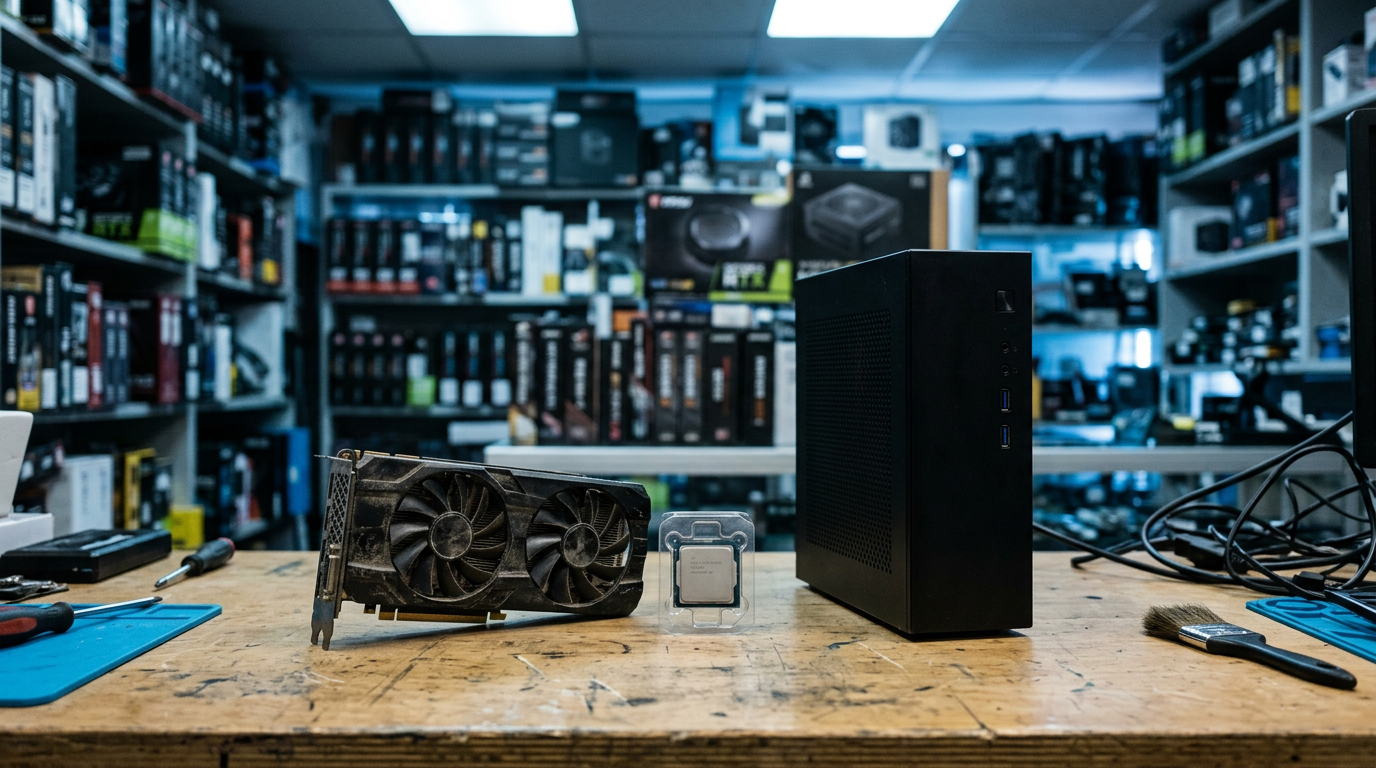
Sell Gaming PC Near Me in Tucson, AZ: GPUs & PC Parts
By syedladen ·
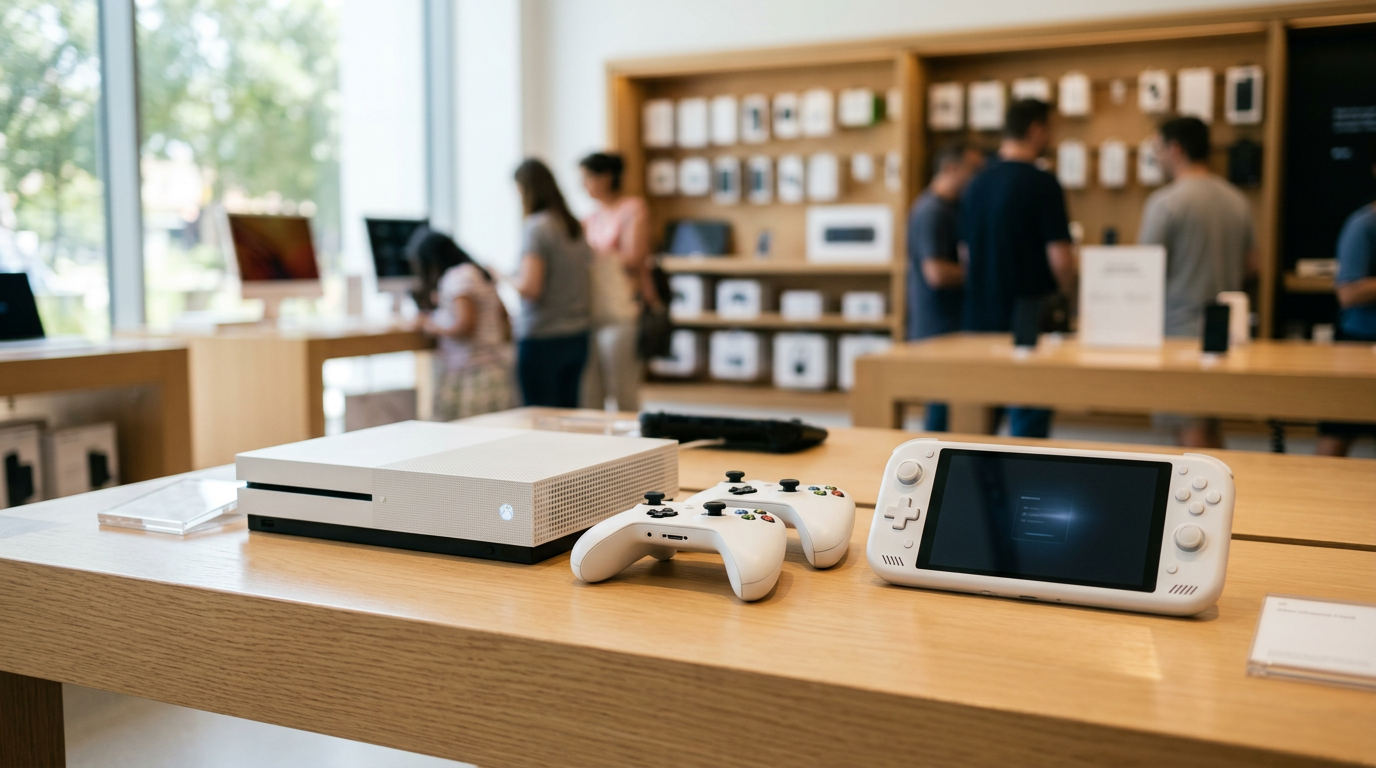
If you want to sell a gaming PC near you in Tucson, the fastest route is to get a free quote, bring the machine to Sell Your Gadgets on East Broadway Blvd, and get paid cash on the spot after a quick inspection. The same goes for a loose graphics card or other PC parts: no listing, no strangers coming to your house, and no shipping box.
This guide is for people deciding how to sell: as a whole build or piece by piece, what makes a GPU worth more or less, and how to wipe the machine properly before it leaves your hands. We are a buyback store, so we pay you. We do not sell devices, and we do not post prices publicly, because a real number depends on the actual hardware and its condition. Your free quote gets you that number.
How selling a gaming PC in Tucson works
The process at our Tucson store is short, and you do not need an appointment.
- Get a free quote. Use the online form, send a text, or simply walk in. Tell us the GPU model, CPU, RAM, storage, and anything that is broken or missing.
- Bring it in. We inspect the PC or parts in person. That means powering it on if it runs, checking the GPU and fans, and looking over the case and ports.
- Get paid cash on the spot. If you like the offer, you leave with cash the same visit.
A valid government photo ID is required for every sale. That is the standard secondhand-dealer rule, not something specific to you. We also do a free data wipe in store, though I will explain below why you should do your own wipe first if you can.
Customers often mention that the staff were patient and explained the process while examining their device. That is how it should feel. You should understand exactly what is being looked at and why the offer is what it is.
Whole PC vs parting out: which makes more sense?
This is the question almost every gaming PC seller asks. Parting out can bring more total value on paper, but it costs time, and the leftovers are often harder to move. Selling whole is simpler and usually the better call when the build is older or mixed in quality.
| Factor | Sell the whole PC | Part it out |
|---|---|---|
| Time and effort | One trip, one transaction | Many listings, many buyers or trips |
| Best for | Balanced builds, prebuilts, and PCs that still boot | Builds with one standout part, like a current-generation GPU |
| Risk of leftovers | Low, since it is all bundled | Higher: cases, older motherboards, and basic coolers tend to sit unsold |
| Hassle with personal data | One wipe and done | Drives must be wiped or kept separate |
| Condition of the build | Works if it powers on and is complete | Better if the PC is partly dead but some parts are good |
When selling the whole PC wins
If your rig is a few years old, every part is roughly the same generation, and it still posts and runs, selling it whole is hard to beat. You skip the work of testing, photographing, and listing five or six separate parts. Prebuilt gaming desktops especially tend to be worth more as a complete system. Our desktop and gaming PC page covers what we look at on a full system.
When parting out is worth considering
If you have one clearly high-demand component, such as a recent GPU, it may make sense to pull that one piece and sell it separately, then sell the rest of the system as is. A middle path works well: sell the graphics card on its own and bring the remaining build in as a whole PC. Just be upfront that the GPU is missing, since a PC without one is a different conversation than a complete rig.
When the PC is broken
A PC that will not boot is not automatically worthless. A dead motherboard does not sink a good GPU, RAM kit, or power supply. We buy broken devices, so tell us what is happening (no display, random shutdowns, bent socket pins) and we will work out what is still valuable.
What drives graphics card value
If you search for a way to sell a graphics card for cash, you will find plenty of vague advice. In practice, four things matter most. A GPU is typically the single most valuable piece in a gaming PC, so these details can change the offer a lot.
Model and generation
The exact model matters more than anything else. Within one product family, a higher tier card can be worth dramatically more than a lower tier, and a newer generation usually holds value better than an older one. Be precise when you ask for a quote. A name like the brand plus the full model designation (including any suffix such as Ti or Super) tells us far more than just saying it is a good card. The sticker on the box, the GPU-Z readout, or the Windows Device Manager entry will give you the exact name.
VRAM
Video memory matters because modern games and creative apps use a lot of it. Some models come in more than one VRAM configuration, and the larger version generally sells for noticeably more than the smaller one. Do not assume; check the capacity in your system information rather than guessing from the box art.
Mining history
Cards that ran crypto mining loads may have had long, heavy use. That does not automatically make them bad, since many miners run cards undervolted in steady conditions, but it can affect how a buyer views the card. Be honest about it. A card that has been mined on is easy for an inspection to catch signs of wear, like tired fans or thermal paste that has dried out, and honesty saves you a back-and-forth at the counter.
Cooler and physical condition
The cooler is the part that wears out. We look at:
- Whether every fan spins smoothly and quietly, with no grinding or wobble
- Dust buildup in the heatsink fins
- Bent fins, cracked shrouds, or a sagging card
- Backplate condition and any missing screws
- Burn marks or damage on the PCIe connector or power ports
- Any sign the card was opened or re-pasted
A clean card with original packaging, accessories, and all brackets is worth more than an identical card that has been tossed in a drawer. The original box does not make a card work better, but it does show care. If you can, blow out the dust with compressed air before you bring it in.
Selling other PC parts: CPUs, RAM, power supplies, and more
If you are looking to sell PC parts outside of a whole build, here is how they generally compare. Our PC parts and GPU page goes deeper on what we accept.
- CPUs: Current and recent generations hold value better. Bent or missing socket pins on the processor or board are a big deal, so do not force anything.
- RAM: DDR generation and capacity matter, and matched kits are easier to sell than odd single sticks.
- Motherboards: Socket and chipset matter, and so does physical condition. Older boards for sockets that are no longer supported have limited demand.
- Power supplies: Brand, wattage, and modular cables matter. Missing cables reduce the value.
- Storage: SSDs and NVMe drives hold value better than older hard drives, but you must wipe them. More on that below.
- Monitors: Gaming monitors are on our buy list too. Bring the stand and cables.
- Cases and coolers: These usually bring the least, and are often the parts that make parting out not worth the effort.
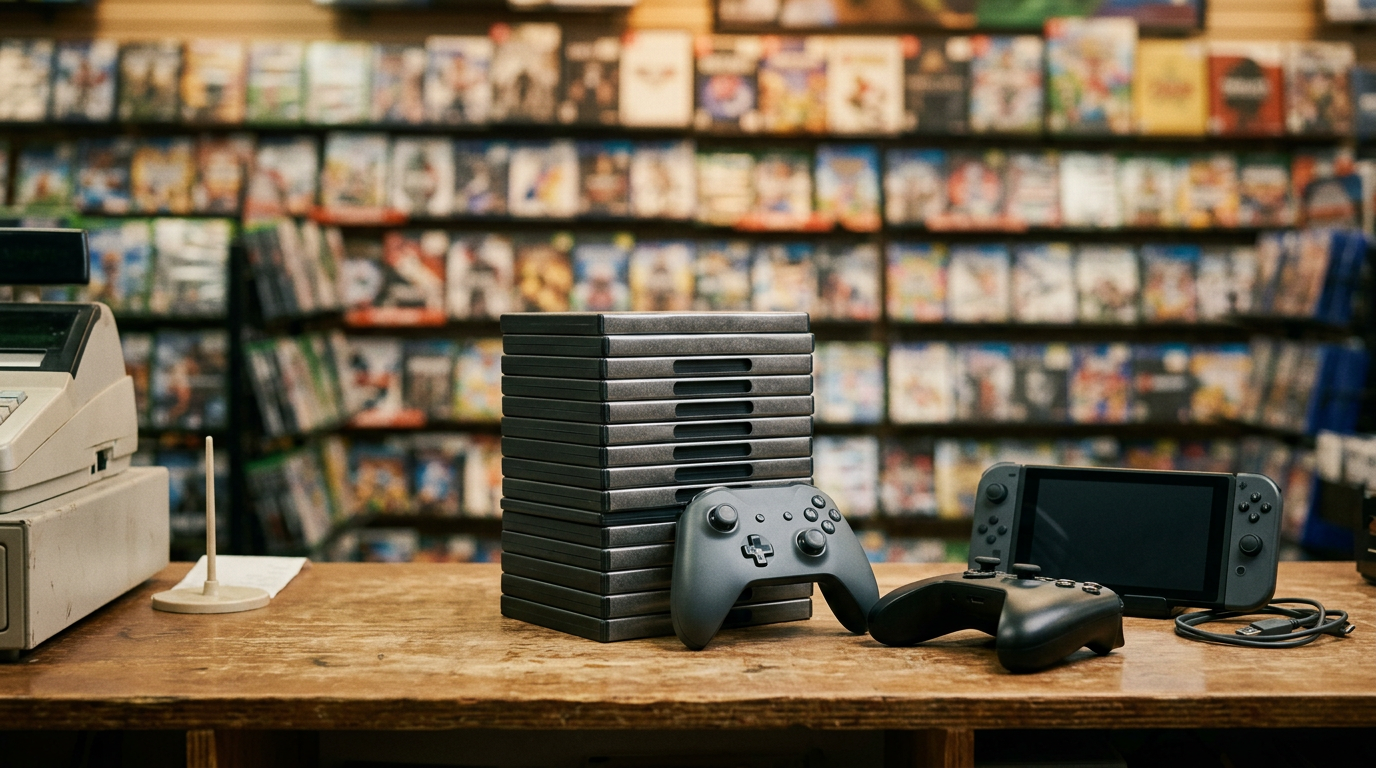
Everyday gear like keyboards and headsets can be added in too, and we also take other electronics in Tucson in the same visit. If you are cleaning out a gaming setup, bring a controller or console along as well.
Wiping drives and removing your Windows accounts
Before any PC leaves your hands, your personal data needs to be gone. We offer a free data wipe in store, but it is smart to do the basics yourself first. It also keeps your accounts from getting tied to a machine you no longer own.
Step by step
- Back up what you want to keep. Photos, save files, documents, game configs, and browser bookmarks. Copy them to an external drive or cloud storage.
- Sign out of everything. Steam, Epic, Battle.net, EA, Ubisoft, Discord, and your browsers. Turn off sync in Chrome, Edge, or Firefox.
- Deal with BitLocker or device encryption. If it is on, make sure you know your recovery key, then decrypt or fully reset the drive so the next person is not locked out.
- Remove your Microsoft account. In Windows Settings, go to Accounts, and remove the account or switch to a local account before resetting. Also remove any Windows Hello PIN or fingerprint sign-in.
- Reset the PC. In Windows Settings, open System, then Recovery, and choose Reset this PC. Pick the option to remove everything, and choose the cleaning option if offered, which overwrites the drive rather than just deleting files.
- Check your online accounts. Look at your Microsoft account device list and remove the PC from it, so it is no longer linked to you.
If you would rather keep your drive
Plenty of people pull their main NVMe or SSD, keep it, and sell the PC without storage. That is a perfectly good approach, and it removes the data question entirely. Just tell us when you ask for a quote, since a PC without storage is valued differently than a complete one. If you leave a drive in and do not have time to wipe it, we can handle the wipe in store.
What to bring and how to prepare
A few small steps make the inspection faster and help you get the best offer available for your hardware.
- Your valid government photo ID
- The PC, card, or parts, packed safely. For a GPU, use an anti-static bag or the original box.
- Power cable and any PCIe power adapters that came with the card
- The original box, manuals, and brackets if you still have them
- A rundown of what works and what does not
For a full tower, a hard case or a sturdy box helps, and it is worth removing heavy side-mounted items that could shift. If the PC is big and you are not sure it will fit, text us first. Clean it up a little, too. Dust is easy to remove, and a tidy machine is easier to inspect.
Local cash vs online marketplaces
Selling on an online marketplace can work if you have time, like the idea of haggling, and are comfortable with meetups or packing and shipping a heavy, fragile item. A local buyback is a different trade: you get a firm answer in one visit instead of waiting on messages and no-shows. Which is better depends on how much you value speed and certainty. Get your free quote first and compare it against your other options. There is no pressure to sell.
Coming from nearby: selling in Tucson from around the area
We are on East Broadway Blvd in the 85711 area, and we regularly see people from across the east side and the foothills. Here is how it tends to work for each area.
Catalina Foothills
If you live in the Catalina Foothills, you are a straightforward drive into central Tucson. Many foothills households have a gaming PC or workstation upgraded more than once, which is a good reason to bring parts in for a fair look. We also have a page for selling electronics in Catalina Foothills if you are also clearing out other gear.
Casa De Carlos
For Casa De Carlos, you can reach our store by heading toward Broadway Blvd, one of the main east-west routes through Tucson. A graphics card or a tower from a spare room is a good reason for a single trip, and it is easy to bring multiple items in one visit.
Country Club Estates
Country Club Estates is close enough that dropping in after work is realistic, and we are open until 7:00 PM most days. If you are upgrading a PC and have the old parts sitting in a closet, this is an easy errand to tack on.
Mission De Oro
From Mission De Oro, it is a simple trip to our Broadway location. If you have a desktop you stopped using, you can get a quote by text first and bring it in only once you know we are interested, which saves a trip for a heavy case.
Broadway/Northeast
If you are in the Broadway and northeast corridor, you are the closest of everyone. Our store is right on Broadway, and the transit note we have is the Broadway and Leonora stop on the northwest corner. You can walk in without an appointment and get an answer during the same visit.
Dietz
From Dietz, plan for a short drive to our Broadway store. Checking your model and condition with us before you leave is worthwhile, particularly for a large build, so you know what to expect when you arrive.
Frequently asked questions
Where can I sell my gaming PC near me in Tucson?
You can bring it to Sell Your Gadgets at 5604 E Broadway Blvd. We buy gaming PCs, monitors, graphics cards, and parts, in any condition. Start with a free quote online, by text, or by walking in.
Can I sell a graphics card for cash without the original box?
Yes. The box is nice to have, but the card itself, its condition, and its model matter much more. Bring any brackets or adapters that came with it, and clean off the dust first.
Where can I sell a GPU near me if it was used for mining?
We can still evaluate it. Mining history is one of the things we factor in, along with fan and cooler condition and whether the card works. Tell us up front and we will inspect it like any other card.
Do you buy gaming PCs that do not turn on?
Yes, we buy new, used, and broken devices. A PC that does not boot may still have a valuable GPU, RAM, or power supply. Describe the symptoms in your quote request so we can tell you what to expect.
Do I need to wipe my PC before I bring it in?
It is a good idea to sign out of accounts and reset it yourself, but we also provide a free data wipe in store. If you are keeping your SSD, just remove it before you come and let us know.
What do I need to bring to sell my PC parts?
Bring a valid government photo ID, the parts themselves, and any cables or accessories. No appointment is needed.
Is it better to sell my gaming PC whole or part it out?
Whole is simpler and often better for balanced or older builds. Parting out can make sense if one component, such as a recent GPU, is the real prize. A free quote lets you compare the options.
Ready to see what your rig is worth? Get a free cash quote online or by text, then visit the Sell Your Gadgets Tucson store at 5604 E Broadway Blvd, Tucson, AZ 85711. We are open Monday through Saturday, 10:00 AM to 7:00 PM, and closed Sunday. You can call us at (520) 719-2888, and remember to bring your government photo ID.
Hear from a real customer
Real experience, real cash. Working or broken, get a free quote and walk out with cash the same day.
Compare your options
See how selling to us stacks up against other ways to sell, side by side.