Sell iPad Near Me in Astoria, NY: Same-Day Cash for Tablets
By syedladen ·
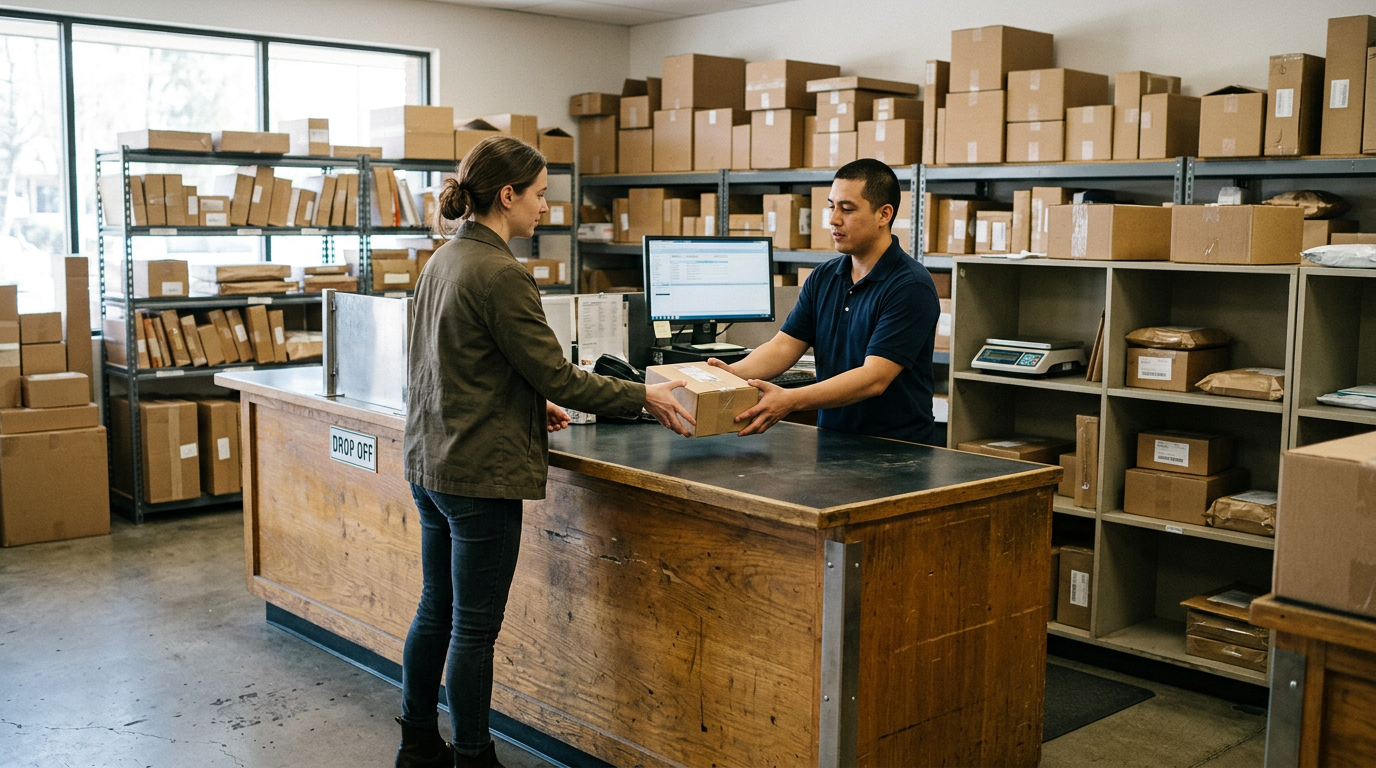
If you want to sell an iPad near you in Astoria, NY, bring it to Sell Your Gadgets at 30-13B Steinway St with a valid government photo ID, let us inspect it, and leave with cash the same visit. Android tablets work exactly the same way, and you can get a free quote first by online form, text, or just walking in.
This guide explains what actually moves the number on a tablet, what to do with your Apple ID or Google account before you hand it over, why a cracked screen is not a dealbreaker, and how the process compares with other places people try to sell. If you are searching for where to sell an iPad and want a straight answer from a buyer's perspective, this is it.
How to sell your iPad for cash in Astoria
Sell Your Gadgets is a buyback store. We pay cash for used, new, and broken electronics, and we do not sell devices to the public. That matters because the whole operation is built around evaluating and buying what you bring in, quickly.
The process is short:
- Get a free quote. Use the free quote form, send us a text, or walk in. Tell us the model, storage size, whether it has cellular, and the condition.
- Bring the tablet in. No appointment is needed. A quick in-person inspection confirms the condition and that everything works as described.
- Get paid on the spot. If you accept the offer, you are paid cash right there. A valid government photo ID is required for every sale, which is the standard secondhand-dealer rule.
We also do a free data wipe in store, so you are not stuck figuring out a factory reset in a parking spot or on a sidewalk. You can read more about what we take on our sell your iPad or tablet page.
What drives the value of a used tablet
People often assume the year on the box tells the whole story. In reality, several details stack together. Two iPads that look identical can land in very different places once you account for storage, connectivity, and condition. Here is what a buyer looks at.
| Factor | Why it matters | How it affects your offer |
|---|---|---|
| Model and generation | Newer models get longer software support and stay in demand with buyers. | Newer and higher-tier models hold value noticeably better than older base models. |
| Chip | Performance tiers (for example, standard versus Air versus Pro class chips on iPads) change who wants the device. | Stronger chips usually command more, especially for creative and work use. |
| Storage size | Larger storage is harder to find used and useful for video, art, and games. | More storage generally means a higher offer than the same model with less. |
| Wi-Fi vs. cellular | Cellular models include extra hardware and appeal to travelers and field workers. | Cellular versions tend to be valued above the Wi-Fi-only version of the same tablet. |
| Screen condition | The display is the most expensive part to repair. | Clean screens help; cracks lower the offer but do not end the conversation. |
| Body and battery | Bends, deep dents, and a worn battery affect resale. | Light wear is minor; bends or swollen batteries matter more. |
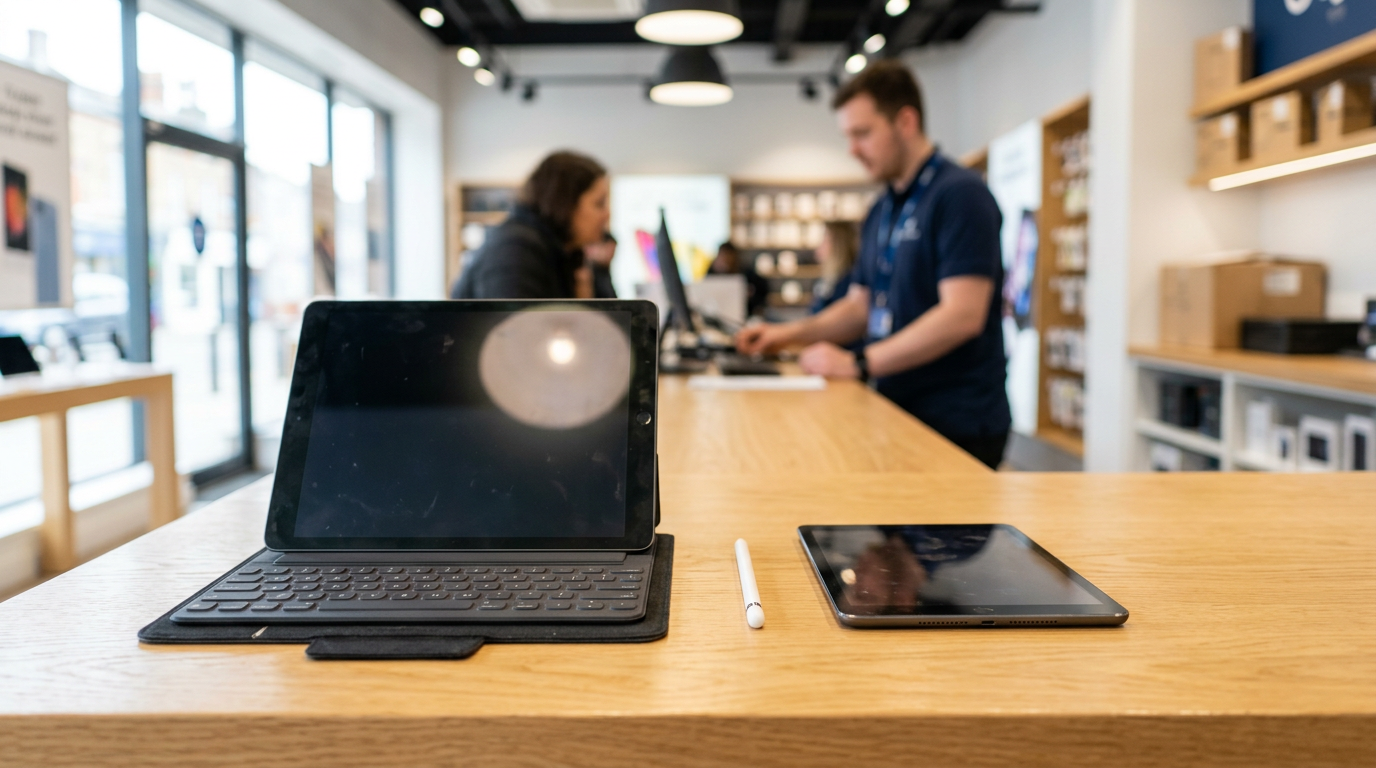
| Accessories | Apple Pencil, Magic Keyboard, or a Samsung S Pen add real utility. | Working accessories can help, especially when they match the tablet generation. |
| Account status | A locked device cannot be resold as-is. | Must be signed out and unlocked for the best outcome. |
We never publish set prices because the market moves and the details above change every quote. The fastest way to see where your tablet lands is a free cash quote.
Model and chip
On iPads, the lineup has several tiers: the standard iPad, the iPad mini, the iPad Air, and the iPad Pro. Pro models usually hold value best, and Air models tend to sit comfortably in the middle. The chip inside decides how well the tablet handles editing, drawing apps, and multitasking, so buyers pay attention to it. If you are not sure which generation you have, open Settings, then General, then About, and look for the model name and number. Or simply bring it in and we will identify it.
Storage and cellular
Storage is the detail people forget to check. A tablet with a larger capacity is worth more than the same model with the smallest option, because the extra space cannot be added later. The same goes for cellular: if your iPad has a SIM tray or eSIM support, mention it. It is a real selling point.
Pencil, keyboard, and other accessories
An Apple Pencil or a keyboard case that works properly can turn a tablet into a small laptop or a drawing pad, which is why some buyers care about them. Bring the accessories if you want them considered, and make sure they are the right generation for your model. A Pencil that is not compatible will not add much.
iPad versus Android tablet: what changes
iPads are the easiest tablets to resell because demand is steady and software support runs long. That is why they generally keep value better than most Android tablets of the same age. That said, we do buy Android tablets, including Samsung Galaxy Tab models, and higher-end Android tablets with good screens and intact S Pens can still bring a solid offer.
For Android, the same checklist applies: model, storage, cellular, screen, and accessories. The main difference is that older budget Android tablets lose value faster, so a prompt sale makes more sense than waiting. If you are wondering about a specific model, send it in through the quote form and we will tell you what to expect.
Before you sell: remove your Apple ID or Google account
This is the step that trips people up most. A tablet that is still tied to your account is locked to you, which makes it far harder to resell. Take care of it before you come in, or bring it and we will walk through it with you.
For an iPad
- Back up your data to iCloud or a computer if you want to keep your files and photos.
- Go to Settings, tap your name at the top, and choose Sign Out. Enter your Apple ID password to turn off Find My.
- If you have an Apple Pencil or accessories paired over Bluetooth, unpair them in Settings.
- Optionally erase it: Settings, General, Transfer or Reset iPad, then Erase All Content and Settings.
Turning off Find My is what removes Activation Lock. If you skip this, the next owner would be asked for your Apple ID after a reset. If you forgot the password or no longer have access to the account, try to recover it before visiting, since we cannot buy a locked device the same way as a clean one.
For an Android tablet
- Back up what you need through your Google account.
- Remove your Google account under Settings, then Accounts. On Samsung tablets, also remove your Samsung account.
- Turn off any screen lock, PIN, or pattern so the device can be tested.
- Run a factory reset if you like. Otherwise, we do the free data wipe in store.
Android has Factory Reset Protection, which works a lot like Activation Lock. If the Google account is still on the device when it is reset, it will ask for that login. Removing the account first avoids that problem.
What if I do not want to wipe it myself?
That is fine. Sign out of your accounts, and our free in-store data wipe handles the rest. It is one of the reasons people prefer to sell in person instead of shipping a tablet off and hoping for the best.
Cracked screens and damaged tablets still sell
A cracked iPad is not worthless. Repair shops and refurbishers buy broken tablets to fix and resell, so there is real demand for devices with shattered glass, dead pixels, or touch issues. The offer will be lower than for a clean screen, but it is usually better than people expect and far better than letting the tablet sit in a drawer.
Here is what we commonly see and how it tends to play out:
- Cracked glass but touch works: Still very sellable. The offer reflects the cost of the screen repair.
- Dead spots or lines on the display: Sellable, with a lower offer since the screen needs replacing.
- Bent frame: Sellable in many cases, though a bend is more serious than a crack.
- Will not turn on: Still worth a quote. Some devices just need a battery or charging port fix.
- Battery swelling: Bring it in carefully. If we cannot take it in, we can often recycle it so you do not have to deal with it yourself.
The important thing is to be honest about the condition when you ask for a quote. It keeps the in-person inspection quick and keeps the number from changing.
Where to sell an iPad: your options compared
Most people weigh four paths. Each has tradeoffs, and the right one depends on whether you value speed, convenience, or chasing the last bit of value.
| Option | Speed | Effort | Things to consider |
|---|---|---|---|
| Local buyback store (Sell Your Gadgets) | Same day, cash on the spot | Low: walk in, inspect, get paid | Valid photo ID required; offer depends on condition and model |
| Online marketplace (eBay, Facebook Marketplace, and similar) | Days to weeks | High: photos, messages, shipping or meetups | Possible fees, lowball messages, and payment disputes |
| Manufacturer trade-in (such as Apple Trade In) | Varies | Medium: online assessment and shipping | Often paid as credit or a gift card rather than cash |
| Mail-in buyback sites | Several days | Medium: packing and waiting | Offer can be revised after the device is received |
Selling to a private buyer can sometimes get a higher gross number, but it costs time, and cracked or older tablets often attract the least interest. Trade-in programs are convenient if you are upgrading and want credit. If your goal is cash today without strangers, shipping boxes, or waiting on a revised quote, a local buyback is the simplest route. One reviewer described being quoted a number elsewhere in Manhattan, then rejected at the counter, before finding a better experience here. Whatever you choose, get the quote confirmed before you commit.
What to bring and what to expect at the counter
Keep it simple. Bring the tablet, your government-issued photo ID, and any accessories you want included. If you still have the original charger or box, bring those too, though they are not required.
- The tablet, signed out of Apple ID or Google account if possible.
- A valid government photo ID. This is required for every sale.
- Accessories such as a Pencil, keyboard case, or stylus.
- Your quote details if you already texted or submitted the form.
The inspection is fast. We check the screen, buttons, charging port, cameras, battery behavior, and account status, then confirm the offer. If you are in a rush, say so. Customers have mentioned that the team evaluated items quickly and politely, and even recycled things that could not be bought so they did not have to hunt for another place. The store holds a 4.9 Google rating from 1071 reviews, which is a fair sign of how these visits tend to go.
Finding us on Steinway Street
The Sell Your Gadgets Astoria store is at 30-13B Steinway St, Astoria, NY 11103, near the corner of Steinway St and 30 Av. It sits in the stretch of Steinway known for Little Egypt and Little North Africa, so it is easy to fold into an errand run or a meal in the neighborhood. Transit and street parking options are around Steinway St and 30 Av, but check current street rules before you park.
Hours are Monday through Saturday from 10:00 AM to 7:00 PM, and Sunday from 11:00 AM to 5:00 PM. Weekends work fine, and no appointment is needed. If you would rather check something first, call (347) 396-5094 or send a quote request.
Selling a tablet if you are coming from nearby
Plenty of people cross the neighborhood lines to sell here. A few notes depending on where you are starting from. We also list our other New York options on the New York locations page.
Elmhurst
Elmhurst is a short trip from Astoria, so it is an easy one to do on a lunch break or after work. If you have an old iPad from a kid's school years or a work tablet you replaced, bring it along with any accessories and your ID. Call or text ahead if you want a quote to be ready when you arrive.
Maspeth
If you are in Maspeth, you can reach Astoria without a long detour. Many people from Maspeth bring a bundle: a tablet plus an old phone, laptop, or console. We buy all of those, so you can clear out a drawer in one visit and get paid once for everything.
Long Island City
Long Island City is right next door to Astoria, which makes it one of the easiest places to come from. If you are upgrading to a newer iPad, it is a quick trip to turn the old one into cash. Sign out of your Apple ID first and the visit should be painless.
Manhattan
Coming from Manhattan, it is worth the ride if you want a fair in-person inspection and cash in hand instead of mailing a device out or meeting a stranger from a listing. Send a photo and the model through the quote form before you leave so you know what to expect, and bring your photo ID.
New York
Across the rest of New York City, the approach is the same. Start with a free quote by form or text, confirm the model, storage, and condition, and then decide whether the trip makes sense. If you are combining the visit with other errands in Queens, Steinway Street is an easy stop.
Port Morris
For sellers coming from Port Morris in the Bronx, Astoria is a straightforward trip across the river. Bring the tablet, your ID, and any extras. If the screen is cracked, mention it in your quote so the inspection matches what you were told.
Tips to get the best offer for your tablet
- Sign out of your accounts first. A clean, unlocked device is worth more than a locked one.
- Clean it up. Wipe the screen and body. It will not change the model, but it makes condition easier to judge.
- Include the right accessories. A working Pencil or keyboard for your generation helps.
- Describe it honestly. Mention cracks, scratches, and battery issues in your quote.
- Do not wait too long. Tablets lose value when a new generation launches, so selling soon after you upgrade usually works best.
- Bundle devices. If you have an old phone or laptop too, bring everything at once.
Frequently asked questions
Can I sell my iPad for cash today?
Yes. Walk in during store hours with the iPad and a valid government photo ID. After a quick inspection, you are paid cash on the spot if you accept the offer. Sending a quote request first can speed things up.
Do you buy Android tablets too?
Yes. We buy Samsung Galaxy tablets and other Android models along with iPads. Condition, storage, and whether the Google account has been removed all affect the offer.
Will you buy a cracked or broken iPad?
Yes. Cracked screens, dead pixels, and devices that will not power on can still be sold. The offer will be lower than for a clean unit, but it is often more than people expect. Get a free quote so you know where you stand.
What if I forgot my Apple ID password?
Try to recover the account before you come in, using Apple's account recovery process. A tablet locked to an Apple ID that you cannot access is much harder to buy, so resolving it first gives you the best chance at a real offer.
Do I need an appointment or ID?
No appointment is needed. A valid government photo ID is required for every sale, which is a standard secondhand-dealer rule.
Do you wipe my data?
Yes, we offer a free data wipe in store. Still, sign out of your Apple ID or Google account beforehand, and back up anything you want to keep.
How do I know what my tablet is worth?
It depends on the model, chip, storage, cellular, screen condition, and accessories. We do not post fixed prices, so the quickest way is to send the details through our quote form or text us, or bring it in for a look.
Ready to turn that old tablet into cash? Get a free quote or stop by the Sell Your Gadgets Astoria store at 30-13B Steinway St, Astoria, NY 11103. We are open Monday to Saturday from 10:00 AM to 7:00 PM and Sunday from 11:00 AM to 5:00 PM, and you can call (347) 396-5094 with any questions.
Hear from a real customer
Real experience, real cash. Working or broken, get a free quote and walk out with cash the same day.
Compare your options
See how selling to us stacks up against other ways to sell, side by side.