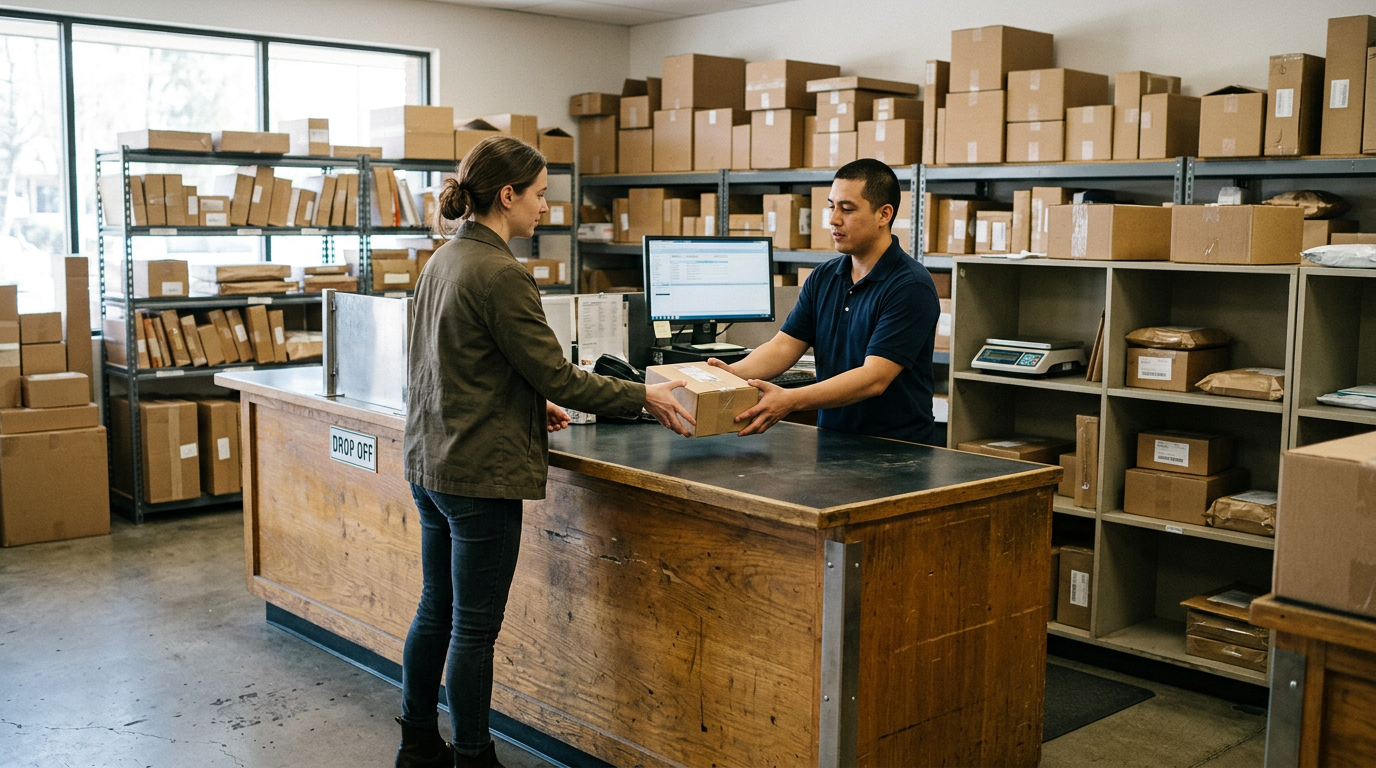
Sell iPad Near Me in Duluth, GA: Same-Day Cash for Tablets
By syedladen ·
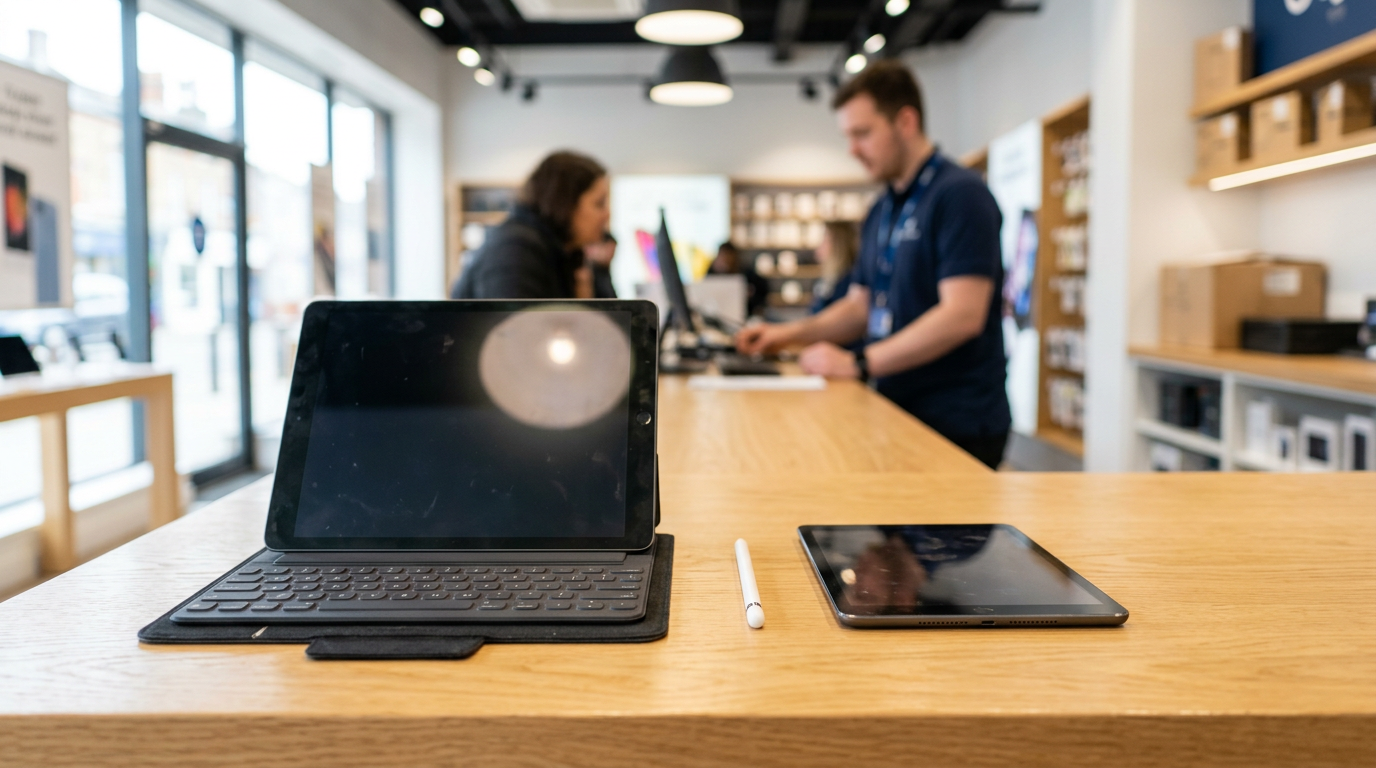
If you want to sell an iPad near you in Duluth, GA, bring it to Sell Your Gadgets at 3455 Peachtree Industrial Blvd Unit 855 for a quick in-person inspection and cash on the spot. No appointment is needed, cracked screens are welcome, and you can start with a free quote online, by text, or by walking in.
That covers most people searching for where to sell an iPad: a real storefront, a real person looking at your device, and an offer you can accept or decline right there. Below is how the process works, what moves a tablet's value up or down, how to sign out of your accounts properly, and how to get here from the surrounding towns.
How to sell your iPad or tablet in Duluth, step by step
Selling a tablet in person is simpler than listing it online and waiting on strangers. Here is the usual path at our Duluth buyback store:
- Get a free quote. Fill out the online form, text us the model details, or just walk in. Nothing is posted publicly because tablet offers depend on the exact device in front of us.
- Sign out and back up. Turn off Find My or remove your Google account, and save anything you want to keep (more on this below).
- Bring it in with photo ID. A valid government photo ID is required for every sale. That is the standard secondhand-dealer rule in Georgia.
- Quick inspection. We check the model, storage, screen, body, buttons, battery behavior, and account status.
- Get paid cash on the spot. If the offer works for you, you leave with cash. We also run a free data wipe in store.
If you would rather see where your device lands before you leave the house, use the free cash quote form. You can also read our general page on selling an iPad or tablet.
What drives the value of a used tablet
Two tablets that look identical on a shelf can be worth very different amounts. Buyers price a tablet by a handful of factors, and knowing them helps you set realistic expectations before you walk in. We never publish fixed numbers, because the final offer comes from the inspection, but here is how each factor pushes the offer.
| Factor | Why it matters | What to check before you come in |
|---|---|---|
| Model and generation | Newer generations hold value noticeably better than older ones, and Pro models usually sit above standard models. | Settings > General > About shows the model name and number. |
| Chip | Newer processors keep a tablet supported with current software for longer, which buyers care about. | Note whether it is an M-series or an A-series chip, if your model lists one. |
| Storage | More storage generally means a higher offer within the same model. | Check capacity under Settings > General > About. |
| Wi-Fi vs. cellular | Cellular versions are often more desirable, as long as the device is not locked to a carrier account. | Look for a SIM tray or eSIM listing in settings. |
| Screen and body | Clean glass and straight frames bring a stronger offer; cracks and dents lower it. | Check for lifted edges, dead pixels, and touch response. |
| Accessories | A working Apple Pencil or keyboard case can add to the overall package. | Test that the Pencil pairs and charges and that the keyboard responds. |
Model and chip
The generation of the tablet is the biggest single driver. An iPad Pro with a recent chip sits in a different category from an entry-level iPad several generations back. Software support also plays a role: when a model is about to lose new operating system updates, demand from resale buyers tends to soften. If you are holding an iPad Pro, our iPad Pro page has more on what we look at, and our standard iPad page covers the rest of the lineup.
Storage and cellular
Storage is one of the easiest ways to separate two units of the same model. A larger capacity tends to bring a higher offer, since it is more useful to the next owner and cannot be upgraded later. Cellular models are also worth a closer look. They usually draw more interest than Wi-Fi-only versions, provided the device is clear of any carrier lock or account issue.
Screen condition
Tablets take more abuse than most people admit. Scratches you can feel with a fingernail, flickering, ghost touches, and lifted glass all show up during inspection. A clean screen is one of the clearest ways to protect the offer, so skip the impulse to over-clean with harsh sprays. A soft cloth is enough.
Apple Pencil, keyboard, and other extras
Accessories can help when they are in good working order. An Apple Pencil that pairs and charges, or a keyboard case where every key responds, makes the bundle easier to resell. Bring them along and mention them in your quote request. Extras that are worn out or not working will not do much for the offer, but they will not hurt either.
Before you sell: remove your Apple ID or Google account
This is the step that trips up more sellers than any other. A tablet still tied to your account is difficult to resell, so do this at home before you come in. If you get stuck, we can help at the counter, but you will need to know your credentials.
iPad: turn off Find My and Activation Lock
- Back up your iPad to iCloud or a computer.
- Go to Settings, tap your name, then choose Find My and turn off Find My iPad. You will be asked for your Apple ID password.
- Sign out of your Apple ID under Settings > your name > Sign Out.
- Unpair an Apple Pencil or any Bluetooth accessories you are not selling.
- Optionally go to Settings > General > Transfer or Reset iPad > Erase All Content and Settings. We also complete a free data wipe in store.
If Activation Lock is still on, the device cannot be set up by anyone else. That is why we check it during the inspection. You can also remove a device remotely from your Apple ID account page if the tablet is already in your hand but you cannot reach its settings.
Android tablet: remove your Google account
- Back up photos, files, and app data to your Google account or another service.
- Open Settings > Accounts (or Passwords and accounts) and remove your Google account.
- Remove any Samsung account, too, if you use a Galaxy Tab.
- Turn off any screen lock, PIN, or fingerprint you no longer need.
- Factory reset from Settings if you want, or let us do the wipe for you.
Factory Reset Protection on Android works a lot like Activation Lock. If the Google account stays on the device and the reset happens, the next person may be locked out. Removing the account first avoids the problem.
Cracked screens and broken tablets still sell
A cracked screen does not make a tablet worthless. We buy new, used, and broken devices, and that includes tablets with shattered glass, dead zones, swollen batteries, or bent frames. The offer will be lower than for a clean unit, of course, and how much lower depends on what is actually wrong. A crack that leaves the touch screen fully responsive is a very different situation from a display that is dead underneath.
Do not pay for a repair before selling. Fixing a screen usually costs more than the gap it closes in the offer, and a third-party screen can sometimes complicate an inspection. Bring it as it is, be upfront about what does and does not work, and let the free quote show you where it stands. If the tablet will not power on at all, tell us that in the request as well.
Where to sell an iPad: in-store vs. other options
Sellers have several routes, and each one suits a different priority. Here is a fair comparison.
| Option | Upside | Trade-off |
|---|---|---|
| Local buyback store | Same-day cash, an in-person inspection, and a clear yes or no before you leave. | You need to bring the device in and have photo ID. |
| Manufacturer or retailer trade-in | Convenient if you are already upgrading, and easy to do online. | Often paid as store credit or a gift card rather than cash, and the device must match the description you gave. |
| Online marketplaces (eBay, Facebook Marketplace) | Open to a broad audience, and you set the asking price. | Listing fees or shipping on some platforms, time spent messaging buyers, and meeting strangers or dealing with returns. |
| Mail-in buyback sites | Works from anywhere without leaving home. | You ship the device and wait, and the final payout can change after they inspect it. |
If you want cash today and do not want to haggle with strangers, a local buyback counter is the fastest route. If you are not in a hurry and want to test the market, a marketplace listing may suit you. Neither is wrong, it depends on how you value your time.
Android tablets and other brands
We are not an iPad-only shop. Samsung Galaxy Tab models and other Android tablets are part of what we buy, and the same factors apply: model, storage, cellular or Wi-Fi, screen condition, and account status. Flagship Android tablets tend to hold value better than budget models, and tablets that are still getting software updates are easier to place with the next owner.
If you are not sure whether your brand is on the list, send the exact make and model through the quote form and we will tell you. While you are here, you can also bring an old phone, a used iPhone, or other gear. We buy phones, laptops, consoles, cameras, drones, and more, and the page on selling electronics in Duluth covers the full list.
What to bring to the store
- Your tablet, signed out of Apple ID or Google and Samsung accounts.
- A valid government photo ID. This is required for every sale.
- Accessories you want to include, such as an Apple Pencil, keyboard case, or charger.
- Your passcode, in case we need to check that the device works correctly during inspection.
- Any details from your quote, so we can compare the device with what you described.
You do not need the original box or a receipt to get an evaluation. If you want to be sure about something specific, put a note in the quote request and we will answer it before you make the trip.
Selling a tablet from nearby towns
Duluth sits close to a lot of Gwinnett, Fulton, DeKalb, and Forsyth County neighborhoods, and plenty of our customers drive in from out of town on purpose. Here is what the trip looks like from the areas we hear from most.
Roswell
Roswell sellers along Holcomb Bridge Road cross over to Duluth for a face-to-face evaluation that beats shipping a device off and hoping. You see the inspection, you hear the offer, and you leave with cash rather than a tracking number. More on our Roswell page.
Chamblee
Chamblee residents near the Peachtree-DeKalb corridor get same-day cash for used electronics without the mail-in wait. An iPad that has been sitting in a drawer since the last upgrade can be turned into cash the same afternoon.
Snellville
Snellville sellers off US-78 make the short drive north for a trusted storefront that pays cash for phones, tablets, and consoles. Bring the tablet and anything else you have stacked up, and we can look at everything in one visit.
Cumming
Cumming residents down GA-400 and Peachtree Industrial bring in old devices for a same-day cash offer evaluated in person. A quote request ahead of time helps you confirm the tablet is worth the drive before you leave.
Johns Creek
Johns Creek families along State Bridge Road skip the mail-in wait and drive minutes down Peachtree Industrial to turn old iPhones, MacBooks, and consoles into cash the same day. Tablets that the kids have outgrown fit right into that same trip. See the Johns Creek page for details.
Peachtree Corners
Right across the Chattahoochee, Peachtree Corners sellers get a free in-person evaluation at our Duluth counter instead of gambling on an online quote. We have a page for Peachtree Corners sellers with more on what to bring.
Getting to the Duluth store
We are at 3455 Peachtree Industrial Blvd Unit 855, Duluth, GA 30096, and there is a lot on Buford Hwy you can use. The store is open every day: Monday through Saturday from 10:00 AM to 7:00 PM, and Sunday from 11:00 AM to 5:00 PM. That makes evenings and weekends workable if a weekday job keeps you busy. For a preview of the location, see the Duluth store page.
If you are not sure about the timing or what is included, call 404-589-3362 before you head over.
Frequently asked questions
Can I sell an iPad with a cracked screen?
Yes. We buy new, used, and broken devices, including tablets with cracked glass. The offer will be lower than for an undamaged iPad, and the exact amount depends on how the tablet works after inspection.
Do I need an appointment to sell my iPad?
No. You can walk in during store hours, although sending a quote request first helps you know what to expect before the trip.
What ID do I need?
A valid government photo ID is required for every sale. This is the standard secondhand-dealer rule and applies to every customer.
What if my iPad is still signed into my Apple ID?
Turn off Find My and sign out before you come in. An iPad with Activation Lock still on is hard for anyone to resell, so it will usually block the sale until the lock is removed.
Do you buy Android tablets, not just iPads?
Yes. We buy Samsung Galaxy Tab models and other Android tablets. Remove your Google account first, and send the exact model in a quote request if you want to confirm it in advance.
Should I erase my tablet before I bring it in?
Back up what you need, sign out of your accounts, and erase it if you like. We also do a free data wipe in store, so nothing personal leaves with the device.
How quickly do I get paid?
After the quick inspection, the payout is cash on the spot if you accept the offer. There is nothing to ship and nothing to wait on.
Ready to sell? Start with a free cash quote, then bring your tablet and photo ID to Sell Your Gadgets Duluth at 3455 Peachtree Industrial Blvd Unit 855, Duluth, GA 30096. We are open Monday through Saturday 10:00 AM to 7:00 PM and Sunday 11:00 AM to 5:00 PM. See the store page for details, or call 404-589-3362.
Hear from a real customer
Real experience, real cash. Working or broken, get a free quote and walk out with cash the same day.
Compare your options
See how selling to us stacks up against other ways to sell, side by side.