
Sell Laptop Near Me in Astoria, NY: Same-Day Cash Guide
By syedladen ·
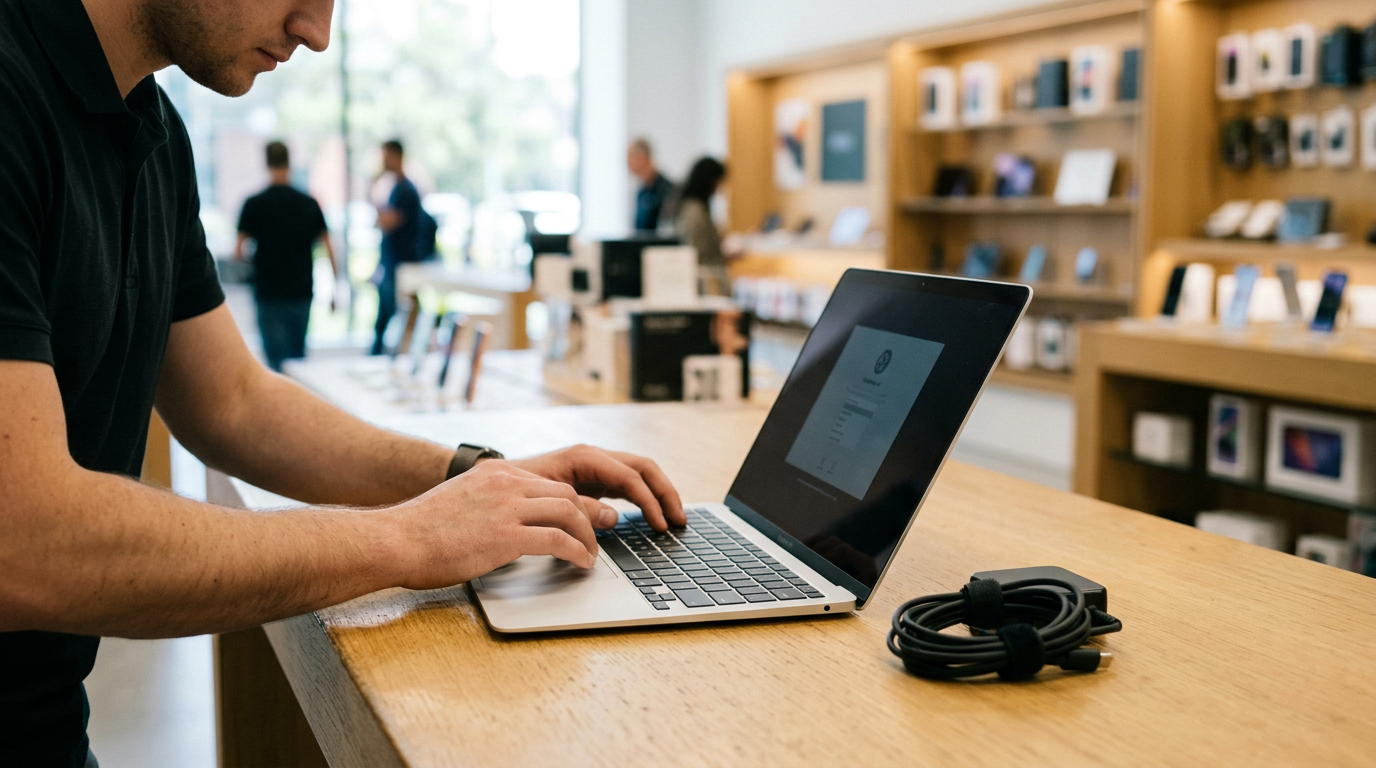
If you want to sell a laptop near you in Astoria, NY, bring it to Sell Your Gadgets Astoria on Steinway St. We inspect MacBooks, Windows laptops, and gaming laptops while you wait and pay cash on the spot, with no appointment needed. You can start with a free quote online, by text, or by walking in, and the strongest offers go to laptops that are backed up, signed out of their accounts, and brought in with the charger and a valid government photo ID.
How to sell your laptop for same-day cash in Astoria
The process is built for people who want to sell a laptop for cash without a week of back-and-forth messages. Here is how it works at our Astoria store:
- Get a free quote. Use the online form, send a text, or simply walk in. Tell us the make, model, and condition, and mention the chip, RAM, and storage if you know them.
- Bring the laptop in. We do a quick inspection of the screen, keyboard, ports, battery, and overall condition, and we confirm the specs.
- Get paid cash on the spot. If you accept the offer, you leave with cash the same visit.
We are a buyback store. We pay for used, new, and broken devices, and we do not sell devices or publish prices. Offers depend on the exact model and its condition, so the only reliable number is the one you get from a free quote on your own machine.
Every sale requires a valid government photo ID. This is the standard secondhand-dealer rule and applies to everyone, so bring it along with the laptop and charger. We also offer a free data wipe in store, which is helpful if you are short on time. Still, do the prep steps below first whenever you can.
What drives laptop value
Two laptops that look identical on a desk can be worth very different amounts. These are the factors that matter most when we evaluate a machine.
Chip and processor
The processor is usually the biggest single factor. For MacBooks, that means the difference between Apple silicon (M-series) and older Intel models, as well as which generation and tier of chip it is. For Windows laptops, it means the Intel Core or AMD Ryzen generation and class. Newer generations and higher tiers generally carry more value.
RAM and storage
More memory and larger solid-state storage make a laptop more useful, so they usually support a stronger offer. Since most laptops are hard or impossible to upgrade later, the configuration you bought is the configuration that gets valued. A higher-spec version of the same model is typically worth more than the base version.
Graphics (especially for gaming laptops)
For gaming laptops, the dedicated graphics card is a major driver of value, alongside the processor, RAM, and a high refresh rate display. A recognizable GPU tier and a healthy cooling system matter a lot. If your fans are loud or the machine throttles under load, expect that to factor into the inspection.
Battery cycle count and health
Batteries wear out with charge cycles. A laptop with a low cycle count and good health holds its value better than one that barely lasts an hour. MacBook users can find cycle count in system information, and Windows users can generate a battery report. A swollen battery is a safety issue, so stop using the laptop and bring it in as a broken device.
Screen and keyboard
Cracks, dead pixels, pressure marks, backlight bleed, and dim spots on the display all affect value. So do sticky, missing, or worn keys, a shiny keyboard, and a damaged trackpad. Light cosmetic wear is normal, but functional problems change the offer.
| Factor | What we look at | How to check before you come in |
|---|---|---|
| Chip/processor | Model, generation, tier | About This Mac, or Settings > System > About on Windows |
| RAM and storage | Amount of memory and drive size | Same screens as above |
| Battery | Cycle count and health | System Information on Mac, battery report on Windows |
| Screen | Cracks, lines, dead pixels, backlight | View a plain white and a plain black screen |
| Keyboard/trackpad | Dead keys, wear, click response | Test every key in a text document |
| Extras | Charger, box, original accessories | Gather everything you have |
Selling a MacBook: Apple silicon, Intel, and Activation Lock
If you are asking where you can sell a MacBook for cash near you, the answer is any buyer who can verify the machine on the spot. MacBooks are some of the easiest laptops to sell quickly, as long as the account side is clean.
Apple silicon vs. Intel
Open the Apple menu and choose About This Mac. If you see a chip name like M1, M2, M3, or another M-series chip, it is Apple silicon. If you see an Intel processor listed, it is an Intel MacBook. Apple silicon models generally hold value better because they remain current with the latest macOS. Intel models can still sell, and the buyback value depends on the year, screen size, RAM, and storage. Write down the model year and size (such as 13-inch or 16-inch), because the quote depends on them.
Sign out of Apple ID and turn off Find My
Before you sell your MacBook, sign out of your Apple ID and turn off Find My Mac. If Find My stays on, the laptop is tied to your account through Activation Lock, and a locked Mac is much harder to resell. This is the single most common reason a MacBook sale gets delayed. On recent macOS versions, go to System Settings, click your name, and sign out. Then confirm that Find My Mac is off.
Also deauthorize and unpair
Sign out of iMessage and FaceTime, and sign out of iCloud. If you used the Mac with an Apple Watch, an external keyboard, or Bluetooth accessories, unpair them. If your Mac has a firmware password or a managed school or work profile, let us know, because those can block a sale until they are removed by the administrator.
Selling a Windows or gaming laptop
Find your exact specs
On Windows, open Settings > System > About to see the processor, installed RAM, and device name. Task Manager (Performance tab) shows your CPU, memory, disk, and GPU. For a gaming laptop, note the graphics card model, the refresh rate of the display, and the storage configuration. The model number on the bottom of the laptop or the original box also helps us look up the exact version. Writing these down speeds up your free quote considerably.
Remove your Microsoft account and sign-ins
Go to Settings > Accounts and remove your Microsoft account or switch to a local account before you reset. Then sign out of any apps tied to you, such as Steam, Epic Games, Battle.net, Xbox, and Adobe, and deauthorize the laptop where the app requires it. It is smart to remove the device from your Microsoft account online too.
BitLocker and device encryption
Many Windows laptops have BitLocker or device encryption turned on. If you reset without dealing with it, you can end up stuck at a recovery screen asking for a key. Make sure you can sign in and that your recovery key is saved to your account. Then turn off BitLocker in settings and let decryption finish, or do a full reset from within Windows so the encryption is properly cleared. Also disable any BIOS or UEFI password, since we cannot inspect a machine that is locked out at startup.
Gaming laptop extras
Bring the original power brick, since gaming laptops use large chargers and a missing one changes the offer. Clean the vents and keyboard a little. Mention any RGB lighting issues or hinge wear, and any aftermarket RAM or storage upgrades you installed.
Back up your files and reset the machine safely
Do this before you leave the house, and in this order:
- Back up everything you need. Copy documents, photos, projects, and game saves to an external drive or cloud storage. Check that the files open from the backup.
- Export passwords and licenses. Save your password manager data, software license keys, and two-factor authentication codes somewhere secure that is not on this laptop.
- Deauthorize and sign out. Apple ID and Find My on a Mac, Microsoft account and app logins on Windows.
- Reset the computer. On a Mac, use the erase all content and settings option in System Settings where available, or macOS Recovery on older versions. On Windows, use Settings > System > Recovery > Reset this PC, and choose to remove everything.
- Leave it at the setup screen if you can. A clean reset lets us verify it without seeing your data.
If you run out of time, do not panic. Our free in-store data wipe covers the final step. Still, backing up is on you, because once a drive is wiped, the data is gone.
How to get the strongest offer
- Get the quote first. Send the exact model, chip, RAM, and storage through the free quote form or by text, so you know what to expect before you travel.
- Be honest about condition. Mention cracks, battery issues, and sticky keys upfront. A quote based on accurate details rarely changes at the counter.
- Bring the charger and accessories. The original charger, cable, and box can help, and a missing charger can lower an offer.
- Clean it up. Wipe the screen, keyboard, and case. A well-kept laptop looks like a well-maintained one.
- Do not sell it too late. Laptop values tend to drop as new chips launch, so selling before it is several generations old helps.
- Do not skip broken devices. We buy broken laptops too, so a dead screen or a failing battery is not automatically a dead end.
Recent customers often mention fast evaluations, friendly service, and fair offers. One reviewer said they were turned away elsewhere in Manhattan after being quoted for a PC, then found a better experience at our shop. Another appreciated that items we could not buy were handled through recycling to save them time. Those are the kinds of experiences we aim for, and you can read more on our Astoria store page.
Comparing your options for selling a laptop
When you search for how to sell a laptop for cash, you will see several paths. Each has tradeoffs:
- Online marketplaces: These can reach many buyers, but expect messages, no-shows, haggling, meetups with strangers, and scam risk. Payment may not be instant.
- Carrier trade-ins and manufacturer programs: They are convenient, but payout is often store credit or tied to a purchase, and they may not accept older or damaged machines.
- Pawn shops: They can pay quickly, but the structure is often built around loans, and offers vary widely from shop to shop.
- Kiosks: They are fast for phones, but laptops typically need a human to check the specs, screen, and keyboard.
- A local buyback store: You get an in-person inspection, a cash payout on the spot, and a free data wipe without shipping a laptop away or meeting strangers.
To see where else we operate, browse our New York locations.
Selling a laptop from nearby towns
Our store is at 30-13B Steinway St in Astoria, near Steinway St and 30 Av, close to the food and shopping of Little Egypt and Little North Africa. If you are coming from elsewhere, here is what to expect.
Elmhurst
Elmhurst is a short drive from Astoria via Queens Boulevard or the Grand Central Parkway area. Students, families, and remote workers here often have a spare laptop sitting in a drawer. Bring it in with your ID and we can give you a quote and pay you the same visit.
Maspeth
From Maspeth, it is a short drive to Astoria, and many people combine the trip with other errands. If you work in a trade or office and upgraded your work laptop, or you have an older gaming laptop, text us the specs first so you know what to expect when you arrive.
Long Island City
Long Island City is right next door. If you are a designer, developer, or student with an older MacBook, the trip is quick. Remember to sign out of iCloud and turn off Find My before you come, which prevents the most common delay.
Manhattan
Manhattan sellers can reach Astoria via the Queensboro Bridge or by transit toward Steinway St. It can be worth the trip if you want a fast in-person inspection and cash on the spot, rather than waiting on an online buyer. Bring the charger and your photo ID.
New York
If you are coming from other parts of New York City, including Brooklyn and the rest of Queens, Astoria is easy to reach by subway, bus, or car. Street parking and transit around Steinway St and 30 Av can be busy, so allow extra time. Sending a text for a quote first lets you plan your trip with confidence.
Port Morris
Port Morris in the South Bronx is a drive away across the RFK Bridge corridor into Astoria. If you are making the trip for a gaming laptop or a MacBook, get your quote first and double-check your prep list so the visit is a single, quick stop.
Frequently asked questions
Where can I sell my MacBook for cash near me in Astoria?
You can bring it to Sell Your Gadgets Astoria at 30-13B Steinway St. We inspect it in person and pay cash the same visit. Before you come, sign out of your Apple ID and turn off Find My Mac.
Do I need an appointment to sell my laptop?
No. Walk in during store hours, or get a free quote first by online form or text. A valid government photo ID is required for every sale.
How much will I get for my laptop?
It depends on the model, chip, RAM, storage, battery, and condition. We do not post prices, so the best way to find out is a free quote on your specific laptop.
Will you buy a broken laptop?
Yes. We buy new, used, and broken devices, including laptops with cracked screens, battery problems, or other damage. Tell us what is wrong and we will factor it in.
What if I forgot to wipe my laptop?
We offer a free data wipe in store. Back up anything you want to keep first, and sign out of Apple ID or your Microsoft account if you can, since locked accounts can block a sale.
Can I sell a gaming laptop or gaming PC here too?
Yes. We buy gaming laptops, gaming PCs, and monitors. Bring the charger and note the graphics card, processor, RAM, and storage for the quickest quote.
Ready to sell your laptop? Get a free quote online or by text, or visit Sell Your Gadgets Astoria at 30-13B Steinway St, Astoria, NY 11103. We are open Monday through Saturday from 10:00 AM to 7:00 PM and Sunday from 11:00 AM to 5:00 PM. Call (347) 396-5094 with questions, and bring your photo ID.
Hear from a real customer
A real customer on their experience. Working or broken, get a free quote and walk out with cash the same day.
Compare your options
See how selling to us stacks up against other ways to sell, side by side.





