
Sell Laptop Near Me in Downtown Brooklyn, NY: Same-Day Cash
By syedladen ·
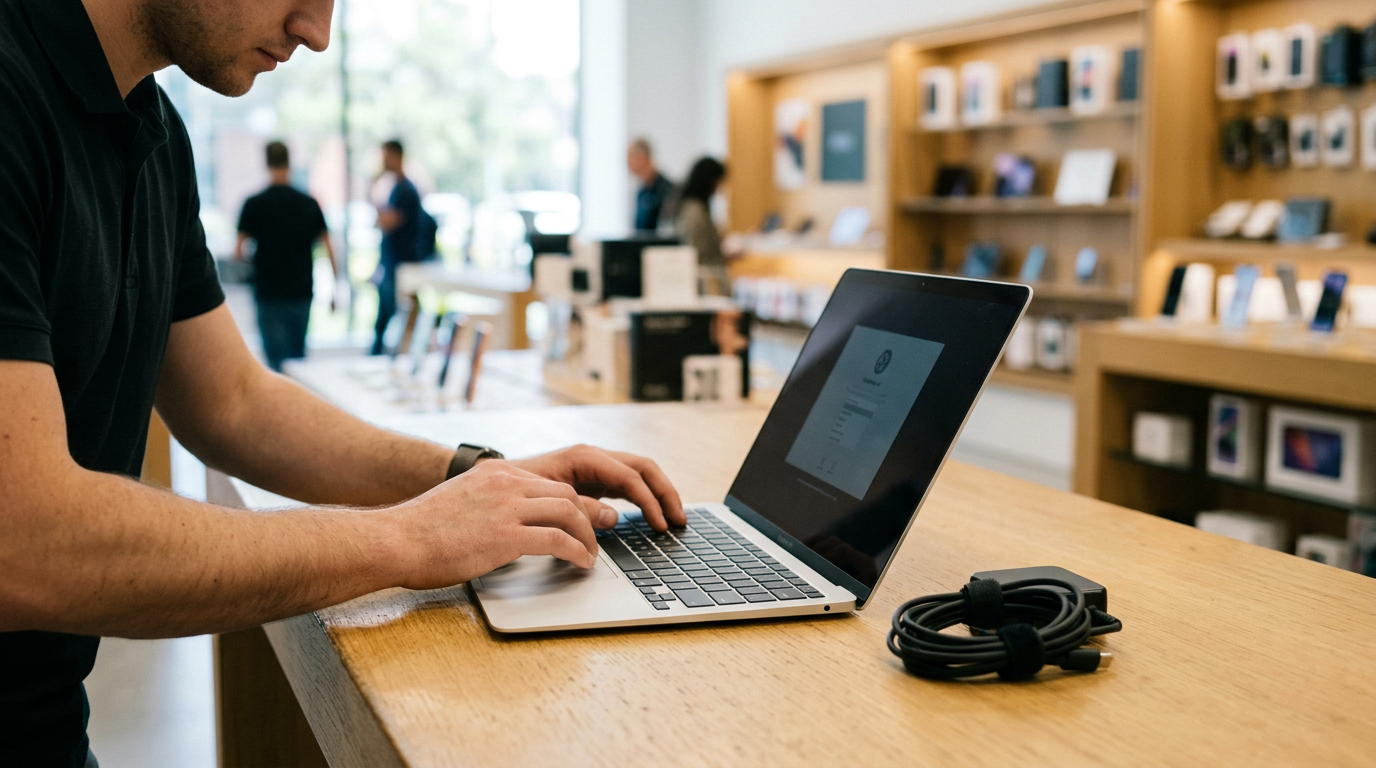
If you want to sell a laptop near you in Downtown Brooklyn, the quickest route is to get a free quote, bring the machine and your photo ID to Sell Your Gadgets at 375 Dean St, and get paid cash on the spot after a quick inspection. We buy MacBooks, Windows laptops, and gaming laptops, whether they are new, used, or broken, and no appointment is needed. Offers depend on the exact model and condition, so we never post prices publicly. A free quote tells you where you stand before you leave home.
How selling a laptop for cash works at our Downtown Brooklyn store
Selling your laptop for cash here takes three steps, and you can do most of the prep at home.
- Get a free quote. Use the online form, send us a text, or just walk in. Have the model name, year or generation, processor, RAM, and storage handy.
- Bring it in for inspection. We check the screen, keyboard, trackpad, ports, battery health, and overall condition, and confirm the specs match what you told us.
- Get paid on the spot. If you like the offer, you leave with cash. We also wipe the data for free in store.
Every sale requires a valid government photo ID. This is the standard secondhand-dealer rule, and it applies to everyone. Bring the charger too. A laptop with its original power adapter is easier to test and is usually worth more than one without it.
Customers often mention that our staff take the time to go through each item carefully and explain the offer, even when the shop is busy. One reviewer said they negotiated a better number and found the team cooperative. You are free to ask questions, and you are never obligated to accept. Our Downtown Brooklyn store page has current details and the quote options.
What drives laptop value
Two laptops with the same name can be worth very different amounts. These are the factors that matter most, roughly in order of impact.
| Factor | Why it matters | What to check |
|---|---|---|
| Chip or processor | The biggest driver of value. Newer generations and higher tiers hold worth longer. | Apple menu > About This Mac, or Windows Settings > System > About |
| RAM | More memory means a more capable machine, especially for editing, development, and gaming. | Same screens as above |
| Storage | Larger drives are worth more, and solid-state storage is the norm for buyers. | About This Mac > Storage, or Windows Settings > System > Storage |
| Battery cycle count | A high count means reduced capacity and a future replacement cost. | Mac: System Information > Power. Windows: a battery report from Command Prompt |
| Screen | Cracks, dead pixels, backlight bleed, and burn-in all lower the offer. Resolution and refresh rate help it. | Look at it on a white background and on a black one |
| Keyboard and trackpad | Sticky, missing, or shiny worn keys and a clicking-failure trackpad count against it. | Test every key and click zone |
| Body and ports | Dents, bent hinges, swollen batteries, and loose charging ports matter. | Open and close the lid slowly and test each port |
On a gaming laptop, the graphics card is often as important as the processor. Refresh rate, cooling condition, and whether the original charger is included all play a role too.
Selling a MacBook: Apple silicon, Intel, and Activation Lock
If you are asking where you can sell a MacBook for cash near you, know that we buy MacBook Air and MacBook Pro models, from recent ones to older ones, and some that no longer work. A few details change what a MacBook is worth and how smoothly the sale goes.
Apple silicon vs. Intel
Apple silicon MacBooks (the M-series chips) are generally more in demand than Intel models because of speed, battery life, and continued software support. Intel MacBooks still have value, but the model year, processor tier, and RAM matter a lot. To check which you have, open the Apple menu and choose About This Mac. You will see either a chip name like Apple M-something or an Intel processor. Note the year and screen size too, since those help us identify the exact model.
Activation Lock and Find My
Modern MacBooks are tied to an Apple ID through Activation Lock. If the Mac is still signed in to iCloud with Find My turned on, it cannot be reset into a usable machine for the next owner. A locked MacBook is worth much less because it cannot be reused. Before you come in, sign out of your Apple ID and confirm that Find My is off.
Signing out and erasing
- Back up with Time Machine or copy your files to an external drive or cloud storage.
- Sign out of iCloud, then sign out of iMessage and FaceTime.
- Turn off Find My Mac and remove the device from your Apple ID account page if you can.
- On newer macOS versions, use the option to erase all content and settings. On older ones, use Recovery mode to erase the disk and reinstall macOS.
If you are not sure you did it right, bring it anyway. We offer a free data wipe in store, and we will show you whether Activation Lock is still on before any money changes hands. Removing the lock yourself is still the best way to avoid a lower offer.
Selling a Windows or gaming laptop
Windows laptops cover a huge range, from thin business notebooks to heavy gaming rigs, so specs matter even more. You can also sell a laptop for cash even if it has problems, such as a cracked screen, a dead battery, or a machine that will not boot. Condition changes the offer, but damaged devices are still something we evaluate.
Finding your specs
- Processor, RAM, and system type: Settings > System > About.
- Storage: Settings > System > Storage.
- Graphics card: open Task Manager, go to the Performance tab, and select GPU. Gaming laptops often list a dedicated card there.
- Exact model: look on the underside of the laptop or in the About screen for the model name or number.
BitLocker and your Microsoft account
Many Windows laptops come with device encryption or BitLocker turned on. Before resetting, check your encryption status, make sure you have your files saved elsewhere, and turn off encryption if you have the option. Then remove your Microsoft account from the device, go to your Microsoft account online and remove the laptop from your list of devices, and unlink any manufacturer accounts. If you use Windows Hello, remove your PIN or fingerprint sign-in as part of the reset.
Gaming laptop details that help
For a gaming laptop, tell us the GPU model, RAM, storage, screen refresh rate, and whether it runs hot or throttles. Bring the original charger, since gaming laptops use large power bricks that are expensive to replace. If you still have the box or accessories, bring those too, although they matter less than the charger. We also buy gaming PCs and monitors, so if you are clearing out a whole setup, ask about selling it together.
Back up your files and reset the laptop safely
Do these steps in order so that nothing gets lost and nothing personal stays on the machine.
- Back up everything you want to keep. Use an external drive or cloud storage. Check that the files open on another device before you erase anything.
- Deauthorize software. Sign out of apps with license limits, such as creative suites, music software, and game launchers.
- Sign out of your accounts. That means Apple ID on a Mac and Microsoft account on Windows, plus any password managers and browsers.
- Turn off locks. Find My on a Mac, BitLocker or device encryption on Windows, and any firmware or BIOS passwords.
- Reset the machine. Use the built-in erase or reset option. On Windows, choose Reset this PC and remove everything.
- Bring the charger and your ID. Then come in for your inspection.
If anything fails, for example the laptop will not boot or you forgot a password, do not panic. Bring it in and we will go over your options. Our free in-store data wipe is there so that you are not stuck.
How to get the strongest offer for your laptop
- Get a quote first. It is free, and it lets you compare offers from pawn shops, carrier trade-ins, online marketplaces, and kiosks with no commitment.
- Be accurate about specs and flaws. A precise description means the offer you hear matches the offer you get at the counter.
- Clean it. Wipe the screen, keyboard, and vents. A well-kept laptop signals good care.
- Bring the charger and accessories. A working original adapter helps.
- Sell before the next model year. Used laptops tend to lose value as new releases arrive, so do not wait too long.
- Skip the DIY repairs. A cheap replacement screen or battery can cost you more than it adds back. Ask us first.
- Ask questions. If something about the offer is unclear, ask how we arrived at it.
Online marketplaces can sometimes produce a higher number, but they come with messaging, no-shows, and meeting strangers. Selling here trades that extra effort for a fast, private, same-day payout. You can also see our other New York locations if another store is closer to you.
Selling a laptop from Bushwick, Crown Heights, Flatbush, and beyond
Our Dean St location serves all of Brooklyn and the surrounding area. Here is how it works out from each nearby neighborhood or city.
Bushwick
If you are in Bushwick and have a laptop from your studio, workspace, or home office, it is a straightforward trip across Brooklyn by subway or bike. Creative professionals often have MacBooks for design, music, or video, so check Activation Lock before you head over. Bring your ID and charger, and we can handle the rest.
Stuyvesant Heights
Stuyvesant Heights is a short trip to Downtown Brooklyn by transit or car. Many residents here are upgrading work-from-home laptops or clearing out older student machines. Use the free quote to confirm the model before you come by, and we will take it from there.
Crown Heights
From Crown Heights, Downtown Brooklyn is close enough that you can bring a laptop in on your lunch break or after work. If you have a gaming laptop, collect your specs and the original charger so the inspection goes quickly. You can also text a quote request first to save time.
Flatbush
Flatbush residents can reach us by bus, subway, or a short drive toward Downtown Brooklyn. College students and families often have a spare Windows laptop at home, and these are worth bringing in before they lose more value. Reset it first, then visit us with your ID.
New York
If you are coming from Manhattan or elsewhere in New York, the subway gets you to Downtown Brooklyn quickly, and Dean St is near the 4 Av stop area. It makes sense to visit if you want a cash deal on the spot instead of shipping a laptop away and waiting. Be sure to bring photo ID.
Jersey City
Jersey City sellers usually connect through Manhattan by PATH, train, or car, then continue into Brooklyn. It is a bigger trip, so get your quote first and confirm your specs so that the visit is worthwhile. Having the laptop reset and the charger packed before you leave will make things faster.
Visiting us in Downtown Brooklyn
We are at 375 Dean St, Downtown Brooklyn, NY 11217, near Dean St and 4 Av. Nearby spots include North Pacific Playground and Sixteen Sycamores Playground, and the Greg Tate Mural and the Brooklyn 99 Building are also in the area. Walk-ins are welcome. For the current store details, see our Downtown Brooklyn page, or call (718) 500-3450 with questions before you come.
Frequently asked questions
Can I sell my laptop for cash today?
Yes. If you bring the laptop and a valid government photo ID during store hours, we inspect it and pay cash on the spot if you accept the offer. No appointment is required.
Do you buy broken laptops?
Yes. We buy new, used, and broken devices. A cracked screen, weak battery, or keyboard issue will lower the offer, but it will not necessarily mean we cannot buy it. Send a quote request with the details.
Do I need to erase my laptop first?
It is best to back up your files and sign out of your accounts yourself, especially Apple ID and Microsoft account. We also provide a free data wipe in store, so you can bring it in if you are unsure.
How much will I get for my MacBook or gaming laptop?
It depends on the model, chip, RAM, storage, battery health, and condition. We do not quote prices publicly, but a free quote by form, text, or walk-in will give you a real number.
What should I bring to sell my laptop?
Bring the laptop, its charger, and a valid government photo ID. Accessories and the original box are a bonus. Make sure you have signed out of Apple ID or your Microsoft account.
Can I negotiate the offer?
You are welcome to ask questions and discuss the offer. Accurate specs and good condition help. There is no pressure, and you can walk away if the offer is not right for you.
Ready to sell your laptop? Get a free quote or visit Sell Your Gadgets at 375 Dean St, Downtown Brooklyn, NY 11217. We are open Monday 12:00 PM to 7:00 PM, Tuesday to Friday 10:00 AM to 7:00 PM, Saturday 12:00 PM to 5:00 PM, and closed Sunday. Call (718) 500-3450 with any questions.
Hear from a real customer
Real experience, real cash. Working or broken, get a free quote and walk out with cash the same day.
Compare your options
See how selling to us stacks up against other ways to sell, side by side.





