
Sell Laptop Near Me in Elizabeth, NJ: Same-Day Cash
By syedladen ·
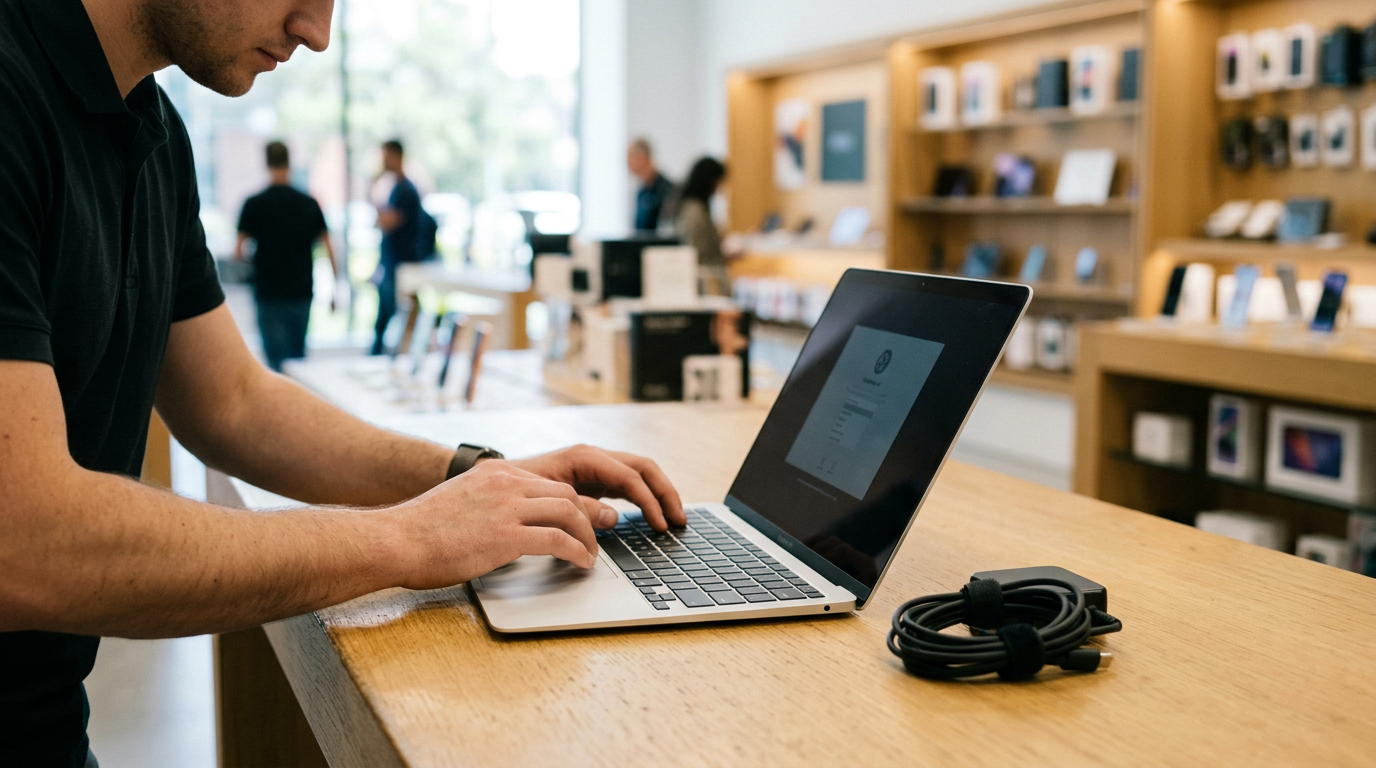
If you want to sell a laptop near Elizabeth, NJ, the fastest route is to get a free quote, bring the machine to Sell Your Gadgets Elizabeth at 211 Broad St, and get paid cash on the spot after a quick inspection. We buy MacBooks, Windows laptops, and gaming laptops in used, new, and even broken condition, and the strongest offers go to people who sign out of their accounts, back up their files, and bring the charger.
How selling a laptop for same-day cash works in Elizabeth
We are a buyback store, which means we pay you for your device. We do not sell devices, and we do not post prices online, because a laptop's value depends on the exact model and its condition. The process is short:
- Get a free quote. Use the online form, send us a text, or just walk in. Tell us the model, the chip or processor, the RAM and storage, and anything that is cracked, dented, or not working.
- Bring it in for inspection. We power it on, check the screen, keyboard, trackpad, ports, and battery, and confirm the specs. No appointment is needed.
- Get paid cash on the spot. If you accept the offer, you leave with cash. We need a valid government photo ID for every sale, which is the standard secondhand-dealer rule in New Jersey.
We also do a free data wipe in store. You should still prepare the laptop yourself, as covered below, because signing out of accounts is your job and it protects both of you. Customers who have reviewed our Elizabeth counter often mention that the team explained the offer clearly and moved things along quickly, and we hold a 4.9 Google rating from 1,843 reviews.
What drives the value of a used laptop
Two laptops that look the same on the outside can have very different offers. These are the factors that matter most, and they apply to MacBooks, Windows ultrabooks, and gaming laptops alike.
| Factor | Why it matters | Where to check |
|---|---|---|
| Chip or processor | The biggest single driver. Newer generations and higher tiers (for example an M-series Mac chip, or a recent Core i7, Ryzen 7, or higher) hold value better. | Mac: Apple menu > About This Mac. Windows: Settings > System > About. |
| RAM (memory) | More memory makes a laptop useful for longer, and on many modern machines it cannot be upgraded later. | Same screens as above. |
| Storage size and type | Larger SSDs are worth more. An old spinning hard drive is worth less than an SSD. | Mac: About This Mac > Storage. Windows: Settings > System > Storage. |
| Battery health and cycle count | A heavily cycled battery means a replacement is coming, which lowers what we can offer. | Mac: System Information > Power. Windows: run a battery report from the command prompt. |
| Screen | Cracks, dead pixels, backlight bleed, burn-in, and pressure marks all reduce value. Touch and high-refresh panels can help. | Open a white page and a black page and look closely. |
| Keyboard and trackpad | Missing or sticky keys, shiny worn keycaps, and a clicking-dead trackpad are common deductions. | Use a free online keyboard tester. |
| Graphics card (gaming laptops) | The GPU model is often the main value driver for gaming machines. | Windows: Task Manager > Performance, or run dxdiag. |
Beyond the specs, the body matters too: dents, a loose hinge, swollen-battery bulging, liquid damage, and missing feet or screws. Being upfront about flaws makes the quote more accurate and avoids surprises at the counter.
Selling a MacBook: Apple silicon, Intel, and Activation Lock
People searching for where to sell a MacBook for cash near them usually have one of two kinds of machine, and the difference affects the offer.
Apple silicon vs. Intel
Apple silicon MacBooks (the M-series chips) are generally in stronger demand than Intel models because of their speed, battery life, and longer expected software support. Intel MacBooks still have value, particularly recent higher-spec ones, but the offer usually reflects their age. To see which you have, open the Apple menu and choose About This Mac. You will see either a chip name like an M-series chip, or a processor name that mentions Intel. Note the screen size, the year shown, the memory, and the storage, since these all feed into the quote.
If you are deciding which model page to check first, we have pages for selling a MacBook Air in Elizabeth and selling a MacBook Pro in Elizabeth. The Pro line is often worth more because of higher-tier chips, more memory, and better displays, but condition and configuration can change that.
Activation Lock and Apple ID
Activation Lock ties a Mac to the Apple ID that set it up, and a locked MacBook cannot be used by the next owner. Before you come in, do the following:
- Sign out of your Apple ID in System Settings (or System Preferences on older macOS).
- Turn off Find My Mac.
- Sign out of iCloud, iMessage, and FaceTime.
- On newer macOS versions, use Erase All Content and Settings. On older ones, restart into Recovery and erase the disk, then reinstall macOS.
- If you ever set a firmware password on an Intel Mac, remove it first, because we cannot bypass it.
If the Mac is still linked to your Apple ID when you arrive, we will ask you to remove it before we can complete the purchase. It takes a few minutes if you know your password, so have it ready, along with your two-factor device.
Selling a Windows or gaming laptop
Windows laptops come in a huge range, from thin office machines to heavy gaming rigs, so knowing the exact model matters. Flip the laptop over and look for the model name or number on the underside, or check Settings > System > About for the processor, installed RAM, and device name.
Finding your specs
Write down the processor, RAM, storage size, screen size, and the graphics card. For gaming laptops, open Task Manager, click Performance, and select GPU to see the graphics chip. You can also run dxdiag from the Start menu. Mention any upgrades you added, such as extra RAM or a larger SSD, and whether the original parts are included.
Removing BitLocker and your Microsoft account
Many Windows laptops turn on device encryption automatically when you sign in with a Microsoft account. To get the machine ready:
- Check Settings > Privacy & security > Device encryption (or search for BitLocker in the Start menu) and turn encryption off, or simply complete a full reset so the drive is wiped cleanly. Save your recovery key somewhere safe before you start.
- Remove your Microsoft account under Settings > Accounts, and turn off Find my device.
- Sign out of password managers, browsers, Office, and cloud storage.
- Remove any BIOS or supervisor password and any manufacturer-level lock.
Gaming laptop extras
For gaming laptops, sign out of Steam, Epic, Battle.net, Xbox, and any launcher, and deauthorize the machine where the platform allows it. Bring the original power brick, because gaming laptop chargers are large and expensive to replace, and a missing one will lower the offer. Clean the vents, check that the fans spin up, and tell us about any overheating, since cooling problems matter on these machines. RGB keyboard zones that are not lighting up, worn hinges, and a dim screen are worth mentioning as well.
Back up your files and reset the laptop safely
Do this in order, so you never wipe something you still need:
- Back up first. Copy documents, photos, project files, and game saves to an external drive or cloud storage. Open a few files from the backup to confirm they work.
- Export what is easy to forget. Browser bookmarks and passwords, license keys for paid software such as creative or engineering programs, and saved Wi-Fi details.
- Deauthorize software. Sign out of iTunes or Music, Adobe, Microsoft 365, and similar apps so your licenses are free to reuse.
- Sign out of your accounts. Apple ID and Find My on a Mac; Microsoft account and Find my device on Windows.
- Reset the machine. On a Mac use Erase All Content and Settings, or Recovery. On Windows use Settings > System > Recovery > Reset this PC, and choose to remove everything.
- Leave it at the setup screen if you can. If the reset does not finish or the laptop will not boot, bring it anyway. We can look at it, and our free in-store data wipe is there as a backstop.
A broken laptop that cannot be reset still has value in many cases. Tell us honestly what is wrong, and we will look at it in person.
How to get the strongest offer for your laptop
- Bring the original charger. A correct, working charger is one of the easiest ways to avoid a deduction.
- Clean it up. Wipe the screen, keyboard, and lid, and clear crumbs and dust from the vents and ports.
- Be specific in your quote request. Include the model year, screen size, chip, RAM, and storage, and mention any damage.
- Bring the box and accessories if you still have them.
- Sell before it ages another generation. Laptop values generally soften when new chips launch, so waiting rarely helps.
- Check that every port works. Test USB, charging, headphone, and HDMI ports, and the webcam and speakers.
- Do not replace the battery or screen just to sell, unless you already have a quote showing it would pay off. Repairs often cost more than they add.
Offers depend on the exact model and condition, so the quickest way to see where you stand is a free quote. We never guess at numbers online, and we explain how we got to our offer when you are at the counter.
Store, pawn shop, carrier trade-in, marketplace, or kiosk?
If you are comparing ways to sell a laptop for cash, here is how the options generally stack up:
- Online marketplaces can reach many buyers, but you deal with messages, no-shows, meetups, and possible scams, and payment is not always immediate.
- Carrier trade-ins are built for phones, and they rarely take laptops at all.
- Pawn shops give quick cash, but many structure deals as loans and may not focus on electronics the way a dedicated buyback store does.
- Kiosks and mail-in programs quote from a few photos or a short form, and the final number can change after they inspect the device days later.
- An in-person buyback store inspects the laptop while you wait and pays you immediately, so the quote you agree to is the money you receive.
If you want a same-day answer and cash in hand, stopping by our Elizabeth store is the most direct way to get it.
Selling a laptop from towns near Elizabeth
We see sellers from all over northern and central New Jersey. Here is how it tends to work for people coming from the surrounding towns.
Bayonne
Bayonne residents skip the mail-in wait by driving down the Turnpike and turning old MacBooks, iPhones, and consoles into cash the same day. If you have a work laptop or a student machine sitting in a drawer, this is an easy trip. Start on our Bayonne selling page if you want to see everything we buy.
Carteret
Carteret is just over the Union–Middlesex line, and sellers there get a free in-person evaluation rather than gambling on an online mail-in quote. You can see the laptop inspected and hear the reasoning behind the number. Our Carteret page has more detail on the devices we accept.
Cranford
Cranford is a short hop up the road, so Union County households clearing out drawers of old tech get paid on the spot. A laptop, a tablet, and an old camera can all be quoted in the same visit. Take a look at our Cranford page for the full list.
Rahway
Rahway sellers bring phones, tablets, and laptops a few minutes north for a cash offer with no shipping and no waiting. That is useful if you are not comfortable putting a laptop full of memories in a box and mailing it away. Visit the Rahway page to learn more.
Union
Union Township is minutes from our Elizabeth counter, which makes it easy to sell a phone or laptop on your lunch break. Text us the model ahead of time so the quote is ready when you walk in. You can read more on our Union page.
Frequently asked questions
Can I sell my laptop for cash today without an appointment?
Yes. No appointment is needed. Walk in during store hours with the laptop, its charger, and a valid government photo ID, and we will inspect it and pay cash on the spot if you accept the offer. Sending a quote request first can speed things up.
Do you buy broken or damaged laptops?
Yes. We buy used, new, and broken devices, including laptops with cracked screens, worn keyboards, or battery problems. The offer reflects the damage, and the best approach is to describe the problem accurately when you request a quote.
Do I need to wipe my MacBook or Windows laptop before I come in?
It is best to back up and sign out of your accounts yourself, especially Apple ID and Find My Mac or your Microsoft account. We offer a free data wipe in store as well, but Activation Lock and account locks need to be removed by you, so please have your login details handy.
How much will I get for my laptop?
That depends on the model, chip or processor, RAM, storage, battery health, screen, and overall condition. We do not quote prices publicly, so the quickest way to know is to request a free quote by form or text, or bring it in.
What do I need to bring to sell a laptop?
Bring the laptop, its original charger, and a valid government photo ID, which is required for every sale. The box and accessories are a bonus. If you have a recovery key or password for the laptop, bring that too.
Can I sell a gaming laptop or a gaming PC here?
Yes. We buy gaming laptops as well as gaming PCs and monitors. The graphics card, processor, memory, and cooling condition all matter, and the original charger makes a difference for laptops.
Ready to sell? Request a free quote online or by text, or visit Sell Your Gadgets Elizabeth at 211 Broad St, Elizabeth, NJ 07201. We are open Monday through Saturday from 10:00 AM to 7:00 PM and Sunday from 11:00 AM to 5:00 PM, and you can call us at (908) 928-2274 with any questions.
Hear from a real customer
A real customer on their experience. Working or broken, get a free quote and walk out with cash the same day.
Compare your options
See how selling to us stacks up against other ways to sell, side by side.





