
Sell Laptop Near Me in Elmwood Park, NJ: Same-Day Cash
By syedladen ·
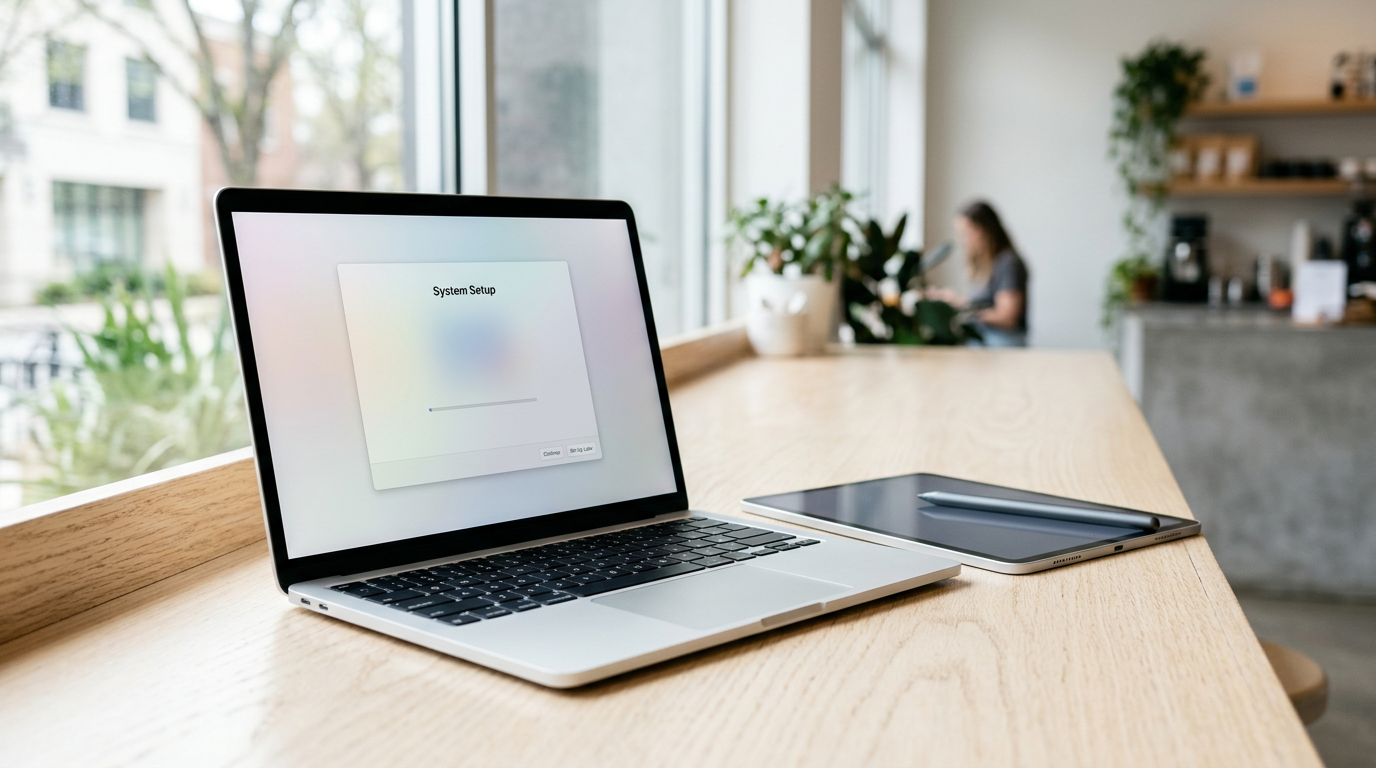
If you want to sell a laptop near Elmwood Park, NJ, you can walk into Sell Your Gadgets at 81 Broadway with your MacBook, Windows laptop, or gaming laptop, get it inspected, and leave with cash the same day. No appointment is needed. Get a free quote first by online form, text, or walking in, and bring a valid government photo ID. The rest of this guide covers what drives laptop value, how to prep a Mac or a PC, and how to get the strongest offer.
How same-day laptop cash works in Elmwood Park
Sell Your Gadgets is a buyback store. We pay cash for used, new, and broken devices, and we do not sell devices to customers. That matters because our whole focus is evaluating what you bring in and making you an offer on the spot.
- Get a free quote. Use the online form, send a text, or simply walk in. Tell us the model, the year if you know it, and the condition.
- Bring the laptop in. A team member inspects it, checks the specs, tests the screen, keyboard, ports, and battery, and confirms the machine is unlocked and signed out.
- Get paid on the spot. If you accept the offer, you are paid in cash. Every sale requires a valid government photo ID, which is the standard secondhand-dealer rule.
- Data wipe. We offer a free data wipe in store. You should still back up and sign out before you come, as explained below.
We do not publish prices online because laptop offers depend heavily on the exact model and its condition. A quote request costs nothing and does not commit you to anything. Customers regularly describe the process as quick, clear, and fair, and the store holds a 4.9 Google rating from 1,393 reviews.
What drives the value of a laptop
Two laptops with the same name on the lid can be worth very different amounts. Buyers look at a handful of factors, roughly in this order of impact.
| Factor | Why it matters | Where to find it |
|---|---|---|
| Chip / processor | The biggest single driver. Newer generations and higher tiers (for example, Apple silicon Pro or Max chips, Intel Core i7 or i9, AMD Ryzen 7 or 9) hold value better. | Apple menu > About This Mac, or Windows Settings > System > About |
| RAM | More memory means a more capable machine. On most MacBooks RAM is fixed at purchase, so the configuration you bought is the configuration you sell. | Same screens as above |
| Storage | Larger SSDs are worth more, and a healthy SSD matters more than an old spinning drive. | About This Mac > Storage, or Windows Settings > System > Storage |
| Graphics card | For gaming and creator laptops, the GPU model is a major part of the offer. | Windows Task Manager > Performance > GPU |
| Battery health | A high cycle count or a battery flagged for service lowers the offer. | Mac: System Information > Power. Windows: a battery report from the command line |
| Screen | Cracks, dead pixels, backlight bleed, and burn-in all reduce value. Display quality matters on premium models. | Inspect in bright light on a white background |
| Keyboard and trackpad | Sticky or missing keys, shine, and a clicking trackpad are easy for a buyer to spot. | Test every key |
| Cosmetics and accessories | Dents, swollen cases, and missing chargers change the offer. The original charger helps. | Check the chassis and ports |
A quick rule of thumb: the chip generation and the screen are the two things people most often overestimate or underestimate. Write down the exact specs before you ask for a quote so you are comparing like with like.
Selling a MacBook: Apple silicon, Intel, and Activation Lock
If you are searching for where to sell a MacBook for cash near you, the most important prep is signing out of your Apple account. A Mac that is still tied to your Apple ID cannot be reset and resold, and that can stall or reduce an offer. We buy both MacBook Air and MacBook Pro models, including broken ones.
Apple silicon vs Intel
Open the Apple menu and choose About This Mac. If you see a chip name such as M1, M2, M3, or M4, it is an Apple silicon Mac. If you see an Intel Core processor, it is an Intel Mac. Apple silicon models generally have better battery life, run cooler, and are more in demand, so they usually command stronger offers than comparable Intel models. Intel MacBooks still have resale value, especially clean, recent ones with good storage.
Signing out and turning off Activation Lock
- Back up your files with Time Machine or iCloud first.
- Sign out of iMessage and FaceTime.
- Open System Settings, click your name, and sign out of your Apple ID. This turns off Find My Mac and releases Activation Lock.
- Remove any Bluetooth accessories paired to the Mac.
- On recent macOS versions, go to System Settings > General > Transfer or Reset > Erase All Content and Settings. On older versions, use macOS Recovery to erase the drive and reinstall macOS.
If you forgot your Apple ID password, recover it on Apple's account site before you come in. Also check for a firmware password or an MDM profile if the laptop was ever issued by an employer or school. A managed laptop usually cannot be bought until the organization releases it.
Checking battery cycle count on a Mac
Hold the Option key, click the Apple menu, and open System Information. Under Power, you will see cycle count and battery condition. A lower cycle count and a Normal condition read as a cared-for machine.
Selling a Windows or gaming laptop
Windows laptops cover a huge range, from thin office machines to heavy gaming rigs, so the details matter even more than with a Mac.
Finding your specs
Open Settings > System > About to see the processor, installed RAM, and Windows edition. The exact model name is usually on a sticker underneath the laptop or in the same About screen. For gaming laptops, open Task Manager, click Performance, and select the GPU to see the graphics card. Note the screen refresh rate and resolution too, since a high-refresh panel adds value for gamers.
Removing BitLocker and your Microsoft account
- BitLocker or device encryption: Check Settings > Privacy & security > Device encryption, or search for BitLocker in the Start menu. Make sure you have your recovery key saved before you change anything, and turn encryption off if you plan to wipe the drive yourself.
- Microsoft account: Remove your account from Settings > Accounts. Turn off Find My Device under Settings > Privacy & security if it is on.
- Passwords and BIOS locks: Clear any BIOS or UEFI password. A locked BIOS makes a machine very hard to evaluate and resell.
- Manufacturer software: Sign out of launcher apps such as game stores and any vendor tuning utilities.
Gaming laptop extras
Bring the original power brick, since gaming laptops use large, model-specific chargers. A clean set of vents, working fans, and no overheating during a short stress test all help. If the laptop has been opened to swap RAM or storage, mention it upfront. Upgraded parts can help, but visible tampering can complicate an inspection. We also buy gaming PCs and monitors if you are upgrading your whole setup.
Back up and reset your laptop safely
Do the backup before anything else. Once a drive is wiped, your files are gone for good.
- Back up your files. Use an external drive, Time Machine, iCloud, OneDrive, or Google Drive. Open a few files from the backup to confirm they actually work.
- Save your licenses and keys. Note any software license keys and export browser passwords to a safe place.
- Deauthorize accounts. Sign out of iCloud, Microsoft, Adobe, Steam, password managers, and any other service tied to the device.
- Reset the machine. On a Mac, use Erase All Content and Settings. On Windows, use Settings > System > Recovery > Reset this PC, then choose Remove everything.
- Stop at the welcome screen. Do not sign back in with your own account after the reset.
If your laptop is broken and will not boot, do not worry. We still buy non-working laptops, and our free in-store data wipe helps with the rest. Just tell us the problem when you ask for a quote, and sign out of accounts beforehand if you can.
How to get the strongest offer
- Know your exact model. Year, screen size, chip, RAM, and storage all change the quote. A vague description leads to a vague estimate.
- Be honest about condition. Mention cracks, dead pixels, swollen batteries, and sticky keys. The in-person inspection will find them anyway, and an accurate quote avoids surprises.
- Clean it. Wipe the screen, keyboard, and body. A clean laptop looks better maintained.
- Bring the charger. The original charger or a matching one makes the package more complete.
- Come signed out. An unlocked, reset laptop can be completed in minutes.
- Sell before the next release. Laptop values tend to soften when new models arrive, so selling sooner usually beats waiting.
- Bring the other gear too. If you have an iPad, phone, or Apple Watch to sell, bundle them into one trip.
Offers depend on model and condition, so request a free quote rather than relying on a number you saw online.
How selling here compares with other options
Most people weigh a few routes before selling. Online marketplaces can sometimes bring a high asking price, but you deal with lowball messages, no-shows, and meetups with strangers, plus the risk of payment scams. Carrier and manufacturer trade-ins are convenient, but they usually pay in credit, often only work when you buy something new, and may not accept older or damaged laptops. Kiosks can be fast but cannot inspect a laptop the way a person can. Pawn shops may pay cash, but the transaction is structured as a loan or a purchase on their terms.
A local buyback store gives you a person who examines the laptop in front of you, a same-day cash payment, and no shipping risk. You can see exactly how the machine was evaluated, which is especially reassuring for a laptop full of personal data. For an overview of everything we buy locally, see our page on selling electronics in Elmwood Park.
Coming from a nearby town
Elmwood Park sits between Bergen and Passaic counties, so several communities are a short drive away via Route 4, Route 46, Route 21, or the Garden State Parkway. Parking and transit notes: we are on Broadway at Boulevard.
Passaic
Passaic is a quick drive away, so there is no reason to risk shipping a valuable laptop when you can hand it over in person. Skip the mailing labels and waiting period and get paid the same day. See our Passaic page for more about what we buy.
Ridgewood
Ridgewood professionals offload upgraded MacBooks, iPads, and iPhones for real cash the same afternoon. If you are replacing a work laptop with a newer model, bring the old one along with any other gear you are retiring. More details are on our Ridgewood page.
River Edge
River Edge sellers get a face-to-face IMEI check and their privacy protected before any money changes hands, with no mail-in guesswork. For laptops, that means watching the inspection and the data wipe yourself. Learn more on our River Edge page.
Totowa
Totowa is minutes from the counter, which makes it ideal for turning a pile of old phones and tablets into cash on a single trip. Add a spare laptop from the closet and you can clear out a whole drawer of devices in one visit.
Clifton
Clifton is right across the river, so Passaic County sellers get instant cash for electronics without crossing into the city. A laptop, a console, and a tablet can all be quoted in one stop. Visit our Clifton page for details.
Hackensack
As the Bergen County seat, Hackensack sees plenty of upgrades, and we buy the phones and laptops left behind, same day. Whether it is an older Windows laptop or a recent MacBook, bring it in for an in-person quote. See our Hackensack page too.
Frequently asked questions
Do I need an appointment to sell my laptop?
No. Walk in during store hours, or request a free quote online or by text first. Bringing your ID and a reset laptop speeds things up.
Can I sell a MacBook that still has my Apple ID on it?
You should sign out first. Activation Lock ties the Mac to your account, and a locked machine cannot be wiped and resold. Sign out of Apple ID in System Settings and turn off Find My Mac before you come in.
Do you buy broken or cracked laptops?
Yes. We buy new, used, and broken devices. Offers depend on the model and the extent of the damage, so describe the problem when you request a free quote.
What ID do I need?
A valid government photo ID is required for every sale. This is a standard secondhand-dealer rule, and there are no exceptions.
Will you wipe my data for me?
We offer a free data wipe in store. Still, back up what you want to keep and sign out of your accounts before you visit, since a wipe is permanent.
How much will I get for my laptop?
It depends on the chip, RAM, storage, battery health, screen, and overall condition. We do not quote prices publicly, but a free quote gives you a real number for your exact laptop.
Ready to sell? Request a free quote or stop by Sell Your Gadgets Elmwood Park at 81 Broadway, Elmwood Park, NJ 07407. We are open Monday to Saturday 10:00 AM to 7:00 PM and Sunday 11:00 AM to 5:00 PM. Call (201) 878-3402 with any questions.
Hear from a real customer
Real experience, real cash. Working or broken, get a free quote and walk out with cash the same day.
Compare your options
See how selling to us stacks up against other ways to sell, side by side.





