
Sell Laptop Near Me in Forest Hills, NY: Same-Day Cash
By syedladen ·
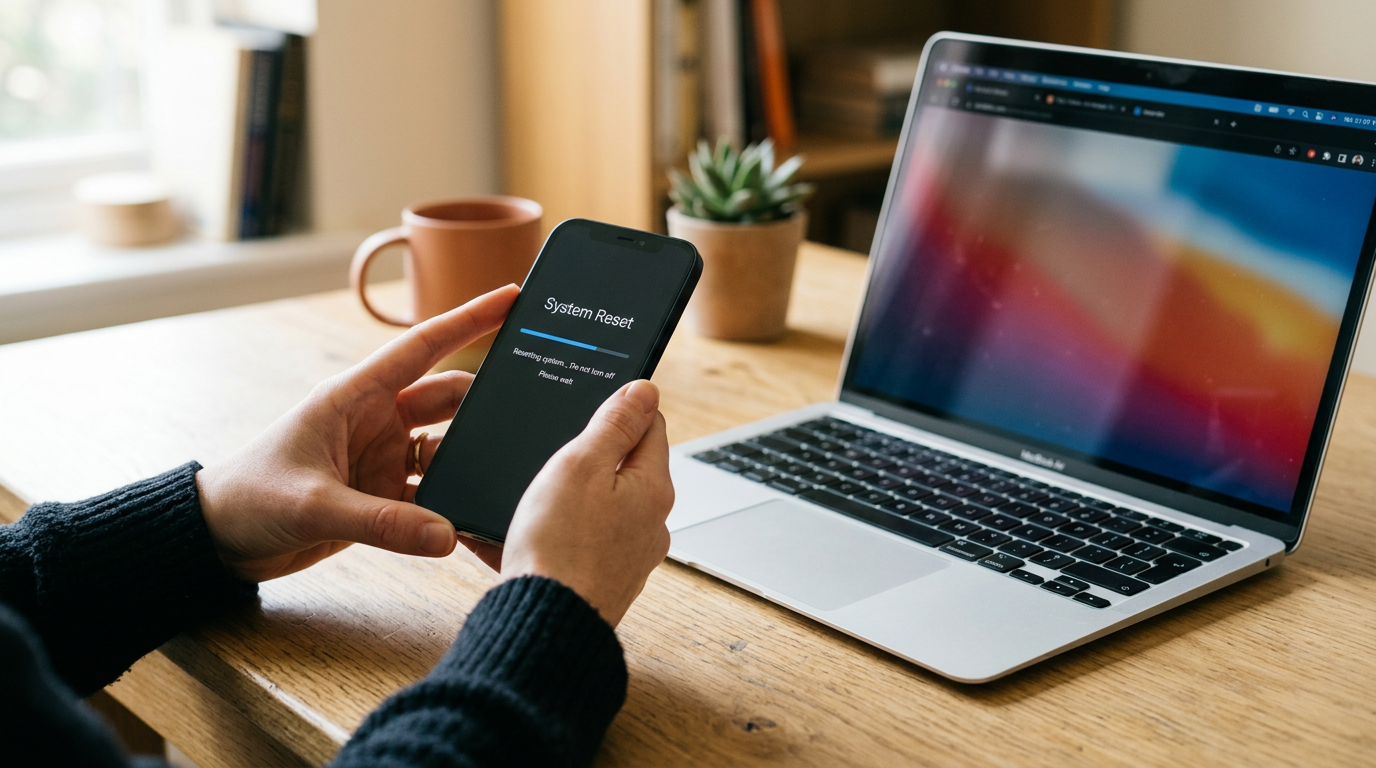
If you want to sell a laptop near Forest Hills, bring it to Sell Your Gadgets Forest Hills at 116-01 Queens Blvd. We inspect MacBooks, Windows laptops, and gaming laptops in person and pay cash on the spot, with no appointment needed. Your offer depends on the model, specs, and condition, so the fastest way to see where you stand is a free quote by online form, text, or walk-in.
This guide covers what actually moves a laptop's value, how MacBooks differ from Windows and gaming machines, how to back up and reset your laptop safely, and what to expect when you walk in. It also has notes for people coming from Bayside, Little Neck, Elmont, Starrett City, New York, and Flushing.
Where to sell a laptop for same-day cash in Forest Hills
Most people searching for where they can sell a MacBook for cash near them are weighing a few options: a carrier or manufacturer trade-in, an online marketplace, a pawn shop, or a local buyback store. Each has tradeoffs. Trade-ins often pay in credit and are built around a particular brand. Online marketplaces can work, but you handle the listing, the photos, the messages from strangers, the no-shows, and the risk of meeting someone or shipping a device. Pawn shops are often set up around loans and merchandise, not a straightforward purchase.
A buyback store is simpler. We are a buyer, not a retailer. We pay customers cash for used, new, and broken devices, and the whole process is meant to happen in one visit: a free quote, a quick inspection, and payment on the spot. The Forest Hills store is on Queens Blvd, with Queens Blvd/77 Av as a handy reference point, which makes it easy to reach by bus, by car, or on foot if you live nearby. Our Google rating is 4.9 from 575 reviews, and customers often mention fair evaluations, honest explanations of the process, and no pressure.
If you are comparing options across the city, you can also look at all of our New York locations.
What drives a laptop's value
Buyers look at the same handful of factors on every laptop. Knowing them before you come in helps you understand your quote and decide whether to do anything before selling.
Chip and processor
The processor is the biggest single factor. On a MacBook, that means the specific Apple silicon chip or Intel processor. On a Windows laptop, it means the CPU generation and tier, not just the marketing name. A recent-generation chip is generally worth more than an older one, even when the two machines look identical on the outside. For gaming laptops, the graphics card matters nearly as much as the CPU.
RAM and storage
More memory and more storage usually support a stronger offer. On many modern MacBooks and thin Windows laptops, memory is soldered to the board and cannot be upgraded, so the configuration you bought is the configuration you are selling. Do not open the machine to swap parts right before a sale. It rarely pays off and can cause cosmetic or functional problems.
Battery health and cycle count
Batteries wear out with use. Cycle count, the number of full charge cycles the battery has gone through, is a good indicator of wear. A laptop that holds a charge well is more appealing than one that dies in an hour. A tired battery does not make a laptop unsellable, but it can affect the offer.
Screen and keyboard
Cracks, dead pixels, backlight bleed, stuck keys, and worn trackpads all get noted. So do dents in the chassis, a bent hinge, and bad ports. Minor scuffs are normal on a used laptop. Real damage lowers the offer, but we also buy broken devices, so a cracked screen is not a reason to throw a laptop in a drawer.
Completeness and age
The original charger, box, and accessories can help, though they are rarely the main factor. Age and model year matter because newer models hold their value better than older ones.
| Factor | What to check | Why it matters |
|---|---|---|
| Chip / processor | Apple menu > About This Mac, or Settings > System > About on Windows | Largest driver of value |
| RAM and storage | Same About screens | Higher configurations are more desirable |
| Battery | Cycle count on Mac; battery report on Windows | Shows wear and remaining life |
| Screen | Cracks, dead pixels, lines, bleed | Costly to repair |
| Keyboard and trackpad | Stuck or missing keys, click response | Affects everyday use |
Selling a MacBook: Apple silicon, Intel, and Activation Lock
MacBooks are among the most common laptops we see, and they are also the easiest to get wrong before a sale because of Apple's security features.
Apple silicon vs. Intel
Apple silicon MacBooks (the M-series chips) and Intel MacBooks are valued differently. Apple silicon models are generally more desirable because they are newer, faster, and more power-efficient, while older Intel models tend to be worth less. To check yours, click the Apple menu and choose About This Mac. You will see either a chip name like Apple M-something or an Intel processor, along with memory and the model year. Jot this down or take a screenshot. It makes your quote faster and more accurate.
Activation Lock and Find My
Activation Lock ties a Mac to an Apple ID so a lost or stolen machine cannot be wiped and reused. If it is still on when you sell, the next owner cannot set the laptop up. That is why every reputable buyer will ask you to turn it off. Before you come in:
- Open System Settings (or System Preferences), click your name, and go to iCloud.
- Turn off Find My Mac.
- Sign out of your Apple ID, and sign out of Messages and FaceTime if prompted.
- Remove the laptop from your device list at your Apple account if you still see it there.
If you cannot remember your Apple ID or password, sort that out before you come in. Recover the account through Apple's official account recovery process. A locked MacBook is much harder to sell, and a buyer cannot bypass the lock for you.
Other Mac details
Deauthorize the machine in apps tied to it, such as Music or Adobe apps, and remove any firmware password if you set one. Bring the charger if you have it. If you are not sure what year your MacBook is, the serial number under About This Mac lets us identify it.
Selling a Windows or gaming laptop
Windows laptops cover a huge range, from basic student models to high-end gaming machines, so specs matter even more than with a MacBook.
Finding your specs
Go to Settings > System > About to see your processor, installed RAM, and device name. For storage, check Settings > System > Storage. For graphics, open Task Manager, click Performance, and look at the GPU entry. The exact model name is usually printed on the bottom of the laptop or on a sticker near the keyboard. Gaming laptop owners should note the GPU model, the display refresh rate, and any special features, because those details affect value.
Battery report
Windows can generate a battery report that shows design capacity versus current full-charge capacity. You do not need this to sell, but it helps you understand your battery's condition before you come in.
BitLocker and device encryption
Many Windows laptops have BitLocker or device encryption turned on without the owner realizing it. Before you reset, make sure you know where your recovery key is stored, which is often in your Microsoft account. Suspend or turn off BitLocker under Settings or Control Panel, then decrypt the drive if you can. If the drive is encrypted and the machine gets reset incorrectly, it can land on a recovery screen that blocks setup.
Microsoft account and sign-ins
Remove your Microsoft account from the laptop and sign out of any store, game, or launcher accounts such as Steam, Epic, or Xbox. Also remove the laptop from your Microsoft account's device list. If the laptop uses a Windows Hello PIN or fingerprint, remove those as well. Turn off any BIOS or UEFI password you may have set.
Gaming laptops
Gaming laptops are worth a little extra care. Check the fans and vents for dust, make sure the charger is the full-wattage one, and note whether the keyboard lighting works. Overheating and worn hinges are common on heavily used machines, and we evaluate those honestly. Also sell the charger with it if you can, because gaming laptops use large power bricks that are hard to replace.
Back up and reset your laptop safely
Do this before you visit, but give yourself enough time, because backups can take longer than you expect.
- Back up what matters. Copy documents, photos, project files, and browser bookmarks to an external drive or a cloud service. On a Mac, Time Machine works well. On Windows, File History or a manual copy to an external drive is fine.
- Check that the backup opens. Open a few files from the backup to make sure they are intact before you erase anything.
- Deauthorize and sign out. Sign out of Apple ID, Microsoft account, iCloud, password managers, and any subscription software tied to the machine.
- Turn off the locks. Disable Find My Mac on MacBooks, and suspend BitLocker on Windows laptops.
- Reset the device. On a Mac, use Erase All Content and Settings on recent models, or macOS Recovery on older ones. On Windows, use Settings > System > Recovery > Reset this PC and choose to remove everything.
If you run out of time or hit a snag, do not panic. We offer a free data wipe in store, so the laptop can still be handled correctly. Still, signing out of your accounts and turning off Activation Lock or similar locks is something you need to do yourself, because only the account owner can do that.
How to get the strongest offer
- Know your specs. A quote is only as accurate as the details behind it. Have the model, chip, RAM, and storage ready.
- Be upfront about condition. Mention cracks, battery issues, or sticky keys. The inspection will find them anyway, and honesty keeps things quick and comfortable.
- Clean it up. Wipe the screen, keyboard, and chassis. A clean laptop looks better cared for, and it makes inspection easier.
- Bring the charger. A working original charger helps, especially for gaming laptops.
- Sell while the model is current. Laptops lose value as new generations come out, so waiting for years rarely helps.
- Bundle what you can. If you have a console, camera, tablet, or monitor to sell too, bring it along. Customers often tell us they cleared out an entire drawer of old electronics in a single stop.
- Get a free quote first. Submit the model online or by text before you visit, so you know what to expect when you arrive.
Our offers are based on the model and condition of your device, and we do not publish set prices. That is because two laptops with the same name can be worth very different amounts depending on the configuration and wear.
What happens when you visit the Forest Hills store
The process is straightforward:
- Get a free quote. Use the online form, send a text, or simply walk in.
- Bring the laptop in. A team member inspects the screen, keyboard, ports, battery, and performance.
- Get paid cash on the spot. If you accept the offer, you are paid right there. There is no need to book an appointment.
Bring a valid government-issued photo ID, which is required for every sale under standard secondhand-dealer rules. Bring your charger too, and have your accounts signed out. If you are not sure whether the laptop is ready, bring it anyway and we can walk through it with you.
The store is at 116-01 Queens Blvd, Forest Hills, NY 11375, close to the Queens Blvd/77 Av area. Nearby spots like Maple Grove Park, Wallenberg Square, and the Pat Dolan Trail make it easy to combine a sale with other errands. We are open Monday through Friday from 10:00 AM to 7:00 PM, Saturday from 10:00 AM to 5:00 PM, and Sunday from 11:00 AM to 5:00 PM.
Selling a laptop from nearby towns
We serve sellers from across Queens and beyond. Here is how the trip usually works from each area.
Bayside
If you live in Bayside, Forest Hills is a manageable drive via the Long Island Expressway or along Northern Blvd and Union Turnpike, depending on traffic. Students and home-office workers there often have a laptop or two that has been sitting in a closet. Bring it in for a free inspection and skip the hassle of shipping or meeting a stranger.
Little Neck
Little Neck sits at the eastern edge of Queens, and the trip to Forest Hills is straightforward via the Long Island Expressway or local roads like Northern Blvd. Many Little Neck households have older family laptops that are due for clearing out. A single trip lets you sell the laptop, along with any tablets or phones, without needing to coordinate multiple buyers.
Elmont
Coming from Elmont on the Nassau County side, you can reach Forest Hills by car using the Cross Island Parkway, the Grand Central Parkway, or other major routes. It is a fair trip, so check your quote first and bring everything you want to sell. That way you only make the drive once.
Starrett City
From Starrett City in Brooklyn, plan on a drive or a bus-and-train combination, since it is a longer trip across boroughs. If you are carrying a MacBook, pack it in a padded sleeve and keep the charger with it. We recommend getting a text quote before you travel so you know the visit is worth it.
New York
For people elsewhere in New York City, the store is reachable by subway, bus, or car through the Queens Blvd corridor. Bring your ID and your laptop, and skip the long wait that often comes with online listings. If you would rather find a closer branch, you can check our New York locations.
Flushing
Flushing is one of the busier neighborhoods near us, and the trip to Forest Hills is usually a short drive along the Grand Central Parkway or Union Turnpike, or a bus ride across Queens. Flushing residents often bring a mix of laptops, phones, and gaming gear in one visit, so grab everything you no longer use before heading over.
Frequently asked questions
Can I sell a broken or cracked laptop?
Yes. We buy new, used, and broken devices. A cracked screen, a weak battery, or a dead key will affect the offer, but it does not automatically mean the laptop has no value. Request a free quote and describe the damage honestly.
Do I need an appointment?
No. You can walk in during store hours, though getting a free quote first by online form or text makes the visit smoother.
What do I need to bring?
Bring the laptop, your charger if you have it, and a valid government photo ID. The ID is required for every sale. Sign out of your Apple ID or Microsoft account before you arrive.
What if I forgot to erase my laptop?
We offer a free data wipe in store. You should still back up your files first and turn off locks like Find My Mac, because only you can do that as the account owner.
How much will I get for my MacBook or gaming laptop?
It depends on the model, chip, RAM, storage, battery health, and condition. We do not quote prices publicly, so the best way to find out is to request a free quote or stop by for an inspection.
How fast do I get paid?
Payment is cash on the spot. After a quick inspection and once you accept the offer, you leave with your money the same day.
Ready to sell your laptop? Get a free quote online or by text, or walk in to Sell Your Gadgets Forest Hills at 116-01 Queens Blvd, Forest Hills, NY 11375. We are open Monday to Friday 10:00 AM to 7:00 PM, Saturday 10:00 AM to 5:00 PM, and Sunday 11:00 AM to 5:00 PM. You can also call (347) 960-7030.
Hear from a real customer
Why they chose Sell Your Gadgets. Working or broken, get a free quote and walk out with cash the same day.
Compare your options
See how selling to us stacks up against other ways to sell, side by side.





