
Sell Laptop Near Me in North Plainfield, NJ: Same-Day Cash
By syedladen ·
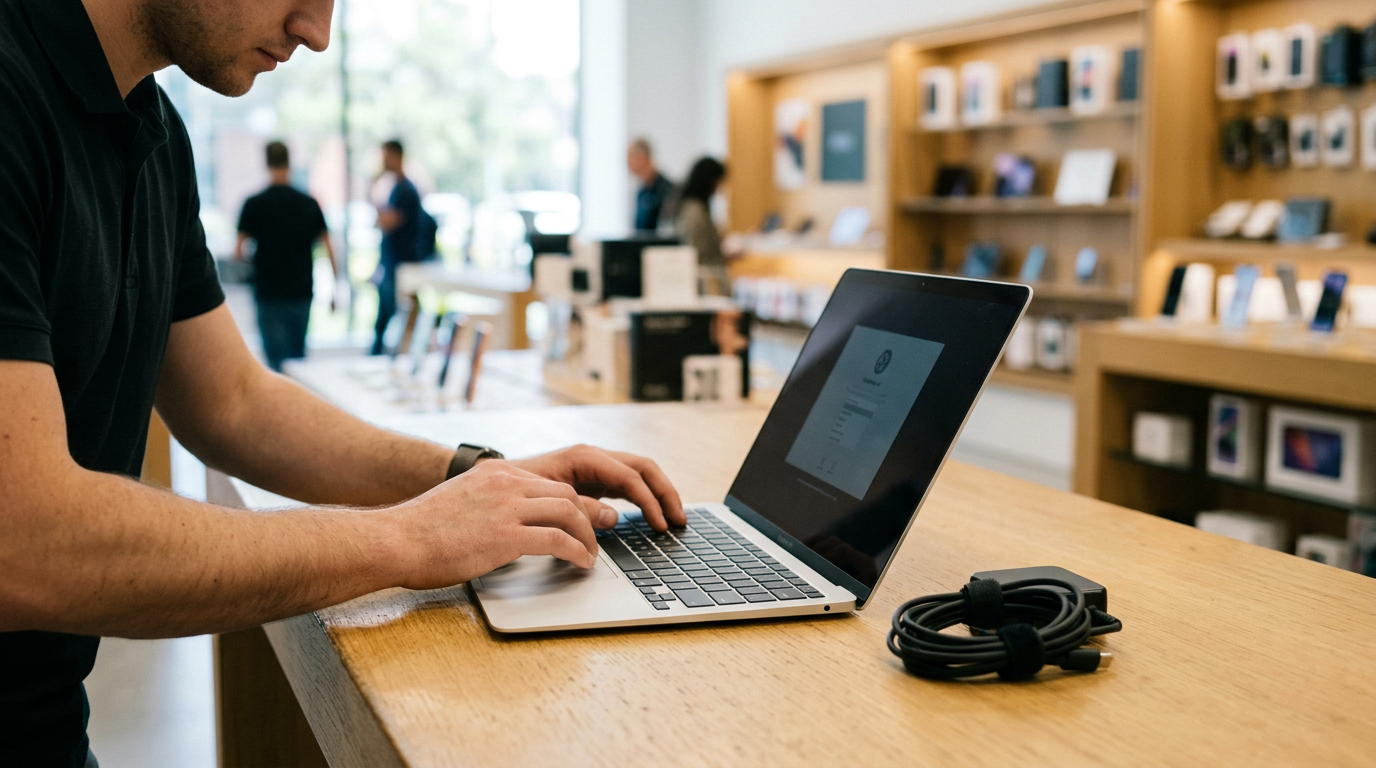
If you want to sell a laptop near North Plainfield, NJ, the fastest route is to get a free quote, bring the machine to Sell Your Gadgets North Plainfield on US-22, and get paid cash on the spot after a quick inspection. We buy MacBooks, Windows laptops, and gaming laptops, whether they are new, used, or even broken, and no appointment is needed.
Where can I sell my MacBook or laptop for cash near me?
Sell Your Gadgets is a buyback store. We do not sell devices; our whole business is paying people for the electronics they no longer use. That matters when you search for where to sell a MacBook for cash near you, because your other options each come with a trade-off:
- Online marketplaces can bring a high asking price, but you deal with lowballers, no-shows, scam messages, and meeting strangers with a device full of personal data.
- Carrier trade-ins are built around phones and often give credit instead of cash. Laptops are rarely their focus.
- Kiosks and mail-in services ask you to ship the machine and wait, and the final offer can change after it arrives.
- Pawn shops give fast cash, but they tend to treat a laptop as a loan item rather than a device they understand in detail.
At our counter, you see the inspection happen, hear the offer in person, and leave with cash the same day. Our store holds a 4.9 Google rating from 855 reviews, and several reviewers mention selling a laptop or MacBook here and feeling the process was smooth, fair, and friendly. We never post prices publicly, because an honest offer depends on the exact model, specs, and condition of your machine. The free quote is how you find out where yours lands.
What drives the value of a used laptop?
Two laptops that look identical on a desk can be worth very different amounts. These are the factors that matter most when we evaluate a machine:
| Factor | Why it matters | How to check it |
|---|---|---|
| Chip or processor | The biggest driver. Newer generations and higher tiers are worth more, such as Apple M-series chips or recent Intel Core and AMD Ryzen models. | Apple menu, About This Mac, or Windows Settings, System, About |
| RAM (memory) | More memory means a more capable machine, and on many modern laptops it cannot be upgraded later. | Same screens as above |
| Storage | Larger solid-state drives are more desirable. Nearly full or failing drives are a concern. | Storage settings or Disk Management |
| Graphics card | Crucial for gaming laptops. A dedicated GPU can change the offer a lot. | Task Manager, Performance tab, or dxdiag |
| Battery health | High cycle counts and swollen or weak batteries lower value and can be a safety issue. | System Information on Mac, battery report on Windows |
| Screen | Cracks, dead pixels, bright spots, and backlight bleed all count. | Look at it on a white and a black background |
| Keyboard and trackpad | Missing keys, shine, sticky keys, and a clicking or lifting trackpad affect condition. | Test every key and click |
| Body and ports | Dents, hinge problems, and damaged charging ports reduce the offer. | Open and close the lid, test each port |
Extras help too. The original charger, the box, and any proof of purchase make the machine easier to evaluate and easier to trust. A missing or non-original charger is not a dealbreaker, but it is worth mentioning when you ask for a quote.
Selling a MacBook: Apple silicon, Intel, and Activation Lock
MacBooks hold their value well, but the details matter. If you are looking to sell a MacBook near you, start with these points. We buy both the MacBook Air and the MacBook Pro, in every condition.
Apple silicon vs. Intel
Macs from late 2020 onward use Apple silicon chips such as M1, M2, M3, and later. Older Macs use Intel processors. Apple silicon machines generally remain more desirable because of their speed and battery life, while Intel models are a step down in demand. To find out which one you have, click the Apple menu and choose About This Mac. You will see either a chip name (Apple M-series) or a processor name (Intel). Write down the model year, screen size, RAM, and storage, since those details shape the quote.
Activation Lock and Find My
Activation Lock ties a Mac to your Apple ID. If it is still on, the next owner cannot use the machine, and we cannot complete a purchase on a locked device. Turn off Find My Mac before you come in, and sign out of your Apple ID, iCloud, iMessage, and FaceTime. Also check that the Mac is not enrolled in a school or employer management profile, because a managed device can stay locked even after a reset.
Reset the Mac the right way
On newer macOS versions, open System Settings, go to General, then Transfer or Reset, and choose Erase All Content and Settings. That signs you out, removes your data, and turns off Find My in one pass. On older Intel Macs, you may need to use macOS Recovery to erase the drive and reinstall macOS. If you are unsure, bring the machine in as it is. We include a free data wipe in store, but signing out of your Apple ID beforehand is still the most reliable way to avoid a blocked sale.
Selling a Windows or gaming laptop
Windows machines vary more than MacBooks, so specs are how you earn a stronger offer. Gaming laptops in particular can be worth a good deal more than a basic model of the same age, but only when the graphics and cooling are healthy.
Finding your specs
- Open Settings, System, About to see the processor, installed RAM, and model name.
- Press Ctrl+Shift+Esc for Task Manager, then open the Performance tab to see the CPU, memory, disk, and GPU.
- Look up the model number on the bottom of the laptop if you are not sure of the exact name, such as a specific gaming line and year.
- For a gaming laptop, note the graphics card model, the screen refresh rate, and whether the charger is the original high-wattage brick.
Remove BitLocker and your Microsoft account
Many Windows laptops turn on device encryption or BitLocker automatically when you sign in with a Microsoft account. Before selling, make sure you have your recovery key saved, then turn encryption off or simply reset the machine. Remove the laptop from your Microsoft account at account.microsoft.com under Devices, and sign out of any apps tied to you, like Office, Steam, Epic, Xbox, and browser sync. If the laptop is set up through work or school, remove that connection as well, because it can prevent a clean reset.
Gaming laptop condition checks
Before bringing in a gaming laptop, run a game or benchmark for a few minutes. Loud fans that never stop, sudden shutdowns, or visual glitches can point to heat or GPU trouble. Also check the hinge, the keyboard lighting, and the charging port. Gaming machines are used hard, so honest condition notes help us reach a fair number quickly. We also buy gaming PCs and monitors if you are clearing out a whole setup.
Back up your files and reset the laptop safely
Follow this order so nothing important is lost and the sale goes quickly:
- Back up everything you want to keep. Use iCloud, Time Machine, OneDrive, Google Drive, or an external drive. Open a few files on the backup to confirm they work.
- Deauthorize accounts and software. Sign out of iTunes or Music, Adobe, Microsoft Office, password managers, and game launchers.
- Turn off the lock features. Disable Find My Mac on a MacBook. On Windows, turn off Find My Device and remove the device from your Microsoft account.
- Remove passcodes you control. Turn off firmware passwords and unlock BIOS passwords if you set them, since we need to reach the setup screen.
- Reset the machine. Use Erase All Content and Settings on Mac or Reset this PC with Remove everything on Windows.
- Bring your charger and any accessories. Do not forget government photo ID.
If the laptop will not boot, is cracked, or cannot be reset, bring it in anyway. We buy broken devices, and our free in-store data wipe handles the last step. Being honest about the problem upfront speeds up the inspection.
How to get the strongest offer for your laptop
- Get the quote first. Use our online form, text us, or walk in. Give the model, year, chip, RAM, storage, and any damage.
- Clean it. Wipe the screen and keyboard, and clear crumbs from the ports. A well-kept laptop suggests a well-kept battery and body.
- Charge it. A laptop that powers on and shows battery health is easier to inspect.
- Bring the charger. The original one is best, and the box is a bonus.
- Sell before the next launch. New chip generations and back-to-school seasons can push older models down, so do not wait a year.
- Bundle what you can. If you have a phone, tablet, or console to sell too, bring them together for a single visit. See everything we accept on our sell electronics in North Plainfield page.
- Talk it through. Reviewers describe our team listening and working toward a number both sides feel good about. If you have a figure in mind, say so, and we will explain how we arrived at ours.
Remember that a valid government photo ID is required for every sale. This is a standard secondhand-dealer rule, and it protects both you and us.
Selling a laptop from nearby towns
North Plainfield sits along US-22, so the store is an easy trip for many Union, Middlesex, and Somerset County neighbors. Here is how it works for people coming from around the area.
New Providence
New Providence households regularly upgrade phones, iPads, and laptops, and a quick trip to our counter turns the old ones into cash with a fair, transparent offer. Bring the laptop, charger, and ID, and you can be done in one visit. See our page for selling electronics from New Providence.
South Plainfield
South Plainfield is only minutes away. That makes it easy to bring a laptop along with the old tablets, consoles, and cameras sitting in a closet and sell the whole box in one stop. We also have details for South Plainfield sellers.
Warren
Warren Township sellers skip risky online buyers and get paid on the spot for laptops, phones, and cameras. If you would rather not exchange messages with strangers or meet anyone in a parking lot, walking in with your ID is a simpler option. Learn more on our Warren electronics page.
Westfield
Westfield professionals often have a last-generation MacBook or iPhone once work hardware is refreshed. You can sell it for cash without shipping or waiting for a mail-in check. Make sure Find My and Apple ID are off before you arrive. Details are on our Westfield page.
Edison
Edison is one of the state's busiest towns for tech turnover, and our nearby counter pays cash for what is left over, including laptops of all kinds and gaming machines. If you are comparing options, check our Edison page.
Green Brook Township
Green Brook sits right beside North Plainfield, so selling a laptop or phone is barely a detour. It works well for a quick stop on the way to or from errands along US-22.
What to expect when you visit the store
You can start with a free quote online or by text, or walk in without an appointment. A team member inspects the laptop, checking the screen, keyboard, ports, battery, and specs, then presents an offer. If you accept, you are paid cash on the spot, and we can complete a free data wipe in store. Our location notes reference Mountain Ave at Graybar Drive for getting your bearings, and the store address is 116 US-22. Learn more about the location on the North Plainfield store page.
Frequently asked questions
Can I sell a laptop that does not turn on?
Yes. We buy broken devices, though the offer reflects the damage. Bring it in or describe the problem in your quote request.
Do I need an appointment to sell my MacBook?
No. You can walk in during store hours. A free quote beforehand gives you a better idea of what to expect.
What do I need to bring?
Bring the laptop, its charger if you have it, and a valid government photo ID. The ID is required for every sale.
Will you wipe my data?
Yes, we offer a free data wipe in store. You should still back up your files and sign out of Apple ID or Microsoft accounts first.
Can you buy a MacBook with Activation Lock still on?
No. Turn off Find My Mac and sign out of your Apple ID before selling, or we cannot complete the purchase.
How much will I get for my laptop?
It depends on the model, chip, RAM, storage, battery, and condition. We do not publish prices, so request a free quote to see what your laptop is worth.
Ready to sell? Request a free quote online, by text, or call (908) 941-4035, then bring your laptop to Sell Your Gadgets North Plainfield at 116 US-22, North Plainfield, NJ 07060. We are open Monday through Saturday from 10:00 AM to 7:00 PM and Sunday from 11:00 AM to 5:00 PM.
Hear from a real customer
Real experience, real cash. Working or broken, get a free quote and walk out with cash the same day.
Compare your options
See how selling to us stacks up against other ways to sell, side by side.





