
Sell Laptop Near Me in Ridgewood, NY: Same-Day Cash
By syedladen ·
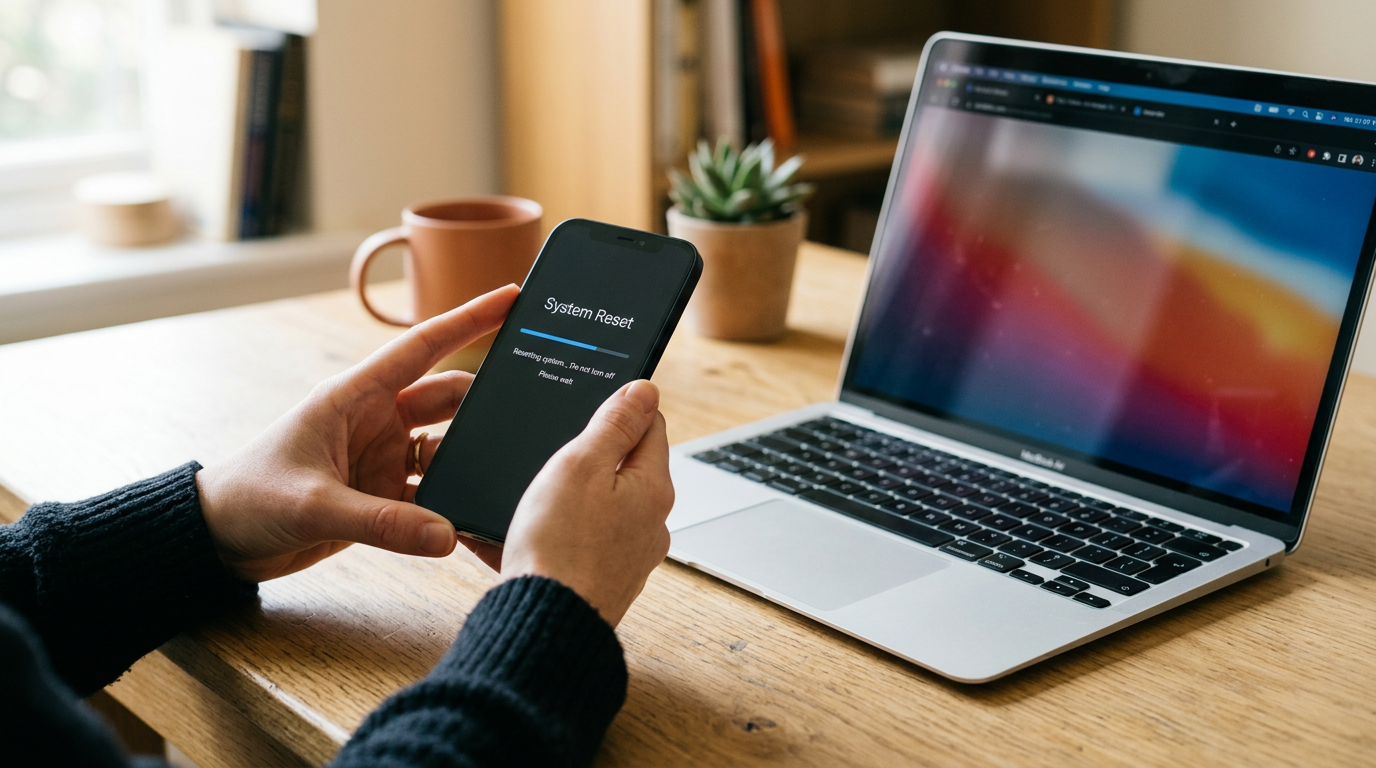
If you want to sell a laptop near you in Ridgewood, NY, bring it to Sell Your Gadgets at 66-04 Fresh Pond Rd. We inspect it while you wait and pay cash on the spot, with no appointment needed. The strongest offers go to laptops that are signed out of all accounts, backed up, fully working, and brought in with the charger. You can start with a free quote online, by text, or by walking in.
Where to sell a laptop for cash near Ridgewood
If you have searched for where to sell a MacBook for cash near you, you have probably found a few options: pawn shops, carrier trade-in programs, online marketplaces, and electronics buyback stores. Each works differently. Online marketplaces can take a long time, involve strangers, and leave you handling shipping, scams, and haggling. Trade-in programs often pay in store credit and only work if you are buying a replacement from them. Pawn shops may be quick, but they are built around loans and resale, not around buying the device outright at its real market value.
Sell Your Gadgets is a buyback store. We do not sell devices. We buy them, so a laptop is worth the most to us when it is in good shape and in demand. You get a quote, bring the laptop in for a quick inspection, and get paid cash on the spot. We buy used, new, and broken machines, and we also take MacBooks, Windows laptops, gaming laptops, gaming PCs, and monitors. You can find the shop on our Ridgewood store page, and it is reachable from Fresh Pond Rd and Linden St.
Customers often tell us the process was fast, that we were upfront about how things work, and that they felt helped rather than rushed. That is the experience we aim for whether you are selling a three-year-old ultrabook or a cracked gaming laptop that will not boot.
What drives the value of a laptop
We do not publish prices, because offers depend on the exact model and its condition, and the used laptop market changes. What we can tell you is what moves an offer up or down, so you know what to check before you come in.
Processor (chip)
The processor is the biggest factor. On a MacBook, that means Apple silicon (M-series) versus an older Intel chip, plus the generation and tier within each. On Windows laptops, it is the Intel Core, AMD Ryzen, or similar family and its generation. A newer generation with a higher tier generally commands a stronger offer than an older, lower-tier chip.
RAM and storage
More memory and more storage raise value, and they matter most on machines where they cannot be upgraded later. Most MacBooks and many thin Windows laptops have soldered memory, so the configuration you bought is the configuration you have. Note the exact RAM and storage capacity before you come in, because two laptops that look identical can be priced differently.
Graphics card for gaming laptops
For gaming laptops, the dedicated GPU is a major part of the value, along with the processor, RAM, and display refresh rate. Model names like RTX-series cards are worth writing down precisely, since the tier within a generation matters.
Battery health and cycle count
Battery wear is a real cost for the next owner. A high cycle count or a battery that swells, drains quickly, or shows a service warning will lower the offer. A healthy battery that holds a charge helps it.
Screen, keyboard, and body
We look at the display for cracks, dead pixels, bright spots, backlight bleed, and pressure marks. We check the keyboard for sticky, missing, or worn keys, the trackpad for clicking, and the hinge and lid for dents or gaps. Ports, speakers, webcam, and Wi-Fi all get a quick test. Cosmetic wear lowers an offer somewhat, while functional problems lower it more, but even broken laptops can still have value for parts and repair.
Charger and extras
The original charger and cable, and the box if you still have it, make a laptop easier to test and resell. They will not change an offer dramatically, but they never hurt.
Selling a MacBook: Apple silicon, Intel, and Activation Lock
MacBooks hold their value well, which is why so many people search for where to sell a MacBook for cash near them. A few things specific to Apple laptops can make or break the sale.
Find your exact model
Click the Apple menu and choose About This Mac. You will see the chip (Apple M-series or Intel), memory, and the model year. Under System Information you can also find storage and the serial number. Apple silicon machines generally have a stronger resale position than older Intel MacBooks, though condition and configuration still matter a great deal.
Sign out of your Apple ID and turn off Find My
Activation Lock is tied to your Apple ID. If it is still on, the next owner cannot use the laptop, and we cannot buy it as a working machine. Before you come in:
- Open System Settings, click your name, and sign out of your Apple ID. Turn off Find My Mac when prompted.
- Sign out of iCloud, iMessage, and FaceTime if they are listed separately.
- Deauthorize your Mac in the Music or Apple TV app if you use those.
- Confirm the machine no longer appears in your device list at iCloud.com under Find My.
If the laptop is dead or you cannot sign in, remove it from your account from another device. If you are not sure, bring it anyway and we will walk you through it.
Erase the Mac properly
On recent macOS versions, you can use Erase All Content and Settings. On older ones, restart into recovery, use Disk Utility to erase the drive, and reinstall macOS. We also provide a free data wipe in store, so you are covered even if you run short on time. Still, signing out of your Apple ID is something you should do yourself when possible.
Selling a Windows or gaming laptop
Windows machines vary far more than MacBooks, so your exact specs matter. Finding them only takes a minute.
Finding your specs
Open Settings, then System, then About to see the processor, installed RAM, and Windows edition. Press Ctrl+Shift+Esc to open Task Manager, and use the Performance tab to see the CPU, memory, disk, and GPU. The model name is usually on the bottom of the laptop or on a sticker near the keyboard. Snap a photo or write it down.
Remove your Microsoft account and BitLocker
Many Windows laptops are signed in to a Microsoft account, and many have device encryption or BitLocker turned on. Before selling:
- Go to Settings, then Accounts, and remove your Microsoft account or switch to a local account. Unlink the device from your Microsoft account online if needed.
- Save your BitLocker recovery key somewhere safe if you still need access to the drive, then turn off BitLocker or simply reset the PC, which also clears the encryption.
- Sign out of any manufacturer accounts, such as Asus, Lenovo, HP, Dell, MSI, or Razer software.
- Turn off any BIOS or firmware passwords. A laptop locked with a BIOS password is hard to test, and it can reduce or block an offer.
Gaming laptop details
Gamers should also sign out of Steam, Epic, Battle.net, Xbox, and any other launchers, and note the GPU model, RAM, storage, and display. Gaming laptops run hot, so a clean, cool machine with working fans is a good sign. Tell us if the fans are noisy or the laptop throttles, since that affects condition. We also buy gaming PCs and monitors, so if you are clearing out a whole setup, ask about those as well.
Back up your files and reset the laptop safely
Do this before you leave the house. A reset is permanent, and you cannot recover files afterward.
- Back up what matters. Copy documents, photos, downloads, and project files to an external drive or a cloud service. Do not forget browser bookmarks, saved passwords, and license keys for paid software.
- Check that the backup opens. Open a few files from the backup copy before you erase anything.
- Deauthorize software. Some creative tools, music software, and games limit how many devices can use a license. Sign out or deactivate them.
- Sign out of accounts. Apple ID for MacBooks, Microsoft account for Windows, plus email, browsers, and cloud storage.
- Reset the machine. Use Erase All Content and Settings on a recent Mac, or Reset this PC with the option to remove everything on Windows.
- Bring the charger and any other accessories.
Short on time? Bring it in as it is. Our free in-store data wipe clears the drive, but you still need to remove your accounts, since we cannot unlock a laptop tied to your Apple ID or Microsoft account.
How to get the strongest offer
You cannot change the age of your laptop, but you can control most of the rest. Here is a quick checklist.
| Step | Why it matters |
|---|---|
| Get a free quote first | You learn where your model stands before you travel, and there is no pressure to accept. |
| Note chip, RAM, and storage exactly | Configuration differences between similar-looking models change the offer. |
| Sign out of Apple ID or Microsoft account | Locked machines cannot be resold as working devices. |
| Clean the screen, keyboard, and vents | A clean machine inspects better and shows it was cared for. |
| Bring the charger | We can power it on and test it fully. |
| Sell before the next model launches | Values tend to soften when a newer generation arrives. |
| Be honest about problems | Known issues are easy to price in. Surprises slow everything down. |
When you arrive, we inspect the laptop, check it against the quote, and give you a clear offer. If it works for you, you are paid cash on the spot. If not, you can walk away. Every sale requires a valid government photo ID, which is the standard secondhand-dealer rule, so bring yours.
Coming to Ridgewood from nearby towns
We buy from people all over western Queens and Brooklyn. Here is how it tends to work from each area.
Flushing
From Flushing, Ridgewood is a drive across Queens, typically via the Long Island Expressway or local roads, depending on traffic. Students and remote workers there often sell a laptop when upgrading, and a quote by text lets you confirm interest before making the trip. Check our store page for the address and hours.
Woodhaven
Woodhaven is one of the closest neighbors, and it is a short trip by car or bus. If you are cleaning out older laptops from home offices or school years, bring them all in one visit. We can go through each one and give you separate offers.
East New York
From East New York, the trip into Ridgewood runs along the Brooklyn and Queens border, and it is a manageable drive or transit ride. Gaming laptops and work laptops are common sellers from this area. Text us your model and condition for a free quote, then come in when it suits you.
Bedford-Stuyvesant
Bed-Stuy is close enough that many people make the trip after work on a weekday. Creatives and freelancers there often sell MacBooks when moving to a newer chip. Remember to sign out of iCloud and turn off Find My before you leave.
New York
If you are coming from elsewhere in New York City, including Manhattan, Ridgewood is a simple trip by subway or car, and the store is near Fresh Pond Rd and Linden St. We are open Monday through Saturday, so you can fit us into a workday or a Saturday morning. You can also see all of our New York locations if another store is closer to you.
Woodside
Woodside is a short ride away, so it is easy to drop by during a lunch break or after work. Commuters there often have a spare work laptop or an older gaming machine to sell. Bring ID, the charger, and your laptop, and we can usually finish the process quickly.
Frequently asked questions
Can I sell my laptop for cash today?
Yes. Walk in during store hours with your laptop, charger, and a valid government photo ID. We inspect it and pay cash on the spot if you accept the offer. No appointment is needed.
Do I need to wipe my laptop before I come in?
It is best to back up your files and sign out of your accounts first. We offer a free data wipe in store. You still need to remove your Apple ID or Microsoft account, because we cannot buy a machine that is locked to you.
Will you buy a broken or cracked laptop?
Yes. We buy new, used, and broken devices. A cracked screen, a dead battery, or a machine that will not power on lowers the offer, but it may still have value. Send us a quote request with the details.
How do you decide how much my laptop is worth?
Offers depend on the model, chip, RAM, storage, battery health, screen, keyboard, and overall condition. We do not publish prices, so the quickest way to find out is a free quote online, by text, or in person.
What if my MacBook is still tied to my Apple ID?
Sign out of your Apple ID and turn off Find My before you come in. If you cannot access the laptop, remove it from your account from another device. Activation Lock prevents us from buying it as a working device.
Do you buy gaming laptops and gaming PCs?
Yes. We buy gaming laptops, gaming PCs, monitors, game consoles, and more. Tell us the GPU, processor, RAM, and storage, and we can give you a clear quote.
Ready to sell? Get a free quote online or by text, or walk into Sell Your Gadgets Ridgewood at 66-04 Fresh Pond Rd, Ridgewood, NY 11385. We are open Monday to Friday from 10:00 AM to 7:00 PM, Saturday from 11:00 AM to 5:00 PM, and closed Sunday. Call (718) 701-8729 with questions, or see our Ridgewood store details.
Hear from a real customer
Real experience, real cash. Working or broken, get a free quote and walk out with cash the same day.
Compare your options
See how selling to us stacks up against other ways to sell, side by side.





