
Sell Laptop Near Me in Trenton, NJ: Same-Day Cash Guide
By syedladen ·
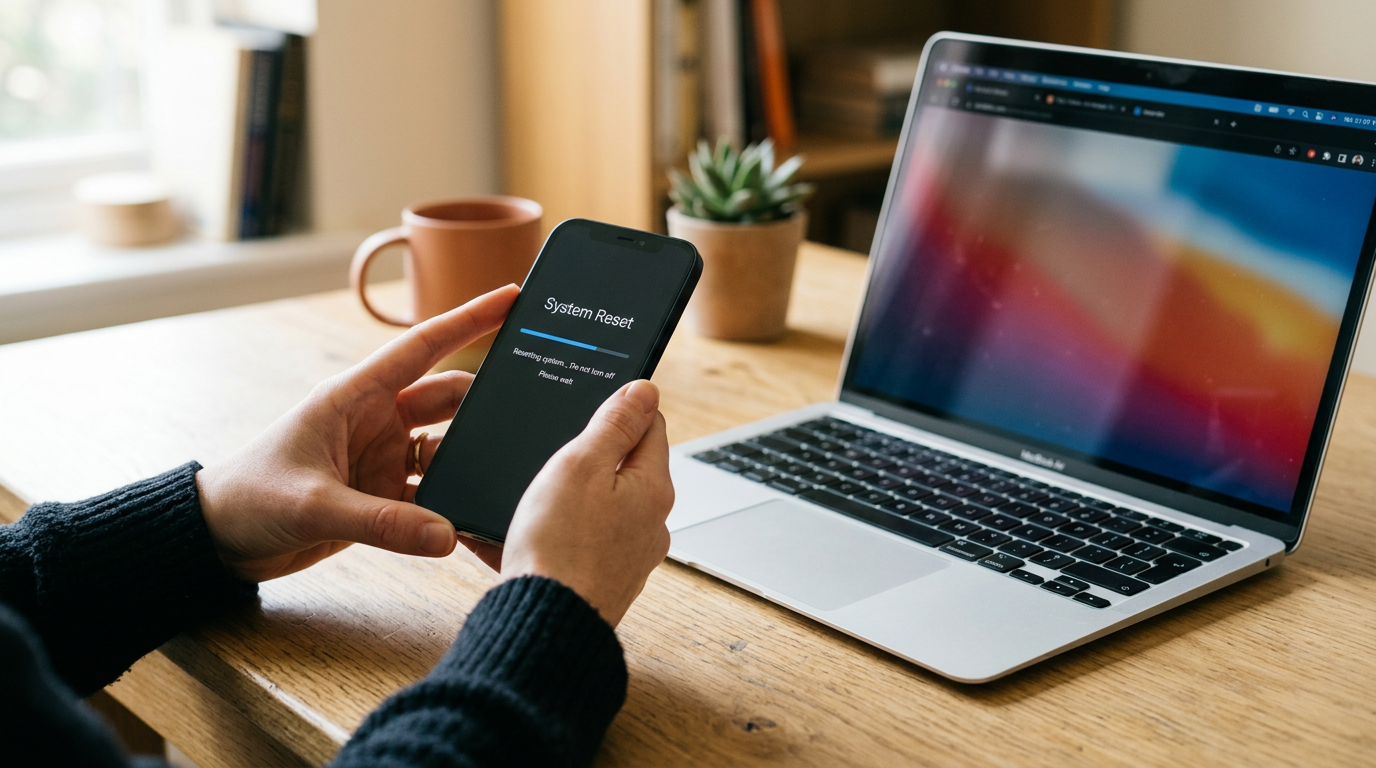
If you want to sell a laptop near you in Trenton, NJ, bring it to Sell Your Gadgets at 1469 Nottingham Way #5 with the charger and a valid government photo ID. We inspect the machine, make you a cash offer, and pay you on the spot. No appointment is needed, and you can also start with a free quote online, by text, or at the counter.
This guide covers what actually moves a laptop's value, how to prep a MacBook, a Windows laptop, or a gaming laptop so the sale goes smoothly, and what to do before you leave the house. It is written for people in Trenton and the surrounding Mercer, Burlington, and Monmouth County towns who want to sell a laptop for cash without mailing it away and waiting on a check.
How selling a laptop for same-day cash works in Trenton
Sell Your Gadgets is a buyback store. We pay cash for used, new, and broken electronics, and we do not sell devices from the counter. That keeps the process simple: the only question is what your laptop is worth today. Here is the flow at our Trenton store:
- Get a free quote. Use the online form, text us the model and condition, or just walk in.
- Bring it in for a quick inspection. We check the specs, screen, keyboard, ports, battery, and overall condition.
- Get paid cash on the spot. If you accept the offer, you leave with cash the same visit.
Every sale requires a valid government photo ID. That is the standard secondhand-dealer rule, and it applies to everyone. We also offer a free data wipe in store, but you should still do your own backup and sign-outs first, which we cover below.
We do not publish prices, because a laptop's offer depends on the exact model, specs, and condition. A quote is free and there is no obligation, so you can compare it against any other option you are considering.
What drives a laptop's value
Two laptops with the same name on the lid can be worth very different amounts. These are the factors that matter most when we evaluate one:
| Factor | Why it matters | What to do |
|---|---|---|
| Chip / processor | The biggest driver. Newer generations and higher tiers generally carry stronger offers than older or entry-level chips. | Find the exact chip name and generation before you ask for a quote. |
| RAM (memory) | More memory makes a laptop more useful today, especially for editing, development, and gaming. | Note the total GB. On many laptops it cannot be upgraded later, so it is a real value point. |
| Storage | Larger solid-state drives are worth more than small ones. Older spinning hard drives usually count for less. | Note the capacity and whether it is SSD. |
| Battery health | A high cycle count or a battery flagged for service lowers value and usability. | Check the cycle count or battery report and mention any warnings. |
| Screen | Cracks, dead pixels, backlight bleed, and burn-in all affect the offer. | Clean it and be upfront about any damage. |
| Keyboard and trackpad | Missing keys, sticky keys, or a swollen, lifted trackpad point to battery or wear issues. | Test every key before you come in. |
| Body and ports | Dents, bent hinges, and loose charging ports are noted during inspection. | Bring the original charger; it helps us test properly. |
| Graphics (gaming laptops) | A dedicated GPU is often the main reason a gaming laptop is worth more than a standard one. | Note the exact GPU model. |
A broken laptop is still worth a quote. Cracked screens, dead batteries, and worn keyboards lower the offer, but they do not automatically make a machine worthless, and we buy devices in any condition.
Selling a MacBook: Apple silicon, Intel, and Activation Lock
If you are searching for where you can sell your MacBook for cash near you, the short answer is a buyback counter that can inspect it in person and pay immediately. MacBooks hold their value better than most laptops, but only if the machine is properly signed out. You can see our dedicated pages for selling a MacBook Air in Trenton and selling a MacBook Pro in Trenton for model-specific details.
Apple silicon vs. Intel
Click the Apple menu and choose About This Mac. If you see a chip name such as M1, M2, M3, or M4 (and later), you have an Apple silicon Mac. If you see an Intel processor, it is an Intel-based model. As a rule, Apple silicon MacBooks are the more sought-after machines and Intel models are older. Tell us which one you have, plus the screen size, year, memory, and storage, so your quote is accurate.
Activation Lock and your Apple ID
Activation Lock ties a Mac to your Apple ID through Find My. If it is still on, the next person cannot use the laptop, so a locked MacBook cannot be bought at a normal offer. Before you come in:
- Sign out of your Apple ID in System Settings (or System Preferences on older macOS).
- Turn off Find My Mac.
- Sign out of iCloud, iMessage, and FaceTime.
- Deauthorize the Mac in the Music or Apple TV app if you use those.
- Erase the Mac using Erase All Content and Settings where your macOS version supports it, or use Recovery to erase the drive and reinstall macOS.
If you cannot remember the Apple ID password, recover it with Apple before you visit. It is far easier to do that at home than at the counter. Also remove any firmware password you may have set.
MacBook details that affect the offer
Check the battery cycle count under System Information, in the Power section. Also check the keyboard, the display for any staining or delamination, and the ports. A MacBook that has been kept in a case, cleaned, and supplied with its original charger presents better at inspection.
Selling a Windows laptop or gaming laptop
Windows laptops cover a huge range, from thin office machines to heavy gaming rigs, so getting the specs right is what makes a quote reliable.
How to find your specs
- Processor, RAM, and model: open Settings, then System, then About. You will see the processor, installed RAM, and device name.
- Storage: Settings, System, Storage shows capacity. Task Manager, under the Performance tab, shows whether the drive is SSD or HDD.
- Graphics card: in Task Manager's Performance tab, look for GPU. Gaming laptops often list a dedicated NVIDIA or AMD graphics chip.
- Battery health: open Command Prompt and run powercfg /batteryreport to generate a report with design capacity and full-charge capacity.
The model number on the bottom of the laptop is also helpful and lets us pull the exact configuration.
Gaming laptop extras
For gaming laptops, the GPU, the refresh rate of the screen, and the cooling condition matter. Loud fans, thermal throttling, worn keys (especially WASD), and swollen batteries all lower value. Bring the original power brick, since gaming laptops use large, model-specific chargers. If you have a gaming desktop, monitor, console, or VR headset as well, we buy those too.
BitLocker and your Microsoft account
Many Windows laptops ship with device encryption or BitLocker turned on, and the recovery key is often saved to your Microsoft account. Before selling:
- Check Settings, Privacy and security, Device encryption. Turn it off or decrypt the drive if you can.
- Make sure you know your Microsoft account details so you can sign out cleanly.
- Remove your Microsoft account from the device under Settings, Accounts, and disable Find My Device.
- Sign out of apps such as Office, Adobe, and Steam or other game launchers, and deauthorize any licensed software.
- Remove BIOS or UEFI passwords you set.
A laptop that is locked to a work or school account (managed through an organization) can cause problems, so remove it from any management program before you sell.
Back up and reset your laptop safely
Do this in order, and do not skip the backup step. Once a laptop is wiped, your files are gone.
- Back up your files. Copy documents, photos, and project files to an external drive or cloud storage. Check that you can actually open them from the backup.
- Save what is easy to forget. Browser bookmarks and saved passwords, game saves, license keys, and email archives.
- Sign out of everything. Apple ID and Find My on a Mac; Microsoft account, Find My Device, and app licenses on Windows.
- Turn off encryption or note your keys. FileVault on a Mac and BitLocker on Windows.
- Reset the laptop. On a Mac, use Erase All Content and Settings or Recovery. On Windows, use Settings, System, Recovery, Reset this PC, and choose to remove everything.
- Keep the charger and any original accessories. Leave the box at home if it is bulky; it is optional.
If you run out of time or hit a snag, bring the laptop in anyway. We wipe data for free in store. Just do not skip the account sign-outs, because those cannot be done for you if you do not know the password.
How to get the strongest offer for your laptop
You cannot change the age of your chip, but you control a lot of what happens at inspection:
- Know your exact model and specs and share them when you request your quote.
- Be honest about condition. Mention cracks, dead pixels, battery warnings, or liquid exposure. It keeps the quote consistent with the in-person offer.
- Clean it. Wipe the screen, keyboard, and body. A well-kept laptop inspects better.
- Bring the charger. It lets us test the machine and confirm the battery and port work.
- Sell while it is current. Laptop values tend to slide as new generations are released, so selling sooner usually beats waiting.
- Sign out of accounts first. Locked devices cannot be sold at a normal offer.
Compared with other routes, a local buyback counter is direct. Pawn shops often lend against a device rather than buy it outright, carrier trade-ins mostly apply to phones and are tied to credit, online marketplaces mean dealing with strangers and possible scams, and kiosks can be limited in what they accept. Mail-in buyers can be fine, but you wait for the package to arrive, be inspected, and be paid. With a walk-in buyback, you see the offer and leave with cash.
If you are selling more than a laptop, we can quote everything together. See our page on selling electronics in Trenton for the full list of what we buy, including phones, tablets, consoles, cameras, drones, and more.
Selling a laptop if you are coming from a nearby town
People come to our Nottingham Way counter from across central New Jersey. Here is how it works from each area.
Princeton
Princeton students and residents skip the mail-in wait and get a real in-person offer on laptops, tablets, and phones a short trip down Route 206. This is handy at the end of a semester when a MacBook needs to go before a move. See our page on selling electronics in Princeton for more.
Bordentown
Bordentown sellers cross the Mercer line up Route 130 to turn old devices into same-day cash with no shipping and no waiting. A spare laptop from a home office can be quoted, inspected, and paid for in one visit.
Allentown
Allentown residents make a quick trip up Route 539 to cash in phones, laptops, and consoles in person rather than boxing them up for a mailer. If you have a gaming laptop and a console sitting idle, bring both and get them quoted together.
Chesterfield
Chesterfield households in rural Burlington County get a firm, no-obligation cash offer a short drive north instead of shipping electronics away. It is an easy way to clear out old laptops without packing them up.
Hamilton Township
Our Nottingham Way counter sits right in Hamilton Township, so residents get a free, in-person cash offer on phones, laptops, and consoles minutes from home instead of waiting on a mail-in check. Our page on selling electronics in Hamilton Township has more local detail.
Hamilton Square
Hamilton Square sellers are just up Route 33 from our counter, turning a drawer of old iPhones, iPads, and controllers into same-day cash on a quick errand. Add the old laptop to the pile. See selling electronics in Hamilton Square for local details.
Getting to the Trenton store
We are at 1469 Nottingham Way #5, Trenton, NJ 08609, in the Hamilton Township area near Route 33. Nearby reference points include the Hamilton Township Municipal Building, Grounds For Sculpture, Veterans Park, Kuser Farm Park, and Sam's Club on Route 33. NJ Transit bus routes run along Route 33 and Nottingham Way, and we are about 10 minutes from NJ Transit Hamilton Station on the Northeast Corridor Line.
Our hours are Monday through Saturday from 10:00 AM to 7:00 PM, and Sunday from 11:00 AM to 5:00 PM. Walk-ins are welcome, and you can call 609-900-7867 with questions. Visit the Trenton store page for details, or see all of our New Jersey locations.
Frequently asked questions
Do I need an appointment to sell my laptop?
No. You can walk in during store hours, or get a free quote first by online form or text. Bringing the laptop, its charger, and your photo ID makes the visit faster.
What ID do I need?
A valid government photo ID is required for every sale. This is the standard secondhand-dealer rule in place for all customers.
Will you buy a laptop with a cracked screen or that will not turn on?
Yes. We buy new, used, and broken devices. Damage lowers the offer, but it does not mean we will not make one. Request a free quote and describe the problem honestly.
Can I sell a MacBook that is still signed in to my Apple ID?
You should sign out first. A MacBook with Activation Lock on cannot be resold normally, so turn off Find My Mac and sign out of your Apple ID before you visit. If you run into trouble, sort out your Apple account recovery at home first.
Do I need to wipe my laptop before I bring it in?
Back up your files and sign out of your accounts yourself. We provide a free data wipe in store, but we cannot recover files afterward, and we cannot bypass account locks.
How much will I get for my laptop?
It depends on the model, chip, RAM, storage, battery health, and condition, so we do not quote prices publicly. A free quote gives you a no-obligation number for your specific machine.
Ready to sell? Get a free quote online or by text, or stop by Sell Your Gadgets at 1469 Nottingham Way #5, Trenton, NJ 08609. We are open Monday to Saturday from 10:00 AM to 7:00 PM and Sunday from 11:00 AM to 5:00 PM, and we pay cash on the spot.
Hear from a real customer
A real customer on their experience. Working or broken, get a free quote and walk out with cash the same day.
Compare your options
See how selling to us stacks up against other ways to sell, side by side.





