
Sell Your Laptop Near Me in Tucson, AZ for Same-Day Cash
By syedladen ·
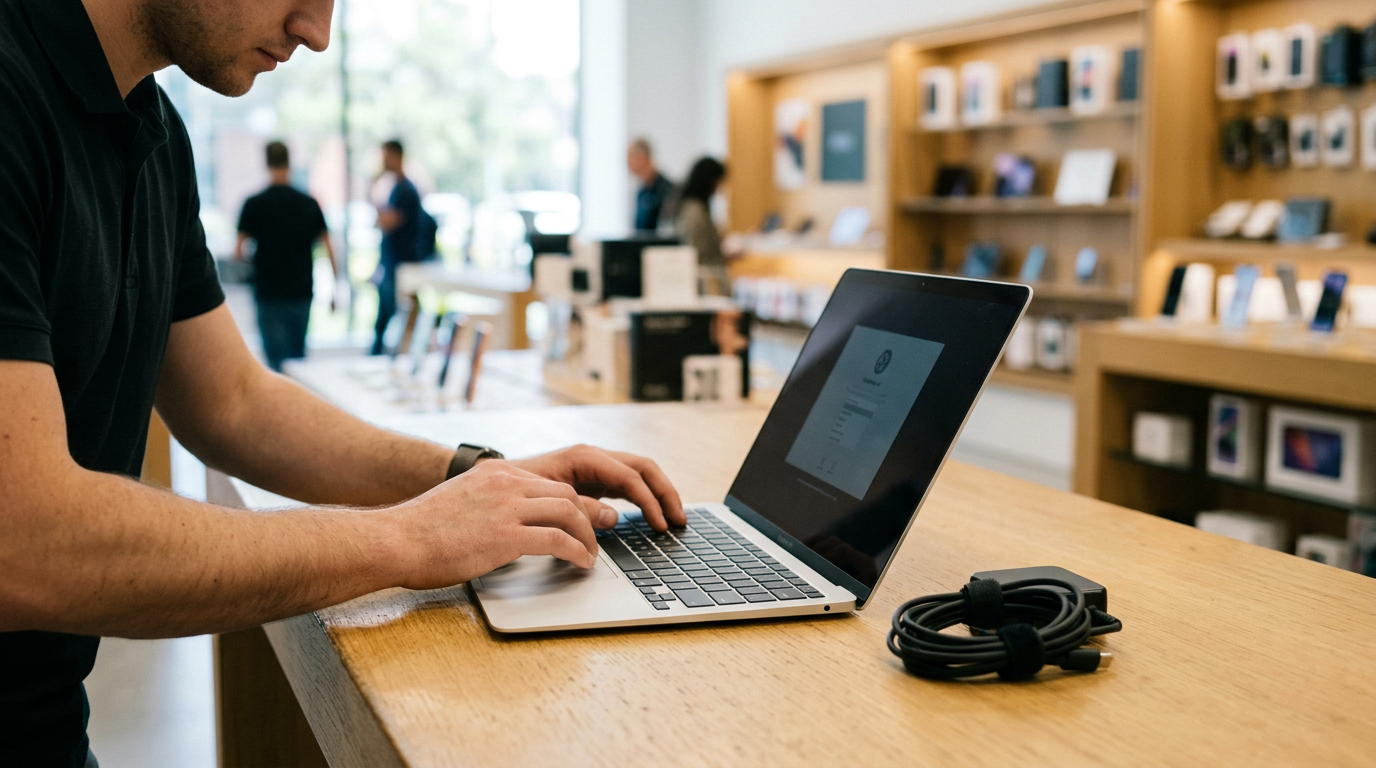
If you want to sell a laptop near you in Tucson, AZ, bring it to Sell Your Gadgets Tucson at 5604 E Broadway Blvd with a valid government photo ID. We inspect it on the spot and pay cash the same visit, with no appointment needed. You can also start with a free quote online or by text, which tells you roughly where you stand before you leave the house.
How selling a laptop for cash in Tucson works
Sell Your Gadgets is a buyback store. We pay for used, new, and broken electronics, and we do not sell devices. That keeps the process simple: you bring a laptop, we evaluate it, and we make an offer. The steps are:
- Get a free quote. Use the online form, send a text, or walk in. Give us the exact model, the year, and an honest description of condition.
- Bring it in for a quick inspection. We check the screen, keyboard, trackpad, ports, battery, and overall condition, and confirm the specs.
- Get paid on the spot. If you accept the offer, you leave with cash the same day.
- Free data wipe in store. We wipe the device as part of the process, though you should still prepare it yourself (more on that below).
A valid government photo ID is required for every sale. That is the standard secondhand-dealer rule, and it applies to everyone. We do not publish prices, because a laptop's value depends on the exact model, configuration, and condition. A free quote is the honest way to find out what yours is worth.
What drives a laptop's value
Two laptops that look identical on the outside can be worth very different amounts. Buyers focus on the same handful of factors, and knowing them helps you describe your machine accurately and spot what is helping or hurting your offer.
| Factor | Why it matters | Where to find it |
|---|---|---|
| Chip / processor | The biggest single driver. Newer generations and higher-tier chips are more in demand. | Apple menu > About This Mac, or Windows Settings > System > About |
| RAM (memory) | More memory means a machine stays useful longer. On many modern laptops it is soldered and cannot be upgraded. | Same screens as above |
| Storage | Larger drives raise value, and solid-state drives are expected on anything recent. | About This Mac > Storage, or Windows Settings > System > Storage |
| Battery health | A worn battery can lower an offer. Cycle count is a quick indicator. | Mac: System Information > Power. Windows: a battery report from the command line |
| Screen | Cracks, dead pixels, backlight bleed, and burn-in all reduce value. | Inspect with a white and a black background |
| Keyboard and trackpad | Missing keys, sticky keys, or a swollen battery pushing on the trackpad are red flags. | Test every key and click zone |
Chip and processor
This is where most of the value lives. For a MacBook, the key question is whether it has an Apple silicon chip or an older Intel processor. For Windows laptops, note the processor family and generation, such as Intel Core or AMD Ryzen, and for gaming laptops the graphics card too. Write down the exact model name rather than a rough description like "a Dell from a few years ago."
RAM and storage
Configuration matters as much as the model name. Two laptops sold under the same name can ship with very different memory and storage. Always check the actual numbers on your machine instead of relying on the box or a memory of what you ordered.
Battery cycle count
Every battery wears out with charge cycles. A laptop that dies at 30 percent, runs hot, or has a bulging case is worth less than one that holds a charge. A swollen battery is also a safety issue, so stop using and charging a laptop if the case is lifting or the trackpad is pushed up. We still look at those devices, so ask for a quote.
Screen, keyboard, and body
Cosmetic wear such as light scratches or scuffs is normal and usually minor. Functional problems carry more weight: a cracked display, dead pixels, flickering, non-working keys, or a hinge that will not hold position. Because we buy broken devices too, a damaged laptop is still worth getting a quote on.
Selling a MacBook in Tucson
If you are searching for where you can sell your MacBook for cash near you, these are the points we check first. We take both MacBook Air and MacBook Pro models, in any condition.
Apple silicon vs. Intel
Apple silicon MacBooks, those with M-series chips, generally attract stronger demand than Intel-based models because they are newer, faster, and supported longer. To check, open the Apple menu and choose About This Mac. An M-series chip is listed as "Chip." An Intel model shows "Processor" instead. Intel MacBooks still have value, but the offer reflects the age of the platform. Also note the screen size and the year listed, since both affect the model we quote.
Activation Lock and Apple ID
Activation Lock is tied to your Apple ID, and a MacBook that is still locked cannot be reset for the next owner. Before you come in:
- Sign out of your Apple ID in System Settings (or System Preferences on older macOS).
- Turn off Find My Mac.
- Sign out of iMessage, FaceTime, and iCloud.
- Deauthorize the machine in Music or the Apple TV app if you used it for purchases.
- Check that the machine is not enrolled in a school or work management profile, because those can also block a reset.
If you cannot sign out, for example because the laptop is broken or you forgot the password, you can remove the device from your account at iCloud.com. Do that before the sale.
Selling a Windows or gaming laptop
Windows machines vary a lot more than MacBooks, so documenting the specs carefully helps you get an accurate quote.
Finding your specs
Open Settings, go to System, then About. You will see the processor, installed RAM, and device name. Storage is under System > Storage. For a gaming laptop, search for Device Manager and expand Display adapters to see the graphics card, which is often the part buyers care about most. A quick photo of the model sticker on the bottom case also helps. Tell us about the refresh rate of the screen and any RGB or cooling features if you know them.
BitLocker and Microsoft account
Many Windows laptops have drive encryption turned on, often called BitLocker or Device Encryption. Before a reset, make sure you know your recovery key or can sign in to your Microsoft account, then turn encryption off or plan for the reset to clear it. Then:
- Sign out of your Microsoft account and remove the laptop from your devices list at account.microsoft.com.
- Disable any BIOS or UEFI passwords.
- Sign out of game launchers such as Steam, Epic, and Battle.net, and deauthorize the machine where needed.
- Unlink software licenses you want to keep, such as creative or productivity subscriptions.
If you use a work or school laptop that is managed by an organization, it likely does not belong to you to sell. Personal machines are fine.
Gaming laptops and accessories
Bring the original charger if you have it. Gaming laptops typically use large power bricks, and a missing or aftermarket charger can affect the offer. If you also have a gaming monitor, console, or headset to sell, bring those along. We buy a wide range of electronics in Tucson, so you can handle several items in one visit.
Back up and reset safely before you sell
Do this before you leave the house. Even though we offer a free data wipe in store, you want your files safe and your accounts disconnected first.
- Back up what matters. Copy documents, photos, and project files to an external drive or a cloud service. On a Mac, Time Machine is an easy option. On Windows, File History or a simple copy to an external drive works well.
- Check that the backup opens. Try restoring a few files on another computer before you erase anything.
- Export passwords and browser data. Move your password manager data and bookmarks to a safe location.
- Sign out of everything. Apple ID, Microsoft account, Google, game launchers, and any cloud storage apps.
- Reset the machine. On a Mac, use Erase All Content and Settings (recent macOS) or macOS Recovery. On Windows, go to Settings > System > Recovery > Reset this PC and choose to remove everything.
- Bring the charger and ID. If you have the box or accessories, bring those too.
If the laptop will not boot, do not worry. Bring it in as it is, and let us know the password issue or fault when you ask for a quote.
How to get the strongest offer
- Be accurate about condition. Describe cracks, dents, keyboard issues, and battery problems honestly. A quote based on accurate details is more likely to hold up at inspection.
- Get the model right. Year, screen size, chip, RAM, and storage all matter. Copy them from the About screen.
- Clean it up. Wipe the screen, clear the keyboard, and remove stickers where possible. It will not change the specs, but a well-kept machine is easier to assess.
- Remove locks ahead of time. Activation Lock, BitLocker problems, and BIOS passwords slow everything down.
- Include the charger. The original power adapter is a small detail that can help.
- Do not wait too long. Laptops lose value as newer generations arrive, so a machine you no longer use is usually worth more now than next year.
- Compare your options. Carrier trade-ins rarely cover laptops, online marketplaces can involve listing time, shipping, and buyer disputes, and pawn shops often focus on loans. Our model is simple: quote, inspect, cash today.
Customers often mention that our team is patient and transparent, and that they liked having the process explained while their device was being examined. Our Google rating is 4.9 from 459 reviews. One reviewer even came in just to responsibly recycle old laptops and cables.
Coming from nearby: Tucson neighborhoods and towns we serve
Our store is on East Broadway Boulevard, and it is an easy trip from across the city. Here is how it works for people coming from each area.
Broadway/Northeast
If you live or work along the Broadway corridor or on the northeast side, we are a short drive along Broadway. It is a good stop on a lunch break or after work, since we are open Monday through Saturday until 7:00 PM.
Dietz
From Dietz, you can get to the store without leaving the central-east side of Tucson. Bring your laptop, charger, and ID, and plan on a quick inspection rather than a long wait.
Stella Vann
People in Stella Vann can reach us in a short drive through the east-central part of the city. If you are unsure about your specs, text us the model details first and we will give you a free quote before you make the trip.
Davis-Monthan
For those near Davis-Monthan, including service members and families who may be relocating or upgrading, we are a short drive north toward Broadway. If you are moving and want to clear out old laptops and other electronics before a PCS or other relocation, come in early in the week and avoid the last-minute rush. Bring a valid government photo ID.
Catalina Foothills
From Catalina Foothills, the drive into the Broadway area is straightforward via the main roads south through town. We also have a page for selling electronics from Catalina Foothills with more detail for that area.
Casa De Carlos
Casa De Carlos residents are a short drive away as well. If you have a stack of older laptops, tablets, or accessories in a closet, bring them in together and we can go through everything in one visit.
If you are travelling from elsewhere in the state, see our Arizona locations for the store closest to you.
Visiting the Tucson store
The store is at 5604 E Broadway Blvd, Tucson, AZ 85711, with a transit note of Broadway/Leonora on the northwest side. You do not need an appointment. Hours are Monday through Saturday, 10:00 AM to 7:00 PM, and we are closed on Sunday. You can call us at (520) 719-2888 with any questions. For more details, see our Tucson store page.
Frequently asked questions
Can I sell a laptop that is cracked or will not turn on?
Yes. We buy new, used, and broken devices. Offers depend on the model and the damage, so tell us what is wrong when you request a quote.
Do I need an appointment to sell my laptop?
No. You can walk in during store hours, although a free quote online or by text first will give you an idea of what to expect.
What do I need to bring?
Bring the laptop, a valid government photo ID, and the charger if you have it. Sign out of your accounts and back up your files beforehand.
Will you erase my data?
We offer a free data wipe in store. You should still back up your files and sign out of your Apple ID or Microsoft account first, so the machine is ready and nothing you need is lost.
How much will I get for my MacBook or gaming laptop?
It depends on the model, chip, RAM, storage, battery health, and condition, so we do not publish prices. Request a free quote for a real number based on your exact machine.
How fast do I get paid?
You are paid cash on the spot once the inspection is done and you accept the offer, so the whole sale can happen the same day.
Ready to sell? Request a free quote online or by text, or bring your laptop to Sell Your Gadgets Tucson at 5604 E Broadway Blvd, Tucson, AZ 85711, Monday through Saturday from 10:00 AM to 7:00 PM. Call (520) 719-2888 if you have questions before you come in.
Hear from a real customer
Real experience, real cash. Working or broken, get a free quote and walk out with cash the same day.
Compare your options
See how selling to us stacks up against other ways to sell, side by side.





