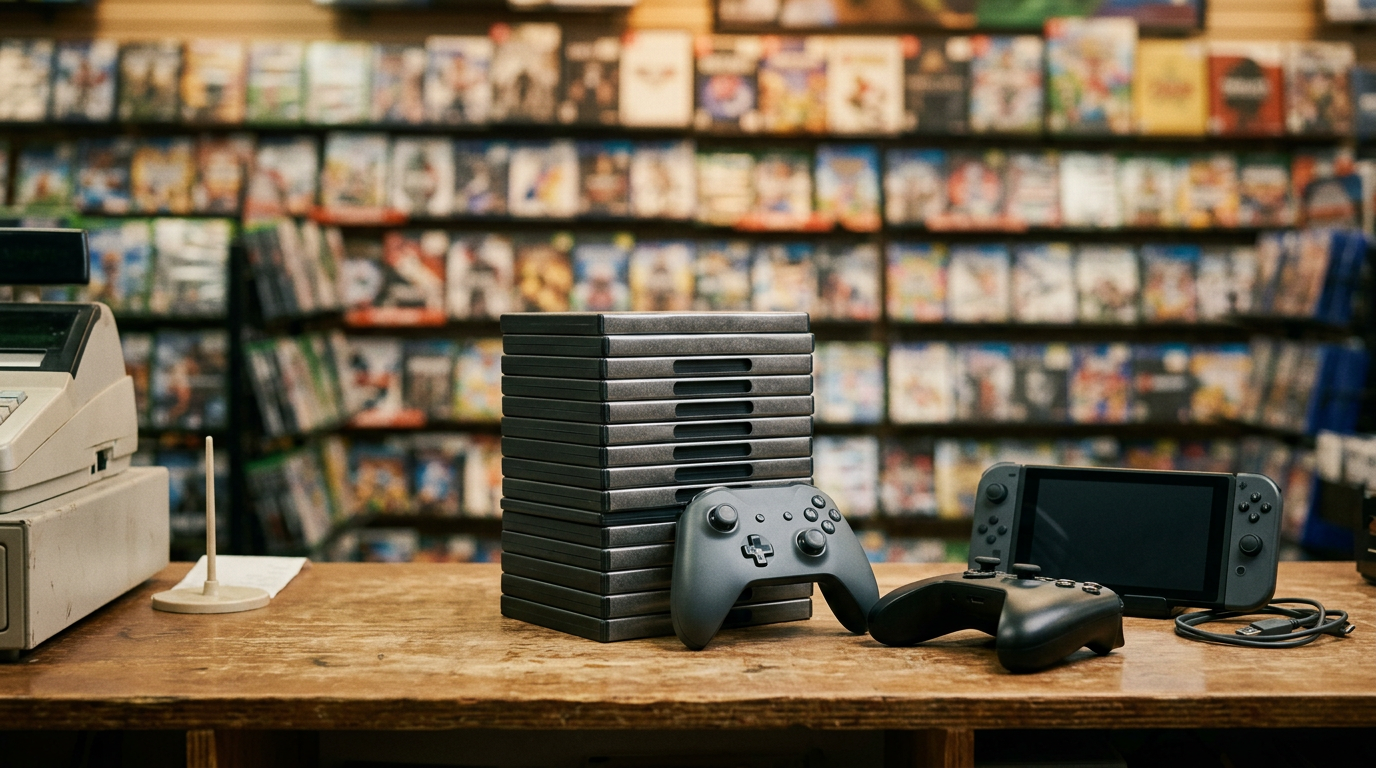
Sell Nintendo Switch Near Me: Forest Hills, NY Cash Guide
By syedladen ·
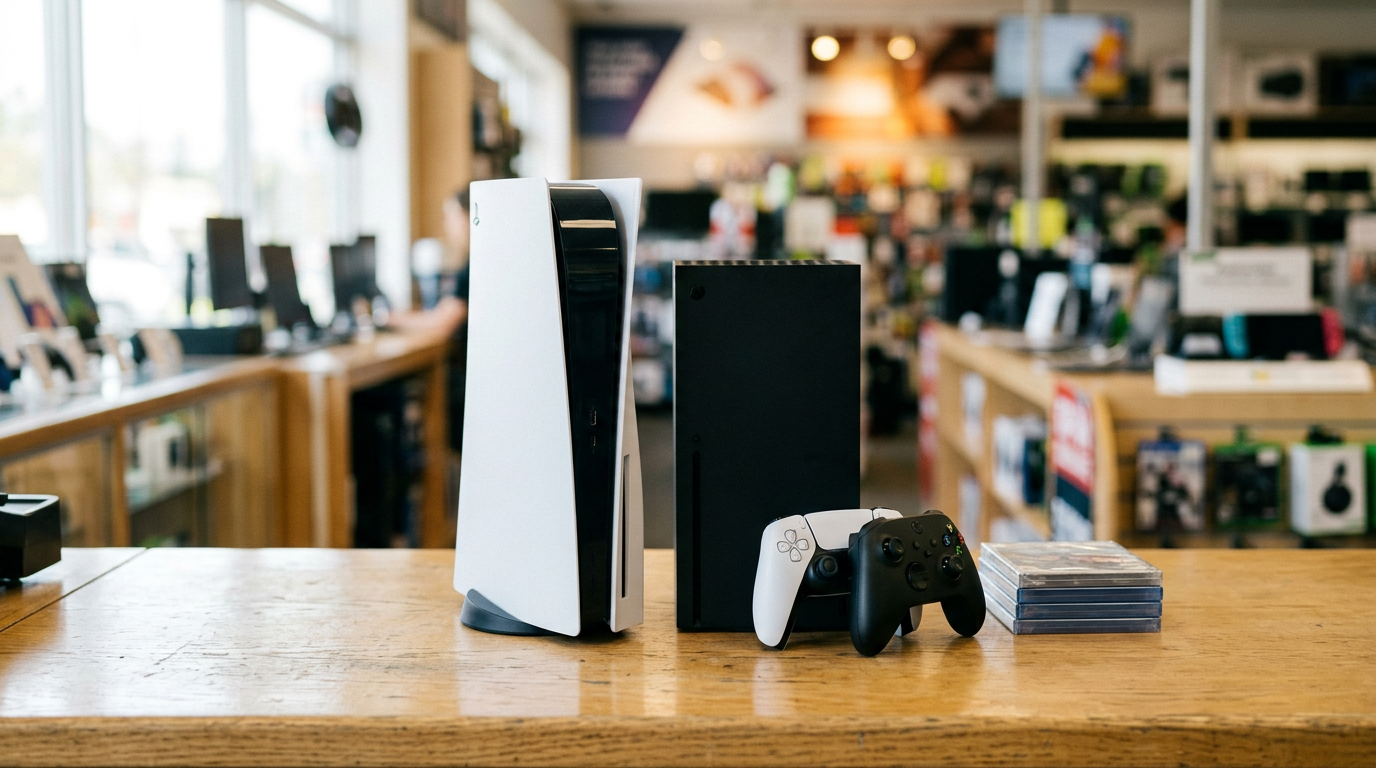
If you want to sell a Nintendo Switch near you in Forest Hills, bring it to Sell Your Gadgets Forest Hills on Queens Blvd. We inspect it on the spot and pay cash the same visit, and that goes for the Switch 2, Steam Deck, and other handheld PCs too.
This guide explains what actually moves the offer on each handheld, how to deal with Joy-Con and stick drift, and how to remove your Nintendo and Steam accounts before you hand a device over. It also covers what to expect if you are coming from Flushing, Jamaica, Elmhurst, or farther out.
Selling a Switch in Forest Hills: what to expect
We are a buyback store. We do not sell devices at the counter and we do not post prices online, because the offer depends on the exact unit in your hands. A Switch with a clean screen and tight sticks is a different conversation from one with a cracked panel and drifting controllers, even if they share a model name.
The process is simple, and the same for every handheld:
- Get a free quote. Use the online quote form, text us, or just walk in.
- Bring the device in. A quick inspection covers the screen, sticks, buttons, ports, battery behavior, and whether it powers on and connects properly.
- Get paid cash on the spot. No appointment is needed.
You need a valid government photo ID for every sale. That is the standard secondhand-dealer rule, and it applies to everyone. We also do a free data wipe in store, which takes some pressure off if you are not sure how to reset a console.
Our Google rating is 4.9 from 575 reviews. Customers often mention being walked through how the offer was reached, not feeling pressured, and having everything they brought evaluated item by item. That is how we try to run every handheld sale too.
Model-by-model value drivers for handheld consoles
Not every handheld holds value the same way. Newer hardware, better screens, and sought-after storage tiers generally hold value better, but condition and completeness can outweigh model age. Here is how it breaks down at a glance.
| Device | What tends to raise the offer | What tends to lower it | Bring with you |
|---|---|---|---|
| Switch (original) | Clean screen, no drift, working dock, original box | Drifting Joy-Con, dented casing, missing dock or charger | Console, Joy-Con, dock, power adapter, HDMI cable |
| Switch Lite | No stick drift, unscratched screen, tight buttons | Drift, scratched screen, sticky buttons | Console and charger |
| Switch OLED | Unmarked OLED panel, no burn-in, full accessories | Screen burn-in, bent kickstand, drift | Console, Joy-Con, dock, charger |
| Switch 2 | Newer generation, demand, clean body, full kit | Drift, cosmetic damage, missing accessories | Console, controllers, dock, charger |
| Steam Deck (LCD/OLED) | Higher storage, OLED model, working sticks and triggers | Stick drift, fan noise, swollen-battery signs, damaged case | Deck, charger, carrying case |
| Windows handhelds | Current generation, more storage, stable performance | Overheating, dead pixels, stick wear, unreset software | Device, charger, dock or accessories |
For an actual number on your unit, skip guessing and request a free quote.
Switch original, Lite, and OLED
The three Switch families are the ones people search for when they want to sell a Switch near them. The OLED generally holds value better than the original because of the screen, and the Lite sits in its own lane because it has no detachable controllers and no TV mode. The original is a fine seller when the dock, Joy-Con, and strap accessories are intact. On all three, controller condition is the most common reason offers move lower than people expect.
Switch 2
If you are looking to sell a Switch 2, your advantage is that it is the newest Nintendo handheld and demand for current-generation hardware tends to stay stronger than for older models. The things that protect value are simple: no drift, no cosmetic damage, all controllers, and the original accessories. Bundles with games can also be handled together. If you have physical games, check out our page on how to sell your video games.
Steam Deck
When people ask how to sell a Steam Deck, the honest answer is that the OLED model and higher-storage versions tend to hold value better than base storage tiers, all else equal. What we check hardest: the sticks, triggers, and d-pad, the fan for unusual noise, the screen, the charging port, and battery behavior. Steam Decks that have been dropped often show it at the corners and in the USB-C port, so a photo of those areas helps when you text us.
Windows handheld PCs
Handheld PCs such as the ROG Ally and Legion Go families are more variable. They are full Windows machines, so performance, thermals, and storage matter, and so does how well the device has been reset. A fresh Windows reset, with no leftover accounts or launcher logins, makes the evaluation smoother. If your model is not in a category you recognize, bring it anyway. We buy gaming PCs, monitors, and handhelds, and we will tell you clearly where it lands.
Joy-Con and stick drift: does it kill your offer?
Drift is when the on-screen cursor or character moves without you touching the stick. It is one of the best-known wear issues on Switch controllers and it can show up on the Steam Deck and other handhelds as well. Drift does not make a device unsellable, but it is a real factor in the offer because repair costs time and parts.
How to check for drift yourself
- On a Switch, open System Settings, then Controllers and Sensors, then the stick calibration and input test options. Release the stick and see whether it centers cleanly.
- Look for the cursor creeping in menus with your thumbs off the sticks.
- On a Steam Deck, open the controller test in Settings to watch stick input live.
- Test each direction slowly. Some drift only shows at the edge of the range.
Should you fix drift before selling?
Usually not, unless you are already comfortable with repairs. A cheap DIY attempt that goes wrong can leave a cracked shell or a damaged ribbon cable, which is worse than honest drift. We buy devices with drift, and we would rather see it as-is than after a failed repair. If one Joy-Con drifts and the other is fine, bring both and mention which one is off. That makes the evaluation faster and more transparent.
Removing your Nintendo and Steam accounts before you sell
This is the step people skip and regret. Unlinking your accounts protects your purchases and your privacy, and it keeps the device from being locked to you. Do this before you come in, or at least have your logins ready, and we will finish with a free data wipe in store.
Nintendo Switch and Switch 2
- Back up your save data. Nintendo Switch Online cloud backup covers many games, but not all, so check individual titles.
- Unlink your Nintendo Account from the console in the account settings on the device, and confirm it in your online account settings as well.
- If you use a child account or a family group, remove the console from that group.
- Initialize the console from System Settings, under the system formatting option. This wipes user data and returns it to factory state.
- Take any microSD card out and keep it. Your games and screenshots live there.
Purchased digital games are tied to your Nintendo Account, not the console, so you can redownload them on another system later.
Steam Deck
- Make sure your saves are synced to Steam Cloud where the game supports it.
- Log out of Steam in the Deck's settings and, in your Steam account settings, deauthorize the device from Steam Guard if you can.
- Run the factory reset option in system settings. That clears games, accounts, and local data.
- Remove your microSD card and keep it.
Windows handhelds
- Sign out of Steam, Xbox, Epic, and any other launcher.
- Remove the device from your Microsoft account device list.
- Turn off any device-locking or find-my-device feature tied to you.
- Use the Windows reset option and choose to remove everything.
If anything on that list stalls, bring the device in anyway. We can help with the reset at the counter.
Prep checklist before you come in
- Gather everything. Dock, charger, HDMI cable, Joy-Con straps, grips, and the original box all help the evaluation.
- Charge it. A dead battery makes it hard to test the screen and sticks.
- Clean it gently. Wipe fingerprints with a dry microfiber cloth. Do not use harsh cleaners near the ports.
- Bring your ID. A valid government photo ID is required for every sale.
- Bring related items. Extra controllers, games, and other consoles can be quoted in the same visit. See our page on how to sell a game console for the full list.
Comparing your options for selling a handheld
There is more than one way to sell a handheld, and each has tradeoffs. Here is a fair look at the common ones.
| Option | Upside | Tradeoff |
|---|---|---|
| Sell Your Gadgets (walk-in buyback) | Quick inspection, cash the same visit, free data wipe, broken units considered | Offer is set by condition at inspection, so a quote is the way to know |
| Online marketplaces | You choose the asking price and reach a wide audience | Listing time, messages, fees on some platforms, and meeting strangers or shipping |
| Big-box trade-in programs | Familiar and convenient if you are already shopping | Often store credit rather than cash, and the offer varies by program |
| Keeping it | No effort | Handhelds lose value as newer hardware arrives |
One customer said they sold a PS5 for a better price than other companies offered, which is the kind of comparison we encourage. Get a quote from us, check a couple of other places, and pick whichever makes sense for you.
Selling a broken or heavily used handheld
Cracked screens, dead batteries, bent rails, or a Steam Deck that will not boot can still have value. We buy new, used, and broken devices. A non-working Switch may still be worth something for parts, and we would rather tell you so than leave it in a drawer.
When you text or submit a quote request, be upfront about the damage. Say whether the unit powers on, which buttons or sticks are affected, and whether there has been liquid exposure. That keeps the quote realistic and avoids surprises at the counter.
Coming from nearby: Flushing, Jamaica, Elmhurst, and beyond
Our Forest Hills store is at 116-01 Queens Blvd, near the Queens Blvd and 77 Av area. If you are traveling from another part of the city or the Long Island border, here is how it typically works.
Elmont
Elmont is on the Nassau County side of the city line, so you are making a short cross-border drive or transit trip. It makes sense to call or text ahead with your model and condition. That way you can decide whether the trip is worth it before leaving home.
Starrett City
Starrett City is out in southeast Brooklyn, so it is a longer ride than most of our Queens customers take. Bundle it into one trip: bring the Switch, any extra controllers, and other unused electronics so you are only making the journey once.
New York
New Yorkers coming from Manhattan, the Bronx, or other boroughs can reach Queens Blvd through the subway lines serving Forest Hills. Because we buy across many categories, it is worth clearing out the drawer of old phones, tablets, and consoles before heading over. For other locations, see our New York locations page.
Flushing
Flushing is a busy hub with a lot of gamers and commuters. From there, Forest Hills is a straightforward trip by bus or car across Queens. Text your handheld model first, and you can walk in on your way through without booking anything.
Jamaica
Jamaica has major transit connections, which makes getting to Forest Hills easy from most parts of southeast Queens. If you are selling a Steam Deck or a Switch 2, a quick text with the storage size and condition speeds up the quote.
Elmhurst
Elmhurst is close, and Queens Blvd runs right through the corridor between us. It is an easy stop if you are already out for errands, so bring the device, the charger, and your ID, and you can be done the same trip.
Frequently asked questions
Where can I sell my Nintendo Switch near Forest Hills?
You can bring it to Sell Your Gadgets at 116-01 Queens Blvd in Forest Hills. We inspect it, make an offer, and pay cash on the spot. No appointment is needed.
Can I sell a Switch 2 right away?
Yes. We buy current-generation consoles, including the Switch 2, in new, used, and even broken condition. Request a free quote with the condition and accessories you have.
Do you buy a Steam Deck with stick drift?
Yes. Drift lowers the offer compared with a clean unit, but it does not disqualify it. Mention it upfront so the quote matches what we see at inspection.
Do I need to factory reset before I come in?
It is best if you do, and our checklist above shows how. If you cannot, we offer a free data wipe in store. Either way, unlink your Nintendo, Steam, and Microsoft accounts from your online account settings.
What do I need to bring to sell a handheld?
Bring the device, charger, dock or controllers if they came with it, and a valid government photo ID. The original box helps but is not required.
Will you buy my games and accessories too?
Yes. We buy games and consoles, and other electronics, so you can bring several items in one visit. See our pages to sell your video games and sell your game console.
Is selling in person better than selling online?
It depends on what matters to you. In person means one visit, immediate cash, and no shipping or messaging strangers. Online lets you set your own price but takes time and effort.
Ready to sell? Start with a free quote, or visit Sell Your Gadgets Forest Hills at 116-01 Queens Blvd, Forest Hills, NY 11375. We are open Monday to Friday 10:00 AM to 7:00 PM, Saturday 10:00 AM to 5:00 PM, and Sunday 11:00 AM to 5:00 PM. You can also call (347) 960-7030.
Hear from a real customer
Real experience, real cash. Working or broken, get a free quote and walk out with cash the same day.
Compare your options
See how selling to us stacks up against other ways to sell, side by side.