Sell Samsung Phone Near Me in Elmwood Park, NJ | Cash Today
By syedladen ·
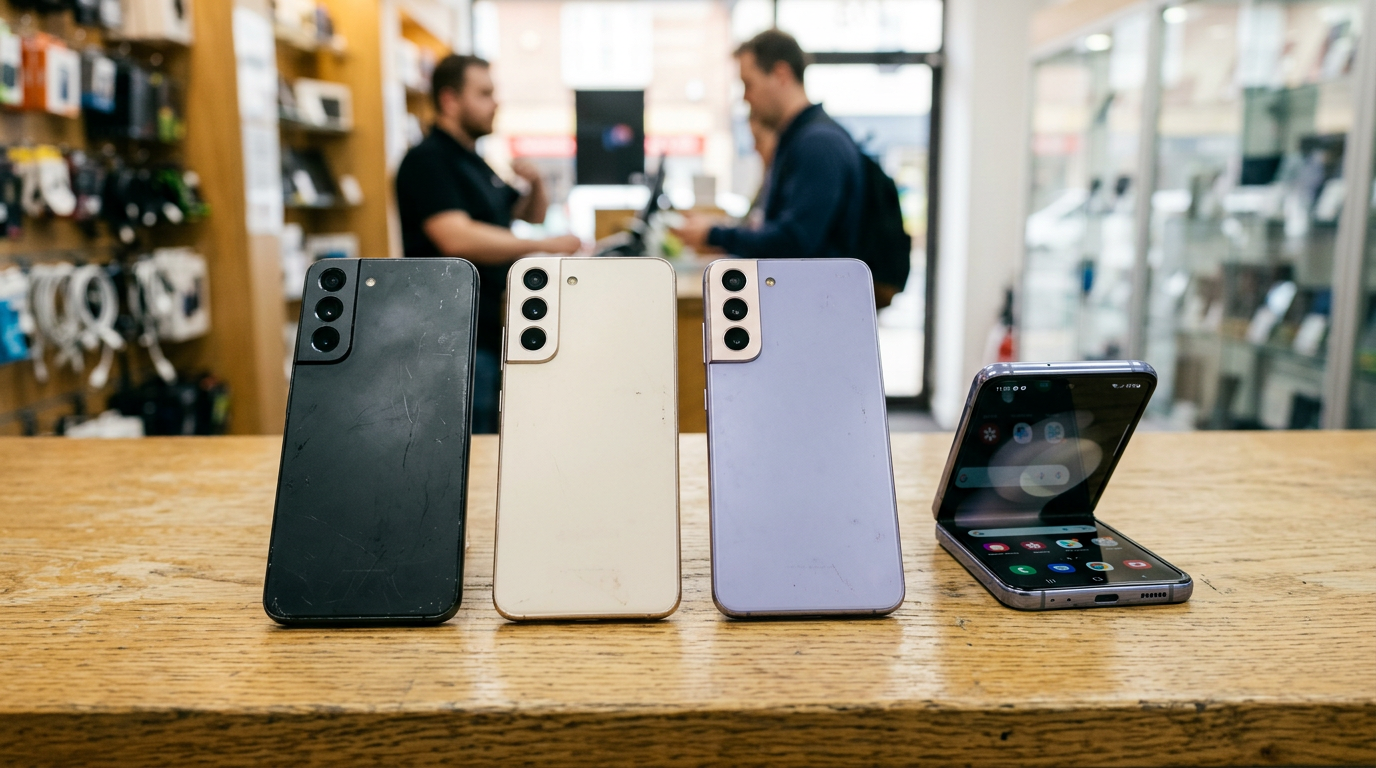
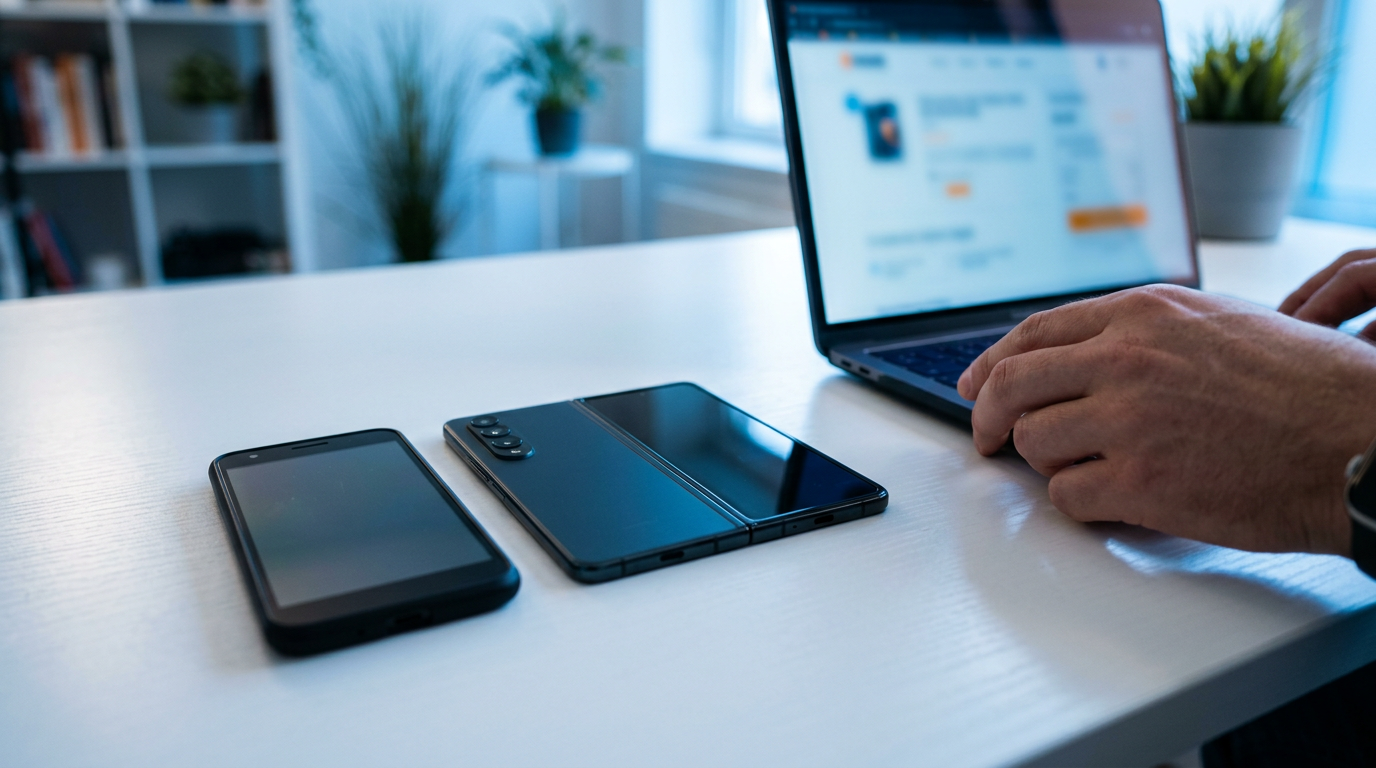
If you want to sell a Samsung phone near Elmwood Park, NJ, the quickest route is to get a free quote, then bring the phone and a valid government photo ID to Sell Your Gadgets at 81 Broadway and get paid cash on the spot. We buy Galaxy S series, Z Fold and Z Flip, and A series phones, whether they are like new, well used, or broken.
This guide explains how to sell a Galaxy for cash without leaving money on the table: where to sell, what actually moves the offer, how to clear your Samsung and Google accounts so the phone can be bought, and what to check on a foldable before you walk in.
Where to sell a Samsung phone near you
People searching for where to sell a Samsung phone usually end up choosing between four routes. Each works, but they trade off speed, hassle, and certainty differently.
| Option | How it works | Main trade-off |
|---|---|---|
| Local buyback store | Get a quote, bring the phone in, have it inspected, get paid in person | You need to visit, and you need photo ID |
| Carrier trade-in | Credit toward a new phone or plan, usually tied to the carrier's terms | Often tied to a purchase or bill credits rather than cash in hand |
| Online marketplace | You list it, answer messages, and meet or ship to a buyer | Time, haggling, no-shows, and payment or scam risk |
| Mail-in buyback | Ship the phone, wait for inspection, then get paid | Shipping risk and a waiting period, and the offer can change after inspection |
If you want cash today and a clear answer from someone holding the phone, a local buyback counter is the simplest option. Our Elmwood Park store is walk-in, no appointment needed, and the inspection happens in front of you.
What drives the value of a Samsung Galaxy
We never publish fixed prices, because the offer depends on the exact phone in your hand. Here is what moves it, roughly in order of impact.
Model and generation
Newer flagships hold value better than older ones, and the top-tier models within a generation hold value better than the base versions. A recent Ultra is a different conversation from an older base S model, and an A series phone sits lower on the scale than an S series from the same period. Foldables are their own category: a recent Z Fold tends to be worth more than an older Z Flip in the same condition, though condition can flip that quickly. If you have an S24 Ultra or an S24, see our pages on selling a Galaxy S24 Ultra or a Galaxy S24 for model-specific notes.
Storage size
More storage generally means a noticeably higher offer on the same model, all else equal. Check Settings, then About phone, then Storage to confirm what you have rather than guessing. Many Galaxy phones look identical from the outside across storage tiers.
Screen condition and burn-in
Galaxy phones use AMOLED displays, which look fantastic but can develop burn-in or persistent ghosting over time. To check, open a plain gray or white screen at full brightness and look for faint outlines of the navigation bar, keyboard, or a frequently used app. Also look for green or pink vertical lines, dead pixels, or dark spots. A clean display is one of the biggest factors in a strong offer, and significant burn-in or line defects usually lower it noticeably. Cracked glass does too, but a cracked phone with a healthy display underneath is still worth a quote.
Carrier lock and financing
An unlocked Galaxy is easier to resell and usually gets a better offer than one locked to a single carrier. If the phone is still being paid off, it may be tied to the carrier and can carry restrictions. Confirm it is fully paid and eligible for unlock with your carrier if you can. A phone with a bad or blacklisted IMEI, for example one reported lost, stolen, or unpaid, cannot be bought, so it is worth checking before you make the trip.
Battery, body, and extras
A tired battery, deep frame dents, a damaged camera lens, or loose buttons all pull the offer down. Original box, charger, and cable can help a little, but they are a minor factor next to model, storage, and screen.
Quick condition guide
| What we see | Effect on offer |
|---|---|
| Unlocked, clean screen, light wear | Strongest end of the range for that model |
| Carrier-locked, clean screen | Usually somewhat lower than unlocked |
| Visible burn-in or ghosting | Noticeably lower |
| Lines, dead zones, or spreading ink spots | Much lower, treated as a display repair |
| Cracked glass, display still works | Lower, but still buyable |
| Accounts still locked | We cannot complete the purchase until they are removed |
The only way to see where your phone lands is a free cash quote. Tell us the model, storage, carrier status, and honest condition and we will give you a starting point.
Remove your Samsung and Google accounts (FRP) first
This is the step that trips up the most sellers. Android has Factory Reset Protection, or FRP, which locks a phone to the last Google account that signed in on it after a factory reset. Samsung adds its own Samsung account and Reactivation Lock layer. If either one is still active, the next person who sets up the phone gets stuck on a sign-in screen. That makes the phone unusable to us, so we cannot finish the purchase on a locked device.
Do it in this order, and know that menu names shift a bit between One UI versions:
- Back up what you want to keep. Use Smart Switch, Samsung Cloud, or Google backup. Photos, contacts, and app data are all easy to lose once you reset.
- Turn off Find My Mobile and Reactivation Lock. Look in Settings under Security and privacy or Biometrics and security, then Find My Mobile.
- Remove your Samsung account. Go to Settings, Accounts and backup, Manage accounts, tap your Samsung account, and choose Remove account.
- Remove your Google account. In the same Manage accounts list, tap Google, select your account, and remove it. Repeat for every Google account on the phone.
- Remove your SIM card and any microSD card. Many A series phones take a memory card, and your files could be on it.
- Factory reset if you like. Settings, General management, Reset, Factory data reset. If you would rather not, we provide a free data wipe in store, but the accounts must still be removed first.
If you lose access to an account or forgot a password, recover it from Google's or Samsung's account recovery pages before you come in. It is much faster to sort out at home than at the counter.
Selling a Z Fold or Z Flip: hinge and inner screen checks
Foldables are the most condition-sensitive Galaxy phones, so a few minutes of self-inspection helps you set expectations. We check the same things.
The hinge
- Open and close it slowly. It should move smoothly, without grinding, clicking, or sticking.
- Check that it stays put at partial angles, especially on a Flip, which is designed to hold at different positions.
- Look for gaps, debris, or dust near the hinge, and for a frame that no longer sits flush when closed.
The inner screen
- Look at the crease. Some visible crease is normal, but a deep one, lifting edges, or bubbling under the film is not.
- Do not peel the factory screen protector on the inner display. If it is already peeling or bubbling, leave it as it is and mention it to us.
- Test touch response across the full display, including along the crease and edges.
- Scan on a solid black and a solid white screen for lines, dark patches, or color shifts.
The cover screen and cameras
On a Fold, the outer cover display is a full screen in its own right, so check it for cracks and touch problems. On a Flip, check the small outer screen as well. Test every camera with both the front and inner-screen views, and make sure the side fingerprint sensor works.
Foldables with a healthy hinge and clean inner screen do much better than ones with any inner-screen damage. If yours has problems, we still want to see it, because broken devices are part of what we buy.
Prepare your Galaxy before you walk in
A few minutes of preparation makes the visit short and the offer accurate.
- Charge the phone enough that it powers on and stays on during inspection.
- Bring a valid government photo ID. This is required for every sale under the standard secondhand-dealer rule.
- Confirm the accounts are removed and the phone is out of any carrier financing if you can.
- Note the model, storage, and whether it is unlocked so your quote matches what we see.
- Clean the screen and the ports so we can see the real condition.
- Bring the original charger or accessories if you have them. They do not hurt.
What happens at the counter
After you get a free quote by online form, text, or walk-in, you bring the phone in. We inspect the screen, hinge if foldable, buttons, cameras, battery behavior, and the lock and IMEI status. If the condition matches what you described, you get paid cash on the spot. If something looks different, we explain exactly what we found and why the offer moved. You are free to say no.
Reviewers on our Google page, where we hold a 4.9 rating from 1,393 reviews, consistently mention the same things: quick transactions, clear communication, offers that matched what they were told, and helpful staff. One reviewer described selling both an iPhone and a Galaxy S22 in the same visit and leaving happy with the result. Other reviewers sold tablets and memory cards with the same easy experience.
If you have more than one device, bring them together. We also buy iPhones, iPads, MacBooks, smartwatches, game consoles, cameras, drones, and more. You can see the full list on our smartphone selling page.
Broken, cracked, or older Galaxy phones
Do not assume a damaged Samsung is worthless. We buy new, used, and broken devices. A cracked S series with a working display, a Galaxy A phone with a bad battery, or an older model sitting in a drawer still gets a real quote. The only hard stops are the things that make a sale impossible: an active Google or Samsung lock, or a blocked IMEI.
A few practical points about damaged phones:
- Tell us about the damage honestly in the quote. It saves everyone time at the counter.
- A phone that will not turn on can still be quoted, but it will be assessed as a repair candidate.
- Swollen batteries are a safety issue. If the back is bulging or the screen is lifting, stop charging it and bring it in carefully.
Where we are and how to get here
Sell Your Gadgets is at 81 Broadway in Elmwood Park, at Broadway and Boulevard. It is a short trip from Garretson Forge & Farm, Artesian Fields County Park, Eastside Park, and the Cadmus House Historical Museum if you want to combine errands. We are open every day, and our full hours are at the end of this guide. You can find everything about this location on the Elmwood Park store page.
Selling a Samsung phone from nearby towns
We regularly see sellers from across Passaic and Bergen counties. Here is how it works depending on where you are coming from.
Passaic
Passaic is a quick drive from our counter, so there is no reason to mail a valuable Galaxy to a stranger. Bring it in, let us inspect it while you wait, and leave with cash. See our page for selling electronics from Passaic.
Ridgewood
Ridgewood sellers often upgrade regularly and have a Galaxy S or foldable to move along with an iPad or MacBook. You can turn the lot into same-afternoon cash instead of waiting on listings. Bring your ID and have your accounts removed and you will be in and out quickly.
River Edge
River Edge sellers get a face-to-face IMEI check and privacy protection before any money changes hands, with no mail-in guesswork. For a Galaxy, that means you see the lock and condition checks happen, and we can wipe your data in store for free.
Totowa
Totowa is minutes from the counter, which makes it ideal for clearing out a pile of old phones and tablets in one trip. Old A series phones and forgotten Galaxy S models in a drawer are all worth a quote. Bring the chargers and any memory cards too.
Clifton
Clifton is right across the river, so Passaic County sellers can get instant cash for electronics without crossing into the city. Whether it is a Z Flip or a cracked Galaxy, you can come straight to us. More on that at our page for selling electronics in Clifton.
Hackensack
As the Bergen County seat, Hackensack sees plenty of upgrades, and we buy the phones and laptops left behind, same day. If you switched to a new Galaxy and still have the old one, you can sell it here instead of letting it sit. Learn more at our page for selling electronics in Hackensack.
Frequently asked questions
Can I sell my Samsung Galaxy if it is still locked to a carrier?
In many cases yes, but a locked phone usually gets a lower offer than an unlocked one. If the phone is still on a payment plan, check with your carrier first, because financing can restrict the device. Include the carrier status when you request a quote.
Do I need to factory reset my phone before selling?
You must remove your Samsung and Google accounts, because those locks block the sale. A factory reset is a good idea after backing up, but if you have not done it we offer a free data wipe in store. Do not skip the account removal.
Will you buy a Galaxy with a cracked screen or burn-in?
Yes, we buy new, used, and broken devices. Cracks and burn-in lower the offer, but they do not disqualify the phone. The size of the drop depends on how bad the damage is, so a free quote is the best way to find out.
Can I sell a Z Fold or Z Flip with a creased or damaged inner screen?
Yes, you can still get a quote. A healthy hinge and clean inner display get the strongest offer. A damaged inner display or a rough hinge lowers it noticeably, so describe the condition honestly so the quote is accurate.
Do I need an appointment to sell my Android phone?
No. You can walk in during store hours, or get a quote first by online form or text. A valid government photo ID is required for every sale.
Can I sell other Android phones besides Samsung?
Yes. If you are searching for where to sell an Android phone near you, we also buy Google Pixel phones, along with iPhones, tablets, laptops, and other gadgets. Check our Elmwood Park electronics page for what else we take.
Is it better to sell now or wait for a newer Galaxy release?
Phones tend to lose value over time, and new releases push older models down further. If you already know you are upgrading, selling sooner usually holds more value than waiting. Get a quote now and decide from there.
Ready to sell your Galaxy for cash? Get a free quote, then visit Sell Your Gadgets at 81 Broadway, Elmwood Park, NJ 07407. We are open Monday through Saturday from 10:00 AM to 7:00 PM and Sunday from 11:00 AM to 5:00 PM. Call (201) 878-3402 with any questions, and bring your government photo ID.
Hear from a real customer
Real experience, real cash. Working or broken, get a free quote and walk out with cash the same day.
Compare your options
See how selling to us stacks up against other ways to sell, side by side.