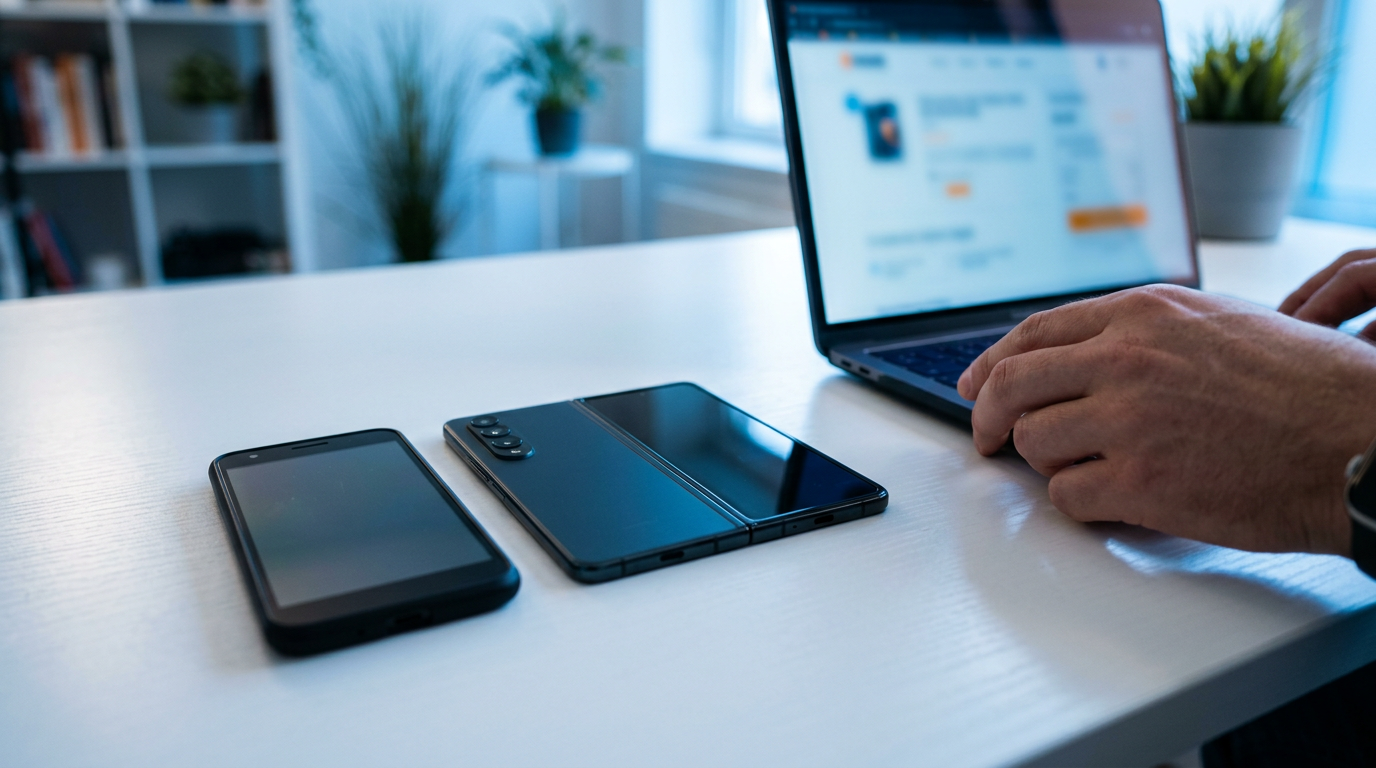
Sell Your Samsung Phone Near Me in Islip Terrace, NY
By syedladen ·
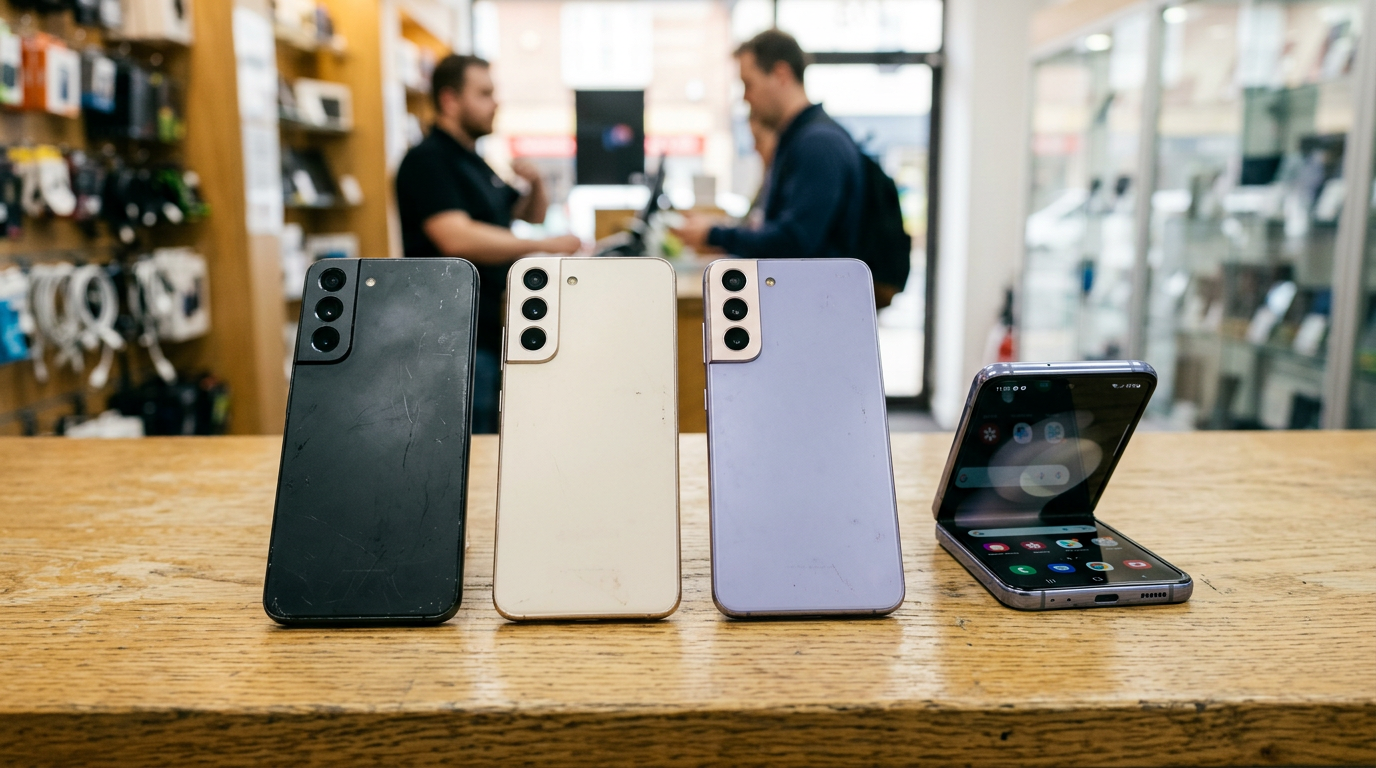
If you want to sell a Samsung phone near you in Islip Terrace, the fastest route is to get a free quote, bring the Galaxy to Sell Your Gadgets at 34 Lowell Ave, and get paid cash on the spot after a quick inspection. We buy Galaxy S series, Z Fold and Z Flip, and A series phones in any condition, and you don't need an appointment.
This guide is written the way an experienced buyer would explain it to a friend. It covers where to sell, what actually moves a Galaxy's value, how to clear your Samsung and Google accounts, what to check on a foldable, and how to get ready so the visit takes minutes.
Where to sell a Samsung phone locally: your real options
People searching for where to sell a Samsung phone usually end up choosing between four routes. Each has trade-offs, and the right one depends on how much you value speed, certainty, and your own time.
| Option | Speed | Certainty | Main drawback |
|---|---|---|---|
| Local buyback store (walk in) | Same visit | Quote confirmed at inspection, cash on the spot | You have to bring the phone in |
| Online marketplace listing | Days to weeks | Depends on the buyer | Messaging, no-shows, meetups, payment risk |
| Mail-in buyback sites | Shipping plus review time | Final offer can change after they inspect it | Waiting, and your phone is out of your hands |
| Carrier trade-in | Usually quick | Often tied to a new purchase or bill credit | Value often comes as credit, not cash |
Selling to a local store is the simplest way to sell a Galaxy for cash. You see the inspection happen, you ask questions face to face, and you leave with money instead of a tracking number. If you'd rather compare first, start with a free cash quote. It costs nothing and doesn't commit you to selling.
What drives the value of a Galaxy
We don't publish prices, because a Galaxy's value depends on the exact phone in your hand and changes as new models arrive. What we can tell you is what moves the number up or down. Knowing these factors lets you judge a quote from anyone.
Model and generation
Newer flagship Galaxy S models hold value noticeably better than older ones. Within a generation, the Ultra, Plus, and base models sit in different tiers. The Z Fold line has a higher ceiling than most phones but also more ways to lose value through wear. Z Flip models sit in between. A series phones are budget and mid-range devices, so they're worth less in absolute terms, but they still have a market, especially recent ones in clean condition.
Storage size
More storage generally means a better quote on the same model. If you have a choice of how to describe your phone, check Settings, then About phone, then Storage, instead of guessing. The difference between storage tiers is real, but it's smaller than the difference between model generations.
Screen condition and burn-in
Samsung's AMOLED displays are gorgeous, but they can develop burn-in or ghosting, where a faint image of a nav bar, keyboard, or app icon stays on screen. Green or pink lines, dead pixel columns, and dark spots also count. To check, open a solid grey or white image at full brightness, then look for shadows or uneven patches. Burn-in is one of the biggest value reducers on an otherwise clean Galaxy, so be honest about it. We'll see it at inspection anyway.
Carrier lock and financing status
A fully unlocked Galaxy is easier to resell and is generally worth more than one locked to a single carrier. A phone that is still on a payment plan, or one that has been reported lost or stolen, can be blacklisted or blocked from activation, which can make it worth far less or unsellable. If you aren't sure, check with your carrier before you come in. Paying off the device and requesting an unlock often improves the outcome.
Physical condition and accessories
Cracked back glass, bent frames, camera lens damage, and deep scratches all lower the quote. Original box, charger, and cable are nice but rarely make or break a sale. Functionality matters more: cameras, speakers, charging port, fingerprint sensor, and face unlock should all work.
How condition affects your quote
Here's a general guide to how different problems tend to affect a Galaxy quote. It's relative, not a price list.
| Issue | Typical effect on the quote | What to do |
|---|---|---|
| Light scratches, working display | Small | Wipe it down and bring it in |
| Cracked back glass only | Moderate | Mention it in your quote request |
| Cracked front screen, still works | Noticeably lower | Don't pay for a repair before selling |
| Burn-in or display lines | Noticeably lower | Take a photo of a grey screen for the quote |
| Carrier locked | Lower than unlocked | Ask your carrier about unlocking |
| Account still signed in (FRP) | Can block the sale entirely | Sign out before you come in |
| Won't power on | Much lower, but still often buyable | Bring it anyway and let us inspect it |
Remove your Samsung and Google accounts before selling (FRP)
This is the step people skip, and it's the one that causes the most headaches. Android has Factory Reset Protection (FRP). If a phone is reset while a Google account is still attached, the next person has to sign into that same account to use the phone. A Galaxy locked that way is close to worthless to a buyer. Samsung adds its own account lock on top through Find My Mobile.
Step-by-step account removal
- Back up first. Use Samsung Cloud, Google One, or Smart Switch to a computer. Confirm your photos, contacts, and messages are saved before you erase anything.
- Sign out of your Samsung account. Go to Settings, then Accounts and backup, then Manage accounts, choose your Samsung account, and remove it. On some One UI versions, it's at the top of Settings under your name.
- Turn off Find My Mobile. This is in Settings under Security and privacy, or within the Samsung account menu, depending on your software version. Leaving it on can keep the phone locked to you.
- Remove your Google account(s). Go to Settings, then Accounts and backup, then Manage accounts, pick each Google account, and remove it. Repeat for every account on the phone.
- Remove screen lock, PIN, and biometrics. This makes inspection easier and avoids lockouts.
- Take out your SIM and any microSD card. Most current Galaxy phones use a SIM tray, and some use eSIM, so deactivate that line with your carrier if you moved it to a new phone.
If you've done some of these and aren't sure, that's fine. Bring the phone and we can walk through the rest with you. We also offer a free data wipe in store, so your information is handled before the phone leaves your hands. Even so, signing out of your accounts yourself is important, because we can't remove an account lock that's tied to your login.
Selling a Galaxy Z Fold or Z Flip: hinge and inner screen checks
Foldables are the most complicated phones to sell, because they have moving parts and a delicate folding display. Buyers inspect them more carefully. You'll get a smoother, more accurate quote if you check the same things first.
Inner screen
- Crease: A visible crease is normal on these phones. A crease that has deepened, or that shows discoloration along it, is not.
- Protective layer: The inner screen has a factory-applied film. If it's bubbling, peeling, or has been removed, tell us. Don't pull it off before selling.
- Dead pixels and lines: Display a white and a black screen and inspect from edge to edge and along the fold.
- Touch response: Drag an icon across the whole inner display, especially near the hinge.
Hinge and frame
- Open and close it slowly. It should move smoothly, without grinding, clicking, or sticking.
- Gap check: When closed, the two halves should meet evenly, with no bulge and no noticeable gap.
- Dust and debris: Foldables can let in fine particles. Check along the hinge for grit or anything rubbing under the inner display.
- Cover screen: Inspect the outer display too. On Flip phones, test the small cover screen and its widgets.
Why it matters for value
A Fold or Flip with a clean inner display and a smooth hinge can hold its value well compared to the original price. One with a damaged inner screen or a failing hinge loses value quickly, because those repairs are expensive. If the phone has any damage, we'd still like to see it, since we buy broken devices too. A free quote with a short description and a photo of the inner screen will give you a good starting idea.
A series and older Galaxy phones
A-series phones are often overlooked when people think about selling, but they do have resale value, particularly recent models with clean screens. The same rules apply: clear the accounts, check for lock status, and note any screen issues. Older S-series phones, like ones a few generations back, may have lower value but still qualify for a cash offer. If your phone is cracked, water-damaged, or won't charge, bring it anyway. Many people assume a broken Galaxy is only good for the drawer, when a buyer may still be willing to pay for it.
The same goes for other Android devices. If you're looking to sell an Android phone near you, such as a Google Pixel, we buy those as well. See our smartphone buyback page for what else we take.
How selling works at our Islip Terrace store
- Get a free quote. Use the online form, send a text, or walk in. Tell us the model, storage, carrier status, and condition.
- Bring it in. No appointment is needed. Come during store hours with the phone and a valid government photo ID. We require ID for every sale, which is the standard secondhand-dealer rule.
- Quick inspection. We check the screen, body, function, and lock status while you're there.
- Get paid cash on the spot. If you accept the offer, you leave with cash. We do a free data wipe in store.
Customers on Google describe the experience as quick, friendly, and easy to understand, and our store holds a 5-star rating across 179 reviews. Reviewers often mention that staff are knowledgeable and explain the process clearly, which is what you want when you're handing over a phone that holds your photos and accounts.
What to bring
- The phone (and the charger if it's not holding a charge)
- Valid government photo ID
- Anything you want sold with it, like a case, box, or extra accessories
- Carrier account information if you need to confirm an unlock or payoff
Coming from nearby towns
We're on Lowell Ave in Islip Terrace, and many of our customers come from surrounding communities. Here's how it looks from each direction. We keep directions general, so use your map app for the exact route.
Hauppauge
Hauppauge has a big concentration of offices and businesses, so many people there are upgrading work-adjacent phones or selling a Galaxy after a company switch. If you're coming from that side, you can sell your old device on the way home or over a lunch break, since we don't require appointments.
Lake Ronkonkoma
If you live near Lake Ronkonkoma, you're a short trip from us. It's an easy stop if you commute by train and want to drop off a phone you've replaced. Text us the model first, and you'll know what to expect when you arrive.
Bohemia
Bohemia residents can get to us using the main roads that run through the area, such as Sunrise Highway. Families often bring a few devices at once, like an old Galaxy along with a tablet or a console, and we can quote them all in the same visit.
Great River
Great River is close enough that a quick visit fits easily into a weekend outing, maybe after a walk at the Bayard Cutting Arboretum. Check our Saturday and Sunday hours before you head out, since we close earlier on weekends.
Bay Shore
Bay Shore has plenty of people with a few generations of phones sitting in drawers. If that's you, bring the Galaxy, the old iPhone, and anything else you no longer use. It's often worth sorting them all in one trip. You can also start with a free quote from home.
North Bay Shore
From North Bay Shore, you're also a manageable distance away. Bring the phone, your ID, and be signed out of your accounts, and most visits are quick. If you're not sure whether your phone is unlocked or paid off, ask us before you make the trip.
Tips to get the best result when you sell
- Don't fix it first. Replacing a cracked screen usually costs more than it adds to the offer, so sell the phone as is.
- Be upfront about condition. An accurate description means the quote at the counter matches what you were told.
- Sell before the next launch cycle. Galaxy phones tend to lose value faster when a new generation is released, so timing helps.
- Clear the accounts yourself. Signing out of Samsung and Google is the single biggest thing that keeps a sale from stalling.
- Sell the bundle. Earbuds, watches, and tablets can be quoted along with your phone. If you live elsewhere in the state, you can see all of our New York locations.
Frequently asked questions
Can I sell a Samsung phone that's cracked or won't turn on?
Yes. We buy new, used, and broken devices. A cracked or non-working Galaxy will be worth less than a clean one, but it often still has value. Bring it in or request a quote with a description of the damage.
Do I need an appointment to sell my Galaxy?
No. You can walk in during our open hours. Getting a quote first by form or text can make the visit faster, but it isn't required.
What ID do I need?
A valid government-issued photo ID is required for every sale. This is a standard secondhand-dealer rule, and it applies to everyone.
Will you wipe my data?
Yes, we provide a free data wipe in store. You should still back up your data and sign out of your Samsung and Google accounts beforehand so the phone isn't locked by FRP.
Does a carrier lock affect what I get?
It can. Unlocked Galaxy phones are generally worth more than locked ones, and a phone with an unpaid balance or a blacklist flag can be worth much less or can't be bought. Check with your carrier if you're unsure.
Can I sell a Galaxy Z Fold or Z Flip with a damaged inner screen?
Yes, we'll take a look. Inner screen damage and hinge problems reduce value noticeably because they are costly to repair, but we buy broken phones, so it's worth getting a quote.
Can I sell other Android phones and devices too?
Yes. We buy Samsung Galaxy and Google Pixel phones, along with iPhones, tablets, laptops, smartwatches, game consoles, cameras, drones, VR headsets, headphones, power tools, and more.
Ready to sell your Galaxy? Get your free quote or walk into Sell Your Gadgets Islip at 34 Lowell Ave, Islip Terrace, NY 11752, or call (631) 446-1050. We're open Monday, Wednesday, Thursday, and Friday from 11:00 AM to 7:00 PM, Saturday and Sunday from 11:00 AM to 5:00 PM, and closed Tuesday. Bring your phone and a valid photo ID, and leave with cash.
Hear from a real customer
Why they chose Sell Your Gadgets. Working or broken, get a free quote and walk out with cash the same day.
Compare your options
See how selling to us stacks up against other ways to sell, side by side.