Sell Your Samsung Phone Near Me in North Plainfield, NJ
By syedladen ·
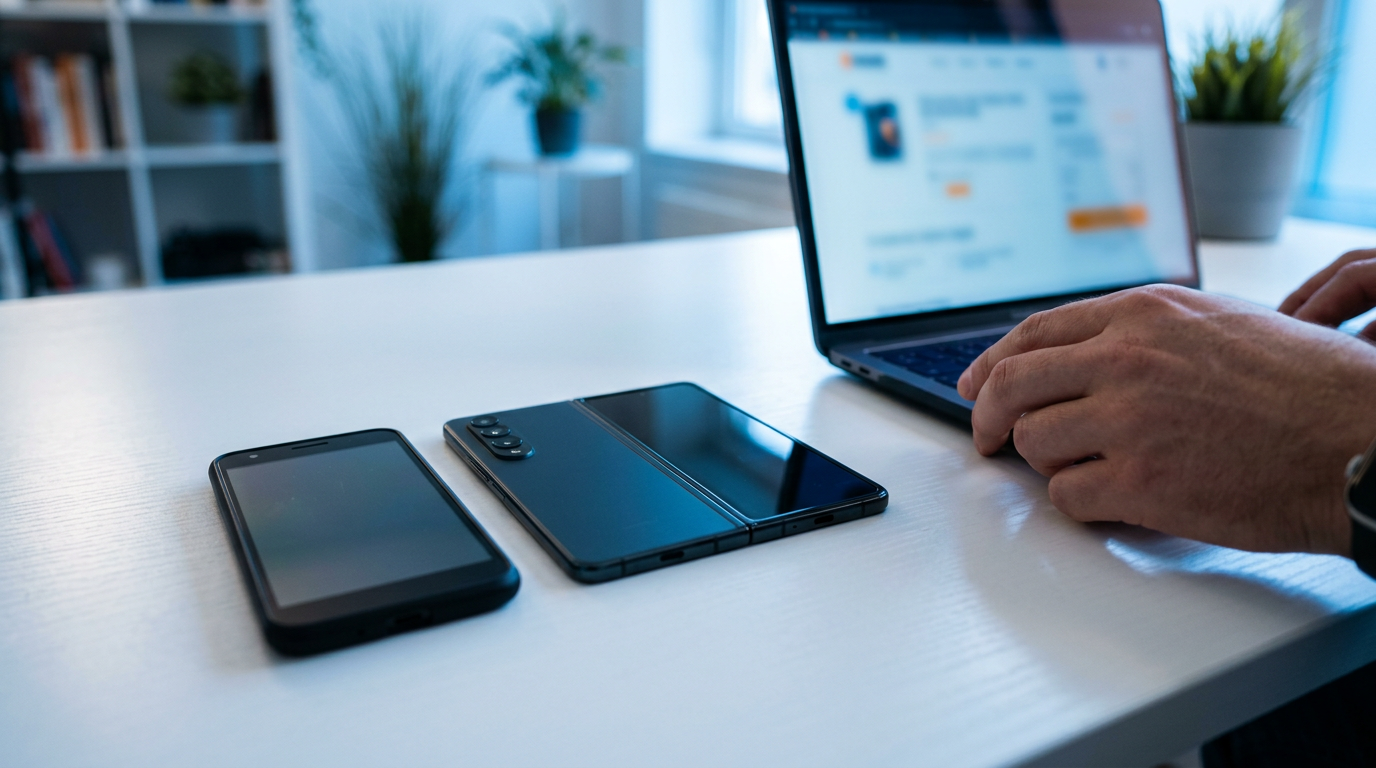
If you want to sell a Samsung phone near you in North Plainfield, NJ, the simplest route is to walk into Sell Your Gadgets North Plainfield at 116 US-22 with the phone and a valid government photo ID. We inspect it on the spot, make an offer, and pay cash the same visit. That works for Galaxy S series flagships, Z Fold and Z Flip foldables, and A series phones, in any condition.
This guide explains what moves a Galaxy's quote up or down, how to sign out of your Samsung and Google accounts so the sale goes smoothly, what we check on foldables, and how it compares with other places to sell. We never post public prices, because Galaxy values shift with model, storage, and condition. The honest way to see your number is a free cash quote.
Where to sell a Samsung phone near North Plainfield
If you are searching for where to sell a Samsung phone, you usually have four options: a carrier trade-in, a manufacturer trade-in, an online marketplace, or a local buyback shop. Each has a different trade-off between speed, convenience, and what you actually end up with.
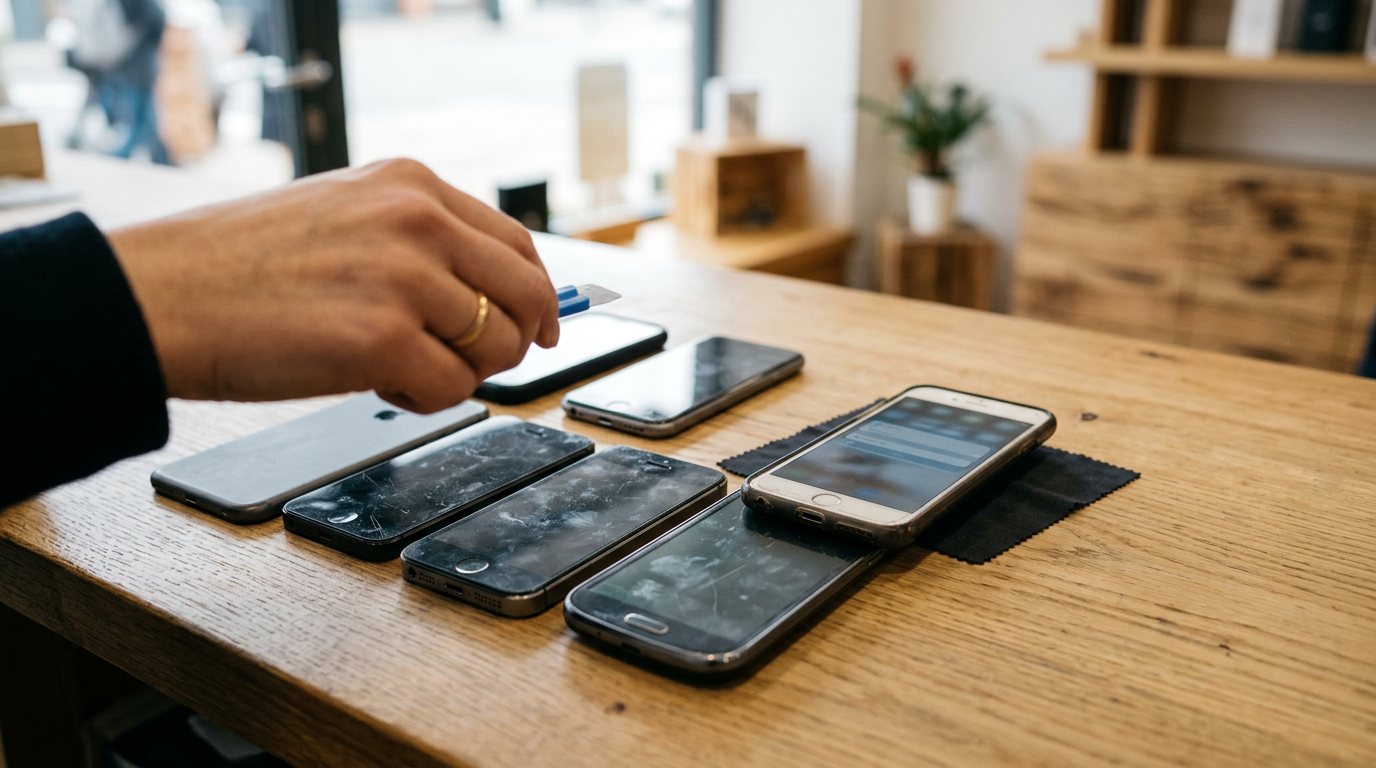
A local buyback store like ours is built for people who want a finished transaction. There is no listing to write, no stranger to meet in a parking lot, and no box to ship and wait on. You bring the phone in, we look at it in front of you, and you leave with cash. We are a buyback store only, so we do not sell devices from this location. Our whole focus is paying fairly for yours.
We buy phones across the board, including Samsung Galaxy, Google Pixel, and iPhone. If you have other gear sitting in a drawer, see our page on selling electronics in North Plainfield for the full list.
What drives the value of a Galaxy phone
Every Galaxy quote comes down to a handful of factors. Knowing them lets you predict roughly where your phone will land, and it tells you which small fixes are worth doing before you come in.
Model and generation
Newer flagships hold value noticeably better than older ones. A recent S series Ultra is in far higher demand than a phone several generations back, and the gap widens each time Samsung launches a new lineup. Mid-range A series phones generally sit lower than flagships, but a clean, current A series phone is still worth bringing in rather than leaving in a drawer. Curious about a specific phone? We have pages for the Galaxy S24 Ultra and the Galaxy S24.
Storage size
More storage means a higher quote, all else equal. Check Settings, then About phone, or look at the box, to confirm your exact storage and model name. Do not guess. Two phones that look identical can be different variants.
Screen condition and burn-in
Samsung's AMOLED displays look great, but they can develop burn-in, which shows up as faint ghost images of navigation bars, keyboards, or app icons. Open a solid gray or white image at full brightness and look for shadows. Green or pink lines, dead pixel patches, and heavy discoloration are more serious and will lower an offer more than cosmetic scratches do. Light scratches on glass matter much less than anything that affects how the display works.
Carrier lock and financing status
An unlocked Galaxy is easier to resell, which usually supports a better quote. A phone still locked to a carrier, or one with a remaining balance or a blacklist flag, is harder to move. If you bought on a payment plan, make sure it is fully paid off and any lock has been released before you come in. You can ask your carrier, or check your account online.
Body, battery, and extras
Cracked back glass, bent frames, and camera lens damage all count. Battery health matters too, particularly on phones that are a couple of generations old. Original box, cable, and charger are nice but rarely make or break a quote.
How condition and features change your quote
Here is a quick reference for how common issues tend to affect an offer. It is relative, not a price list. For your actual number, request a free quote.
| Factor | What we look for | Effect on your offer |
|---|---|---|
| Model and generation | Current flagship versus older or entry-level phone | Newer flagships hold value better |
| Storage | Base storage versus higher tiers | Higher storage generally quotes higher |
| Screen | Burn-in, lines, dead pixels, cracks | Functional display problems lower the offer the most |
| Carrier lock | Unlocked, locked, or unpaid balance | Unlocked and paid off is easiest to resell |
| Accounts | Samsung and Google accounts signed out | Must be removed to complete the sale |
| Body and battery | Frame dents, back glass, battery wear | Moderate effect, more on older phones |
| Broken phones | Cracked, not powering on, water damage | Still purchasable, quoted noticeably lower |
Remove your Samsung and Google accounts before you sell
This is the step that trips up the most sellers. Android has Factory Reset Protection, usually called FRP. If a phone is reset while still tied to a Google account, it asks for that account's login when the next person sets it up. A phone stuck on that screen is nearly impossible to resell, and we cannot complete a purchase on it. The fix takes a few minutes and is best done at home while you still know your passwords.
Step-by-step account cleanup
- Back up first. Use Samsung Smart Switch, Samsung Cloud, or Google backup so photos, contacts, and messages are safe. Confirm the backup actually finished.
- Sign out of your Samsung account. Go to Settings, then Accounts and backup, then Manage accounts, pick your Samsung account, and remove it. Menus vary a little by One UI version.
- Turn off Find My Mobile. This is Samsung's anti-theft lock, and it can block a reset if left on. You will find it in the Samsung account or security settings.
- Remove your Google account. In Settings, Accounts and backup, Manage accounts, select your Google account, and choose Remove account. If you have more than one Google account, remove each of them.
- Remove your SIM and any memory card. If you use an eSIM, deactivate it with your carrier.
- Turn off screen lock. Remove your PIN, pattern, or biometrics so we can inspect the phone.
You do not need to factory reset it yourself. We do a free data wipe in store, which is a good safety net if you are nervous about leaving anything behind. What matters is that your accounts are signed out first. If you are stuck on any of these steps, call us at (908) 941-4035 and we can talk you through it before you make the trip.
Selling a foldable: Z Fold and Z Flip checks
Foldables are a different category from a standard slab phone. They have more moving parts and more ways to show wear, so the inspection is more detailed. Here is what we check, and what you can look at yourself before you come in.
The hinge
Open and close the phone slowly several times. The motion should be smooth and stop where you leave it, with no grinding, clicking, or looseness. Look closely along the hinge for gaps, debris, or uneven spacing between the halves. A rough or wobbly hinge is one of the biggest value factors on any Z Fold or Z Flip.
The inner screen and the crease
Every foldable has a slight crease at the fold, and that is normal. What we look for is beyond that: bubbling, lifting at the edges, dark or colored lines across the panel, dead pixel clusters, or pressure marks. The inner display has a factory-applied protective layer. Do not peel it off, even if an edge looks like it is lifting. Removing it can damage the panel and lower your quote.
The cover screen and outer body
On a Z Fold, test the front cover display for touch response and cracks. On a Z Flip, check the small outer screen for scratches, dead spots, and lag. Also look at the frame corners, the camera rings, and the back glass, since foldables tend to pick up damage from drops and pocket wear.
Functional tests
Run the cameras on both the inner and outer screens, try split-screen, and make sure both halves respond to touch evenly. If anything glitches, tell us when we inspect it. We would rather give you a fair quote up front than surprise you later. Even a foldable with a cracked or damaged inner screen is worth bringing in, since we buy broken devices too.
S series, Z series, and A series: what to expect
Each Galaxy family sells a little differently, so here is how to think about yours.
- Galaxy S series: These are the flagships and usually the strongest sellers. Ultra models with larger storage tend to draw the best interest, and they are the most sensitive to screen condition.
- Galaxy Z Fold and Flip: Demand is solid, but condition decides everything. Hinge feel and inner screen health can change a quote more than age does.
- Galaxy A series: Value per phone is lower, but they are plentiful and easy to sell in clean shape. If you have a couple of older A series phones from family upgrades, bring them all in one trip.
Not sure which Galaxy you own? The model number is in Settings, About phone. You can also text or use our online form to describe it, and we will let you know what we need to see.
Local buyback versus carrier trade-ins and online marketplaces
We want you to choose what fits your situation, so here is a fair comparison of the common options.
- Carrier trade-in: Convenient if you are already upgrading with the same carrier. Credit is typically applied to your bill or a new purchase rather than paid out as cash, and it often comes with conditions tied to a plan.
- Online marketplaces: Listing directly to another person can bring a strong result, but you handle photos, messages, lowball offers, payment risk, shipping or meetups, and possible fees or disputes.
- Mail-in buyers: Simple on paper, but you ship the phone, wait for inspection, and the offer can be revised once they receive it.
- Local buyback store: You see the inspection, hear the offer face to face, and get paid cash immediately. The trade-off is that you need to make a short trip.
If you want to sell an Android phone near you without waiting on anyone, the in-person route is hard to beat. Reviewers on our Google profile, which sits at 4.9 from 855 reviews, often mention that the staff are patient, knowledgeable, and willing to talk through the offer until both sides feel good about it.
How selling your Galaxy works at our North Plainfield store
- Get a free quote. Use the online form, send a text, or simply walk in.
- Bring the phone in. No appointment is needed. Bring a valid government photo ID, which is required for every sale under standard secondhand-dealer rules.
- Quick inspection. We check the screen, body, functions, lock status, and account status.
- Get paid cash on the spot. If you accept, the money is yours right then. We do a free data wipe in store.
You can sell more than one thing in a visit. Many people bring a Galaxy along with an old tablet, earbuds, or a console. If you are also holding an iPhone, see our smartphone selling page for what we buy across brands.
Selling a Galaxy from towns near North Plainfield
Our store is on US-22, a major road that connects several surrounding towns. Here is how it works for sellers coming from each area.
Long Hill
Long Hill residents in Morris County come down the hill to swap aging laptops and consoles for cash instead of shipping them off. A Galaxy fits right into that trip. Bring the old phone along with whatever else has been collecting dust, and handle it all in one stop.
Mountainside
Mountainside sellers in Union County get a free in-person evaluation and same-day payment, with no appointment needed. If you have a Galaxy S series you upgraded from, just stop in with your photo ID and the account sign-outs done.
New Providence
New Providence households turn upgraded phones and tablets into cash with a quick trip and a fair, transparent offer. If a family member moved from a Galaxy A series to something new, the old one is worth a look before it becomes a spare in a drawer.
South Plainfield
South Plainfield in Middlesex County is minutes away, which makes it easy to sell a whole box of old electronics in one stop. Bring the Galaxy, the older phones behind it, and any chargers or accessories that came with them.
Warren
Warren Township sellers in Somerset County skip risky online buyers and get paid on the spot for phones, laptops, and cameras. If you have been hesitating over meetups or shipping for a Galaxy, a direct in-store sale removes both.
Westfield
Westfield professionals in Union County offload last-generation phones and laptops for cash without the shipping or the wait. If you switched work or personal phones and have a Galaxy sitting unused, it can be turned into cash the same day.
Not from these towns? Our New Jersey locations page shows everywhere we operate.
Frequently asked questions
Can I sell my Samsung phone if the screen is cracked?
Yes. We buy new, used, and broken devices. A cracked screen lowers the quote noticeably, but the phone still has value. Bring it in or send photos through the quote form to get a clear answer.
Do I need to factory reset my Galaxy before I come in?
No. We provide a free data wipe in store. What you must do is sign out of your Samsung and Google accounts and turn off Find My Mobile, so the phone is not locked by FRP.
What if my Galaxy is still locked to a carrier?
You can still ask about it, but a carrier-locked or unpaid phone is harder to resell and may quote lower. If you can, pay off the balance and request an unlock from your carrier first.
Do I need an appointment to sell my phone?
No. Walk in during store hours, or get a free quote first by form or text. You do need a valid government photo ID for every sale.
Can I sell a Galaxy Z Fold or Z Flip with a damaged inner screen?
Yes, though the quote will be noticeably lower than for a clean one. Do not peel the protective layer off the inner display, because that can make the damage worse.
Do you buy Samsung phones other than the Galaxy S series?
Yes. We buy Z Fold, Z Flip, and A series phones, along with Google Pixel and iPhone models, tablets, laptops, watches, consoles, and more.
How do I know what my Galaxy is worth?
Model, storage, screen health, and lock status decide it, and values change over time. We do not publish prices, so the fastest way to see a real number is a free quote.
Ready to sell your Galaxy? Start with a free quote or walk into Sell Your Gadgets North Plainfield at 116 US-22, North Plainfield, NJ 07060. We are open Monday through Saturday from 10:00 AM to 7:00 PM and Sunday from 11:00 AM to 5:00 PM. Call (908) 941-4035 with any questions, and bring your photo ID.
Hear from a real customer
Why they chose Sell Your Gadgets. Working or broken, get a free quote and walk out with cash the same day.
Compare your options
See how selling to us stacks up against other ways to sell, side by side.