Trade In or Sell Your Phone When Upgrading? Brooklyn, NY
By syedladen ·
If you want flexibility and real money in your hand, sell your old phone before or as you upgrade instead of taking a carrier bill credit. Trade-in is worth it mainly when convenience matters more than value, or when a promo truly requires it. Either way, get a free quote from a buyback shop first so you know what you're giving up.
Trade in or sell when upgrading: the short answer
Most people standing at a carrier counter or Apple store in Brooklyn are asking the same question: do I hand over my old phone for credit, or keep it and sell it myself? The answer comes down to three things: how the credit is paid out, what strings are attached, and how much your phone is worth on the open buyback market.
A trade-in is convenient. You hand over the phone, the new one gets set up, and the credit is applied. A cash sale takes one extra stop, but it gives you money you can use anywhere, with no contract attached. If you want to compare, you can get a free cash quote before you commit to anything at the counter.
We don't publish prices because they change with model, condition, and demand. What we can say is that a quote takes little time, costs nothing, and gives you a number to compare against whatever the store offers.
How carrier bill-credit trade-ins work (and the lock-in)
Carrier trade-in deals usually look generous on the promo banner. The fine print is where the real picture shows up, so it helps to understand the mechanics.
Credits are usually spread over your bill
With many carrier promotions, you don't get the full value upfront. Instead, the credit is applied to your monthly bill across a long stretch of months. The phone you hand over leaves your hands on day one, but the value comes back to you in small pieces.
The lock-in is the real cost
If the credits are tied to an installment plan and you leave the carrier, pay off the phone early, or change plans before the credits finish, the remaining credits can stop. That means you could owe the remaining balance on the new phone without the credits that were meant to offset it. You are effectively tied to that carrier until the last credit posts.
That lock-in limits your options. If another carrier later offers a better plan, or your current plan changes in price, the credits you haven't received yet become a reason to stay put.
Condition rules can change the outcome
Trade-in programs typically ask that the phone powers on, has a working screen, and is free of major damage. If the device doesn't meet the stated condition, the credit can be reduced or denied. Read the trade-in terms for your specific promotion before you assume the advertised value applies to your phone.
Why some people still choose it
For someone who plans to stay with the carrier for the full term anyway, the lock-in costs nothing. The credit is steady, and there's no extra errand. That's a fair trade-off, but it is a trade-off, and it's worth seeing a cash quote side by side.
Apple Store trade-in: what's different
Apple's own trade-in program works differently from carrier bill credits. Generally, the value is applied toward your new purchase or issued as store credit on a gift card, so you don't get cash. It's clean and simple, and you don't deal with a monthly credit schedule.
The catch is that the value is tied to Apple. You can only spend it with Apple, and the amount depends on Apple's own assessment of your device's condition. If you're buying a new iPhone anyway, that's not a problem. If you'd rather use your old phone's value on anything else, such as a case, accessories, bills, or something unrelated, cash is more flexible.
If you're upgrading from an iPhone, see how our iPhone selling process works, then compare it against whatever credit Apple is offering you.
Selling first, then buying
Selling your old phone on your own terms flips the order. You choose where it goes, you get paid in cash, and you use that money however you want, including toward the new phone.
Why selling tends to hold more value
A promotional trade-in is priced to fit into a sales incentive. A buyback shop is pricing the phone as a device it intends to resell. That difference usually means selling holds value better than trade-in credit, though it depends on model and condition. The only way to know for your phone is to ask. You can see how we buy smartphones and request a quote without any obligation.
No contract, no waiting
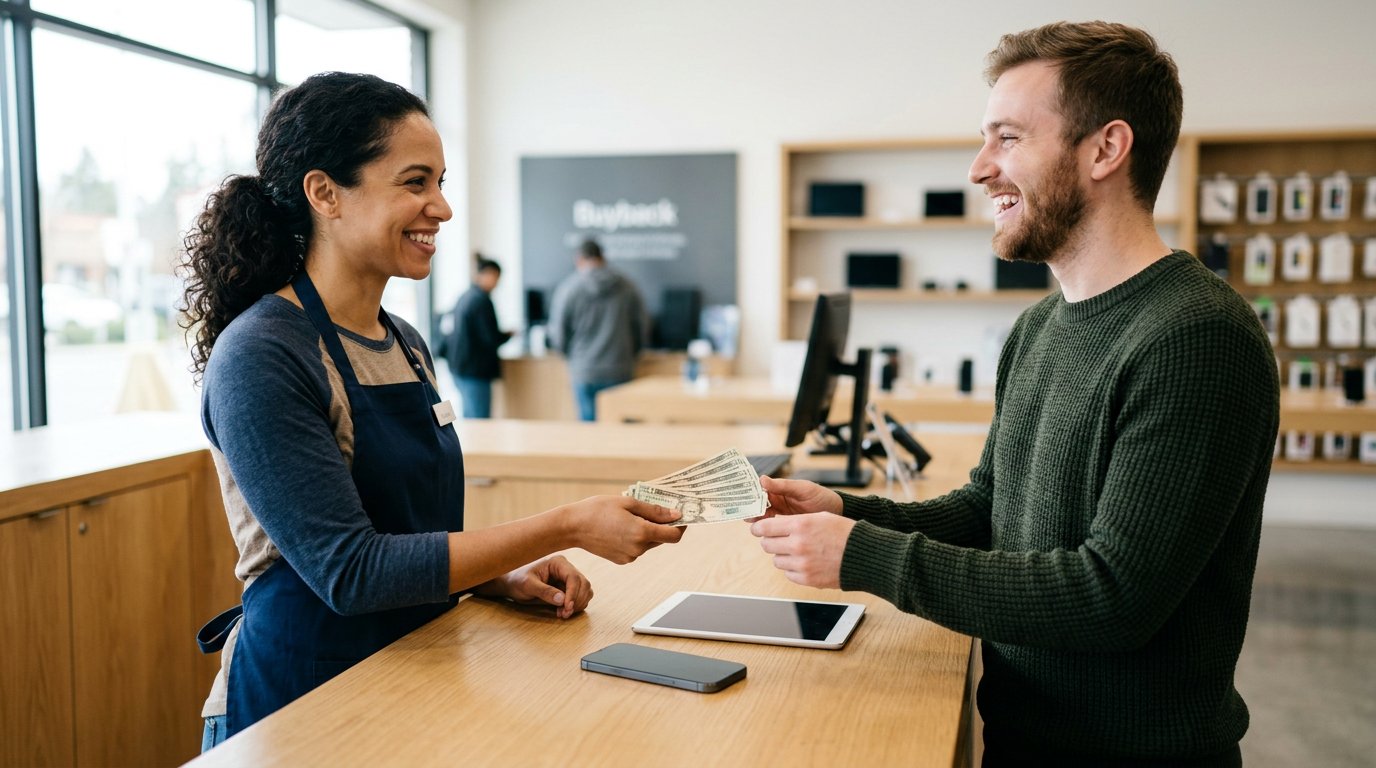
At Sell Your Gadgets, you bring the device in for a quick inspection and get paid cash on the spot. There is no monthly schedule and no carrier tie. You aren't promising to keep a plan for any stretch of time.
The timing concern
The main reason people skip this route is the worry of going without a phone. That's easy to fix: buy the new phone first, move your data over, confirm everything works, and then sell the old one. The two steps don't need to happen in the reverse order.
Trade-in vs selling: side-by-side
| Factor | Carrier bill-credit trade-in | Apple trade-in | Cash sale at a buyback store |
|---|---|---|---|
| How you're paid | Monthly bill credits over time | Credit toward a purchase or gift card | Cash on the spot |
| Lock-in | Often tied to staying on the plan | None beyond spending with Apple | None |
| Flexibility of the money | Limited to your carrier bill | Limited to Apple | Use it anywhere |
| Convenience | Very convenient | Very convenient | One extra stop |
| Broken or damaged phones | Often reduced or declined | Condition-dependent | We buy broken devices too |
| Best for | Staying with one carrier long term | Staying in the Apple ecosystem | Maximum flexibility and immediate value |
The table isn't a verdict for everyone. It is a way to see what each route asks of you beyond the headline number.
Transfer your data before you sell the old phone
This is the step that decides whether the upgrade goes smoothly. Never sell or trade in your old phone until everything important has made it to the new one.
Back up first
- iPhone: Back up to iCloud or to a computer, then use Quick Start or a restore from backup on the new phone.
- Android (Samsung Galaxy, Google Pixel): Use the built-in phone-to-phone transfer tool or a Google backup, and confirm photos are synced.
Check the things that don't always transfer
- Authenticator apps and two-factor codes. Move them deliberately, because they often don't come across automatically.
- Messaging app histories, such as WhatsApp, which have their own backup process.
- Banking and password apps, to confirm you can sign in on the new device.
- eSIM or SIM transfer, so your number works on the new phone.
- Paired devices such as an Apple Watch, AirPods, or smartwatch, which may need to be unpaired and re-paired.
Sign out, then wipe
Before handing the phone over, sign out of your Apple ID or Google account and turn off Find My or the device lock feature. Those locks can prevent a phone from being reset and resold. We offer a free data wipe in store, but signing out of your account first keeps the process quick and protects your privacy.
Wait a day or two if you can
If your schedule allows, use the new phone for a day before selling the old one. That way, if you notice a missing app or photo, your old phone is still there to grab it from.
Upgrade day order of operations
- Request a quote first. Use the online form, text, or walk-in option to find out what your current phone can bring in cash.
- Compare it to the store's offer. Look at the trade-in credit, what it's tied to, and whether the credit is paid upfront or over time.
- Buy the new phone. Decide whether you need the trade-in promotion, or whether you can take the new phone without handing over the old one.
- Transfer everything. Complete the backup and restore, then confirm your accounts, photos, and authenticators work.
- Sign out of your accounts. Remove Find My or device lock protections on the old phone.
- Bring it in. Visit us with a valid government photo ID, get an inspection, and get paid.
Some promotions do require a trade-in to qualify for the full deal. If that's the case, read the terms carefully and compare what you'd give up against a cash quote. If you still owe a balance on your old phone or it's carrier-locked, mention that when you request a quote so the number you get reflects reality.
Is trade-in worth it?
Sometimes, yes. A trade-in makes sense when:
- You're going to stay with the same carrier for the entire credit period.
- The promotion requires a trade-in and the overall deal is clearly better than paying without it.
- You want the simplest possible handoff and don't want another errand.
Selling makes more sense when:
- You want cash now, not credits later.
- You might switch carriers, and you don't want unpaid credits tying you down.
- Your phone is cracked, scratched, or has other damage that a trade-in program might penalize.
- You're upgrading and want to use the old phone's value on something besides your bill.
The honest advice from a buyer's view: always get the quote before you decide. It takes little time and it removes guesswork from the decision.
Coming to Sell Your Gadgets from nearby towns
Our Nostrand Avenue store is at 1938 Nostrand Ave, near Nostrand Ave and Foster Ave. Here's how it looks from the neighborhoods we serve.
Bergen Beach
If you're coming from Bergen Beach, you're on the quieter southeastern side of Brooklyn, and you may not want to make multiple trips for an upgrade. Request a quote by text or the online form first, then come in once with your backed-up phone and ID. That way the visit is a single stop.
Marine Park
People from Marine Park often pair an errand run with a stop on Nostrand Avenue. Get your quote before you upgrade at the carrier or Apple store, so you know whether a bill credit is actually the better choice. Then bring the old phone to us once your data has moved over.
Madison
From Madison, Nostrand Avenue is a straightforward Brooklyn trip, which makes the sell-after-you-transfer approach easy. Buy the new phone, move your data, and then stop in with the old one. We're open every day, so you can do it on your schedule.
Gravesend
Gravesend residents upgrading at a carrier store can skip the lock-in by holding the old phone back and selling it here instead. We also buy the rest of what's in your drawer, including older tablets, smartwatches, and game consoles. Bring what you have and we'll go through it step by step.
New York
If you're traveling in from elsewhere in New York City, check our list of New York locations to find the most convenient option, or make the trip to Nostrand Avenue if it suits you. Text or submit a quote request first, so you know what you're bringing and what to expect when you arrive.
Crown Heights
Crown Heights sellers are a short Brooklyn trip from our store, which makes a same-day upgrade and sale realistic. Upgrade the phone, move your data, then walk the old one in for inspection and cash. No appointment is needed.
Frequently asked questions
Should I trade in or sell my phone when upgrading?
If you want flexibility and cash, selling is usually the better route. Trade-in is best if you're certain you'll stay with the carrier or Apple and value simplicity. Get a free quote so you can compare the actual numbers.
What is the difference between carrier trade-in and selling?
A carrier trade-in usually gives you bill credits spread over time, often tied to staying on your plan. Selling to a buyback store gives you cash immediately with no strings attached. That is the core of the carrier trade-in vs selling decision.
Can I sell my old phone before I upgrade?
You can, but it's smarter to sell after the new phone is set up. Sell your old phone before the upgrade only if you have a backup phone or a clear way to transfer your data. Otherwise, buy the new one first, move everything over, and sell the old one right after.
Do I need to wipe my phone before selling it?
We offer a free data wipe in store. Still, back up your data, sign out of your Apple ID or Google account, and turn off Find My or the device lock before you come in. It makes the sale faster and protects your information.
What do I need to bring to sell my phone?
Bring the phone, and a valid government photo ID, which is required for every sale under standard secondhand-dealer rules. Chargers, cables, and the original box are nice to have, but check your quote for anything specific.
Will you buy a cracked or broken phone?
Yes. We buy used, new, and broken devices. Trade-in programs can reduce or deny credit for damaged phones, so a cash quote is worth getting if yours has a cracked screen or other problems.
Is trade-in worth it?
It can be, if the promotion is strong and you'll stay with the carrier for the full credit period. It's less appealing if you might switch carriers or want the money right away. Comparing it to a cash quote is the clearest way to decide.
Ready to see what your old phone can bring in? Get your free quote online, by text, or just walk in. Visit Sell Your Gadgets Nostrand Avenue at 1938 Nostrand Ave, Brooklyn, NY 11210. We're open Monday to Friday 10:00 AM to 7:00 PM, Saturday 11:00 AM to 6:00 PM, and Sunday 10:00 AM to 5:00 PM. Call (347) 365-5209 with questions, and bring a valid government photo ID.
Hear from a real customer
A real customer on their experience. Working or broken, get a free quote and walk out with cash the same day.
Compare your options
See how selling to us stacks up against other ways to sell, side by side.