Trade In or Sell Phone When Upgrading in Houston, TX
By syedladen ·
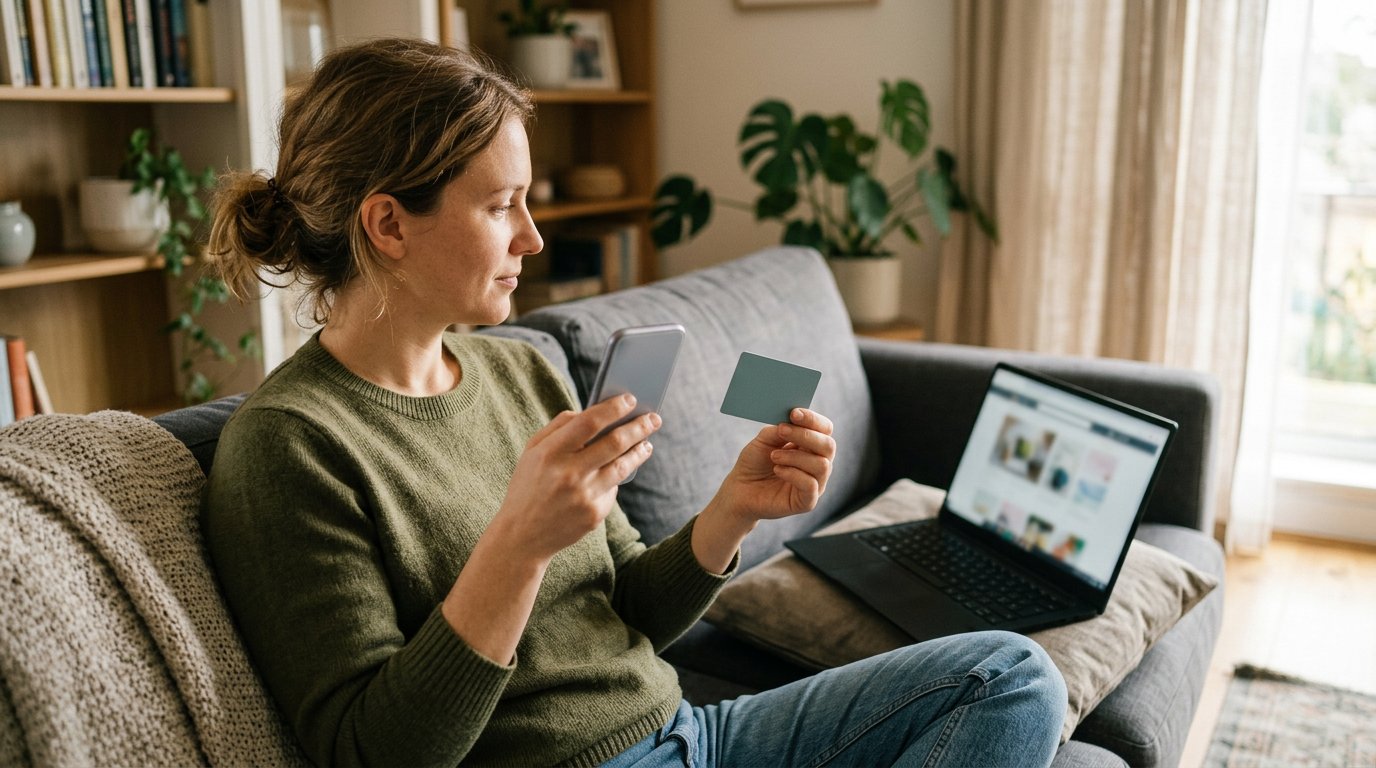
If you want flexibility and cash in hand, sell your old phone first and then buy the new one; if you want the simplest one-stop swap and don't mind credit tied to a carrier or store, trade-in is convenient. For most Houston shoppers, the real question isn't which is easier, it's whether you're comfortable with credit that comes with strings attached versus cash with none.
This guide walks through how carrier trade in vs selling really compares, how bill-credit lock-in works, how to move your data safely, and how to sell your old phone before an upgrade without being stuck with no phone. We buy devices for cash at our Houston store, so we're biased toward cash, but we'll be straight about when a trade-in makes sense too.
How carrier and Apple trade-ins actually work
When you upgrade at a carrier store or an Apple store, the employee will usually offer to take your old phone on the spot. The appeal is obvious: you hand over one phone, walk out with another, and the paperwork is handled in one visit. But the way the value is delivered matters more than the headline offer.
Bill-credit trade-ins and the lock-in
Many carrier promotions don't hand you the value up front. Instead, the trade-in value is applied as monthly bill credits spread across many billing cycles. That has a few consequences worth understanding before you sign:
- The credit is earned over time. You don't get it all at once; each month's credit shows up on your statement.
- You generally need to stay put. If you leave the carrier, pay off the phone early, or change to a plan that doesn't qualify, the remaining credits typically stop, and you may owe the balance on the new device.
- The phone you traded is gone. You can't reconsider later if you find out it was worth more elsewhere.
- Terms vary. Eligibility, required plans, and condition rules change by promotion, so read the current fine print rather than relying on memory or a friend's experience.
In plain terms, a bill credit works like a discount that keeps you as a customer. That isn't sinister, it's how these promotions are designed, but it does mean the value is partly a retention tool rather than a pure payout for your phone.
Apple Trade In
Apple's trade-in program generally gives you credit toward a new purchase or a gift card rather than cash. It's straightforward and low-hassle, and for someone who was going to buy from Apple anyway, it can be a perfectly reasonable option. The trade-off is the same as with carriers: the value is tied to spending with that company, and the phone's condition is assessed against that company's own criteria.
Selling your phone first, then buying the new one
The alternative is to treat the two transactions separately. You sell the old phone for cash, and then you buy the new phone at whatever price and from whatever seller you prefer. That separation is the whole advantage.
- Cash is cash. There's no required plan, no months of credits, and no penalty if you switch carriers next year.
- You can shop freely. Buy the new phone where the deal is best, including unlocked models, promotions, or a different carrier entirely.
- You can compare offers. A free quote costs nothing and doesn't obligate you, so you can see what your phone is worth before deciding.
The downside is effort. If you sell privately on a marketplace, you deal with messages, no-shows, haggling, and the occasional scam attempt. One of our reviewers described the appeal of a buyback store as a quick way to sell tech at fair prices without the downfalls of selling through Facebook Marketplace or eBay yourself. A local buyback counter sits in the middle: no strangers, no shipping, and payment the same day.
Carrier trade-in vs selling: side-by-side
| Factor | Carrier or Apple trade-in | Selling first for cash |
|---|---|---|
| How you're paid | Bill credits over time, store credit, or gift card | Cash paid on the spot at a buyback store |
| Strings attached | Often requires staying on an eligible plan | None once the sale is complete |
| Flexibility on the new phone | Limited to the seller's promotion | Buy anywhere you like |
| Convenience | Very high, one visit | Two steps, but a walk-in sale is quick |
| Cracked or damaged phone | Often reduced sharply or declined | Broken devices are still quoted, so ask |
| Knowing the value | Offer is tied to a promotion | Free quote before you commit |
| Risk of being locked in | Higher | Lower |
We never publish prices, because condition, storage, and model all change the number. The way to find out is to request a free quote and compare it with what the upgrade counter offers.
So, is trade-in worth it?
The honest answer to is trade in worth it is: sometimes, for specific situations. Here's how we'd think about it as buyers.
When a trade-in can make sense
- You plan to stay with the same carrier for the full length of the credit period and you've confirmed the plan requirements.
- The promotion for the new phone is only available with a trade-in, and you've done the math on the total cost.
- You value a single, no-effort visit over squeezing out the most value.
When selling first usually wins
- You like keeping the option to switch carriers without losing credit.
- Your phone is a recent, popular model. Newer flagship phones tend to hold value better, which is exactly when a comparison quote is worth your time.
- Your phone is cracked, scratched, or has a battery issue. A trade-in desk may apply a steep reduction, while a buyback store that accepts damaged devices may quote more sensibly.
- You want cash now, for example to put toward the new phone, a case, or something unrelated.
A useful habit: before you walk into the upgrade appointment, get a cash quote in hand. Then you can tell whether the trade-in offer is competitive or whether you're better off selling your iPhone or another smartphone separately.
Transfer your data before you sell the old phone
This is the step people rush, and it's the one that causes regrets. Whether you trade in or sell, the old phone leaves your hands, so make sure everything important is safely on the new one first.
- Back up the old phone. Use your phone's cloud backup or a computer backup, and confirm it finished recently.
- Set up the new phone from the backup or by direct transfer. Both major platforms offer a guided transfer that moves apps, photos, messages, and settings.
- Check the things that don't always move cleanly. Two-factor authentication apps, banking apps, wallet cards, messaging app histories, and eSIM or carrier lines often need manual steps.
- Confirm photos and files open on the new phone. Don't assume; scroll through recent photos and open a few documents.
- Sign out of your accounts. Turn off Find My (iPhone) or remove your Google account (Android), and turn off any activation lock, because a locked phone can't be resold properly.
- Wipe the old phone, or let us do it. We offer a free data wipe in store, so if you're unsure, bring it in as it is after your transfer and we'll handle it.
Keep the old phone for a few days after the switch if you can. It gives you a safety net if you realize a verification code or an app login was still tied to it.
How to sell your old phone before an upgrade without a gap
The fear with selling your old phone before an upgrade is being without a phone. The fix is sequencing.
- Get a free quote first. You can use the online form, text us, or just walk in. This tells you whether selling is worth it, before you commit to anything.
- Buy and set up the new phone. Complete your data transfer and confirm everything works.
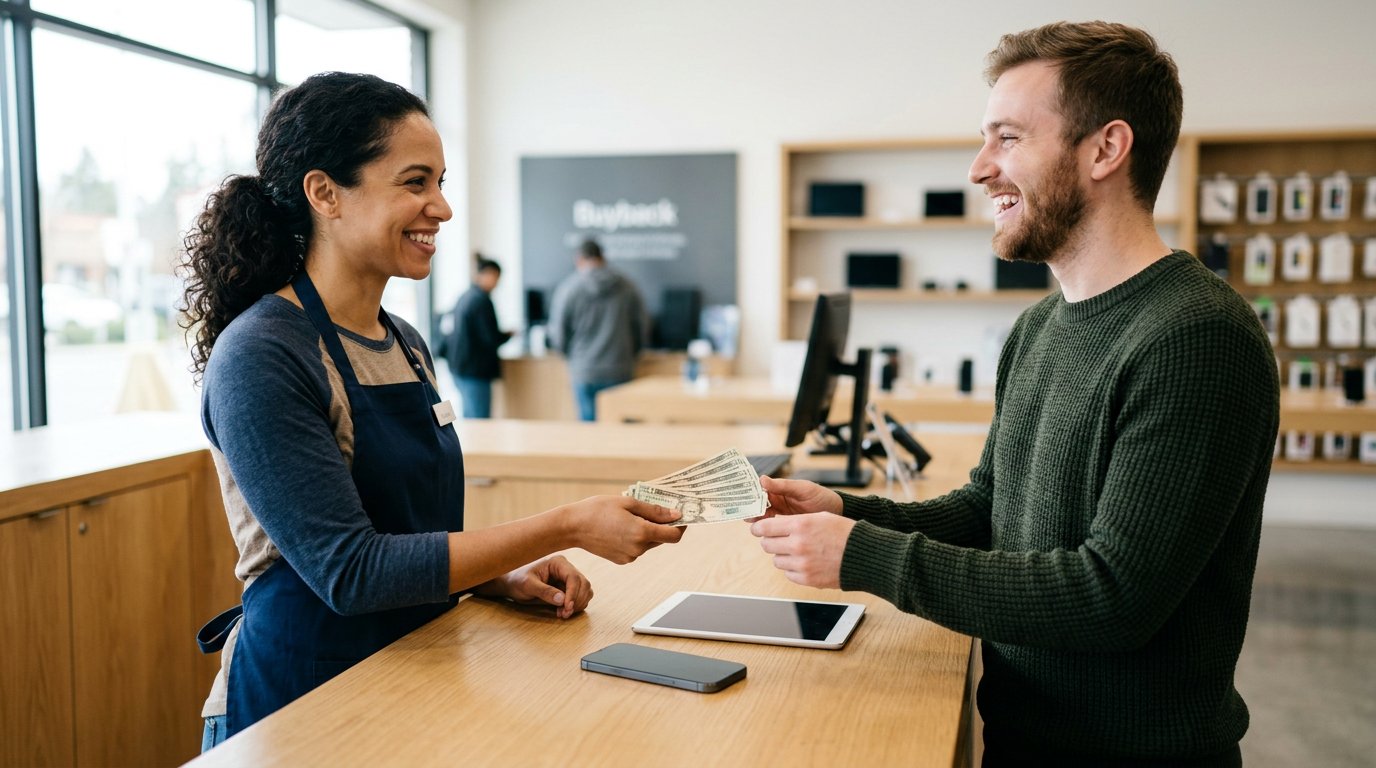
- Bring in the old phone. We inspect it quickly, confirm the quote, and pay you cash on the spot.
That order means you're never phoneless and you never hand over a device with data still on it. If you'd rather sell before the new phone arrives, for example while waiting on a pre-order, it's workable, but only do it if you have a spare phone to bridge the gap.
What to bring
- The phone itself, charged if possible.
- A valid government photo ID. This is required for every sale, which is the standard secondhand-dealer rule.
- Any accessories you want to include, though they aren't always necessary.
No appointment is needed. Our reviewers consistently describe the process as quick and easy, with staff who explain options without pressure. You can read more about the store at our Sell Your Gadgets Houston page.
Phones aren't the only thing worth selling at upgrade time
Upgrade season is also a good moment to clear out other gear that's been sitting in a drawer. We buy new, used, and broken devices, including tablets and iPads, MacBooks and laptops, Apple Watch and smartwatches, AirPods and headphones, game consoles like PS5, Xbox, and Nintendo Switch, cameras and lenses, drones, VR headsets, gaming PCs and monitors, and power tools. If you're replacing a phone and a watch together, selling both in one visit can save you a trip. Stores that only do trade-ins typically won't take most of those items at all.
Coming from nearby Houston neighborhoods
We're at 1454 Lockwood Dr Ste B, on Houston's east side, and we regularly see people from across the surrounding neighborhoods. Here's how the trip tends to work from each.
Pleasantville Area
If you're coming from the Pleasantville Area, you're on the east side already, so the drive to Lockwood Dr is a short one. It's an easy stop to add after you've picked up a new phone or before your upgrade appointment. Bring your ID and the old phone, and you can walk in without an appointment.
Magnolia Park
From Magnolia Park, you can head toward the Lockwood Dr corridor without having to cross the whole city. Plenty of people in this part of town like keeping the sale local and getting paid in cash rather than waiting on credits. Get a quote by text first if you want to know the answer before you leave the house.
South Central Houston
Coming from South Central Houston means a longer drive across town, so it's worth requesting a free quote online or by text before you go. That way you know what to expect and can make one efficient trip. Bring your ID, and plan to do your data transfer beforehand so the phone is ready to hand over.
East Downtown
East Downtown, often called EaDo, is close enough that selling before or after an upgrade is an easy errand. If you're comparing a carrier's trade-in offer with a cash quote, you can do both in the same afternoon. Our extended daily hours make it simple to fit in after work.
Northside
From the Northside, you can reach us without much detour, which makes it easy to sell your old phone on the same day you pick up the new one. A quick text for a quote beforehand keeps the stop short. If you're also clearing out a tablet or console, bring those along.
Trinity / Houston Gardens
If you're in Trinity / Houston Gardens, the trip to our store is a manageable drive, and you can use the Fifth Ward/Denver Harbor Transit Center as a reference point for transit routes in the area. Ask for a quote first so you're not guessing about what your device is worth. Parks nearby, like Boyce-Dorian Park and Finnigan Park, are handy landmarks if you're getting oriented around the area.
We also buy at other locations around the state, so if you're traveling, check our Texas locations.
Frequently asked questions
Should I trade in or sell my phone when upgrading?
If you want cash with no conditions and freedom to buy the new phone anywhere, selling first is usually the better route. If you want a single-visit swap and you're comfortable with credit tied to a plan, a trade-in is convenient. A free quote lets you compare both before you decide.
What happens to bill credits if I leave my carrier?
In most carrier promotions, the remaining credits stop when you leave or no longer meet the plan requirements, and you can owe the rest of the phone's balance. Because terms differ by promotion, read your agreement or ask the carrier directly before you commit.
Can I sell my phone if I still owe money on it?
Generally, a phone with a balance or a carrier financing lock creates problems for resale, so it's best to pay it off and have it cleared first. If you're unsure of the status, ask us when you request your quote and we'll tell you what to check.
Do I need to wipe my phone before I bring it in?
Transfer your data and sign out of your accounts first, especially Find My or your Google account. We provide a free data wipe in store, so you don't need to be a tech expert to finish the job.
Will you buy a cracked or broken phone?
Yes, we buy new, used, and broken devices. Condition affects the quote, so the best step is to request a free quote and describe the damage. Trade-in programs often discount damaged phones heavily, so comparing is worthwhile.
Do I need an appointment or ID?
No appointment is needed. You do need a valid government photo ID for every sale, which is standard for secondhand dealers.
How fast do I get paid?
After a quick inspection in store, you're paid cash on the spot. You can start with a quote online, by text, or by walking in.
Ready to see what your old phone is worth before you upgrade? Get a free quote or visit Sell Your Gadgets Houston at 1454 Lockwood Dr Ste B, Houston, TX 77020. We're open Monday through Saturday from 10:00 AM to 7:00 PM and Sunday from 11:00 AM to 5:00 PM, or call (281) 768-9815.
Hear from a real customer
Why they chose Sell Your Gadgets. Working or broken, get a free quote and walk out with cash the same day.
Compare your options
See how selling to us stacks up against other ways to sell, side by side.