Trade In or Sell Your Phone When Upgrading? Naples, FL Guide
By syedladen ·
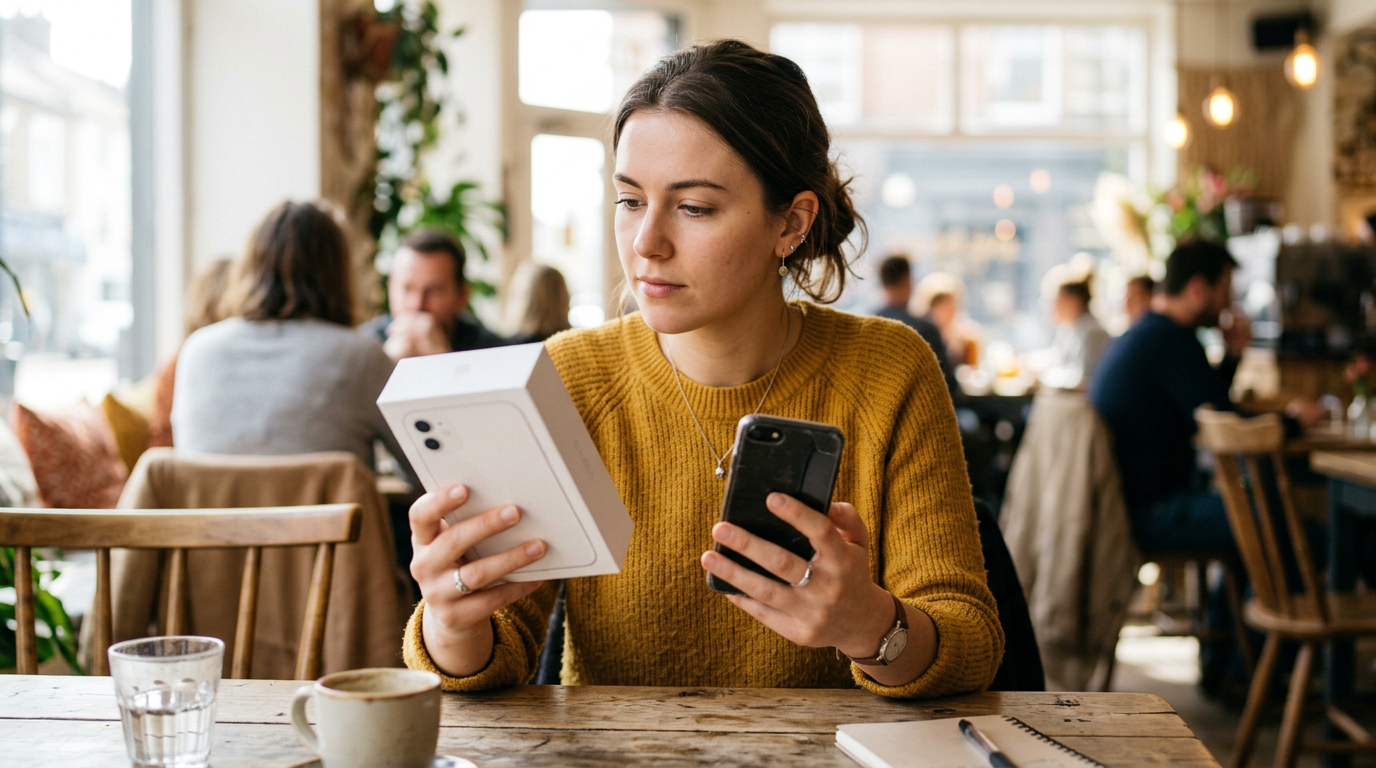
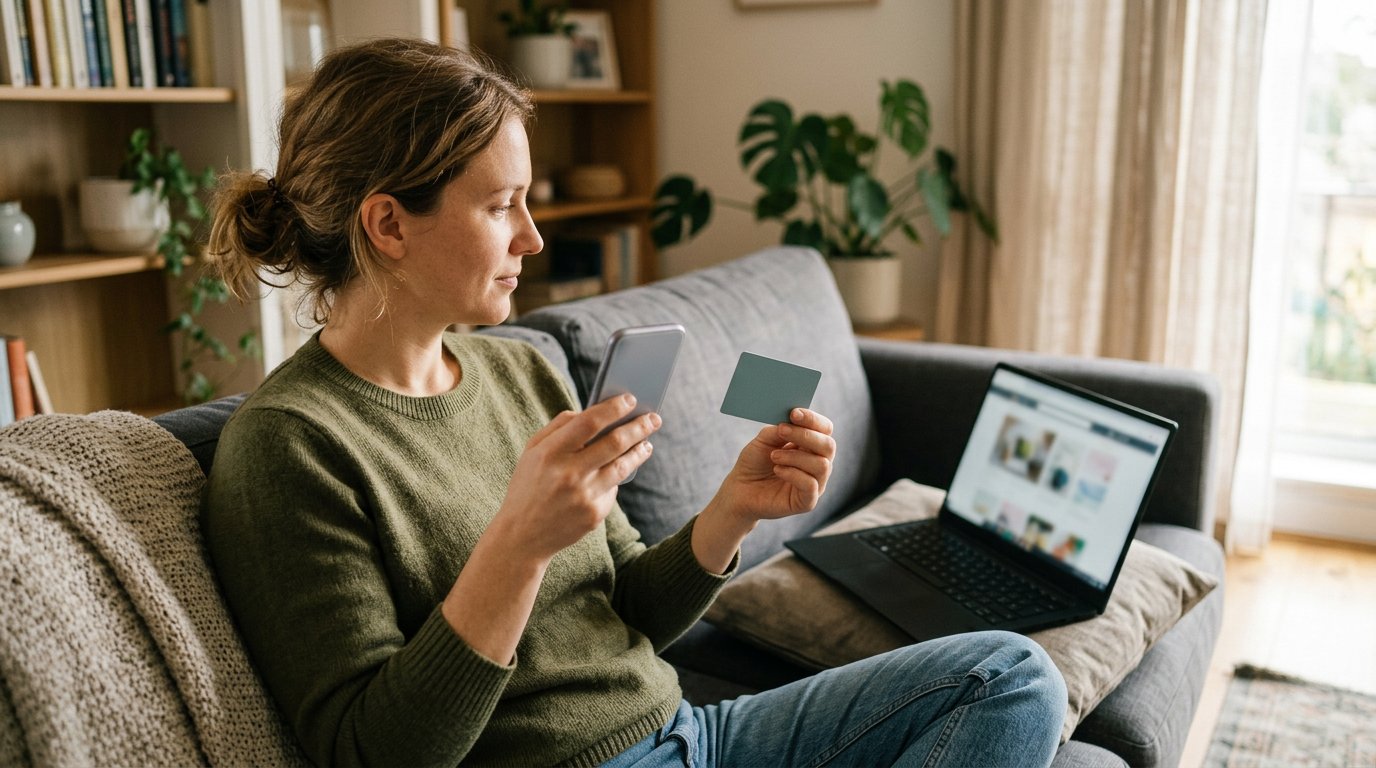
If you are upgrading in Naples, selling your old phone for cash is usually the more flexible choice, while a carrier or Apple trade-in is the more convenient one. Trade-in credit is easy, but it often arrives as monthly bill credits that tie you to a plan, whereas a cash sale puts money in your hand the same day with no strings attached.
This guide walks through how each route works, what to do about your data, and how to decide. It is written for people standing in a carrier store or Apple store at the counter, or planning an upgrade and wondering whether to trade in or sell first. If you want a number for your current phone before you decide, you can get a free cash quote in a couple of minutes.
How carrier bill-credit trade-ins actually work
Most major carriers advertise big-sounding trade-in offers on new phones. The fine print is where the real story lives. In most cases you do not receive the value up front. Instead, the carrier applies a credit to your monthly bill, spread out over a long stretch, often a couple of years. You only keep receiving those credits as long as you stay on a qualifying plan and keep the account in good standing.
The lock-in most people overlook
Because the credit arrives month by month, leaving early usually means forfeiting whatever credits you have not yet received. If you want to switch carriers, downgrade your plan, or pay off the phone early, the remaining credits can vanish while the balance on the new phone stays. That is the core trade-off in the carrier trade-in vs selling debate: you are not just handing over a phone, you are agreeing to a multi-year arrangement.
Promotional terms vary
Offers differ by carrier, by phone model, and by the month. Some require a new line, a premium unlimited plan, or a phone in specific condition. Some reduce or deny the credit if the screen is cracked or the phone does not power on. Always ask to see the terms in writing before you hand the old phone over, and ask what happens to the credit if you cancel or move.
What about Apple's trade-in?
Apple's trade-in program is more straightforward in some ways. Depending on the situation, the value can come as a credit toward your new device or on a gift card. It is convenient and low-effort, especially if you buy in the same visit. But it is still store credit tied to spending with that retailer, not cash in your pocket to use however you like.
Selling first, then buying: the cash route
Selling your old phone before you upgrade separates the two decisions. You sell the old phone for what it is worth, then you shop for the new one on its own merits: the best plan, the best unlocked price, or whichever store has the color and storage you want. You are never locked into a carrier just to keep a credit alive.
Why cash tends to be more flexible
- No plan requirements. The money is yours whether you stay with your carrier or leave.
- No waiting on monthly credits. You are paid at the counter instead of over many billing cycles.
- Freedom to shop. You can buy the new phone from anywhere, including unlocked directly from the manufacturer.
- Broken phones still count. A cracked or damaged phone can often still be sold, while many trade-in programs discount or refuse it.
The honest downside
Selling first takes a little planning. You need a way to use your phone in the gap between selling it and getting the new one, or you need to time both on the same day. You also have to be comfortable doing a quick inspection and showing ID. Selling to a local buyback shop removes most of the risk and hassle of selling to strangers online, which is a big reason people in Southwest Florida choose it.
Carrier trade-in vs selling: side by side
Here is a practical comparison of the three common paths when you upgrade.
| Factor | Carrier trade-in | Apple trade-in | Sell for cash locally |
|---|---|---|---|
| How you are paid | Usually monthly bill credits | Credit toward a purchase or gift card | Cash on the spot |
| Lock-in | Typically tied to staying on a plan | Tied to spending with Apple | None |
| Flexibility on where you buy | Limited to that carrier's deals | Limited to Apple | Buy anywhere |
| Broken or damaged phones | Often reduced or declined | Condition affects value | Quoted even when damaged |
| Convenience | Very high, all in one visit | Very high | One extra stop |
| Value | Can look large but is paid out over time | Depends on model and condition | Check with a free quote |
The headline trade-in number can look appealing because it is often tied to a promotion. The right comparison is not the biggest number, it is what you actually keep after factoring in plan requirements and timing. Get a cash quote first, then compare it with the trade-in terms in writing.
Is trade-in worth it? When it makes sense
Trade-in is not always the wrong move. It can be the smart option in a few situations:
- You were already planning to stay with your carrier for the full promotional period and the plan fits your budget.
- You value doing everything in one visit and do not want any extra errands.
- The promotion is specifically tied to a phone model you already want and the terms are clear.
- You do not have a spare phone and cannot be without a device for even a few hours.
When people ask, is trade in worth it, the honest answer is that it depends on whether you value convenience or flexibility more. If you like to switch carriers when a better deal appears, or you simply dislike being tied to a plan, selling for cash is usually the better fit. If you are not sure, a free quote takes the guesswork out of it.
Transfer your data before you sell the old phone
This is the step that trips up more people than the money does. Always move your data to the new phone before you hand the old one over. Here is a safe order of operations:
- Back up the old phone. Use iCloud or a computer backup for an iPhone, or Google backup and your manufacturer's tool for Android.
- Set up the new phone first. Use the direct phone-to-phone transfer option if it is offered, since it usually carries over more than a cloud restore.
- Check the essentials. Confirm photos, contacts, messages, and banking or authenticator apps all work on the new phone.
- Move two-factor authentication. Authenticator apps and some messaging apps need to be re-verified on the new device. Do this before the old phone is gone.
- Sign out of your accounts. Turn off Find My on an iPhone and remove your Google account on Android so the phone is not locked to you.
- Remove the SIM or eSIM. Make sure your number is active on the new phone before you let go of the old one.
- Erase the phone. If you run out of time, our store provides a free data wipe, but sign out of your accounts first.
Skipping the account sign-out is the most common reason a phone cannot be bought or resold. A phone that is still tied to your Apple or Google account is hard to use for anyone else, so take a minute to clear it.
Sell your old phone before you upgrade: how it works in Naples
At Sell Your Gadgets Naples, the process is simple. We are a buyback store, which means we pay cash for used, new, and broken devices. We do not sell devices, so we have no reason to steer you toward anything but a fair buy.
- Get a free quote. Use the online form, send a text, or walk in. Start here if you want a number before you leave the house.
- Bring the phone in. We do a quick inspection to confirm the condition matches what you described.
- Get paid cash on the spot. No appointment is needed.
- Free data wipe. We can wipe the device in store before it goes anywhere.
You will need a valid government photo ID for every sale, which is a standard secondhand-dealer rule. Customers regularly mention that the shop is clean, that items are tested, and that the owner explains how an offer is based on age and resale value. Our Google rating is 4.9 from 282 reviews, which is a good reason to feel comfortable walking in.
Popular phones we see at upgrade time
Upgrade season brings in plenty of recent models. If you are holding a current flagship, see our pages for selling an iPhone in Naples or selling a Galaxy S24 Ultra in Naples. Newer, clean phones in good condition generally hold value noticeably better than older or damaged ones, which is why timing your sale close to your upgrade matters.
Prepare your phone to get the best quote
A few small steps can help your phone inspect well and keep the process fast:
- Clean it. Wipe the screen and body and clear out the ports.
- Bring accessories. Original boxes, cables, and chargers are nice to have, though not always required.
- Be upfront about condition. Mention cracks, battery issues, or water damage when you request a quote so the number you get is realistic.
- Know your storage size and model. These affect the quote more than most people expect. Check Settings if you are unsure.
- Make sure it is unlocked from accounts. Sign out of iCloud or Google and confirm the phone is not still financed or blacklisted.
If the phone is still on a payment plan with your carrier, check what the payoff looks like before selling. You can still get a quote from us, but knowing your balance keeps the plan simple. For a broader look at what we take, see our page on selling your smartphone.
Coming from nearby towns
Our shop is on N Tamiami Trail near Old US 41, easy to reach from many parts of Collier County and just over the line from Bonita Springs. Here is how it tends to work for people visiting from nearby.
Bonita Springs
If you are upgrading at a store in Bonita Springs, you are only a short drive down US 41 from us. Many people sell the old phone first, then finish the purchase on the way home. We also have a page for selling electronics in Bonita Springs.
North Naples
North Naples is one of the closest communities to the shop, so a quick stop before or after a carrier visit is easy to fit in. Bring the phone, get a quote, and be on your way. See our page on selling electronics in North Naples for more.
Pelican Bay
Pelican Bay residents often upgrade regularly and prefer a clean, quick transaction without a lot of back and forth. A walk-in sale with a free data wipe fits that well, and you can get a quote by text first to save time.
Park Shore
From Park Shore, it is a straightforward trip up or down the Tamiami Trail. If you are thinking about a new iPhone, sell the old one first so you can decide on the carrier or an unlocked purchase with cash already in hand.
Coquina Sands
Coquina Sands is close enough that a lunch-hour stop is realistic. Start with the online quote, then bring the phone in for the quick inspection. No appointment is required.
Urban Estates
If you are coming from Urban Estates, plan for a slightly longer drive and check our hours before you go. A text quote ahead of time helps you know whether the trip is worth making with your current phone.
Frequently asked questions
Should I trade in or sell my phone when upgrading?
If you want flexibility and cash now, sell it. If you want the simplest one-stop process and plan to stay with the same carrier for the full credit period, a trade-in can work. Comparing a free cash quote to the trade-in terms in writing is the fastest way to decide.
Is a carrier trade-in worth it?
It can be, especially if the promotion is clear and you were going to stay with the carrier anyway. The catch is that credits are usually paid out over time and depend on keeping the plan. If you might switch carriers, selling first is often the safer approach.
Can I sell my old phone before I upgrade?
Yes. Just make sure the new phone is set up and your data has been transferred first, or keep the old one until you are ready. Then bring it to the store and get paid in cash.
What if my old phone is cracked or does not turn on?
We buy broken devices too. The condition affects the quote, so describe the damage honestly when you request one. A trade-in program may discount or refuse the same phone, so it is worth checking both.
Do I need an appointment to sell a phone?
No. You can walk in during store hours, or get a quote online or by text first. Bring a valid government photo ID, which is required for every sale.
Will you wipe my data?
Yes, we offer a free data wipe in store. Still back up and transfer your data first, and sign out of iCloud or your Google account before you arrive.
Can I sell other devices at the same time?
Yes. Many people bring an old iPad, Apple Watch, or laptop along with their phone. We also buy game consoles, cameras, drones, headphones, and more, in new, used, or broken condition.
Ready to see what your old phone is worth before you commit to a trade-in? Request your free quote or visit Sell Your Gadgets Naples at 12980 Tamiami Trl N Ste 2, Naples, FL 34110. We are open Tuesday through Friday 10:00 AM to 6:30 PM, Saturday 11:00 AM to 5:00 PM, and Sunday 11:00 AM to 4:00 PM, and closed Mondays. Call (239) 325-9193 with any questions.
Hear from a real customer
Real experience, real cash. Working or broken, get a free quote and walk out with cash the same day.
Compare your options
See how selling to us stacks up against other ways to sell, side by side.