What Do I Need to Sell My Phone to a Store? Full Checklist
By syedladen ·
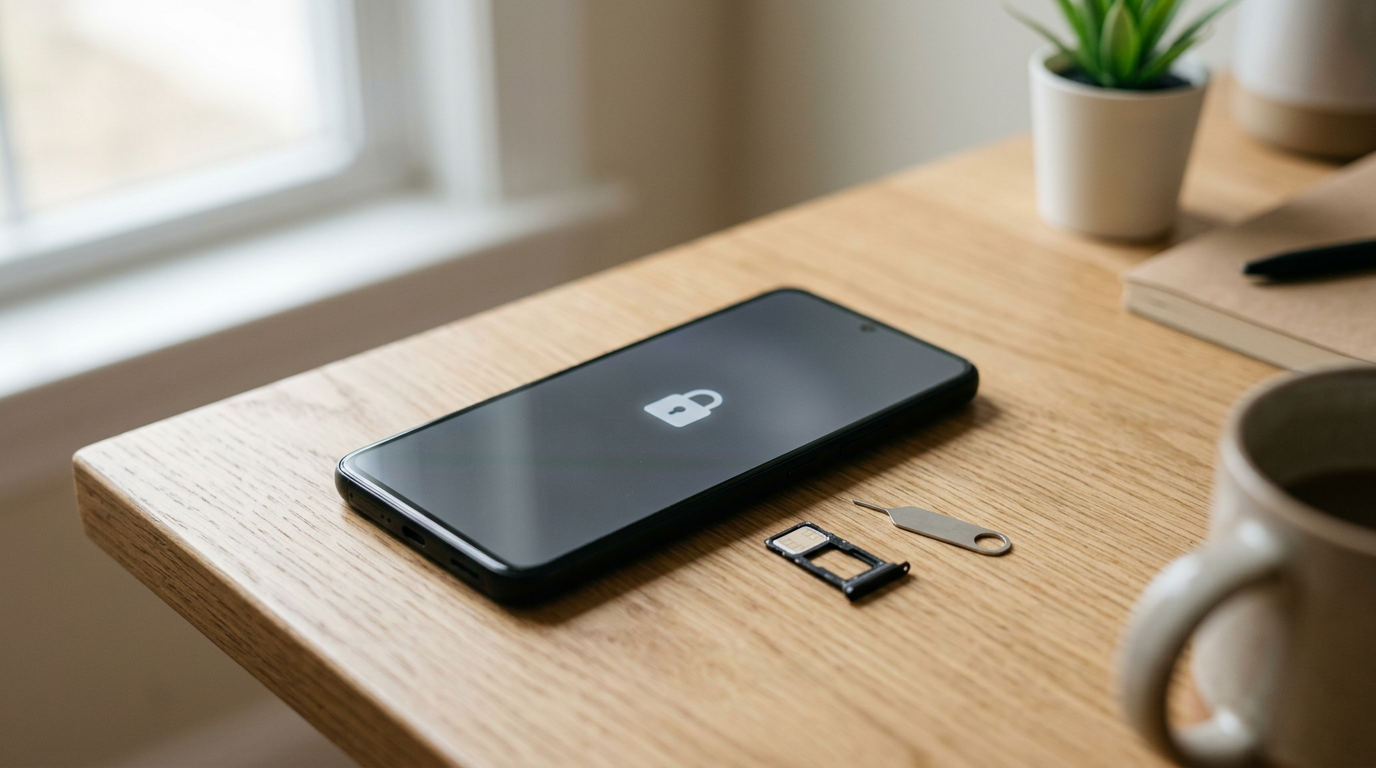
To sell your phone to a store, you need the phone itself, a valid government-issued photo ID, and a device that is signed out of your accounts with Find My (or Google's equivalent) turned off. Everything else, such as the box, charger, and cables, is optional but can help the inspection go smoothly.
This guide walks through exactly what to bring, why ID is required almost everywhere that buys used electronics, how to prep your device so nothing delays your payout, and what to do if you're selling on someone else's behalf. If you'd rather know your number before you leave the house, you can get a free cash quote first.
The quick checklist: what to bring to sell electronics
Here is the short version. The sections below explain each line in detail.
| Item | Required? | Why it matters |
|---|---|---|
| The device you're selling | Yes | The quote is confirmed after a quick in-person inspection, so the actual device has to be there. |
| Valid government photo ID | Yes, for every sale | Used-electronics buyers must record who they buy from. Without ID, there is no sale. |
| Passcode (or device unlocked for inspection) | Yes | We need to power on and check the device to verify condition and functionality. |
| Accounts signed out, Find My / activation lock off | Yes | Devices that are iCloud or Activation locked can't be bought. |
| Charger and cables | Helpful | Lets us test charging and the port. Original accessories can support a stronger offer. |
| Original box | Helpful | Shows the serial number matches and suggests careful ownership. |
| Proof of ownership, receipt, or carrier paperwork | Helpful | Useful for higher-end items or if you're selling for someone else. |
| Written authorization (if selling for someone else) | Situational | Shows the owner knows the device is being sold. More on this below. |
Why stores require ID to buy phones
If you've ever wondered why stores need ID to buy phones, the reason is theft prevention. Phones, laptops, consoles, and cameras are easy to steal and easy to resell, so lawmakers in many states and cities have put rules on businesses that buy secondhand goods. The details vary by location, but the general idea is the same everywhere: a legitimate buyer keeps a record of who sold them what.
What the record usually includes
- The seller's name and identifying details from their government ID
- A description of the item, often including the make, model, and serial number or IMEI
- The date of the transaction
Those records can be made available to law enforcement when an item is later reported stolen. That's the whole point: it discourages someone from walking into a store with a stolen device and walking out with cash, because there is a paper trail back to them.
Why this protects you, too
ID requirements aren't just a hurdle for sellers. They protect honest customers in a few ways:
- It keeps the marketplace clean. Stores that verify sellers are much less likely to end up with stolen goods, which keeps pricing and operations stable for everyone.
- It documents that you sold the device. If a serial number ever comes up later, there's a record showing you legitimately sold it and when.
- It blocks fraud on your identity. A buyer that checks ID is harder to use as a cash-out point by someone pretending to be you.
So, do you need ID to sell electronics? At Sell Your Gadgets, yes: a valid government photo ID is required for every sale, with no exceptions for small items or repeat customers. We'd rather be consistent than make you guess. You can see the full flow on our how selling to us works page.
What counts as valid ID
Stores generally want a current, government-issued photo ID that clearly matches the person at the counter. Requirements vary a bit by location, so if your ID is unusual, check with your local store before you make the trip. As a general guide:
Commonly accepted
- State driver's license
- State-issued non-driver photo ID card
- U.S. passport or passport card
- Other current government-issued photo ID, such as a military ID
Commonly not accepted
- Expired IDs
- Photocopies or photos of an ID on your phone
- Student IDs, work badges, or gym cards
- Credit or debit cards, even with a name on them
- IDs that are badly damaged, altered, or unreadable
Quick ID self-check
- Is it issued by a government agency?
- Does it have your photo, and does the photo still look like you?
- Is it unexpired?
- Is the name and information legible and undamaged?
If you can answer yes to all four, you're in good shape. If your ID is expired or you left it at home, the sale simply has to wait until you have a valid one. It's the most common reason a trip ends without a payout, and it's entirely avoidable.
How to prep your phone before you walk in
Device prep is where most delays happen. A phone that's still tied to your accounts can't be bought, because a locked device is unusable to the next owner. Work through this list before you leave.
- Back up what you want to keep. Photos, messages, contacts, and app data. Do this first, because later steps remove access.
- Make sure you know your passcode. We need to open the phone to inspect it. If it's locked and you can't unlock it, the inspection can't be completed.
- Turn off Find My iPhone (iPhone and iPad). Go to Settings, tap your name, choose Find My, then Find My iPhone, and switch it off. You'll be asked for your Apple ID password. This is what clears the Activation Lock.
- Sign out of your Apple ID or Google account. On Android, remove your Google account and any other accounts (Samsung, for example) so Factory Reset Protection isn't triggered.
- Unpair connected devices. An Apple Watch should be unpaired from the phone, and Bluetooth accessories can be forgotten.
- Remove your SIM card if it's a physical one, and deactivate any eSIM with your carrier where possible.
- Take off cases and screen protectors. They hide the device's true condition, and the inspector will need to see it bare anyway.
Do I need to factory reset it myself?
You don't have to. We offer a free data wipe in store, so the reset is handled for you as part of the sale. But signing out of your accounts and turning off Find My is on you, because those require your credentials. If you'd like to reset it yourself for peace of mind, that's fine. Just be sure the account steps come first.
What if the phone is locked to an account?
We do not buy devices that are iCloud or Activation locked, reported lost or stolen, or blacklisted. If you've forgotten your Apple ID or Google login, recover the account with the provider before you come in. It's better to sort this out at home than to learn about it at the counter.
Accessories, boxes, and paperwork that help
None of these are required to sell a phone, but they reduce friction and can make your device look better cared for. In general, a complete package tends to be received more favorably than a bare device. Your free quote will tell you where your specific model stands.
- Original box: It lets us match the serial or IMEI on the box to the device and signals the phone was looked after.
- Original charger and cable: Bringing a working cable lets us test the port and charging right there. If you don't have the original, bring any cable that fits so we can check power.
- Earbuds, SIM tool, and other inserts: Minor, but they contribute to a complete set.
- Receipt, carrier statement, or purchase confirmation: Not necessary for most phones, but useful if the device is high-end or if there's ever a question about ownership.
- Payment status paperwork: If you bought the phone on an installment plan, make sure it's paid off or unlocked by your carrier where needed. A device with an outstanding balance can be reported as blacklisted by some carriers.
What to bring for other electronics
The same basics apply to everything we buy, but each category has a few extras worth grabbing.
| Device type | Bring along | Prep step |
|---|---|---|
| iPads and tablets | Charger, Apple Pencil or stylus, keyboard if you have one | Sign out of your account and turn off Find My |
| MacBooks and laptops | Power adapter, original box | Sign out of iCloud, deauthorize accounts, turn off Find My, remove firmware passwords |
| Apple Watch and smartwatches | Charger, extra bands | Unpair from your phone so Activation Lock is cleared |
| AirPods and earbuds | Case, charging cable | Remove from your Apple ID or Find My account |
| Game consoles and handhelds | Controllers, power and video cables | Deactivate as your primary console, sign out of your gaming account |
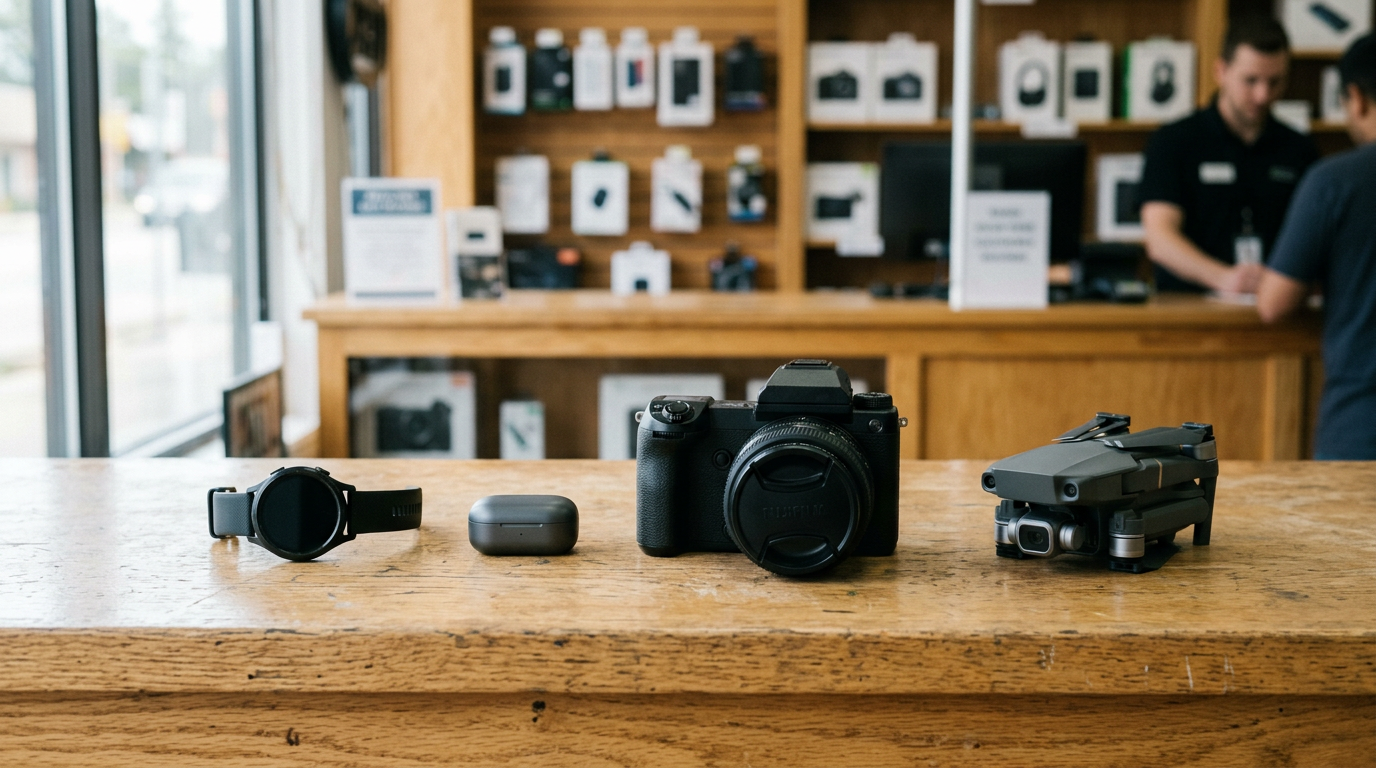
| Cameras, lenses, drones | Batteries, charger, lens caps, controller | Remove memory cards and clear personal data |
| VR headsets | Controllers, charging cable, box | Remove from your account and factory reset if you can |
| Trading cards | Cards in sleeves, cases, or binders; graded slabs intact | Keep cards protected and organized so they can be reviewed easily |
Selling on behalf of someone else
This comes up often: a parent selling a kid's old phone, an adult child clearing out a relative's devices, or a roommate handing off a spare. It can be done, but ownership has to be clear, and stores are careful here for the same theft-prevention reasons described above.
What to bring
- Your own valid government photo ID. The person at the counter is the one who gets recorded as the seller.
- The device, already signed out of the owner's accounts. Only the owner can remove their Apple ID or Google account, so have them do it before you come in, or do it together.
- The passcode so the device can be inspected.
- A short written note from the owner stating that they're authorizing you to sell the device. This isn't always required, but it helps if there are any questions.
- A copy of the owner's ID, if they're willing, or proof of the relationship, such as a receipt in their name.
Situations that need extra care
- Minors: A parent or guardian generally needs to handle the sale, since a minor typically can't provide the same kind of valid ID. Check with your store.
- Estates or deceased owners: The device may still be tied to their account. Sorting out account access first is usually the hard part, and stores can't bypass an activation lock.
- Devices from an ex or a former employer: If you don't clearly own it, don't sell it. Work-issued devices are often managed by the company and locked.
When in doubt, call your local store or check the store locator to find the nearest branch and ask before you make the trip.
What happens at the counter: a no-surprises walkthrough
Knowing the process ahead of time takes the stress out of it. Here is what a typical in-person sale looks like:
- Get a quote. You can start a free quote online, request one by text, or just walk in. No appointment is needed.
- Hand over the device and ID. The team records your ID details and the device's identifying information.
- Quick inspection. We check that the phone powers on, the screen and buttons work, the cameras and ports function, and that it's clear of account locks. We also compare its actual condition with what the quote assumed.
- Final offer. If the condition matches your description, the offer should line up with your quote. If something differs, such as a cracked back glass you didn't mention, the offer can change, and we'll explain why.
- Data wipe and payment. Once you accept, we wipe the device for free in store and you're paid on the spot.
You're never obligated to accept. If the final number doesn't work for you, you can take your device and leave.
Be honest about condition
The fastest way to a smooth sale is to describe your phone accurately when you get your quote. Mention cracks, dead pixels, battery issues, or a locked carrier status. We buy new, used, and broken devices, so damage doesn't rule out a sale. It just affects the number, and an accurate quote means fewer surprises later.
Common mistakes that cost people a trip
- Forgetting ID, or bringing an expired one. This is the number one reason a sale can't go through.
- Leaving Find My on. If Activation Lock is active, we can't buy the device.
- Not knowing the passcode. Changed it recently and forgot? Reset it before you come in.
- Factory resetting before signing out. On some devices, this leaves the activation lock in place. Sign out first.
- Skipping the backup. Once the phone is wiped, your photos are gone unless they were saved somewhere else.
- Selling a phone that still has a balance owed. Carriers can flag financed devices, so confirm your status first.
- Assuming you need every accessory. You don't. Missing a box or charger won't stop a sale; it just may affect the offer.
Not near a store? The mail-in option
ID is part of mail-in sales too, so the same prep applies: sign out of accounts, turn off Find My, back up your data, and describe condition accurately. If you live far from a walk-in location, mail-in is available, and our how it works page explains the steps. You can also browse what we take on the sell your smartphone page to see which models are accepted, or use the locations page to find the closest store in New York, New Jersey, Florida, Texas, Maryland, Arizona, Georgia, or Virginia.
Frequently asked questions
Do you need ID to sell electronics?
Yes. At Sell Your Gadgets, a valid government photo ID is required for every sale. This is standard across legitimate used-electronics buyers because of theft-prevention rules that require them to record who they buy from.
Why do stores need ID to buy phones?
Secondhand dealers are generally required by local or state laws to keep records of the people they buy from, so stolen goods can be traced and discouraged from being sold. The ID ties the sale to a real person and protects honest sellers as well.
Can I sell my phone without the original box or charger?
Yes. The phone itself, your ID, and a device that's signed out of your accounts are what matter. A box and charger can help the inspection and may improve how the device is received, but they aren't required. Start with a free quote to see where you stand.
Can I sell a cracked or broken phone?
Yes. We buy new, used, and broken devices. Damage affects the offer, not whether we'll look at it. The same rules apply: ID required, accounts signed out, and no activation lock.
What if my phone is still locked to my iCloud or Google account?
We can't buy devices that are iCloud or Activation locked. Sign out and turn off Find My (or remove your Google account) before you come in. If you've forgotten your login, recover it through Apple or Google first.
Can I sell a phone that's still being paid off?
It depends on the carrier's status. Devices that are reported lost, stolen, or blacklisted can't be bought, and unpaid balances can sometimes trigger a blacklist. Pay off the phone or confirm with your carrier before selling.
Do I need an appointment?
No. You can walk in any time during store hours, get a quick inspection, and be paid on the spot. Checking the store locator for your nearest location is a smart move before you go.
Ready to sell? Gather your ID, sign out of your accounts, and get your free quote online, by text, or at a store near you. You'll know exactly what to expect before you walk in.
Hear from a real customer
Why they chose Sell Your Gadgets. Working or broken, get a free quote and walk out with cash the same day.
Compare your options
See how selling to us stacks up against other ways to sell, side by side.