
Sell iPhone Near Me in Glen Burnie, MD: Get Cash Today
By syedladen ·
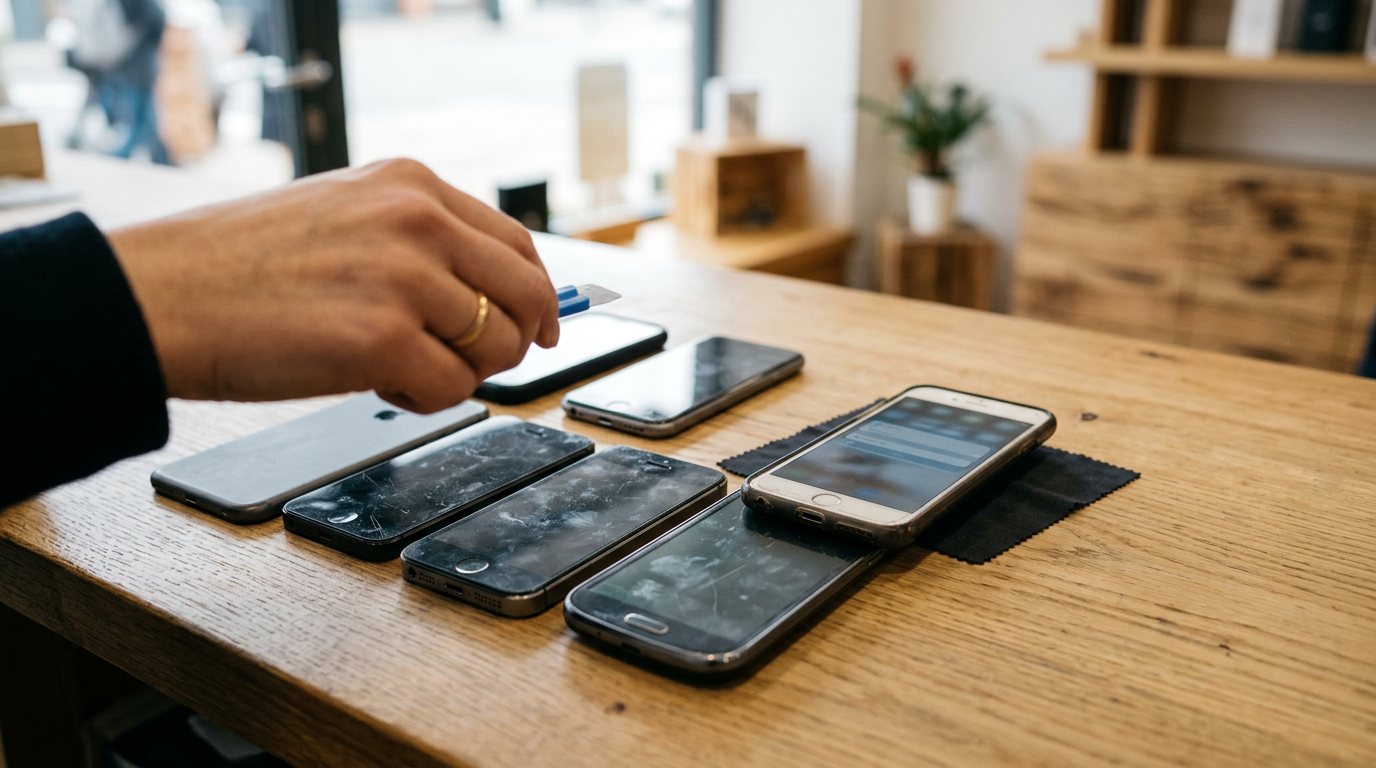
If you want to sell your iPhone for cash near Glen Burnie, MD, the fastest route is to get a free quote, bring the phone and your photo ID to our store on Ritchie Hwy, and get paid on the spot after a quick inspection. Before you come in, back up your data, sign out of iCloud, and turn off Find My so the phone can be bought and resold. This guide covers what sets your offer, the exact steps to prepare the phone, and how a cash buyback compares with a trade-in or a stranger on the internet.
What determines your iPhone offer
We never post public prices, because every iPhone is different. Offers depend on the model and the condition of the specific phone in your hand. Here is what we look at, roughly in order of how much it matters.
- Model and generation. Newer and higher-tier models, such as Pro and Pro Max versions, generally draw stronger offers than older or standard ones. If you are not sure which one you have, open Settings, tap General, then About, and look at Model Name.
- Storage size. A 512GB phone is worth more than the same model at 128GB. The storage is listed in the same About screen.
- Physical condition. Deep scratches, dents, a bent frame, and cracked back glass all matter. So does the screen. Light wear is very different from a shattered display.
- Battery health. Go to Settings, Battery, then Battery Health & Charging to see your maximum capacity. A heavily worn battery lowers the offer, but it does not make the phone worthless.
- Carrier lock status. A fully unlocked phone or one paid off with its carrier is easiest to resell. If you are still making payments or the phone is tied to a carrier, tell us when you get your quote so the numbers stay accurate.
- iCloud and Activation Lock. This is the big one. If Find My is still on and linked to your Apple ID, the phone is locked to you and cannot be resold. Signing out is non-negotiable, and the steps are below.
- Functionality. Face ID, cameras, speakers, charging port, buttons, and cellular service should all work. Anything that does not work is something to mention up front.
The easiest way to see where your phone lands is to request a free iPhone quote online, by text, or by walking in. There is no obligation and no appointment needed.
How to turn off Find My and sign out of iCloud, step by step
Do this at home before you visit. It takes about ten minutes, and it is the single most important step. We can wipe your data for free in store, but we cannot bypass Activation Lock.
Step 1: Back up what you want to keep
- Connect to Wi-Fi and plug the phone in.
- Open Settings, tap your name at the top, then tap iCloud and iCloud Backup, then Back Up Now. You can also back up to a Mac or PC.
- Check that your photos, contacts, and messages are safely stored before continuing. Once the phone is erased, you cannot recover them from the device.
Step 2: Move your extras over
- If you use an Apple Watch, unpair it from the Watch app first.
- If you are switching to a new iPhone, transfer your data while both phones are in front of you.
- If you are switching to Android, turn off iMessage first (Settings, Messages) so texts do not get lost.
- Take out your physical SIM card if your phone has one, and keep it for your new phone.
Step 3: Turn off Find My iPhone and sign out
- Open Settings and tap your name at the top.
- Scroll to the bottom and tap Sign Out.
- Enter your Apple ID password when asked. This turns off Find My iPhone and Activation Lock at the same time.
- Choose whether to keep a copy of your data on the phone, then confirm the sign-out.
If you would rather do it manually, go to Settings, your name, Find My, Find My iPhone, and switch it off using your Apple ID password.
Step 4: Erase the phone
- Go to Settings, General, then Transfer or Reset iPhone.
- Tap Erase All Content and Settings and follow the prompts.
- Wait for the Hello screen to appear. The phone is now factory reset.
Step 5: Confirm it is gone from your account
From a computer or another device, sign in to your Apple account and check the list of devices. Remove the old phone if it still appears. If you already lost access to the phone or forgot to sign out, you can remove it from the Find My app on another Apple device or from iCloud in a browser. Bring that in only if the phone is already erased. When in doubt, call us at (443) 440-6070 and we will tell you what to do.
Cash buyback vs. trade-in vs. selling to a stranger online
There are three common ways to move a used iPhone. They are very different in speed, certainty, and risk.
| Option | How you get paid | Speed | Main downside |
|---|---|---|---|
| Cash buyback (Sell Your Gadgets) | Cash on the spot after inspection | Same visit | Offer is a fair buyback value, not a retail resale price |
| Apple or carrier trade-in | Usually store credit or a bill credit | Fast to start, but credit can take time to apply | Credit ties you to a purchase or plan, and conditions can apply |
| Online marketplace, stranger | Whatever the buyer agrees to pay | Days or weeks | Scams, no-shows, lowballing, and personal safety risks |
Why cash beats credit
A trade-in credit is not money. It usually only works toward a new device or a carrier bill, so you are committed to spending it on their terms. Promotional credits can also come with conditions, such as staying on a plan. If you want cash today to spend on anything you like, a buyback is cleaner. You can also pair it with a purchase elsewhere if you find a better deal on your next phone.
The risks of selling to a stranger
Online marketplaces can get you a higher number on paper, but the real-world process is messy. Watch for these common problems:
- Fake payment confirmations. A buyer shows a payment app screenshot that never actually arrives.
- Reversed or fraudulent payments. Some payments can be pulled back after you have handed over the phone.
- Switch scams. A buyer swaps your phone for a dummy or a damaged one during the meetup.
- Endless haggling and no-shows. You can lose days of your time.
- Personal safety. You are sharing your location and meeting someone you do not know.
If you do sell privately anyway, meet in a busy, well-lit public place during the day, bring a friend, insist on cash you can verify, and never hand over the phone before payment is complete. Do not share your Apple ID password or send verification codes to a buyer. The alternative is a store with staff and a counter, where the whole transaction happens in one visit. Pawn shops and kiosks are other in-person options, but it is worth comparing how clearly each one explains its offer.
Cracked screens, dead batteries, and older models still have value
Many people assume a broken phone is trash. It is not. We buy new, used, and broken devices, and iPhones are a big part of that.
- Cracked screens. A shattered display lowers the offer, but the phone still has value, especially if it powers on and the rest of the hardware works.
- Dead or swollen batteries. Battery wear is common and does not automatically kill the deal. If the battery is swollen or the back is lifting, do not charge the phone, and mention it when you ask for a quote so we can set expectations.
- Older models. Phones a few generations back often still get an offer. Do not assume yours is too old until you ask.
- Phones that will not turn on. Bring it in anyway. Parts and components can still have value.
Fixing a cracked screen before selling usually costs more than it adds to the offer, so skip the repair and sell as-is. Be honest about damage when you ask for a quote. It keeps the price at the counter consistent with what you were told. Newer flagship models, such as the iPhone 16 Pro Max, tend to be the most in demand, but every condition and generation gets a look.
What to bring and how the visit works
Our process is simple and built for people who want to be in and out. Customers often mention staff who were patient, answered questions, and gave fair assessments. Our Google rating is 4.9 from 1479 reviews.
- Get a free quote. Use the online form, send a text, or just walk in.
- Bring the device in. No appointment is required. A team member inspects the phone, checks that it powers on, and verifies the iCloud status.
- Get your offer and get paid. If you accept, you are paid cash on the spot.
Bring a valid government-issued photo ID. It is required for every sale under standard secondhand-dealer rules, with no exceptions. Also bring any original accessories you still have, such as the box, charger, or case. They are not always needed, but they can help. We also do a free data wipe in store, so you can leave knowing your information is cleared, as long as you have already signed out of iCloud.
You can find us at the Sell Your Gadgets Glen Burnie store at 7400 Ritchie Hwy Ste D, Glen Burnie, MD 21061. The store is open Monday through Saturday from 10:00 AM to 7:00 PM and closed on Sunday. The location is near the MD 648 and MD 3 NB corridor, and close to community green spaces such as Sawmill Creek Park, North Glen Park, Pleasantville Park, and Friendship Park, which makes it easy to fit into an errand run.
Coming from nearby? A short trip from your town
We serve the whole area around Glen Burnie. If you are searching for where to sell an iPhone for cash near you, here is how the trip usually works from each community. Directions are general, so use your map app for the exact route.
Linthicum Heights
Linthicum Heights is a short drive north of Glen Burnie, typically via the Baltimore-Washington Parkway or I-97 and local roads. It is handy if you are coming from work near the airport corridor on a lunch break. See our page for selling electronics in Linthicum Heights.
Brooklyn Park
Brooklyn Park is close enough that many residents can reach the store quickly using Ritchie Highway or nearby main roads. It is a practical option if you would rather not meet a stranger from an online listing. We have a dedicated page for selling electronics in Brooklyn Park.
Baltimore
From Baltimore, the drive south to Glen Burnie is usually straightforward via I-695 or I-97, depending on where you start. City residents with an upgraded phone or a drawer full of old devices can make one trip and leave with cash. Call or text ahead for a free quote so you know what to expect on arrival.
Riviera Beach
Riviera Beach sits across the Pasadena side of Anne Arundel County, and the trip to Glen Burnie is generally a short drive on local roads. If you are cleaning out old phones and tablets, it is worth bringing them all in one trip. Here is our page for selling electronics in Riviera Beach.
Pasadena
Pasadena residents can usually reach us via Ritchie Highway or other main routes, without the need to drive into a bigger city. It works well for families upgrading several phones at once. Learn more on our page for selling electronics in Pasadena.
Severna Park
Severna Park is a manageable drive to Glen Burnie, commonly via MD 648 (Baltimore-Annapolis Boulevard) or Ritchie Highway, depending on your starting point. If you have a recent model you upgraded from, this is a simple way to turn it into cash today. See selling electronics in Severna Park for more.
Tips to get the strongest offer
- Clean the phone. Wipe the screen, case edges, and ports. A clean phone is easier to inspect and looks better cared for.
- Sign out first. A phone still locked to your Apple ID slows everything down.
- Know your model and storage. It helps us give you an accurate quote before you even leave home.
- Be honest about flaws. Mention cracks, battery issues, or features that do not work.
- Bring related devices. An iPad, Apple Watch, AirPods, or laptop from the same household can all be sold in one visit. We also buy Android phones, MacBooks, game consoles, cameras, drones, and more.
- Ask questions. If you want to understand how an offer was reached, just ask. Reviewers often mention patient, fair service.
If you live elsewhere in the state, our Maryland locations page lists the other stores.
Frequently asked questions
Can I sell my iPhone for cash if it is cracked?
Yes. We buy new, used, and broken devices. A cracked screen lowers the offer, but it does not remove it. Get a free quote and be upfront about the damage.
Do I need an appointment to sell my iPhone?
No. You can walk in during store hours, Monday to Saturday, 10:00 AM to 7:00 PM. A free quote ahead of time, by form, text, or in person, can help you know what to expect.
What do I need to bring?
Bring the iPhone and a valid government-issued photo ID. The ID is required for every sale. Any original box, charger, or accessories are welcome but not always necessary.
Do I have to turn off Find My before I come in?
Yes, you should. Go to Settings, tap your name, and sign out, which turns off Find My and Activation Lock. A phone still locked to an Apple ID cannot be resold. We can wipe your data for free in store, but we cannot remove the lock.
How much will I get for my iPhone?
We do not publish prices because offers depend on the model, storage, condition, battery health, carrier status, and iCloud status. The quickest way to find out is to request a free quote.
Is selling for cash better than a trade-in?
It depends on what you want. Trade-ins typically pay in credit toward a purchase or bill. A cash buyback gives you money you can use anywhere, in the same visit, without meeting a stranger from an online listing.
Ready to sell? Get a free quote online or by text, or stop by the Sell Your Gadgets Glen Burnie store at 7400 Ritchie Hwy Ste D, Glen Burnie, MD 21061. We are open Monday through Saturday, 10:00 AM to 7:00 PM, and closed Sunday. Call (443) 440-6070 with any questions, and bring your photo ID.
Hear from a real customer
Real experience, real cash. Working or broken, get a free quote and walk out with cash the same day.
Compare your options
See how selling to us stacks up against other ways to sell, side by side.





