
Sell iPhone Near Me in Staten Island, NY: Get Cash Today
By syedladen ·
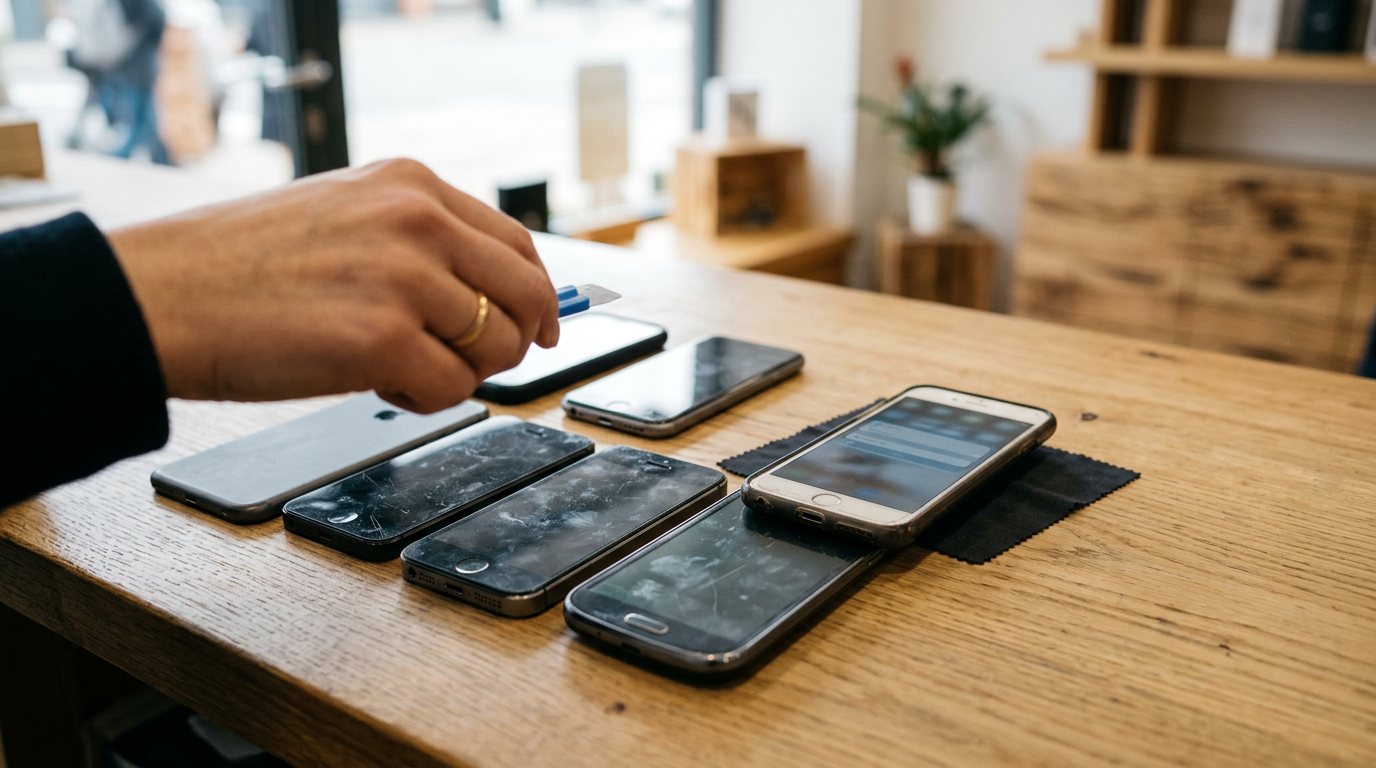
If you want to sell your iPhone near you in Staten Island, the fastest route to cash is a local buyback store: get a free quote, bring the phone in for a quick inspection, and get paid on the spot. Sell Your Gadgets Staten Island at 1440 Forest Ave #7 buys iPhones in any condition, and no appointment is needed. Below is what sets your offer, how to get your phone ready (including turning off Find My), and how cash compares with a trade-in credit or a stranger from an online listing.
Where to sell an iPhone for cash in Staten Island
People searching for where to sell an iPhone for cash usually have the same short list: a carrier trade-in, an online marketplace, a pawn shop, a kiosk, or a local electronics buyback store. Each one trades speed, convenience, and certainty differently. A buyback store is built for one job: look at your device, tell you what it is worth, and pay you. Sell Your Gadgets is a buyback business only. We pay cash for used, new, and broken devices. We do not sell devices, so the conversation is about your phone and your offer, not about steering you toward a purchase.
Our Staten Island store is at 1440 Forest Ave #7, Staten Island, NY 10302, in the Forest Ave and Livermore Ave area on the North Shore, not far from Westerleigh Park and Northerleigh Park. Customers rate the store 4.8 on Google from 125 reviews. The themes that come up most are patient, straightforward staff who explain each step of the process and answer questions without pressure. That matters when you are handing over a phone that holds years of photos and logins.
You can start online, by text, or by walking in. If you already know your model, the sell iPhone in Staten Island page is a good place to request a free quote before you come by. We do not publish prices, because an honest offer depends on the exact phone in front of us.
What determines your iPhone offer
Two iPhones of the same generation can get very different offers. Here are the factors that matter, roughly in order of how much they tend to move the number.
- Model and generation. Newer and higher-tier models, such as a Pro or Pro Max, generally sit higher than base models or older generations. If you have a current flagship, see our pages for the iPhone 16 Pro Max or the iPhone 15 Pro Max.
- Storage size. The same model in a larger storage tier is typically worth more. Check Settings > General > About > Capacity to confirm what you have.
- Physical condition. We look at the screen, back glass, frame, buttons, cameras, and charging port. Light wear and heavy damage are priced differently, but both are priced.
- Battery health. Find it under Settings > Battery > Battery Health & Charging. A phone with strong maximum capacity is more useful to the next owner than one with a worn battery.
- Carrier lock status. A phone unlocked for any carrier is easier to resell than one tied to a single network. If you finished paying it off, the carrier can usually release the lock. If you still owe a balance, sort that out first.
- iCloud and Find My status. A phone still tied to your Apple Account with Find My on (Activation Lock) cannot be reset and used by anyone else. It needs to be signed out before a sale can be completed.
- Working functions. Face ID, cameras, speakers, microphones, cellular service, and touch response all get tested. A fault does not mean zero value, but it does affect the offer.
- Accessories. A box or charging cable is nice to have but is not the main factor for a phone. Do not delay a sale to hunt for them.
Because so many variables apply, be wary of any site or store that promises a number before it knows your model, storage, and condition. The honest answer is that offers depend on the model and the condition, and a free quote is the way to get a real figure.
How to turn off Find My and sign out of iCloud before you sell
This is the step people skip, and it is the one that causes the most delays. Do it at home, where you know your Apple Account password and can receive any verification code on a trusted device. If you are carrying the phone in, finish these steps first so the visit takes minutes.
- Back up your data. Go to Settings, tap your name, then iCloud > iCloud Backup > Back Up Now. You can also back up to a Mac or PC. Make sure your photos and messages are actually saved before you erase anything.
- Move your eSIM or SIM if needed. If you use an eSIM, transfer it to your new phone or contact your carrier. If you use a physical SIM, you can take it out and keep it.
- Unpair your Apple Watch. Open the Watch app, choose your watch, and unpair it from the iPhone. This also removes the watch's Activation Lock link and makes a fresh backup.
- Turn off Find My iPhone. Go to Settings, tap your name at the top, tap Find My, then Find My iPhone, and switch it off. Enter your Apple Account password when prompted.
- Sign out of your Apple Account. Go back to Settings, tap your name, scroll to the bottom, and tap Sign Out. Enter your password again. Turning off Find My is part of this process on current versions of iOS, but check that the phone no longer shows your name at the top of Settings.
- Sign out of the App Store and other services if asked. Some older iOS versions separate iTunes & App Store sign-in from iCloud. Sign out of anything that still shows your account.
- Erase the phone. Go to Settings > General > Transfer or Reset iPhone > Erase All Content and Settings. Confirm with your passcode. The phone will restart to the Hello setup screen.
If you cannot sign out, for example if the phone is broken or the screen will not respond, you can remove the device remotely. On another device, sign in at iCloud.com, open Find My, select the iPhone, and choose Remove from Account. If you forgot your password, reset it through Apple's account recovery page before you come in.
Do not worry if you are unsure whether you did everything right. We do a free data wipe in the store, and our team can check that the phone is clear of Activation Lock during the inspection. Just keep your Apple Account password handy in case something needs to be turned off on the spot.
Cash buyback vs. trade-in credit vs. selling to a stranger online
The right choice depends on whether you want money, speed, or the highest possible ceiling and are willing to put in the effort. Here is how the three main routes compare.
| Option | How you get paid | Speed | Main tradeoff |
|---|---|---|---|
| Local cash buyback (Sell Your Gadgets) | Cash on the spot after inspection | Same visit, usually a short process | Offer is set by model and condition, not by a bidding crowd |
| Apple or carrier trade-in | Usually store credit or a bill credit toward a new purchase | Fast if buying a new phone at the same time | Value is tied to a purchase, and credit may be applied over months |
| Online marketplace sale to a stranger | Cash, app transfer, or shipped payment | Days or weeks, depending on buyers | Time, haggling, no-shows, and scam risk |
Why cash today beats a credit for many people
A trade-in is convenient if you are buying a new phone from the same company, but the value usually arrives as a credit that only works there. Cash lets you choose where to spend it, whether that is a new phone from any seller, a bill, or something unrelated. If you are not upgrading immediately, a credit may be of no use at all.
Staying safe if you sell online
Marketplace sales can work, but they carry real risks. If you go that route, keep these habits:
- Meet in a busy, well-lit public place, ideally one with cameras, and bring a friend if you can.
- Never ship a phone before payment has fully cleared, and be skeptical of anyone who wants to pay in an unusual way.
- Beware of fake payment screenshots, overpayment and refund requests, and buyers who push you to move the chat off the platform.
- Do not hand over the phone until you have seen the money in your own account, not just a notification.
- Do not sign out of your Apple Account in front of a stranger while they hold the phone. Finish the erase at home first.
A store visit removes most of those risks. You deal with staff at a business, the inspection happens in front of you, and the payment is in your hand before you leave. The tradeoff is that a buyback store has to be able to resell the phone, so its offers are built around that. If you want to compare, request a free quote first and then decide.
Cracked screens, dead batteries, and older models still have value
One of the most common reasons people hold onto an old iPhone is the belief that it is worthless. In most cases that is not true. We buy new, used, and broken devices.
- Cracked screens. A cracked front or back glass lowers the offer, but the phone still has value if the rest of it works. Do not spend money on a repair before selling. Repair costs often exceed what they add to the offer.
- Dead or weak batteries. A phone that dies at 30 percent or will not hold a charge can still be bought. Battery replacement is a routine repair, so a weak battery is a known, priced-in issue rather than a dealbreaker.
- Older models. Phones from several generations back still find buyers, especially models that run current versions of iOS. Even if yours is too old to get major updates, it may still be worth something.
- Phones that will not turn on. Bring it in anyway. A dead phone is treated differently from a working one, but we would rather look than have you assume it has no value.
- Water damage and bent frames. These are more serious, and the offer will reflect that. They are still worth asking about.
If you have a drawer with an old phone, a cracked spare, and a few other electronics, bring them together. We also buy iPads, Apple Watches, MacBooks, game consoles, AirPods, cameras, and more. You can see pages for the iPad and the Apple Watch if you want to check those too.
How selling your iPhone at our Staten Island store works
The process is simple, and there is no appointment to book.
- Get a free quote. Use the online form, send a text, or simply walk in. Tell us the model, storage, and condition as best you can.
- Bring the phone in. We inspect it, test the main functions, and check lock and account status. This is a quick in-person look, and you can ask questions as it happens.
- Get paid cash on the spot. If you accept the offer, you are paid right there. If you do not, you can walk away with no obligation.
Bring a valid government photo ID. It is required for every sale, as a standard secondhand-dealer rule, so nobody is exempt. Bring your phone, your Apple Account password if anything is still signed in, and any extras you want included. We also provide a free data wipe in the store, for added peace of mind after your own reset.
The store page at Sell Your Gadgets Staten Island has our current contact details. You can also call (718) 255-4072 with questions before you head over.
Coming from nearby towns
We serve the whole Staten Island area and customers who cross a bridge to reach us. Here is how a visit looks from each direction. Directions are general, so use your map app for the exact route on the day.
Silver Lake
Silver Lake is one of the closest neighborhoods, a short drive across the North Shore toward Forest Ave. If you live nearby, you can stop in between errands without planning your day around it. Bring your ID and your phone, and you can likely be done in one trip.
Todt Hill
From Todt Hill, it is a short drive down toward the North Shore and Forest Ave. Many people in the area have newer, higher-end iPhones with barely a scratch on them, which is the kind of phone that tends to do well at inspection. Come with your reset already done and the visit should be quick.
Newark
If you are coming from Newark, NJ, the trip to Staten Island usually runs via I-278 and the Goethals Bridge, so check traffic and bridge conditions before you go. It is worth the drive if you want cash in hand the same day instead of waiting on an online buyer. Send a text or get a quote online first so you know what to expect before you cross.
Bayonne
Bayonne is just across the Kill Van Kull, and the Bayonne Bridge puts you on the North Shore of Staten Island quickly. For many Bayonne residents, that makes our store closer in practice than other buyback options. Bring a government photo ID, since it is required for every sale.
New York
If you are coming from elsewhere in New York City, the trip typically involves the Verrazzano-Narrows Bridge or the Staten Island Ferry with a bus or car connection, so plan your timing around that. Our hours run late, until 7:00 PM Monday through Saturday, which makes an after-work trip realistic. See all New York locations if another store is more convenient for you.
Linden
From Linden, NJ, the Goethals Bridge is the usual way over to Staten Island, and the drive to Forest Ave is fairly direct from there. Linden customers often bring more than one device, such as a phone plus a tablet or console, to make the trip worthwhile. You can also check the wider sell electronics in Staten Island page for everything we buy.
Frequently asked questions
How do I sell my iPhone for cash today?
Get a free quote online, by text, or by walking in, then bring the phone to our store at 1440 Forest Ave #7 for a quick inspection. If you accept the offer, you are paid cash on the spot. Bring a valid government photo ID.
Do I need an appointment?
No. Walk-ins are welcome during store hours. A quote ahead of time is optional but helps you know what to expect.
Can I sell an iPhone with a cracked screen or a bad battery?
Yes. We buy new, used, and broken devices. Damage and weak battery health affect the offer, but they do not automatically make the phone worthless.
Do I have to erase my iPhone first?
It is best to back up, turn off Find My, sign out of your Apple Account, and erase the phone yourself before you come. We also offer a free data wipe in the store. Activation Lock must be off for a sale to be completed.
What if my iPhone is still locked to a carrier or I still owe money on it?
A carrier lock or an unpaid balance can affect the offer or whether the phone can be bought. Contact your carrier to clear the balance or request an unlock, and tell us the situation when you ask for a quote.
How much will I get for my iPhone?
We do not list prices because every offer depends on the model, storage, condition, battery health, and lock status. The fastest way to get a real number is a free quote, then an in-person inspection.
Ready to sell? Get a free quote or stop by Sell Your Gadgets Staten Island at 1440 Forest Ave #7, Staten Island, NY 10302. We are open Monday through Saturday from 10:00 AM to 7:00 PM and Sunday from 11:00 AM to 6:00 PM. Call (718) 255-4072 with any questions, and bring your phone and a valid government photo ID.
Hear from a real customer
Real experience, real cash. Working or broken, get a free quote and walk out with cash the same day.
Compare your options
See how selling to us stacks up against other ways to sell, side by side.





