Where to Sell a PS5 in Downtown Brooklyn, NY for Cash
By syedladen ·
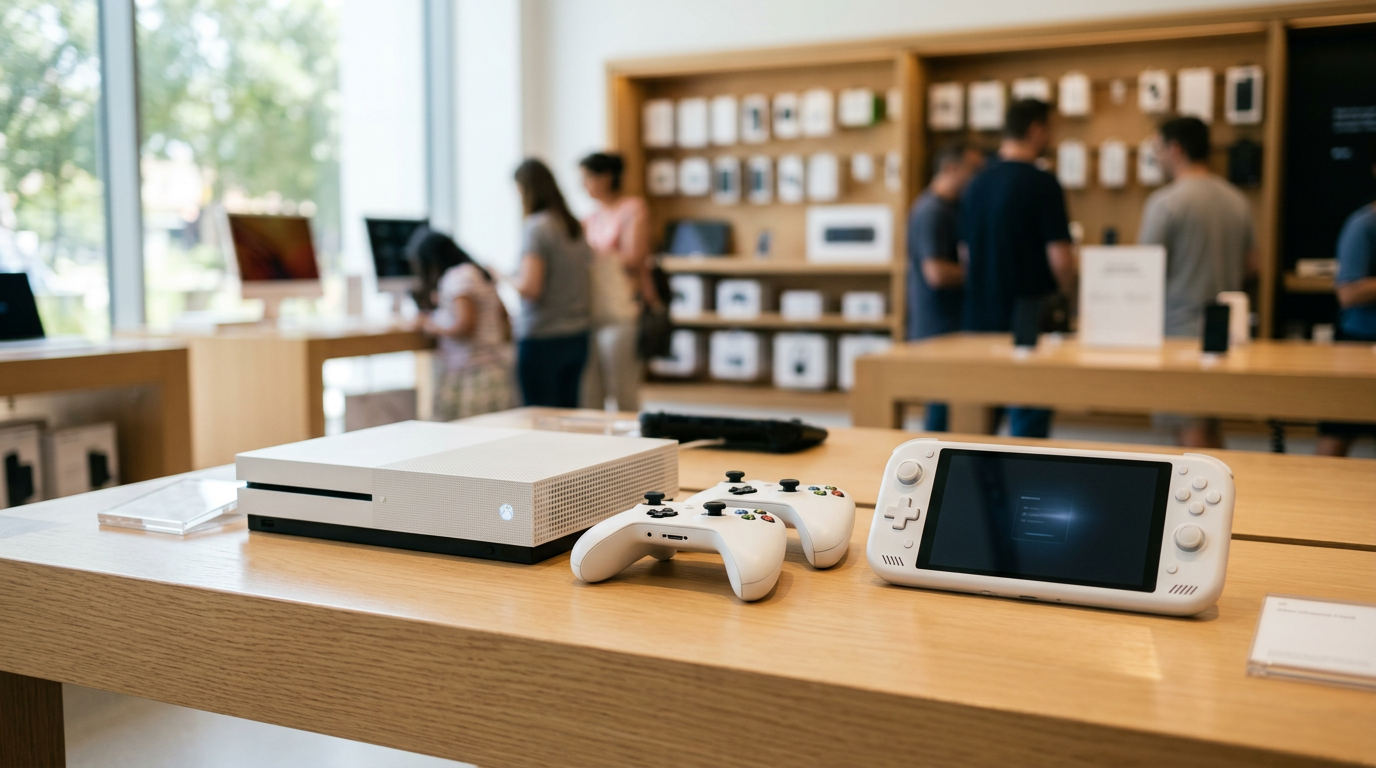
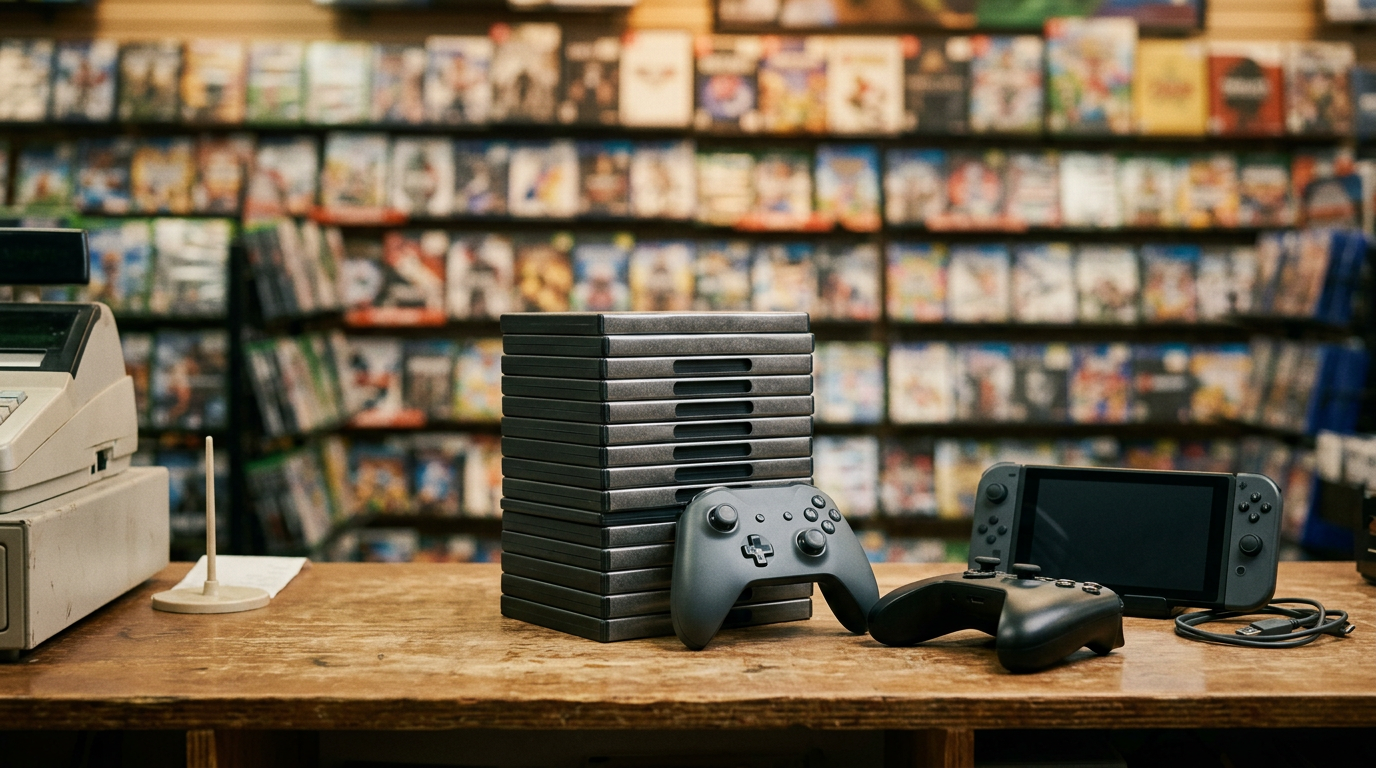
If you're wondering where to sell a PS5 in Downtown Brooklyn, bring it to Sell Your Gadgets at 375 Dean St, where you get a free quote, a quick inspection, and cash on the spot. The same goes for an Xbox, Nintendo Switch, handheld PC, or a pile of games and controllers: no appointment, no shipping, no waiting on a stranger from a listing to show up.
Where to sell your PS5 near you in Downtown Brooklyn
Searching for "sell PS5 near me" usually turns up three options: a game-store trade-in counter, an online marketplace, or a local buyback shop. Sell Your Gadgets is the third kind. We are a buyback store, which means we pay cash for used, new, and broken electronics and we don't sell devices to the public. Your console goes through one short inspection and one conversation about the offer.
The store is at 375 Dean St, Downtown Brooklyn, NY 11217, near the Dean St and 4 Av intersection. It is close to North Pacific Playground, Sixteen Sycamores Playground, and the Greg Tate Mural, so it's easy to fit in a stop on a normal errand run. The store holds a 4.9 Google rating from 403 reviews. Customers often mention the clean, cozy shop, patient service, and the fact that the staff explains how they arrived at an offer.
Here is the process from start to finish:
- Get a free quote. Use the online form, send a text, or walk in with the console.
- Bring it in for inspection. We check the console, power it on, and test the disc drive, ports, and controllers if they are part of the sale.
- Get paid cash on the spot. If you accept the offer, you leave with cash.
A valid government photo ID is required for every sale, which is the standard secondhand-dealer rule. We also do a free data wipe in the store, though you should still sign out of your accounts first (more on that below). We never post prices publicly, because offers depend on the exact model, condition, and what's included. The fastest way to know your number is to request a quote.
Which consoles and accessories hold their value
Not every console ages the same way. Here is how the main categories tend to behave, without putting a number on anything, since offers always depend on model and condition.
PS5: disc vs. digital, and PS5 Pro
The PS5 comes in a disc version with a drive and a digital version without one. Buyers generally treat them as two separate models, and the disc edition usually has the broader audience because it plays physical games and movies. The digital edition can still be a strong seller, particularly if it's in excellent shape. A PS5 Pro sits in a higher tier than the standard models, and newer, lightly used units tend to draw the most interest. If you bought a detachable disc drive separately, bring it along, because it counts as part of the package.
What matters most on any PS5 is condition: a clean case, working ports, a disc drive that reads, and a console that boots without overheating or shutting off. A console with cosmetic scuffs still has value, but heavy damage or a non-working drive will change the offer.
Xbox Series X and Series S
The Series X is the more powerful console and generally holds value better than the Series S. The Series S, which is smaller and digital-only, appeals to a different kind of buyer and is still a perfectly good thing to sell. If you want to sell an Xbox for cash, bring the power cable and a controller, since a missing controller or cable can lower an offer. Older Xbox One consoles are still worth asking about, but expect the quote to reflect the age of the model.
Nintendo Switch and Switch OLED
If you want to sell a Nintendo Switch, the model matters. The original Switch, the Switch Lite, and the Switch OLED are quoted separately. The OLED usually attracts the most interest because of its screen, and the Lite is a handheld-only unit, so it needs no dock. A complete Switch includes the console, dock, AC adapter, HDMI cable, and both Joy-Cons. Joy-Con drift is a common issue and something we check for, so be upfront about it. Broken screens and drifting sticks don't rule out a sale, but they do affect the offer.
Steam Deck-style handheld PCs
Handheld gaming PCs like the Steam Deck and similar Windows handhelds hold value well when they are in good condition, since demand for portable PC gaming keeps growing. Storage size, screen condition, and stick and trigger health all matter. Bring the charger, and a case if you have one. If you installed anything like a replacement SSD, mention it.
Controllers, headsets, and other accessories
Extra controllers, charging docks, and headsets can all be sold alongside a console or separately. Premium pads and elite-style controllers generally do better than basic ones, but stick drift and worn buttons will bring down any controller's value. We also buy VR headsets, gaming PCs, and monitors, so if you're clearing out an entire setup, it can all go in one trip.
Bundling controllers, games, and original boxes
Bundling is one of the easiest ways to get a better outcome from a sale. A console with its controller, cables, and original packaging is easier to evaluate and easier to resell, which is worth something to us as a buyer.
- Controllers: Bring every controller you have, including the one that came with the console. Clean off grip grime with a dry microfiber cloth first.
- Cables and power supplies: Include the original power cord and HDMI cable. Missing pieces are the most common reason for a lower offer.
- Games: Physical discs and cartridges in good shape can be quoted along with the console. Keep the cases and inserts. Disc-based games with scratches may be worth less.
- Original boxes: A clean retail box and foam inserts are a nice extra, especially for newer consoles. If you still have one, bring it. If you don't, it isn't a dealbreaker.
- Accessories: Charging docks, carrying cases, cameras, and headsets can be included in the same quote.
One honest piece of advice from customer stories: nostalgic and classic gear sometimes gets a better reaction than people expect. One reviewer brought in a large batch of older items and was happy with the offer. If you've got retro consoles or older game libraries sitting in a closet, ask about them as part of the same visit.
Deactivate your console and sign out of your accounts
Before you hand over any console, take twenty minutes to unlink it from your accounts. It protects your purchases and makes the inspection go faster. The exact menus change with system updates, so treat these as a general guide.
PlayStation 5
- Back up your saves to the cloud or a USB drive if you want to keep them.
- Go into your account settings and disable the console as your primary PS5, or deactivate it, so your purchases don't stay tied to it.
- Sign out of PlayStation Network.
- Use the reset options in system settings to restore factory defaults.
Xbox Series X/S
- Make sure your saves have synced to the cloud.
- Remove the console as your home Xbox if it's set that way.
- Sign out of your Microsoft account.
- Choose the option to reset the console and remove everything.
Nintendo Switch
- Save data can be backed up to the cloud with a Nintendo Switch Online membership. Otherwise, it lives only on the console and will be erased.
- Unlink your Nintendo Account from the console and deregister it from the eShop, so your digital purchases stay with you.
- Initialize the console from the system settings to erase it.
Handheld PCs
For a Steam Deck, sign out of Steam and use the factory reset option in settings. For Windows handhelds, remove your Microsoft account, sign out of launchers like Steam or Xbox, and reset the PC. Also remove any microSD card you want to keep.
If you forget a step or the console won't let you reset, don't panic. We offer a free data wipe in store, and we can work with you on next steps. You should still turn off any find-my-device or account-lock features you know of.
Buyback vs. store credit vs. online listing
Every option trades something. Here is how they compare in practice for someone selling a PS5, Xbox, or Switch.
| Option | How you get paid | Speed | Main tradeoff |
|---|---|---|---|
| Local buyback (Sell Your Gadgets) | Cash on the spot | Same visit | Offer is set by model and condition |
| Game-store style trade-in | Usually store credit, sometimes cash | Same visit | Credit only helps if you want to buy there |
| Carrier or retailer trade-in | Credit or gift card | Varies | Often tied to buying something new |
| Online marketplace | Buyer payment, minus fees | Days to weeks | Messaging, no-shows, scams, and shipping or meetups |
| Pawn shop | Cash or loan | Same visit | Offers can vary widely from shop to shop |
An online listing can sometimes bring a higher sticker price, and one local reviewer even found other buyers online after selling an older console. The catch is that you take on all the work: photos, questions, lowballers, meetups, and the risk of a payment dispute. If you want to sell your PS5 this week without dealing with any of that, a buyback store is the simpler route.
Store credit makes sense only if you were already planning to spend it on games. If you'd rather have cash, say so at the start. Since our offers are cash, there's nothing to convert later. You can see how we operate across the region on our New York locations page.
What to bring and how to get the best offer
A few small habits make a real difference when you sell your PS5 or any console:
- Bring your photo ID. It's required for every sale.
- Clean the console. Wipe down the case, clear dust from the vents, and make sure the ports are free of debris.
- Be honest about problems. If there's a disc drive issue, stick drift, or a fan that gets loud, say so. Staff will find it in testing anyway, and honesty keeps the conversation straightforward.
- Gather everything in one bag. Console, cables, controllers, games, and accessories together.
- Get a quote first if you can. Text or use the online form with the model and condition, and you'll have a sense of the offer before you travel.
It's also fine to talk about the offer. A past customer mentioned that they weren't thrilled with the first number, asked about it, and the staff member was cooperative during the conversation. No one can promise a specific outcome, but a polite question is always reasonable. You can check the store page for the latest contact options.
Selling from nearby towns and neighborhoods
We serve sellers from across Brooklyn and Manhattan. Here is how the trip looks from a few common starting points.
Manhattan
If you're in Manhattan, Downtown Brooklyn is a short trip across the East River by subway or by car over one of the bridges. It works well for people who'd rather not ship a console or meet a stranger from a listing. Bring your ID, and plan your visit around the store hours listed at the bottom of this page.
Williamsburg
From Williamsburg, it's a straightforward ride into Downtown Brooklyn. Plenty of gamers there upgrade regularly, which makes it common to have an older PS5 or Switch on hand. Text a quote request first so you know what to expect before you leave.
Bushwick
Bushwick sellers can reach us by transit or a short drive, and it's an easy trip for anyone with a few consoles, controllers, and games in one bag. If you have a spare handheld PC or VR headset too, we buy those in the same visit.
Stuyvesant Heights
Coming from Stuyvesant Heights, you can be in Downtown Brooklyn without a long commute. It's handy if you're clearing out an older Xbox or Switch you've replaced and want to settle it the same day.
Crown Heights
Crown Heights is a short hop from Dean St, which makes it easy to stop in on your way somewhere else. Bring the power cord, controllers, and any extra games to get a complete quote.
Flatbush
From Flatbush, the trip toward Downtown Brooklyn usually follows Flatbush Avenue, by bus, subway, or car. If you'd like to confirm details first, call or text, then walk in with your console ready to be tested.
Frequently asked questions
Where can I sell my PS5 for cash in Downtown Brooklyn?
You can sell it at Sell Your Gadgets, 375 Dean St, Downtown Brooklyn, NY 11217. Get a free quote online, by text, or by walking in, then bring the console for inspection and get paid on the spot.
Do I need an appointment to sell my PS5 or Xbox?
No. Walk-ins are welcome during store hours. Texting or using the online form ahead of time can speed things up, but it's optional.
What do I need to bring?
A valid government photo ID is required. Bring the console, controllers, power and HDMI cables, and any games or accessories you want included.
Will you buy a broken console?
Yes. We buy new, used, and broken devices, including consoles with issues like a bad disc drive or drifting sticks. Offers depend on the model and the damage, so request a quote and describe the problem honestly.
How much will I get for my Switch or PS5?
It depends on the exact model, condition, and what's included. We don't publish prices, so the best way to find out is to request a free quote.
Should I factory reset my console before selling?
It's a good idea. Sign out of PSN, Xbox, or your Nintendo Account, deactivate the console, and back up your saves first. If you can't finish the reset, we offer a free data wipe in the store.
Ready to sell? Get a free quote online or by text, or stop by Sell Your Gadgets at 375 Dean St, Downtown Brooklyn, NY 11217, or call (718) 500-3450. Hours: Monday 12:00 PM – 7:00 PM; Tuesday through Friday 10:00 AM – 7:00 PM; Saturday 12:00 PM – 5:00 PM; closed Sunday. See the Downtown Brooklyn store page for details.
Hear from a real customer
Real experience, real cash. Working or broken, get a free quote and walk out with cash the same day.
Compare your options
See how selling to us stacks up against other ways to sell, side by side.